
What is Warn Automation?
Warn Automation allows Melonly to automatically send an in game private message to players when they are warned.This ensures players are clearly informed about the warning they received and the reason for it, without requiring staff to message them manually.
How to use Warn Automation
You can configure Warn Automation from your
ERLC Integration → API page, located beneath Ban BOLO.
ERLC Integration → API page, located beneath Ban BOLO.
Configuration Options
1
Message User When Warned
Enable this setting to automatically send a private message to the player in ERLC when they are warned.
The message includes the warning reason and helps ensure the player understands what happened.
The message includes the warning reason and helps ensure the player understands what happened.
How Automatic Warning Messages Work
When a staff member issues a warning through the mod panel or Discord bot, Melonly will:- Detect the warning
- Send a private message to the player in ERLC
- Include the reason for the warning
- Deliver the message instantly during active sessions
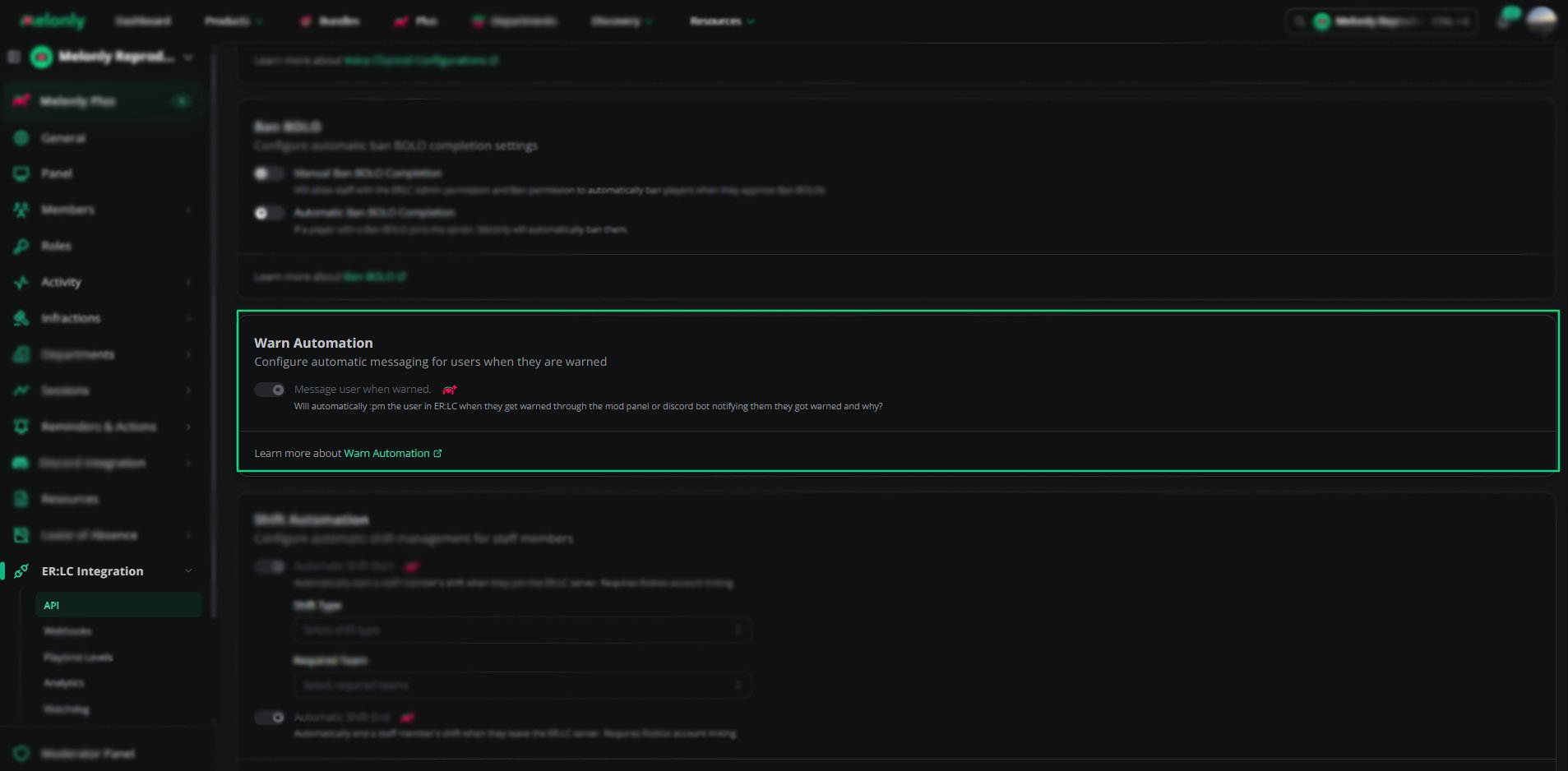
Warn Automation
Example Use Cases
- Automatically notify players when they break rules
- Improve clarity during moderation actions
- Reduce staff workload by removing manual messaging
- Ensure players understand why they were warned
Need help?
Still have questions? Join our Discord server for support from the Melonly Team.