
What is Permission Management?
Permission Management allows Melonly to automatically remove a user’s in game permissions when they leave your linked Melonly server.This ensures that only active staff members retain access to In-game Commands. It is a simple but powerful way to keep your server secure and prevent former members from retaining commands.
How to use Permission Management
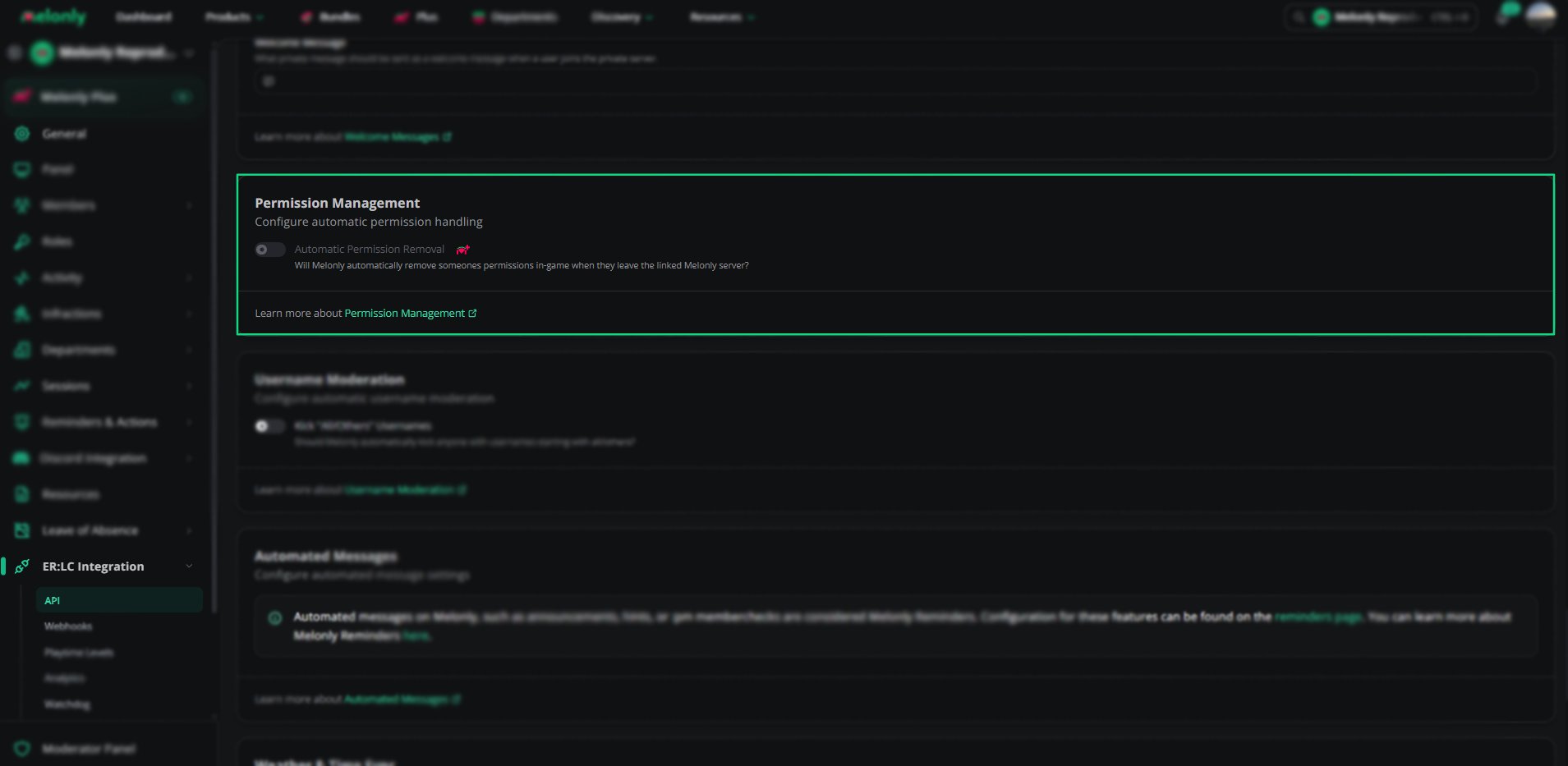
You can configure Permission Management from your
ERLC Integration → API page, located beneath Welcome Messages.
ERLC Integration → API page, located beneath Welcome Messages.
Configuration Options
1
Automatic Permission Removal
Enable this setting to automatically remove a user’s in game permissions when they leave your linked Melonly server.
This helps maintain security and ensures only current members retain access.
This helps maintain security and ensures only current members retain access.
Permission Management Overview
Permission Management
Example Use Cases
- Automatically remove permissions from users who leave your Melonly Server
- Prevent former staff from retaining in game commands
- Reduce manual work for administrators
Need help?
Still have questions? Join our Discord server for support from the Melonly Team.