
What is Username Moderation?
Username Moderation allows Melonly to automatically kick players whose usernames begin with specific restricted prefixes. By enabling this feature, your server can automatically remove users with usernames starting with all or others.How to use Username Moderation
You can configure Username Moderation from your
ERLC Integration → API page, located beneath Permission Management.
ERLC Integration → API page, located beneath Permission Management.
Configuration Options
1
Kick All or Others Usernames
Enable this setting to automatically kick any player whose username begins with all or others.
Username Moderation Overview
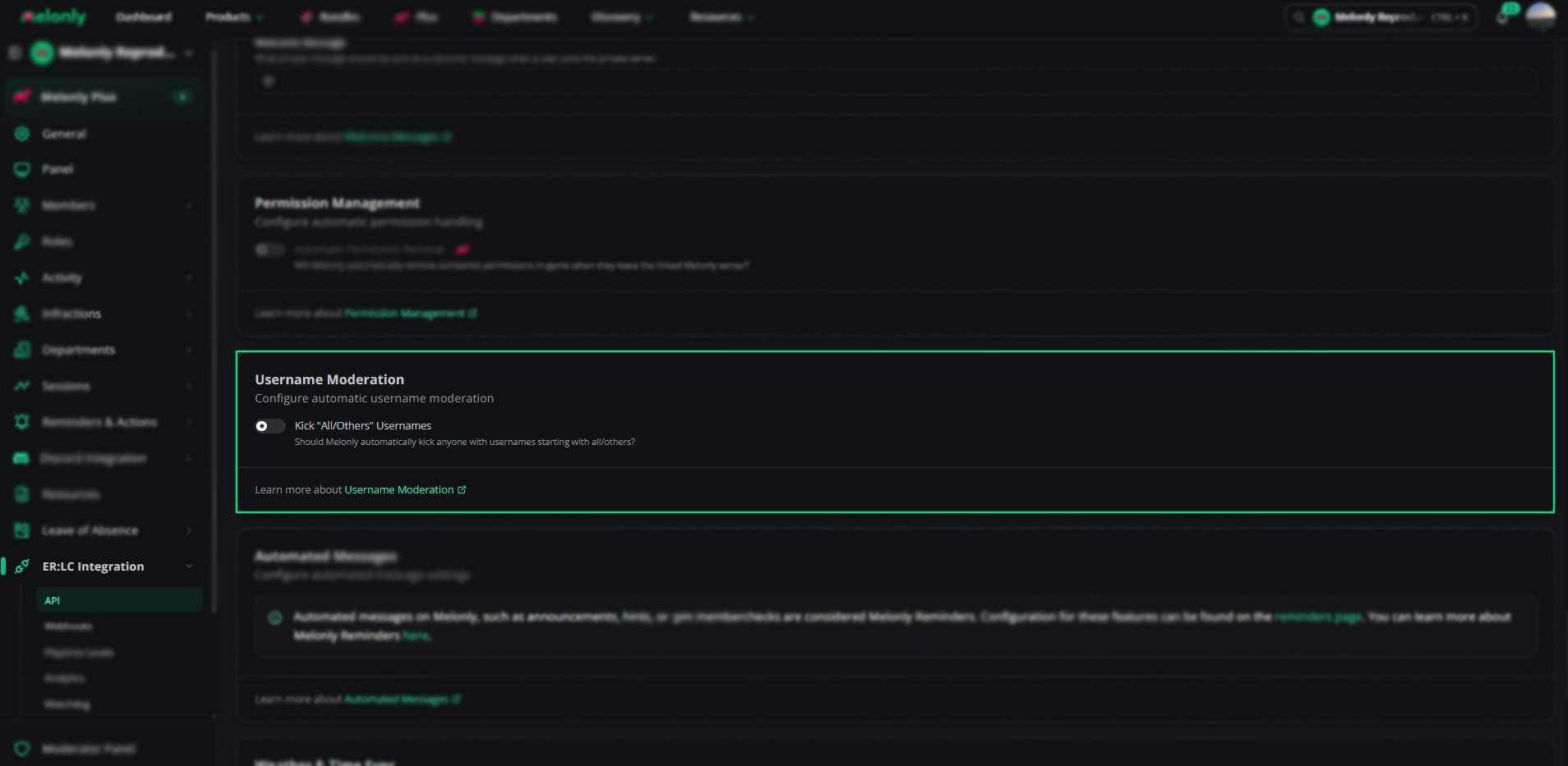
Username Moderation
Example Use Cases
- Prevent troll accounts from joining sessions
- Improve server safety and moderation consistency
- Reduce the chance of a staff member’s mistake of running an :all or :others command
Need help?
Still have questions? Join our Discord server for support from the Melonly Team.