
What are Punishment Controls?
Punishment Controls allow Melonly to automatically punish users who rejoin the ERLC server after being kicked.If a user rejoins within your configured time window, Melonly will apply the selected punishment again.
This helps prevent repeat offenders from immediately returning.
How to use Punishment Controls
You can configure Punishment Controls from your
ERLC Integration → API page, located beneath Shift Automation.
ERLC Integration → API page, located beneath Shift Automation.
Configuration Options
1
Punishment Rejoin Timer
Set how long a kicked user must stay out of the server before they can rejoin without being punished again.
For example, setting this to 30 minutes means any user who rejoins within 30 minutes will be punished again automatically.
For example, setting this to 30 minutes means any user who rejoins within 30 minutes will be punished again automatically.
2
Kick or Ban
Choose whether the automatic rejoin punishment should be a kick or a ban.
This allows you to escalate consequences for repeat offenders.
This allows you to escalate consequences for repeat offenders.
Punishment Controls Overview
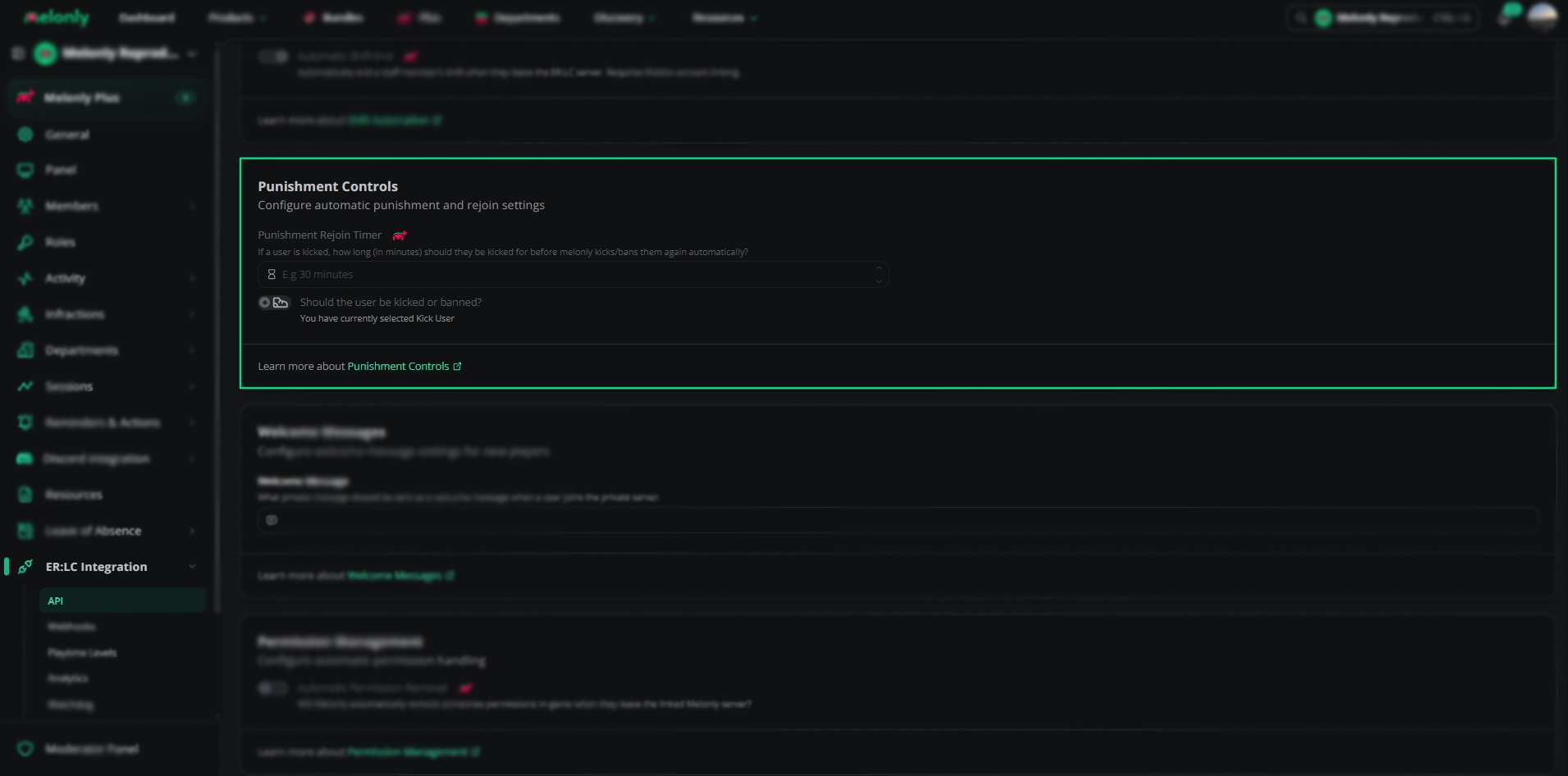
Punishment Controls
Example Use Cases
- Automatically punish users who attempt to bypass kicks
- Reduce staff workload by automating rejoin enforcement
- Maintain consistent moderation across all staff members
Need help?
Still have questions? Join our Discord server for support from the Melonly Team.