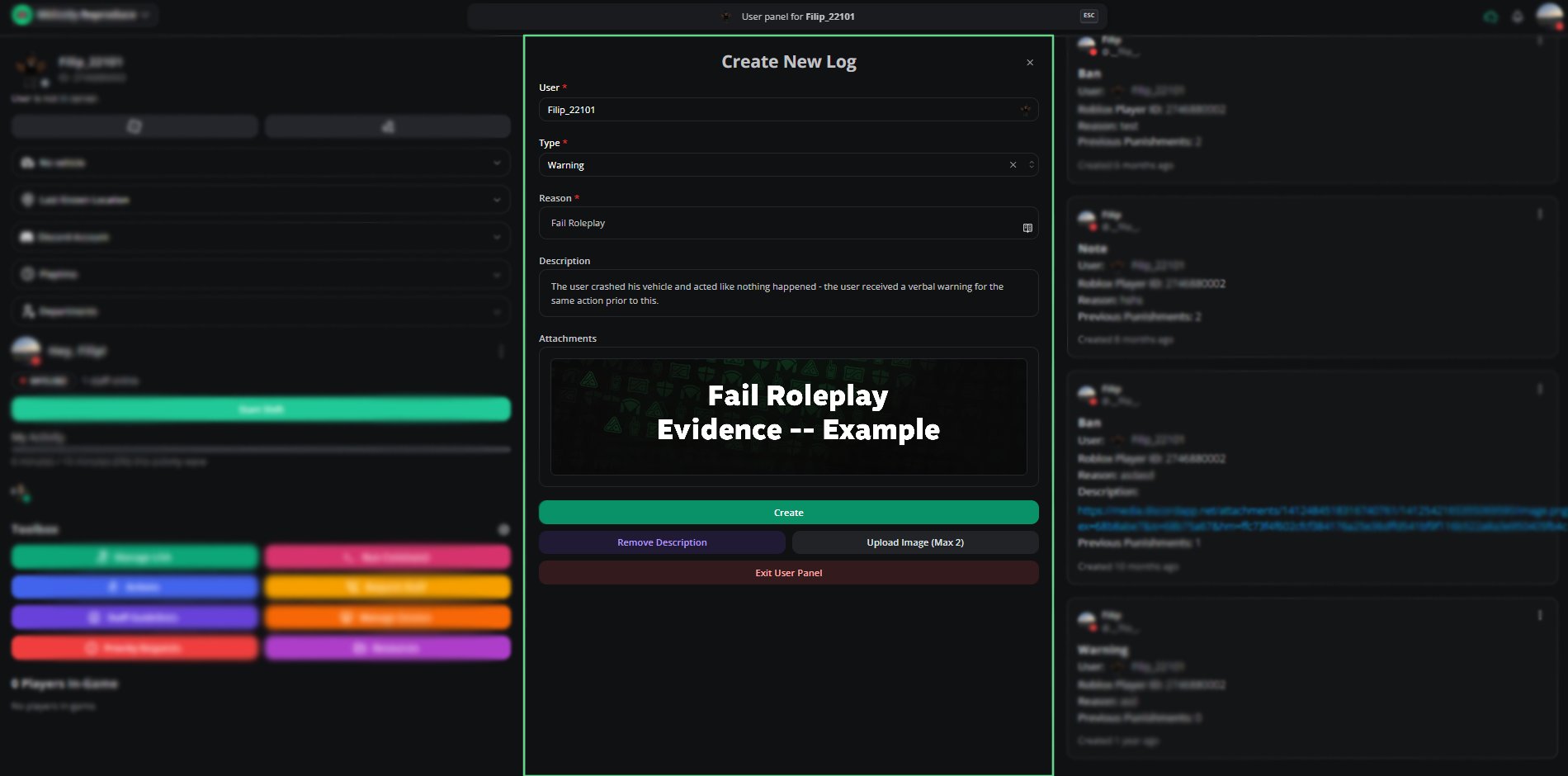
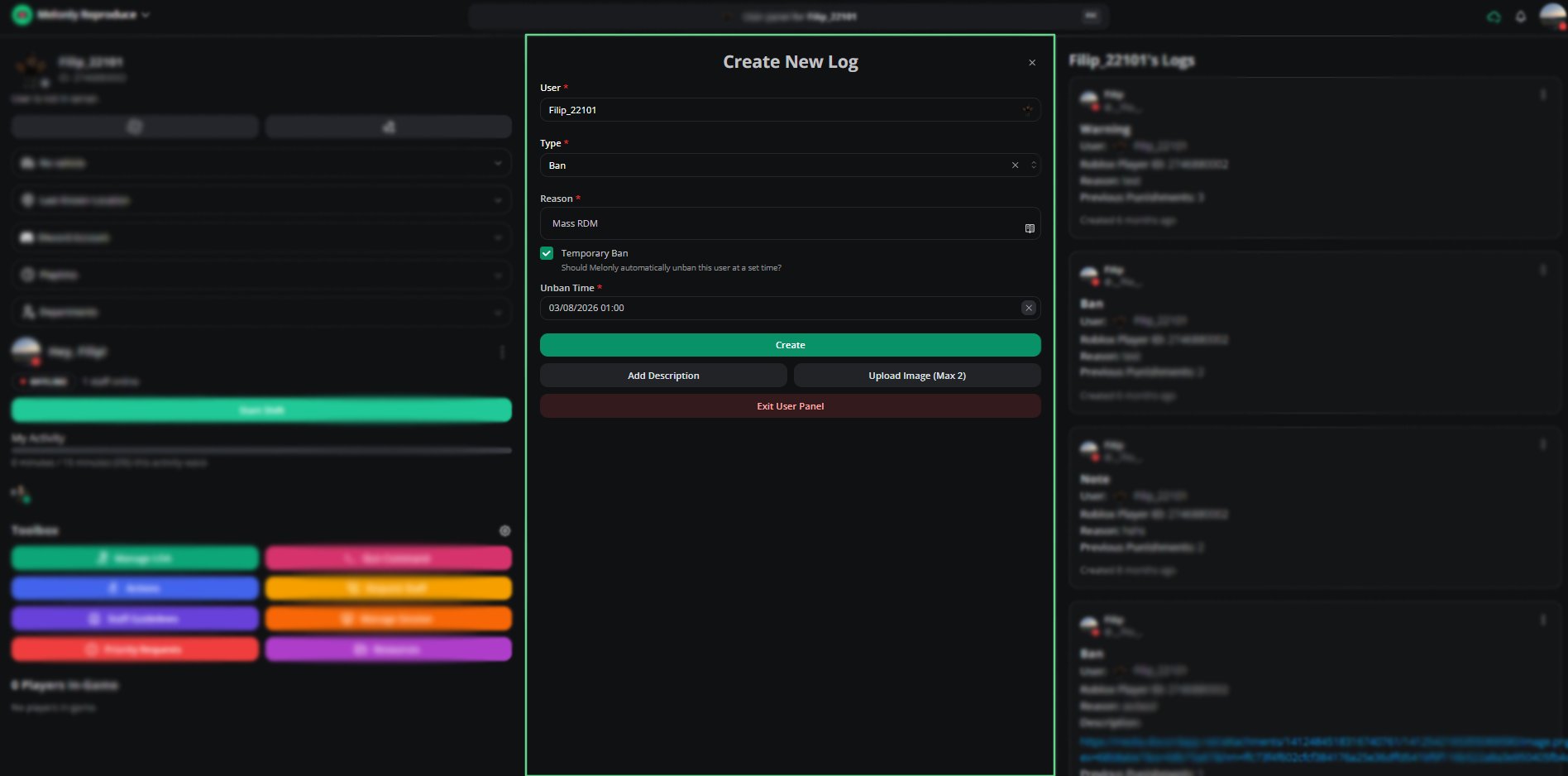
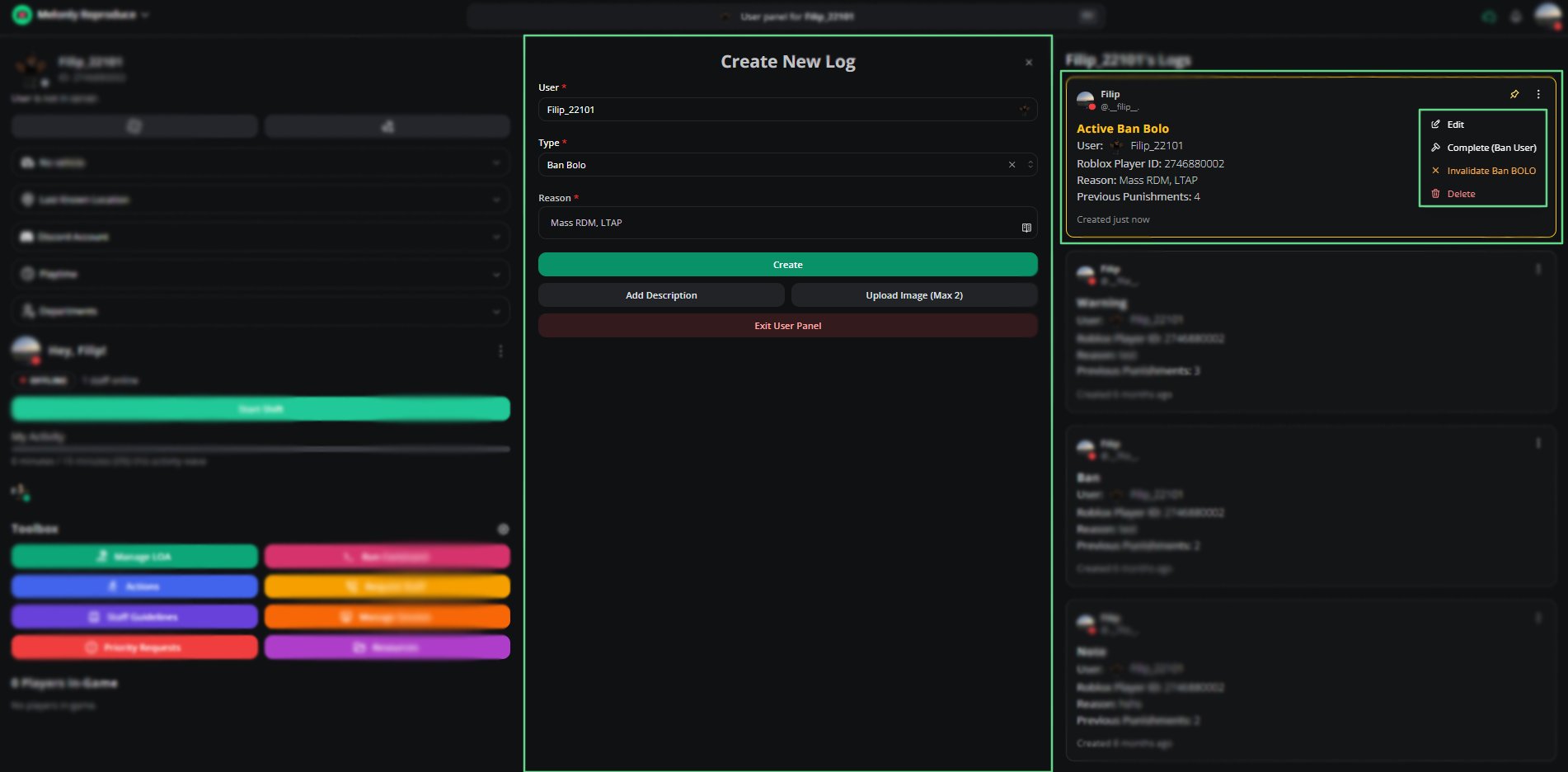
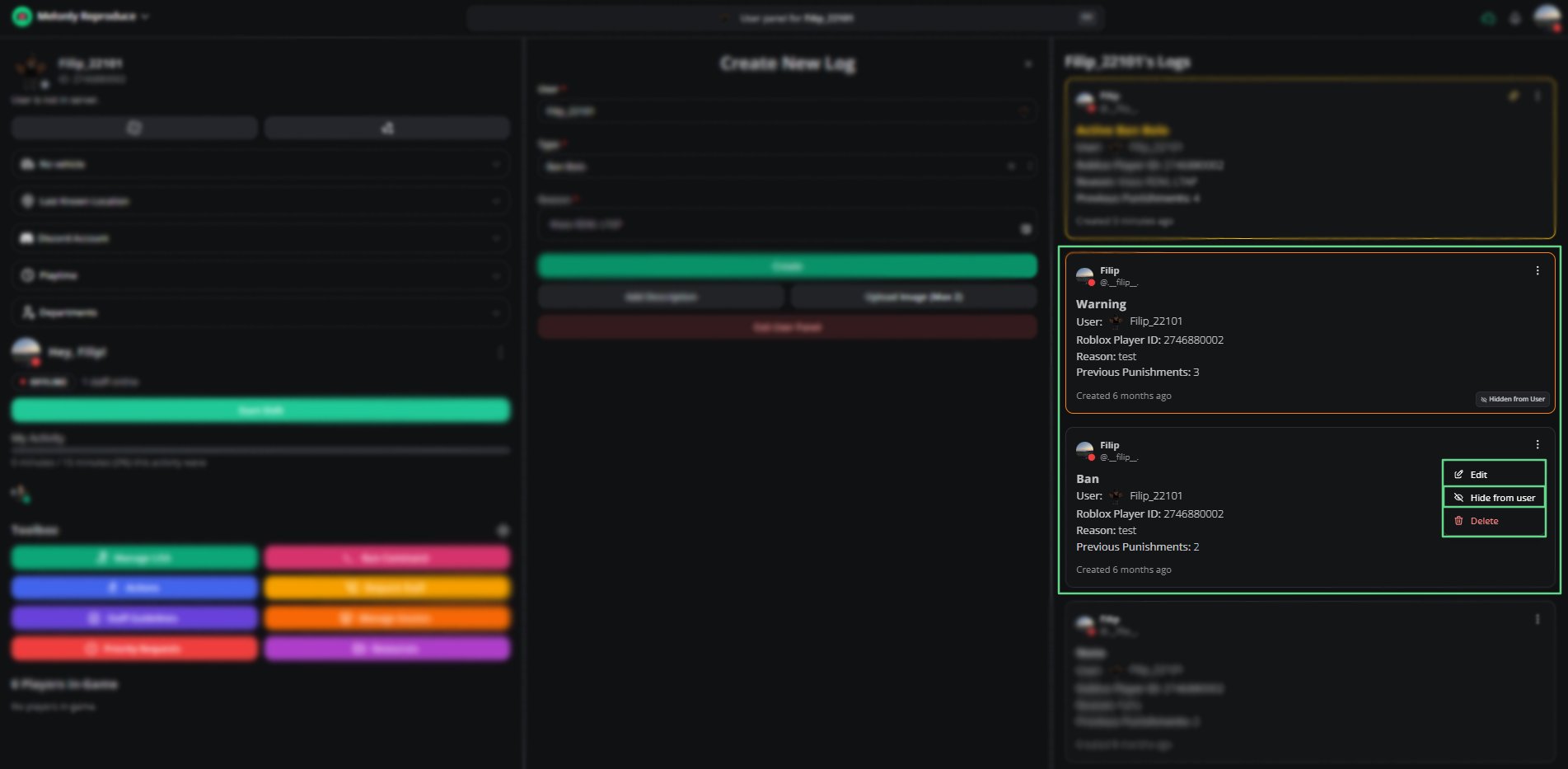
The Moderation Logs system records all disciplinary actions taken within your server. Each log includes the responsible moderator, affected user, Roblox Player ID, reason, and punishment history.
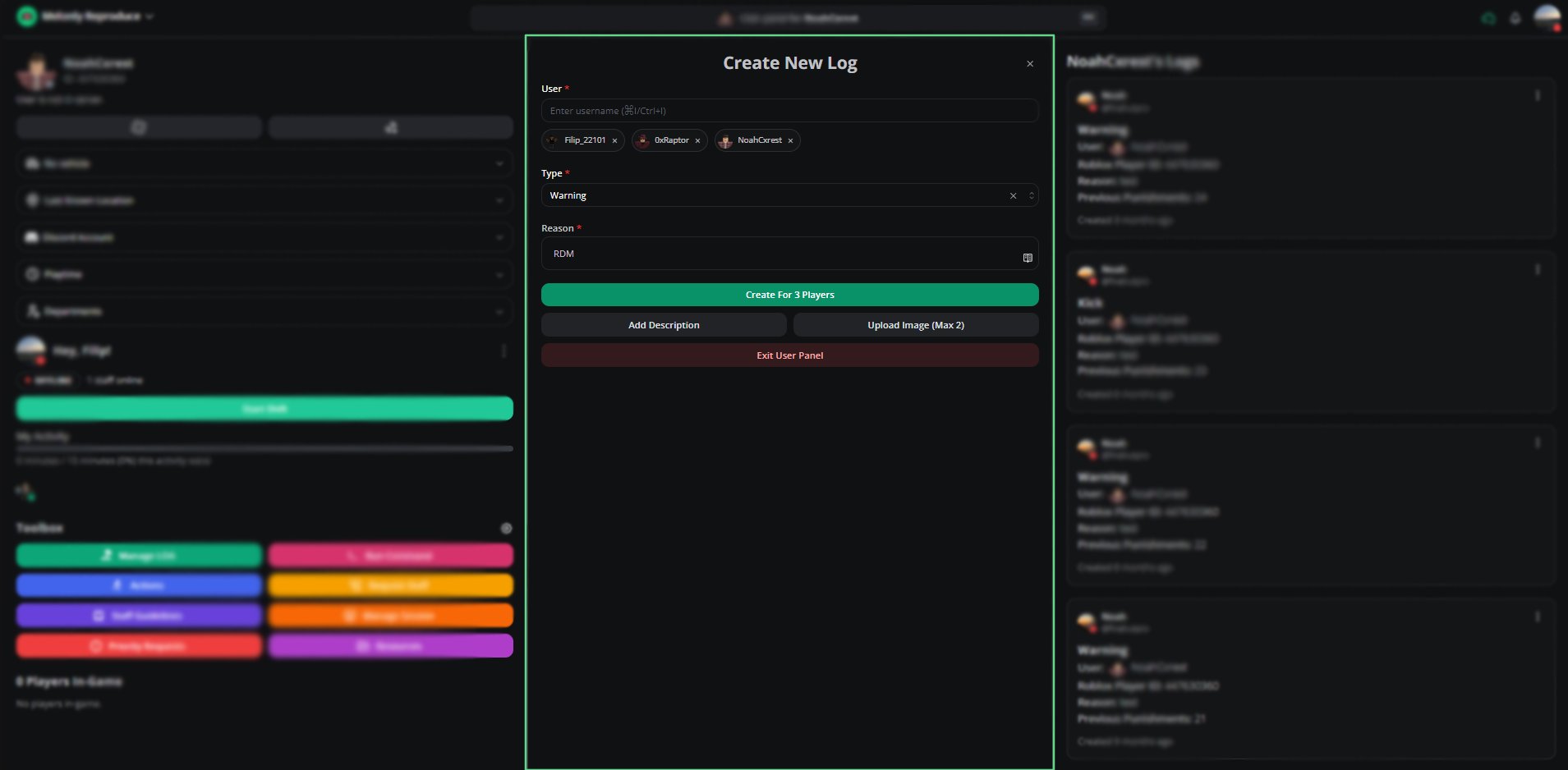
Multi User Logging allows moderators to apply the same action to multiple users at once.After typing in a user and selecting them, press Enter to finalise the selection.
You can repeat this process to add up to 5 users to a single log entry.All selected users will receive the same log type and reason.
Descriptions and images (Melonly Plus feature) apply to all users included in the multi user log.
Hiding a log prevents the affected user from viewing it in their log history for your server.
Moderators can still access hidden logs for internal review.