
What are Priority Requests?
A priority is a roleplay scenario, like a pursuit or robbery, that staff approve before it starts. Priority Request lets you ask for one in any ER:LC server that has priority requests turned on.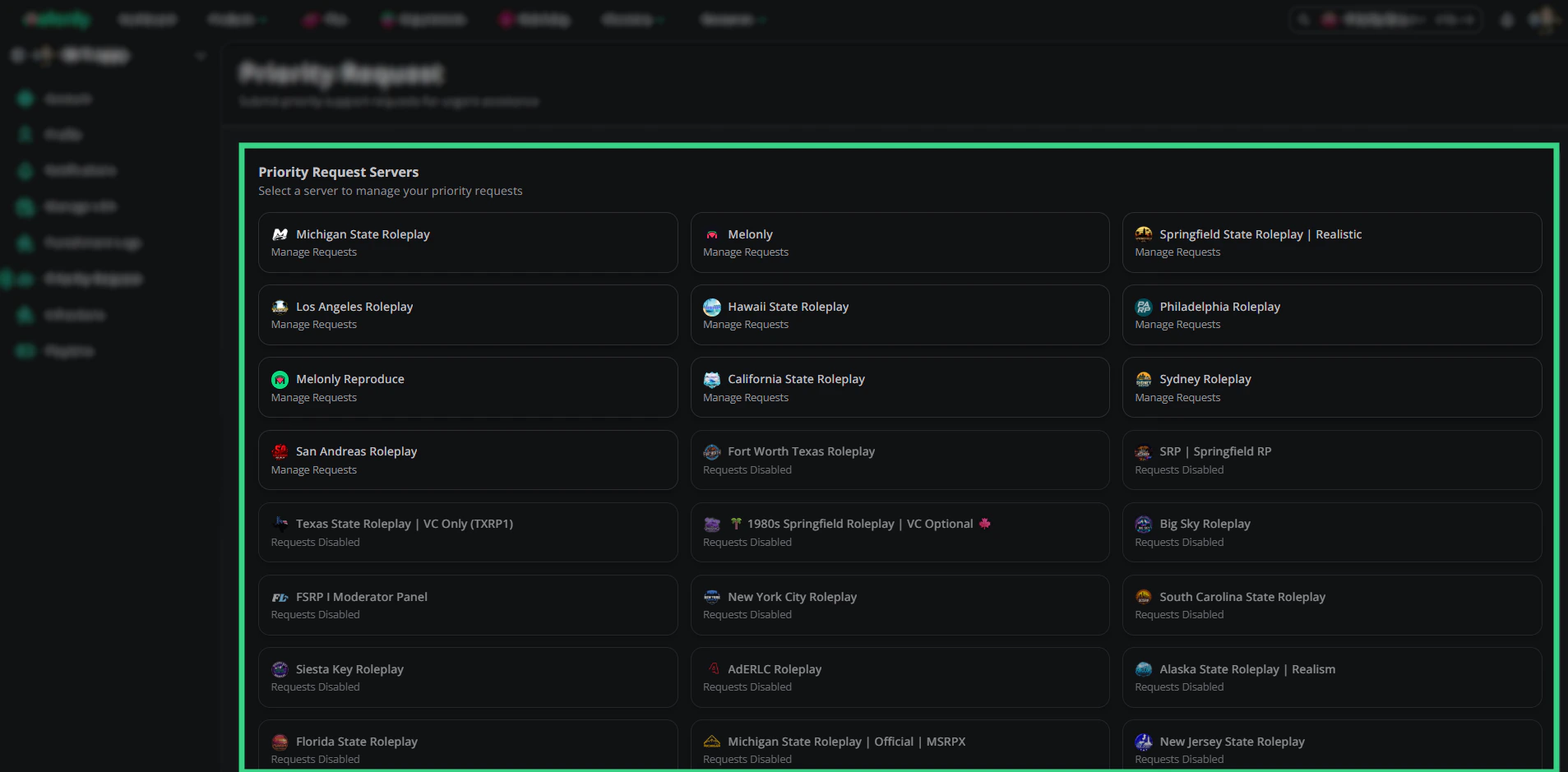
Choose a server
Submitting a Request
1
Pick a server
Open Priority Request and click a server marked Manage Requests. Servers marked Requests Disabled don’t accept them.
2
Describe the scenario
Pick a Preset if the server has any, or write the Scenario yourself (up to 500 characters).
3
Choose the players
Select the Players Involved from the players in the ER:LC server right now. The server sets how many you need (1 to 4 by default).
4
Send it
Click Send priority request. Staff will approve or deny it.
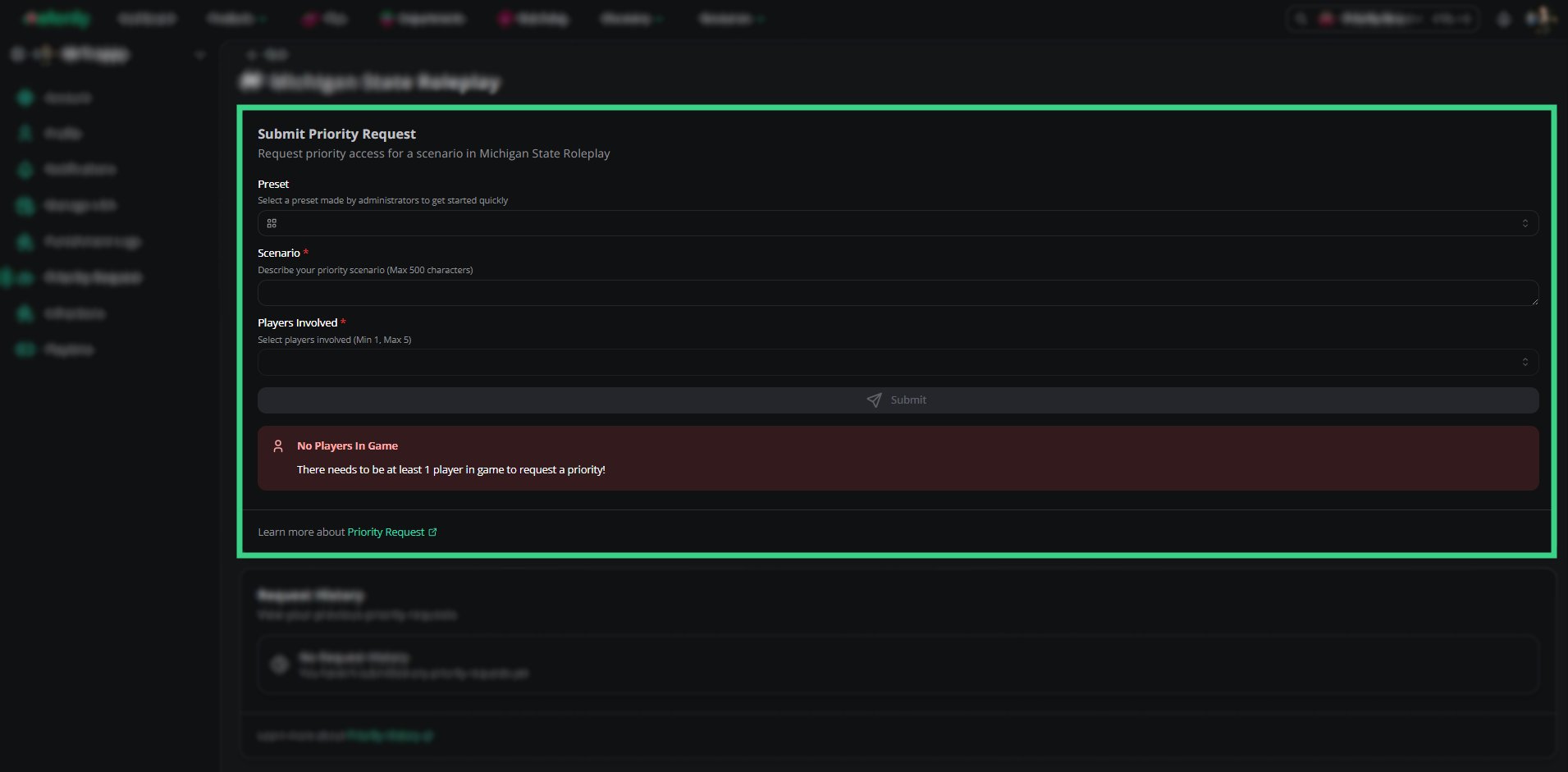
Submit Priority Request
When You Can’t Request
Request History
Your past requests are listed below the form. Expand one to see the scenario, players, who reviewed it, the staff message and the priority’s start time, timer and end time.Request statuses
Request statuses
Related
Need help?
Still have questions? Join our Discord server for support from the Melonly Team.