
What is the Profile Directory?
The Profile Directory lists public Melonly profiles. Players show off their roles, socials and server experience, and server owners use it to find staff. To create or edit your own profile, click Manage my profile or see Your Profile.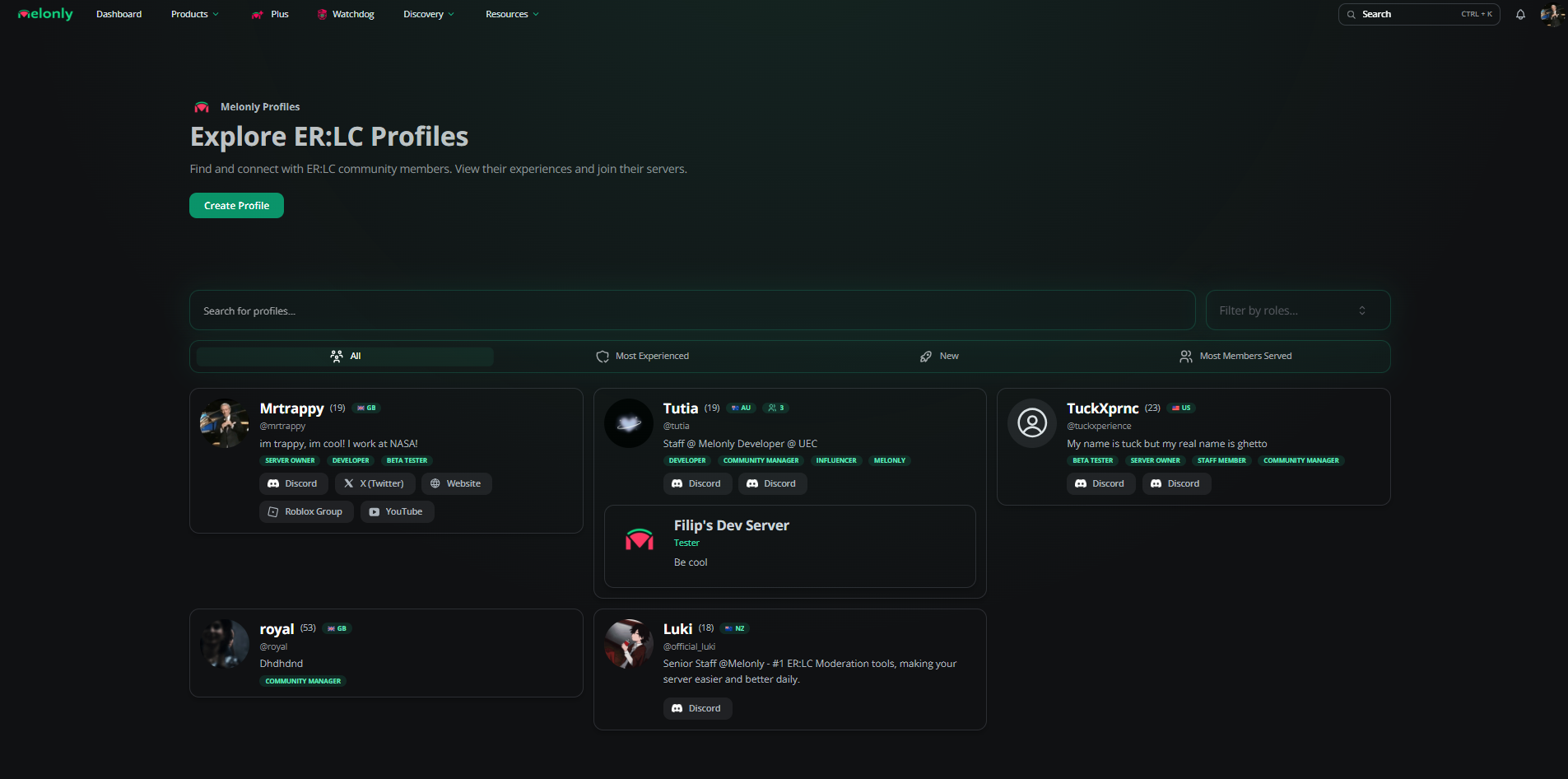
Profile Directory
Finding Profiles
Search by name or handle, filter by roles (for example Moderator, Developer or Server Owner) or switch tabs.
Each card shows the person’s name, age and country if they shared them, their roles, socials and pinned experience. Click a card to open the full profile.
Profile Pages
A profile page shows the person’s experience, roles, About Me, socials, gallery, badges and reviews. You can also leave a profile review there. See Public Profile for what each section and badge means.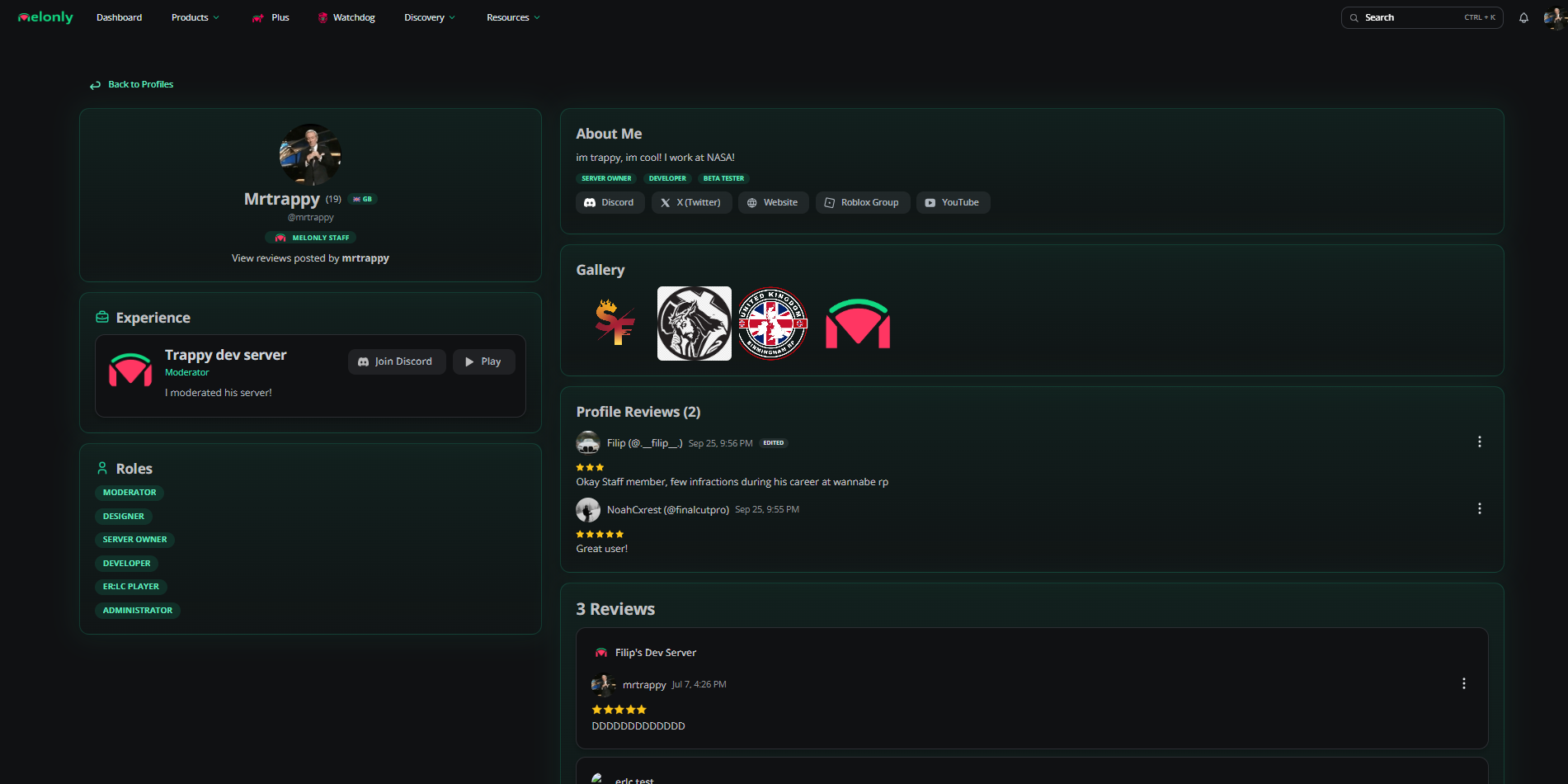
A profile page
Verify Server Experience
When someone adds your server to their profile experience, it stays unverified until an admin of that server confirms it. Verified experience shows on their profile and under Staff Profiles on your directory page.You need the Administrator permission in that Melonly server to verify or remove experience.
1
Open the verification link
The member copies a verification link from their experience and sends it to you. Open it while signed in.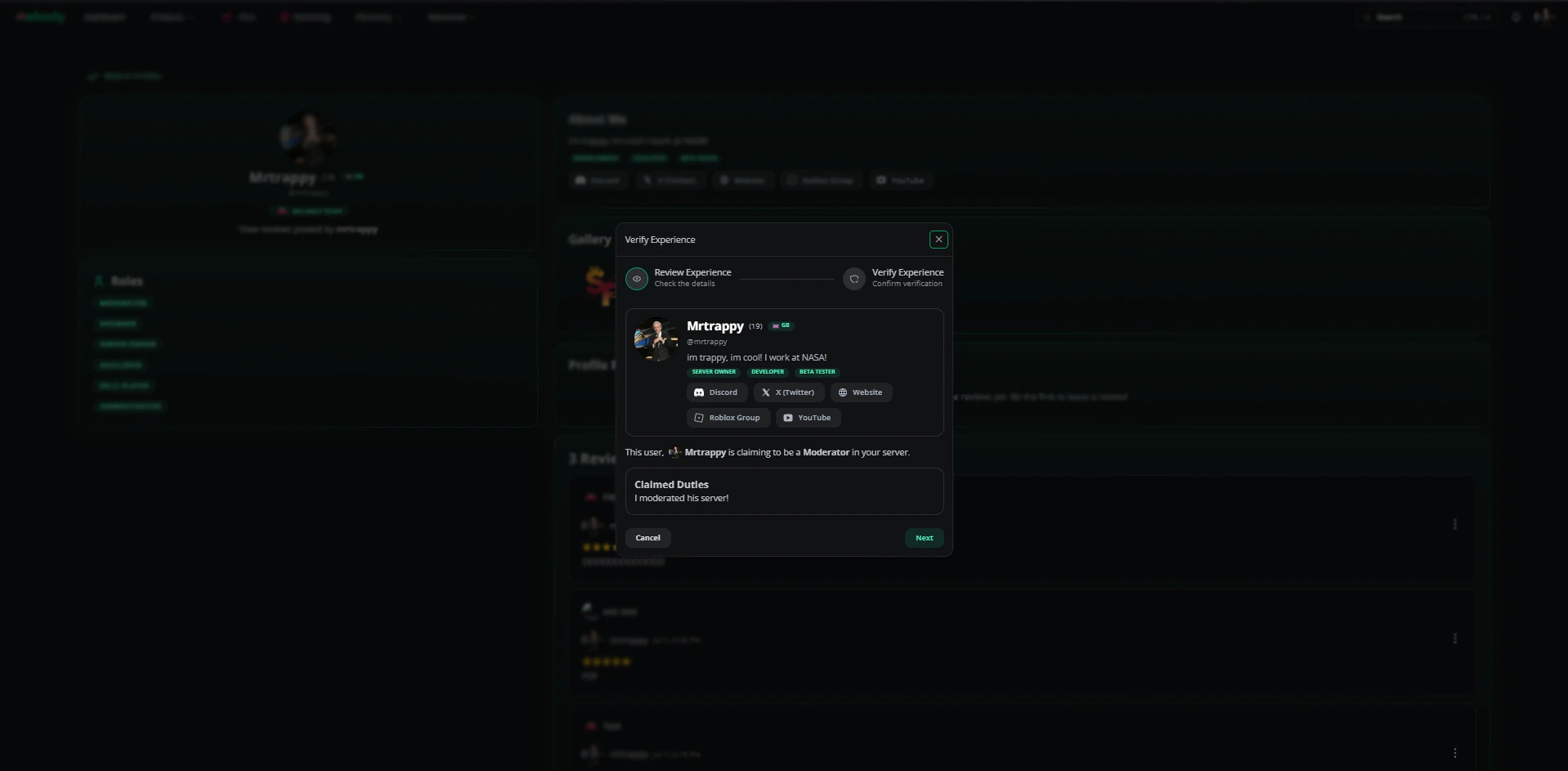
2
Check the claim
Read the duties they’ve listed for your server and make sure they’re accurate.
3
Confirm
Click Next, then Verify experience.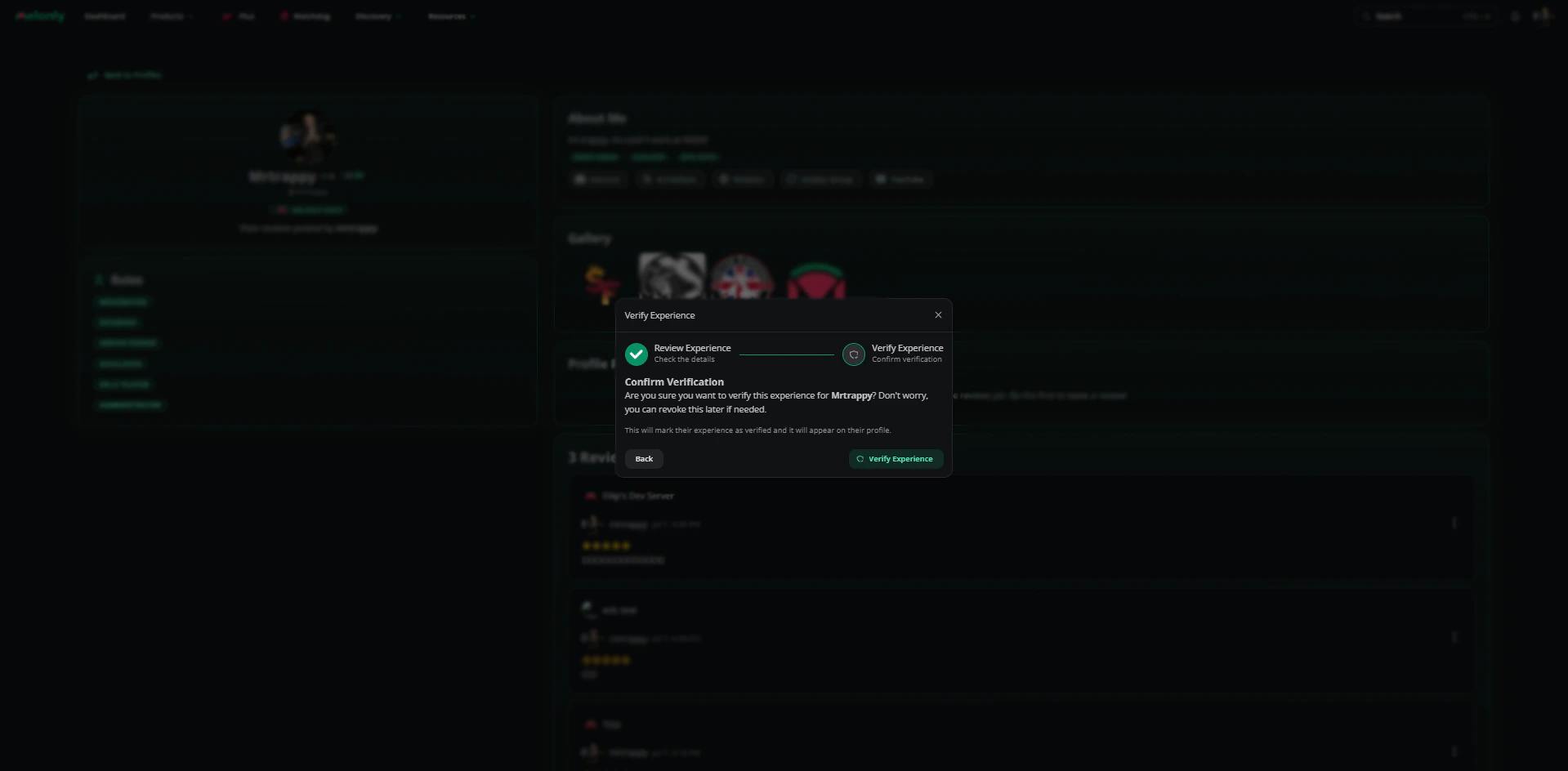
Reporting
To report a whole profile, click the report button on the profile page, add a reason and submit.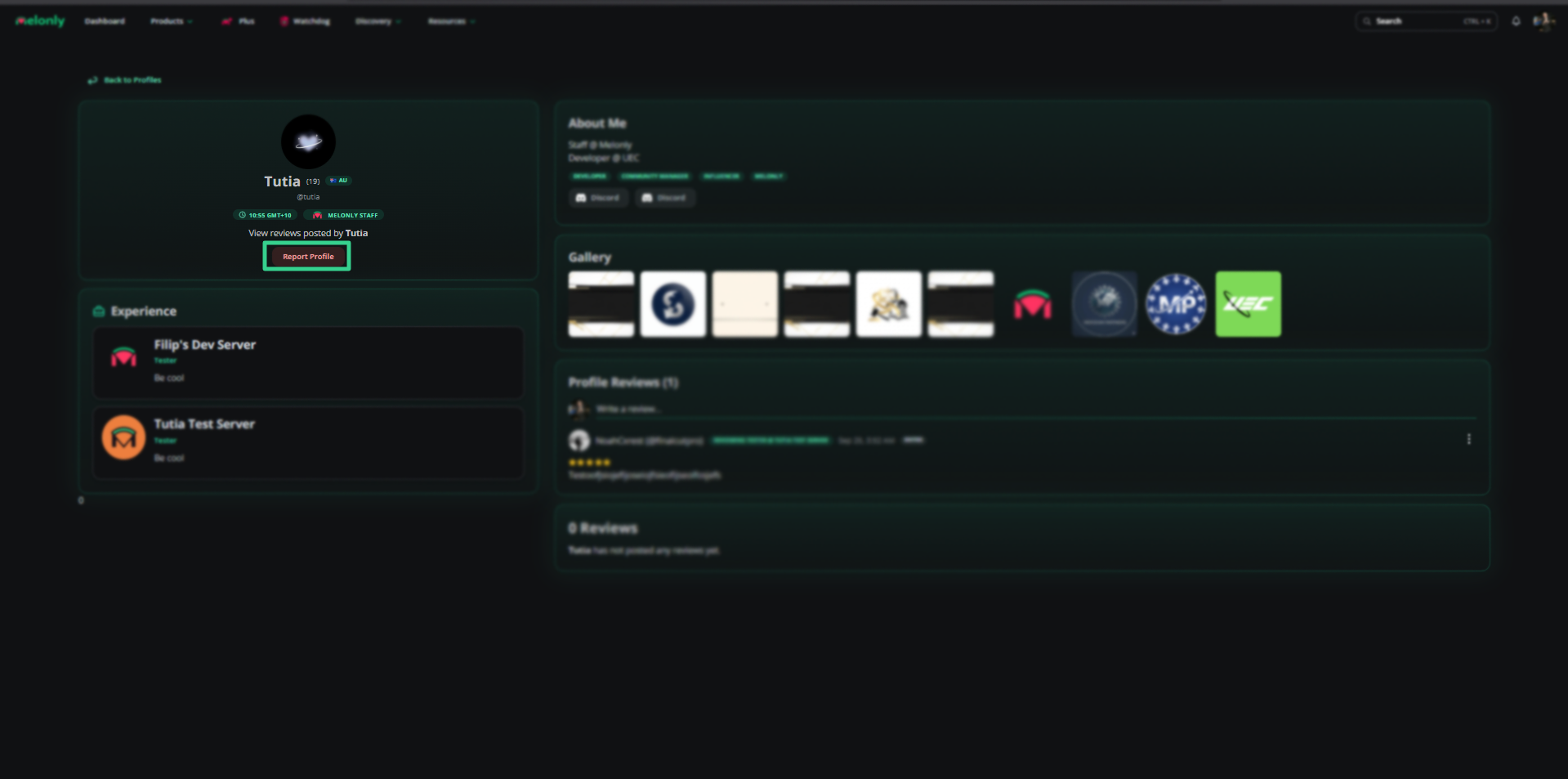
Report a profile
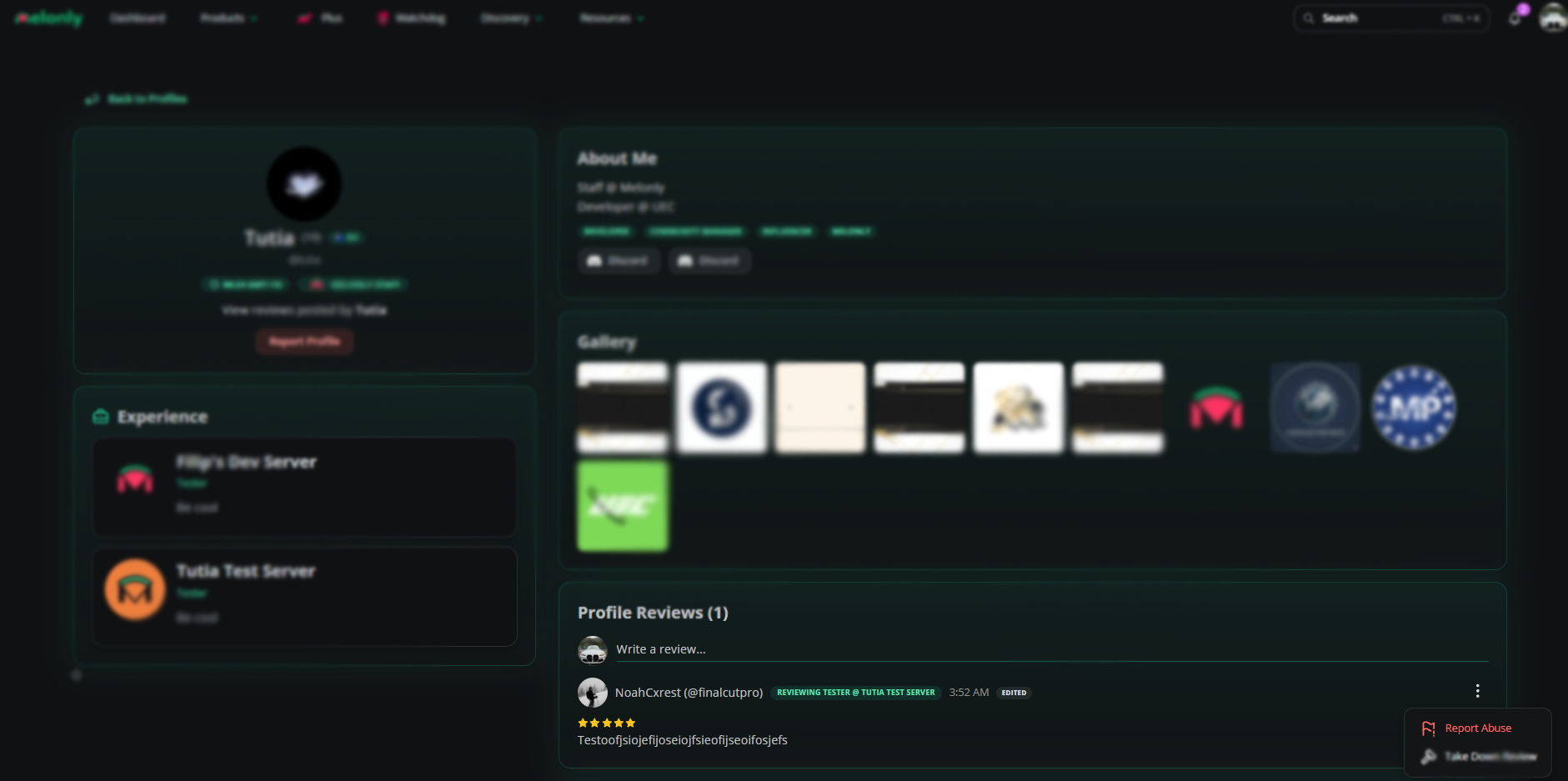
Report a profile review
Need help?
Still have questions? Join our Discord server for support from the Melonly Team.