
What is Your Account?
Your Melonly account is you across every Melonly server. It holds your personal settings and shows your history in every server and department you’re in: leaves of absence, punishment logs, infractions and more. It all lives under melonly.xyz/my, with a sidebar to move between pages.🧭 Quick Navigation
Account Settings
Preferred name, Roblox link, default server, DM preferences and sign out.
Profile
Your public profile, tags, roles, social links and experience.
Notifications
Choose your notification DMs and read recent alerts.
Manage LOA
Request, start, end or extend a leave of absence.
Punishment Logs
See moderation logs made about your Roblox account.
Priority Requests
Ask for a priority scenario in an ER:LC server.
Infractions
Your points, infractions and suspensions in each server.
Appealing an Infraction
Appeal an infraction or suspension and track the result.
Playtime
Your playtime, rank and level in each server.
Signing In
1
Log in
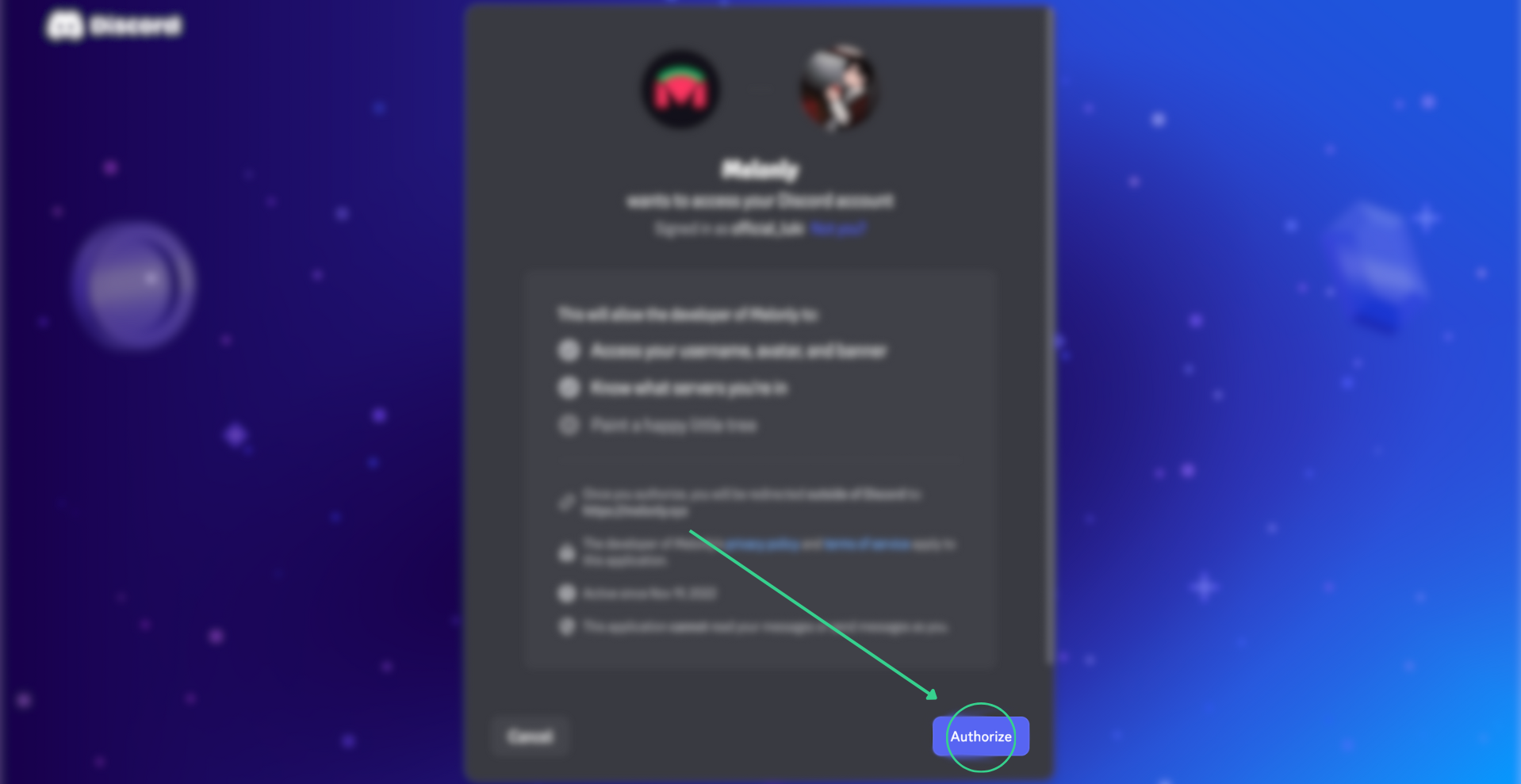
Click Log in in the top right of melonly.xyz, then Continue with Discord and authorize Melonly.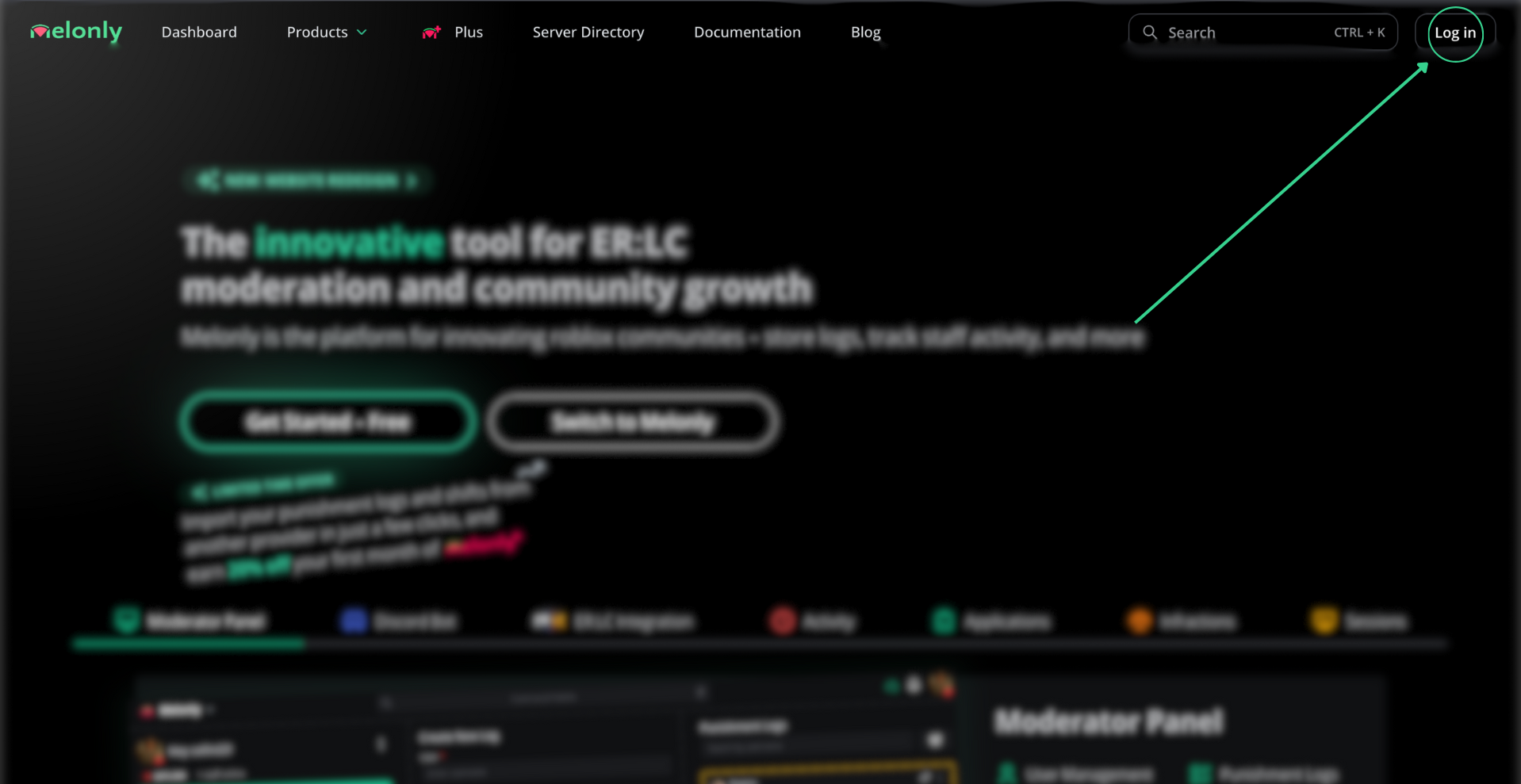
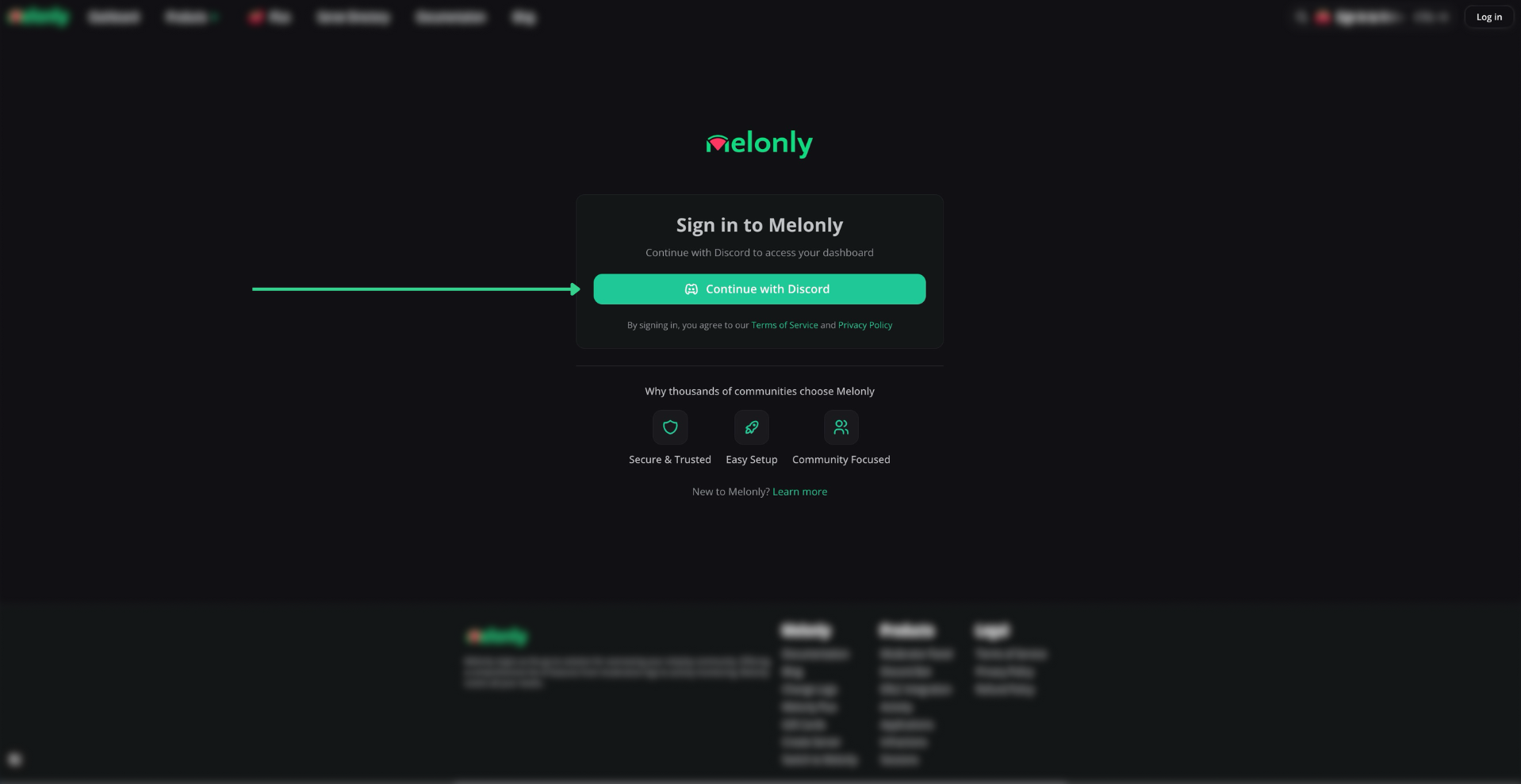
Sign in to Melonly
2
Open your account
Click your avatar in the top right, or go to melonly.xyz/my/account.
Account
Your personal settings. See Account Settings.Account Profile
Your preferred name and Discord profile. See Profile.Roblox Connection
Link, refresh or unlink your Roblox account. See Roblox Connection.Server Preferences
Default server, auto shifts and in-game:log options. See Server Preferences.
Direct Message Preferences
Choose which Discord DMs you get. See Direct Message Preferences.Security
Sign out, or sign out of every device. See Signing Out.Notifications
Your notification DMs and recent alerts. See Notifications.Preferences
Turn notification, product update and blog DMs on or off. See Preferences.Recent Notifications
Read your latest notifications. See Recent Notifications.Manage LOA
Request and manage leaves of absence in any server or department. See Manage LOA.Punishment Logs
See the moderation logs servers have made about you. See Punishment Logs.Priority Requests
Ask staff for a priority scenario. See Priority Requests.Submit a Request
Describe your scenario and pick the players involved. See Submitting a Request.Infractions
Your points, infractions and suspensions, and how to appeal them. See Infractions and Appealing an Infraction.Need help?
Still have questions? Join our Discord server for support from the Melonly Team.