
What are Notifications?
Melonly sends you notifications for things like mentions in comments, product updates and changes to your memberships. You can read them on your Notifications page, and Melonly can also send them to your Discord DMs.Preferences
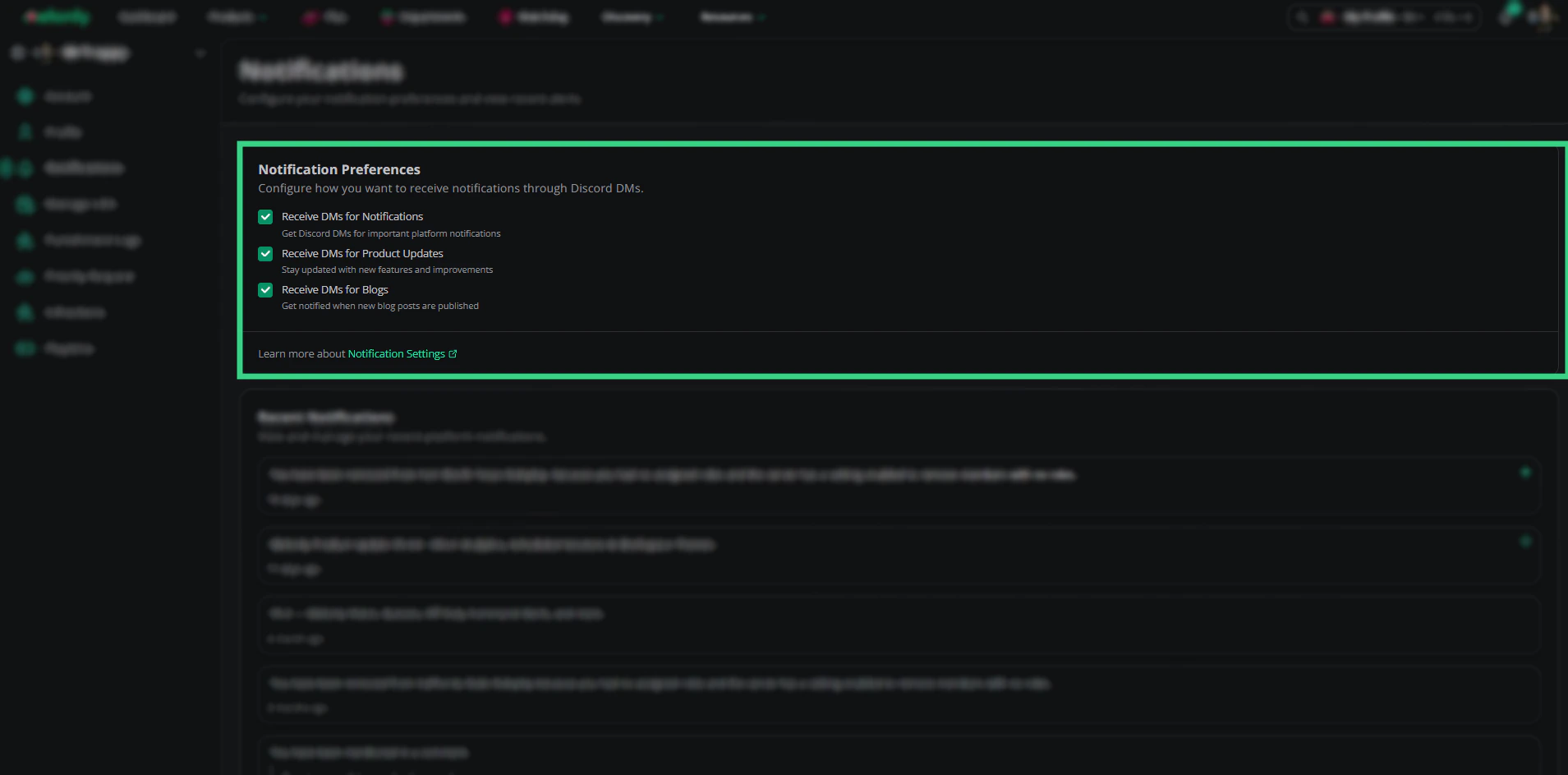
Notification Preferences
Click Save after changing them. These are the same settings as Platform Notifications in Account Settings.
Unsubscribing
The unsubscribe link in Melonly’s DMs opens this page and asks you to confirm. Confirming turns off all three settings. You can turn them back on here at any time.Recent Notifications
Your latest notifications are listed newest first, 15 at a time. Click Load more notifications to see older ones. Notifications are marked as read once you’ve scrolled past them. Click one with a link to open it.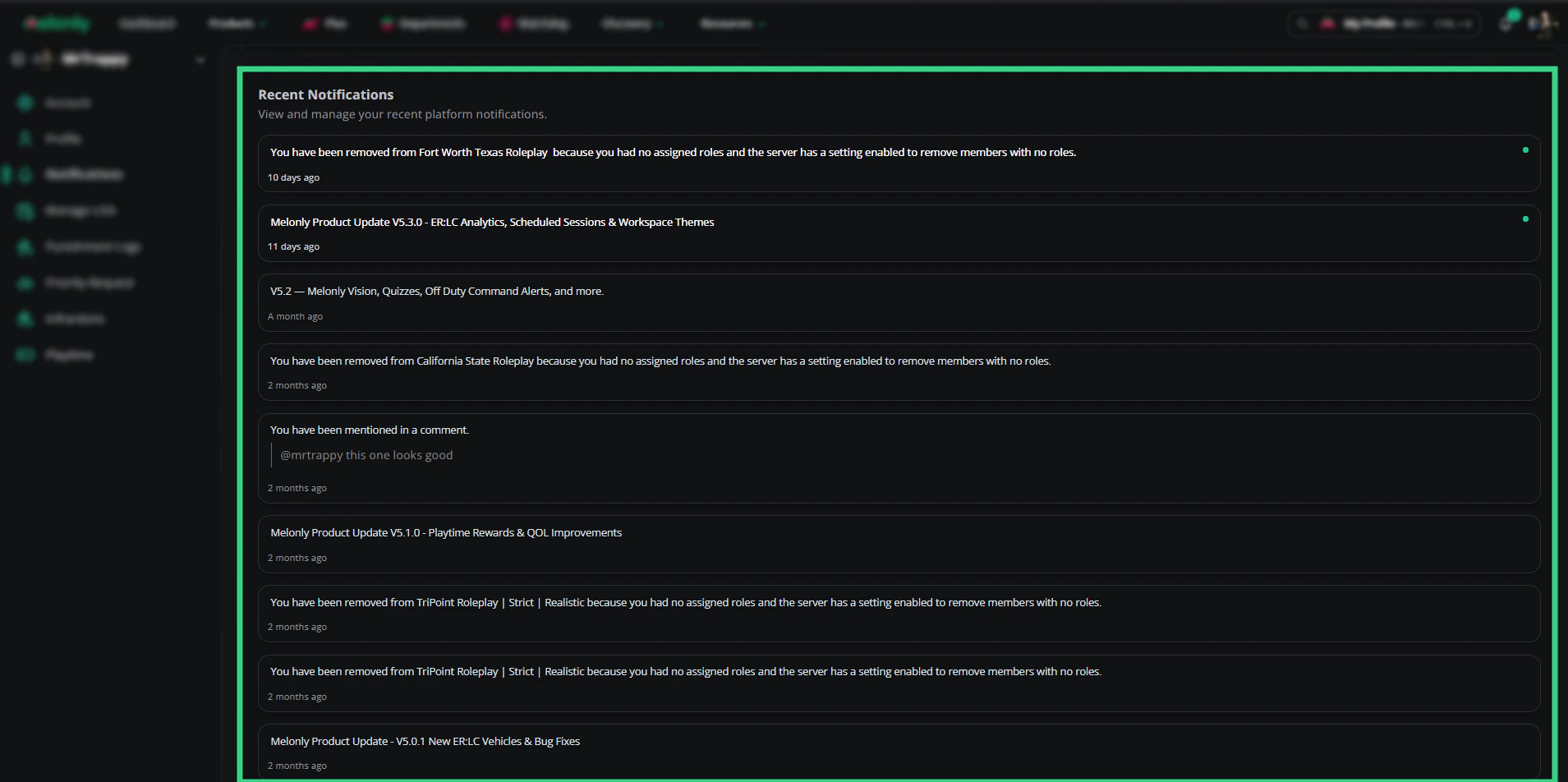
Recent Notifications
Need help?
Still have questions? Join our Discord server for support from the Melonly Team.