
What are Account Settings?
Account Settings hold the settings that follow you across every Melonly server. Each card has its own save bar, so save a card before moving to the next.Profile
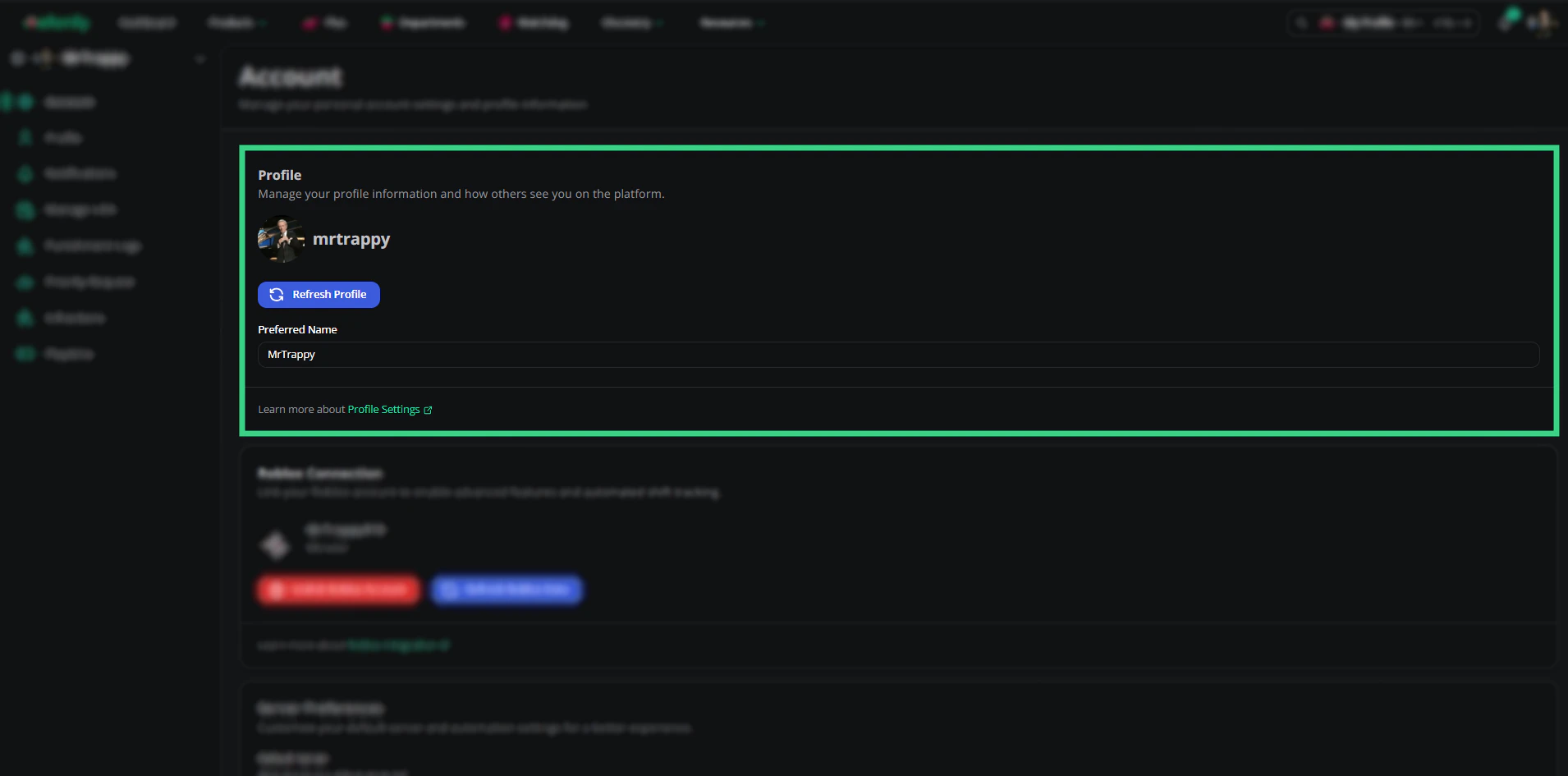
Profile
Roblox Connection
Linking Roblox lets servers match you to your in-game account. You need it for verification, automatic ER:LC shifts, punishment logs and moderation DMs.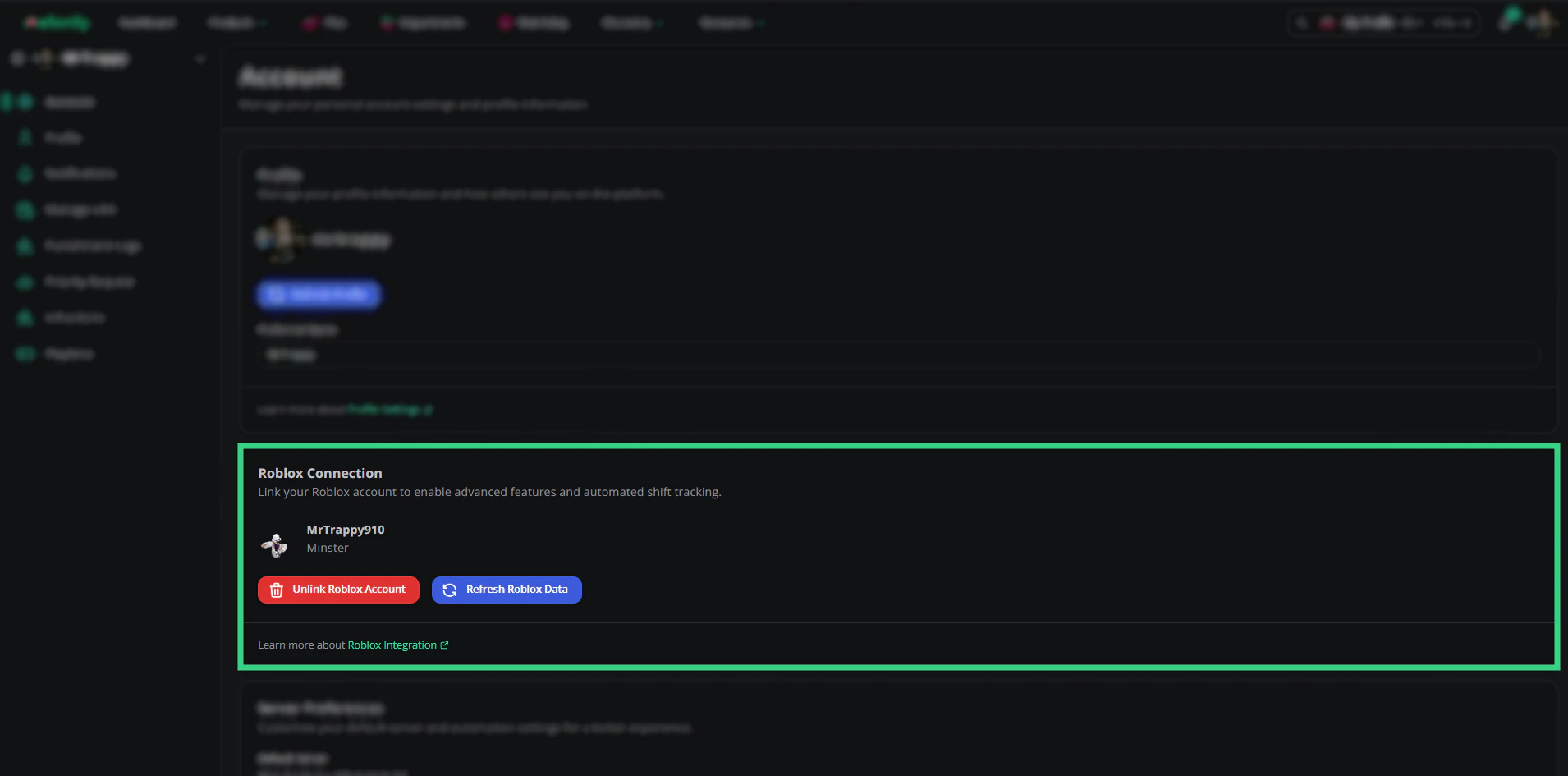
Roblox Connection
To switch to a different Roblox account, unlink the current one and link the new one.
Melonly Desktop App
Download the Melonly desktop app for Windows, macOS or Linux. The card picks the right download for your computer. See melonly.xyz/download.Server Preferences
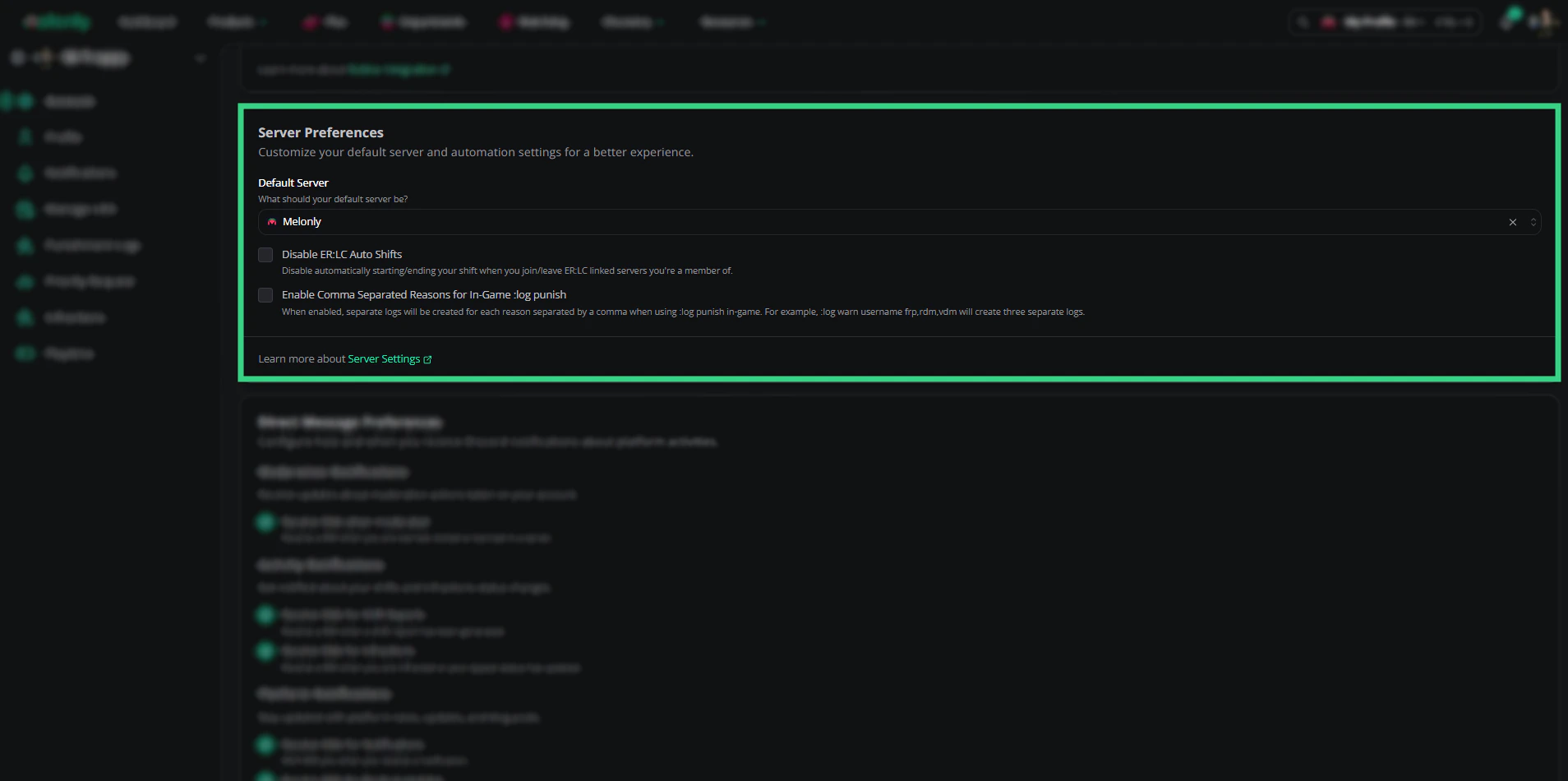
Server Preferences
Direct Message Preferences
Choose which Discord DMs Melonly sends you.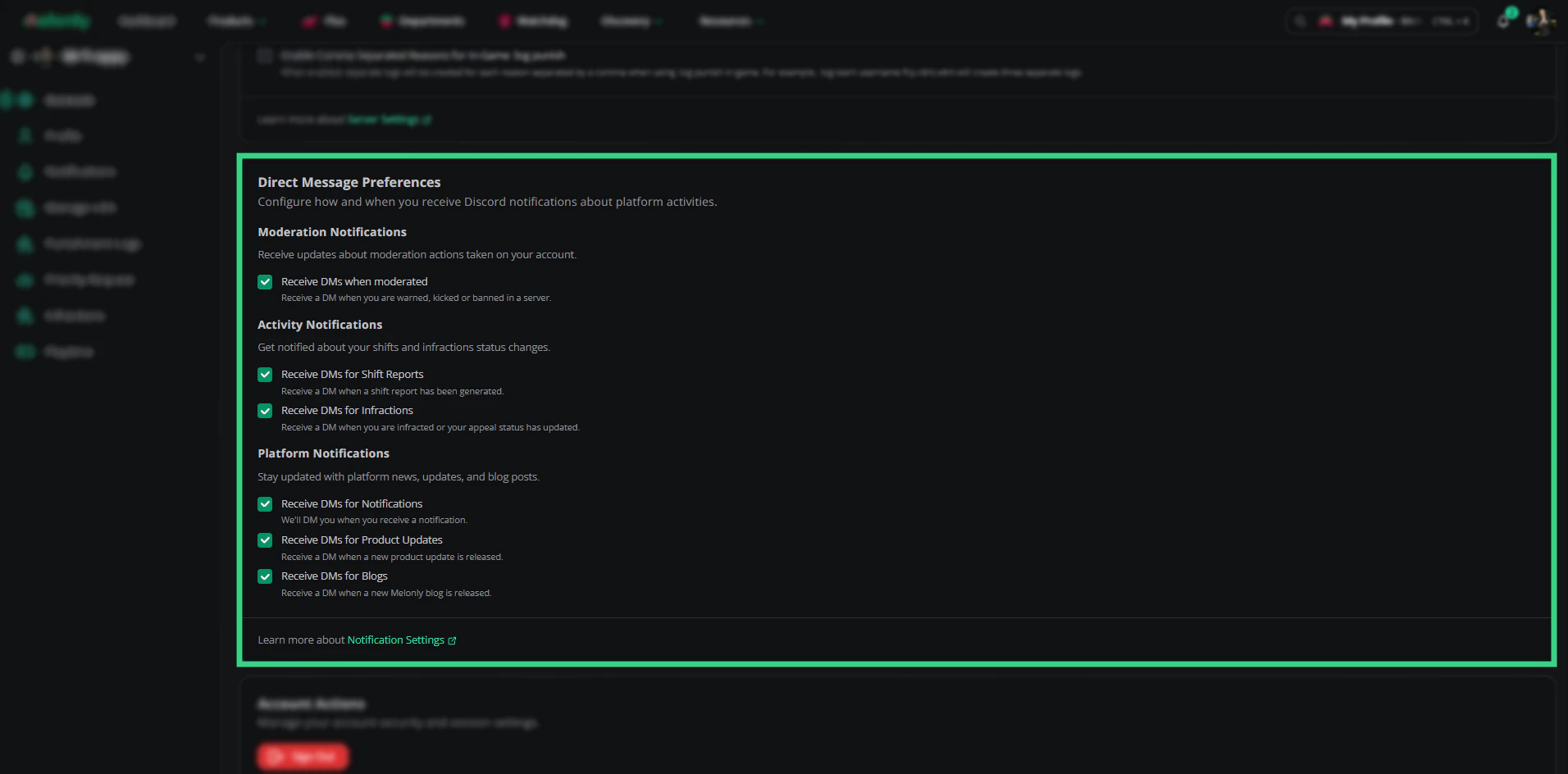
Direct Message Preferences
The last three are also on your Notifications page.
Signing Out
Need help?
Still have questions? Join our Discord server for support from the Melonly Team.