Melonly Plus is the premium tier of Melonly. It unlocks advanced moderation tools, higher limits, customization options, and AI-assisted features for communities that want more control over their server.

Subscription plans

Frequently asked

Moderation panel

Custom shift types

Create labeled shift types for your moderation team — for example, “50/50 Moderation Shift”, “General Shift”, or “Support Shift” — to differentiate roles and responsibilities.

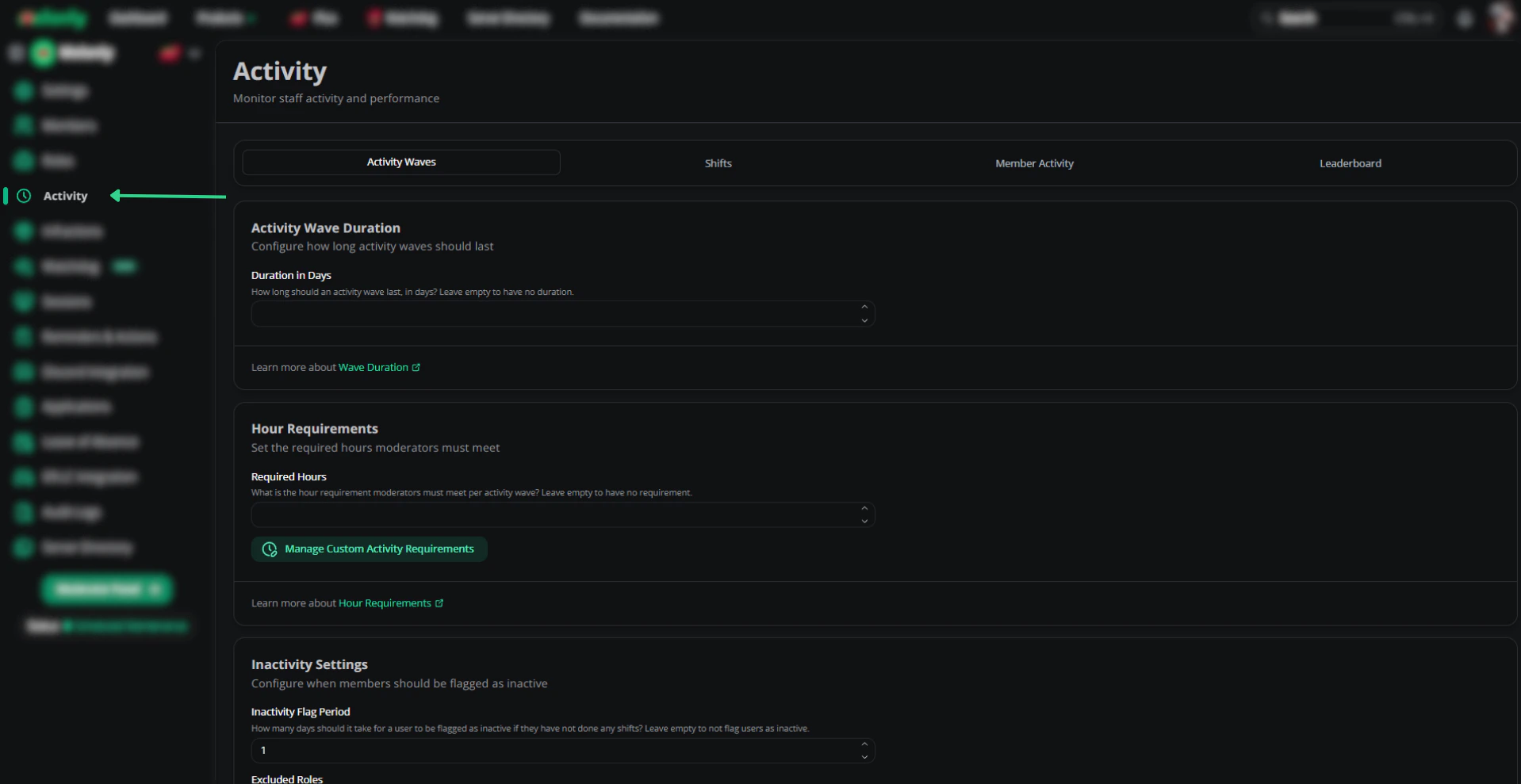
Open the Activity page

From the dashboard, click Activity.

Open the Activity page

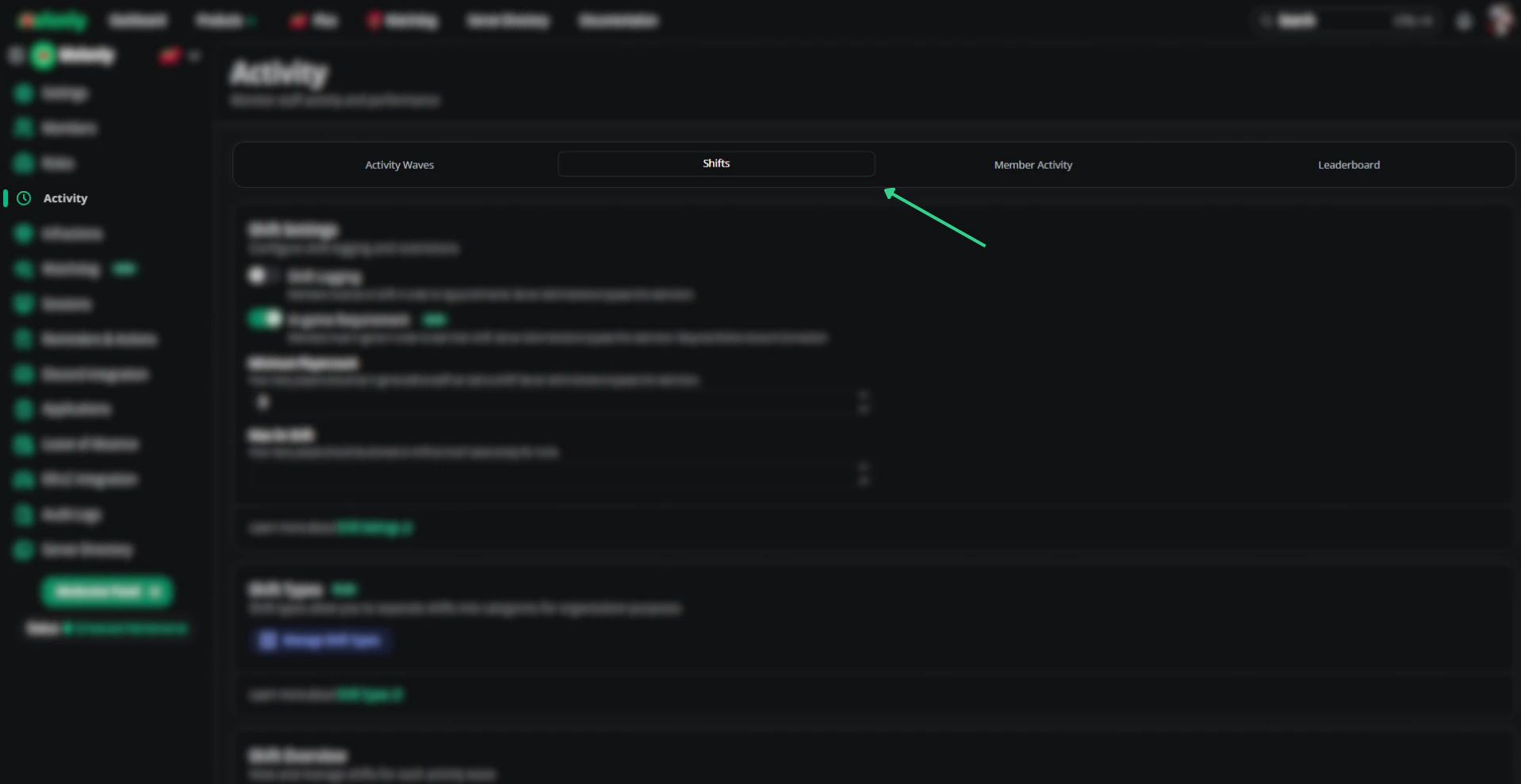
Open the Shifts tab

Switch to the Shifts tab.

Open the Shifts tab

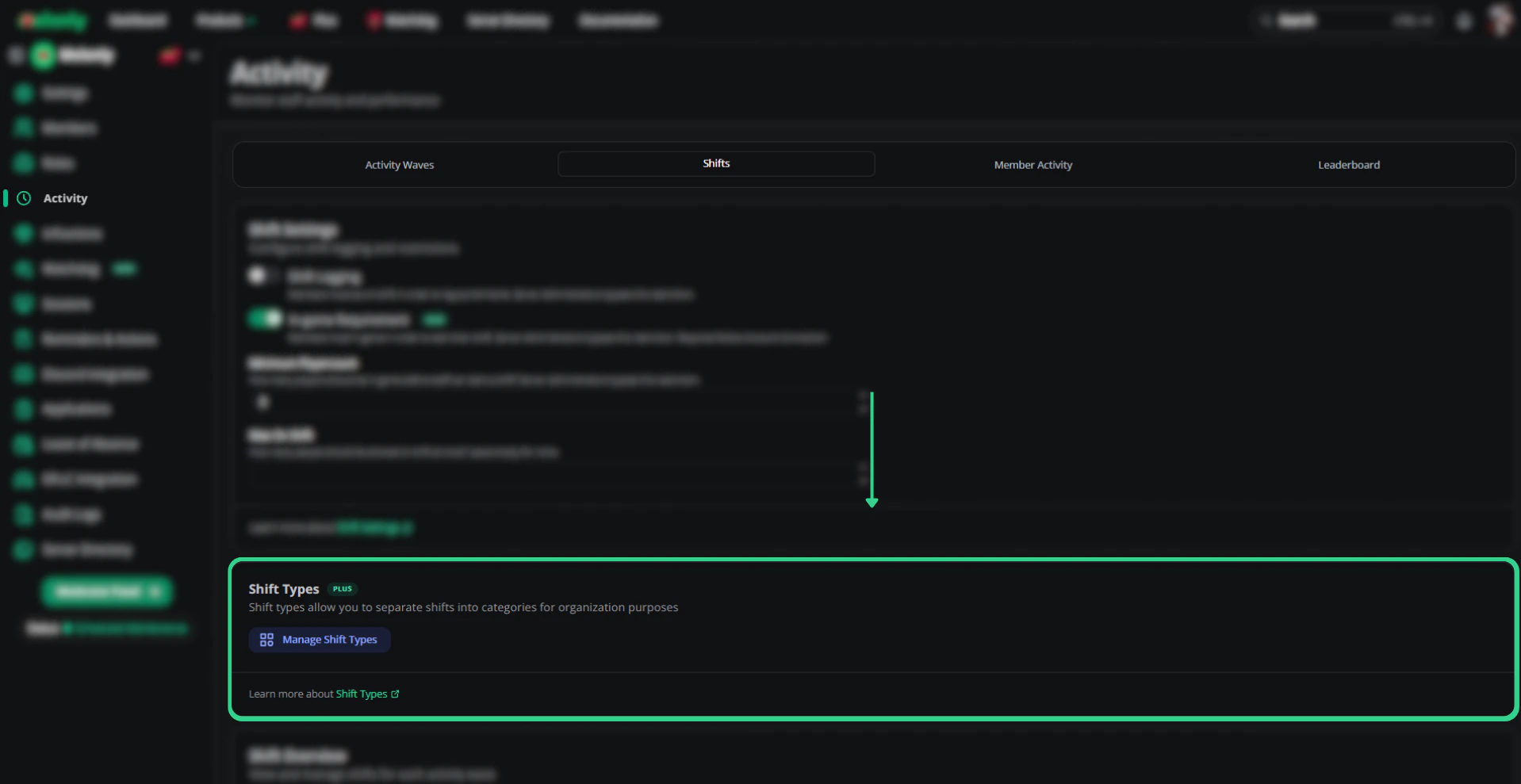
Add a shift type

Scroll to Custom Shift Types and create a new entry.

Customize your shift types

Punishment presets

Predefined punishments your moderators can apply with one click. Useful when your community has consistent rule violations and standard responses.

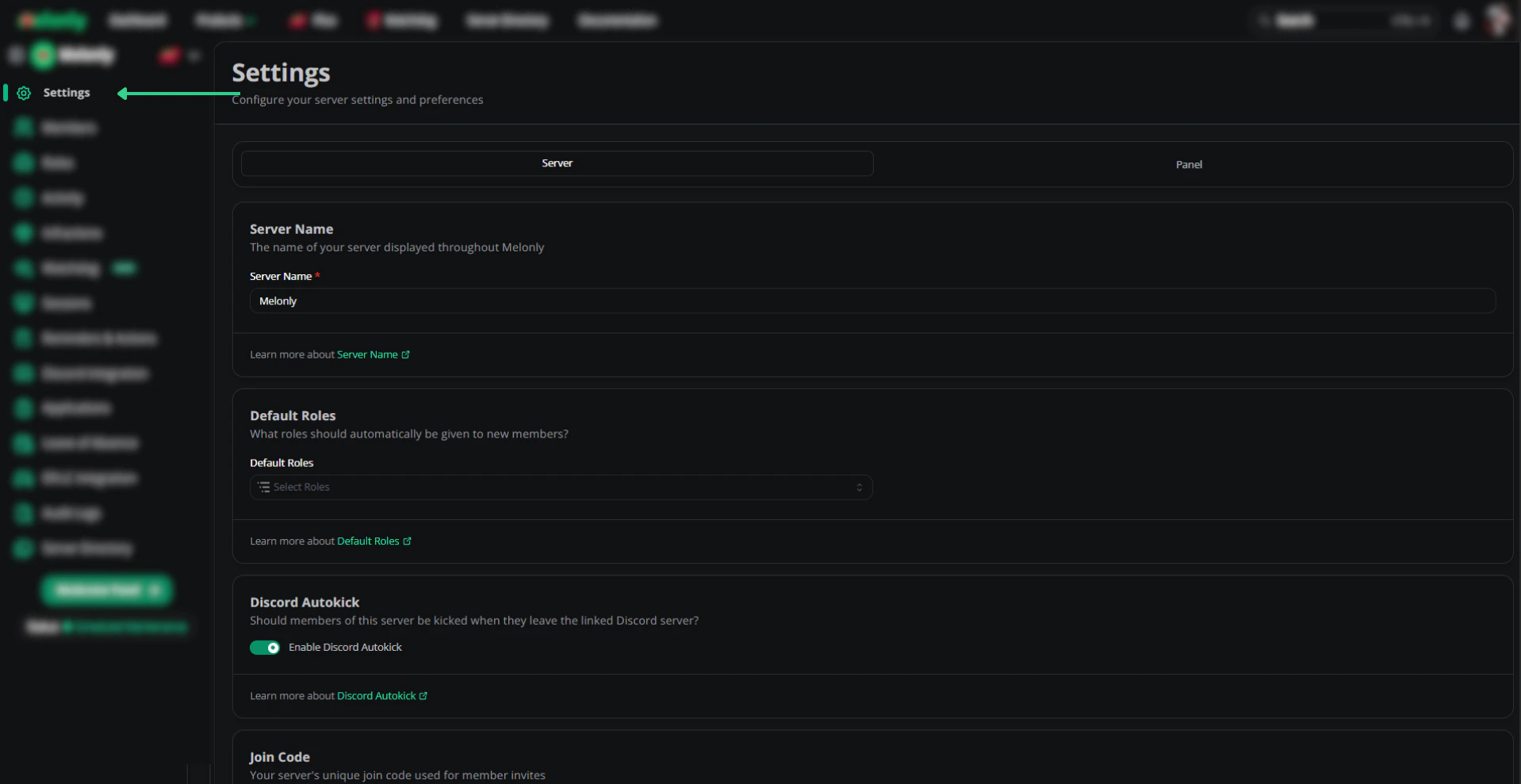
Open Settings

From the dashboard, click Settings.

Open the Settings page

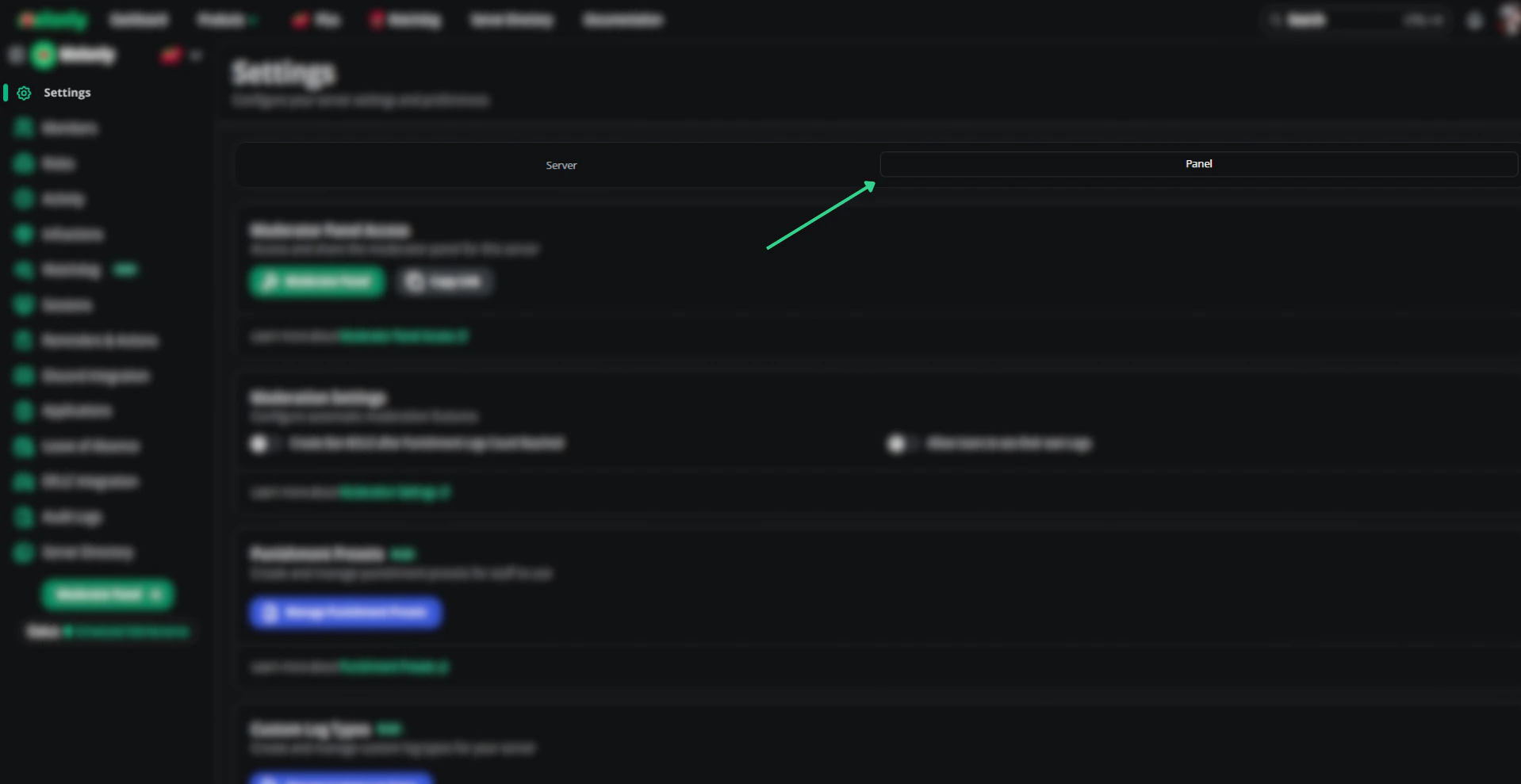
Open the Panel tab

Switch to the Panel tab.

Open the Panel tab

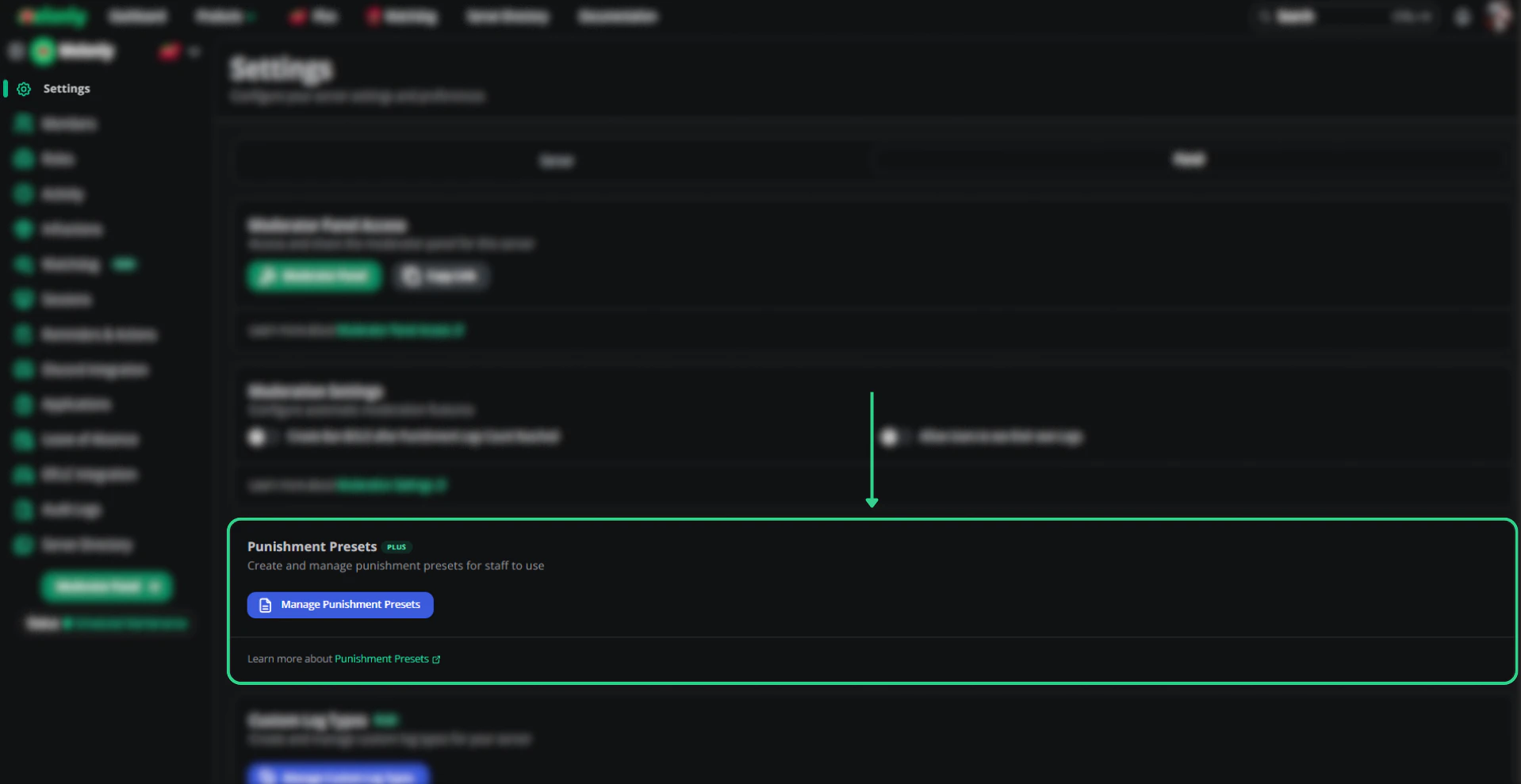
Manage presets

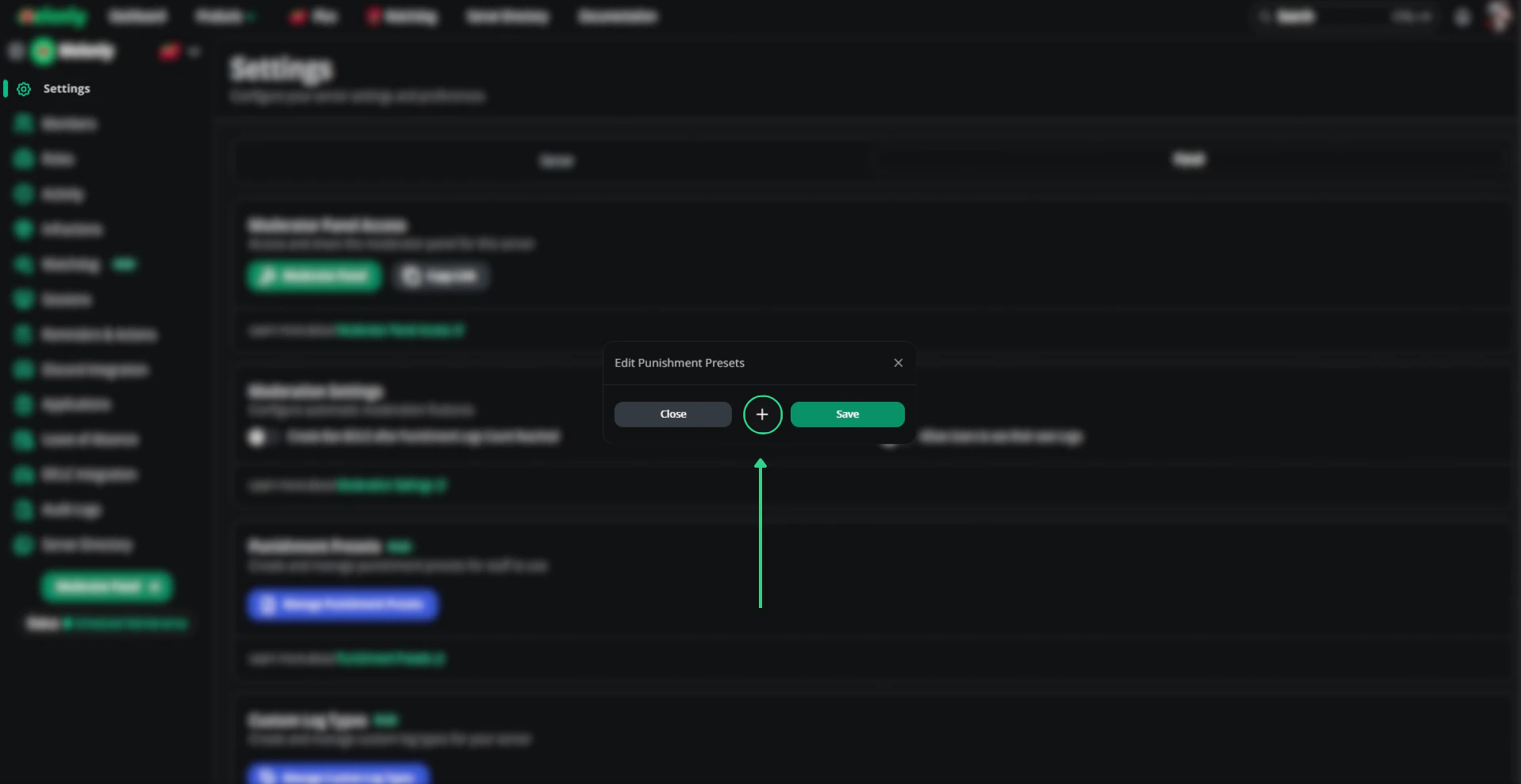
Click Manage Punishment Presets to add, edit, or delete entries.

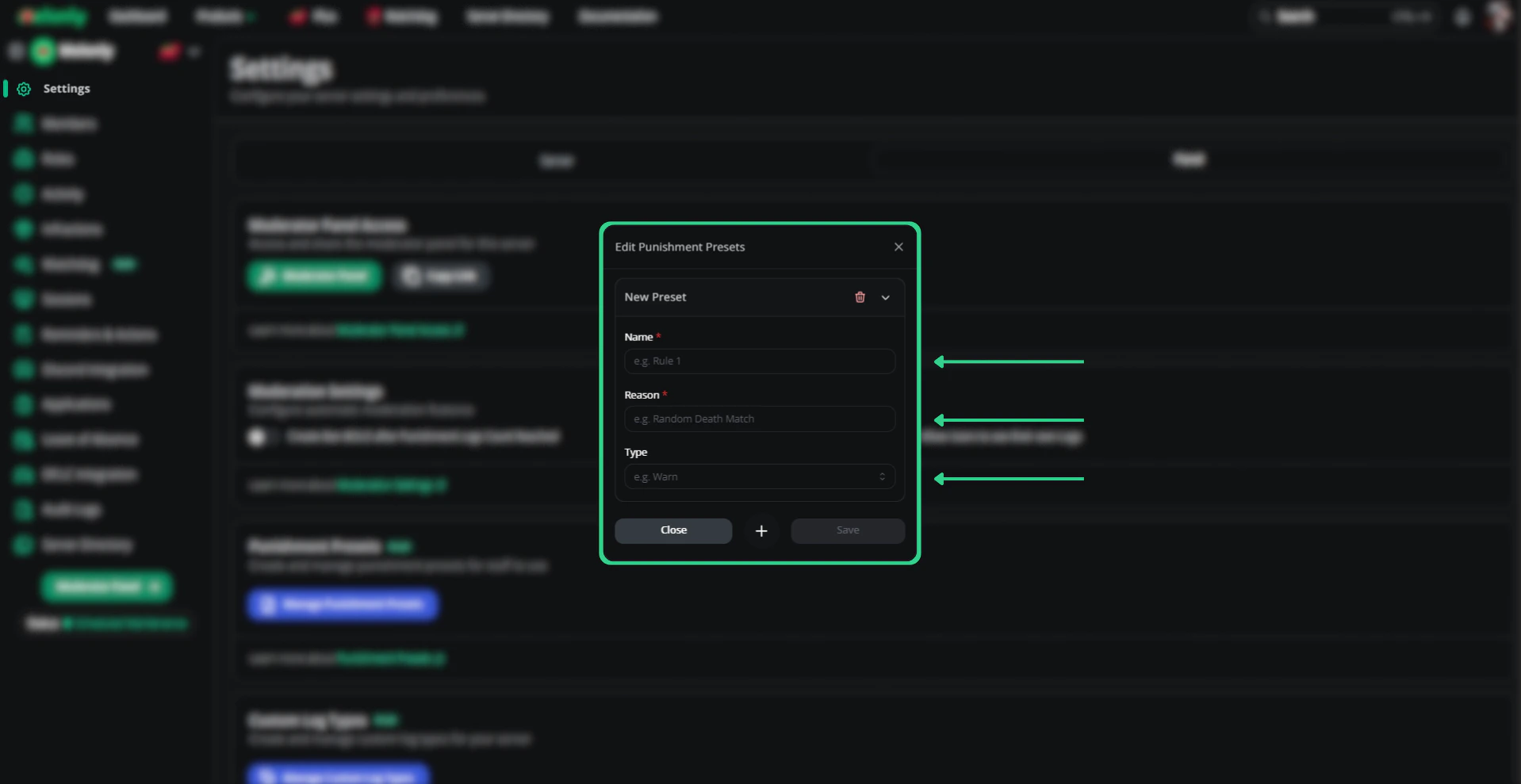
Create a punishment preset

Edit existing presets

Use presets in the panel

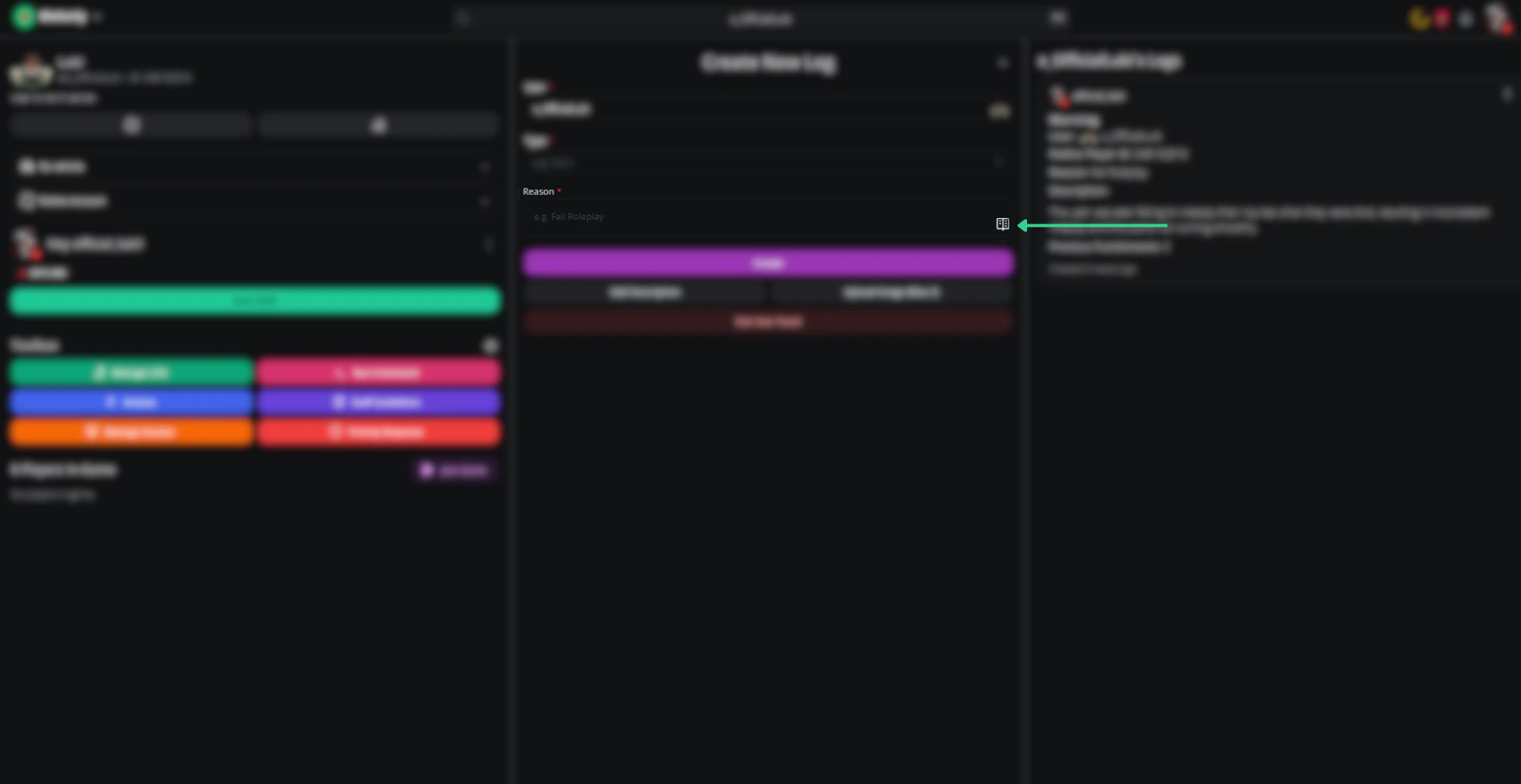
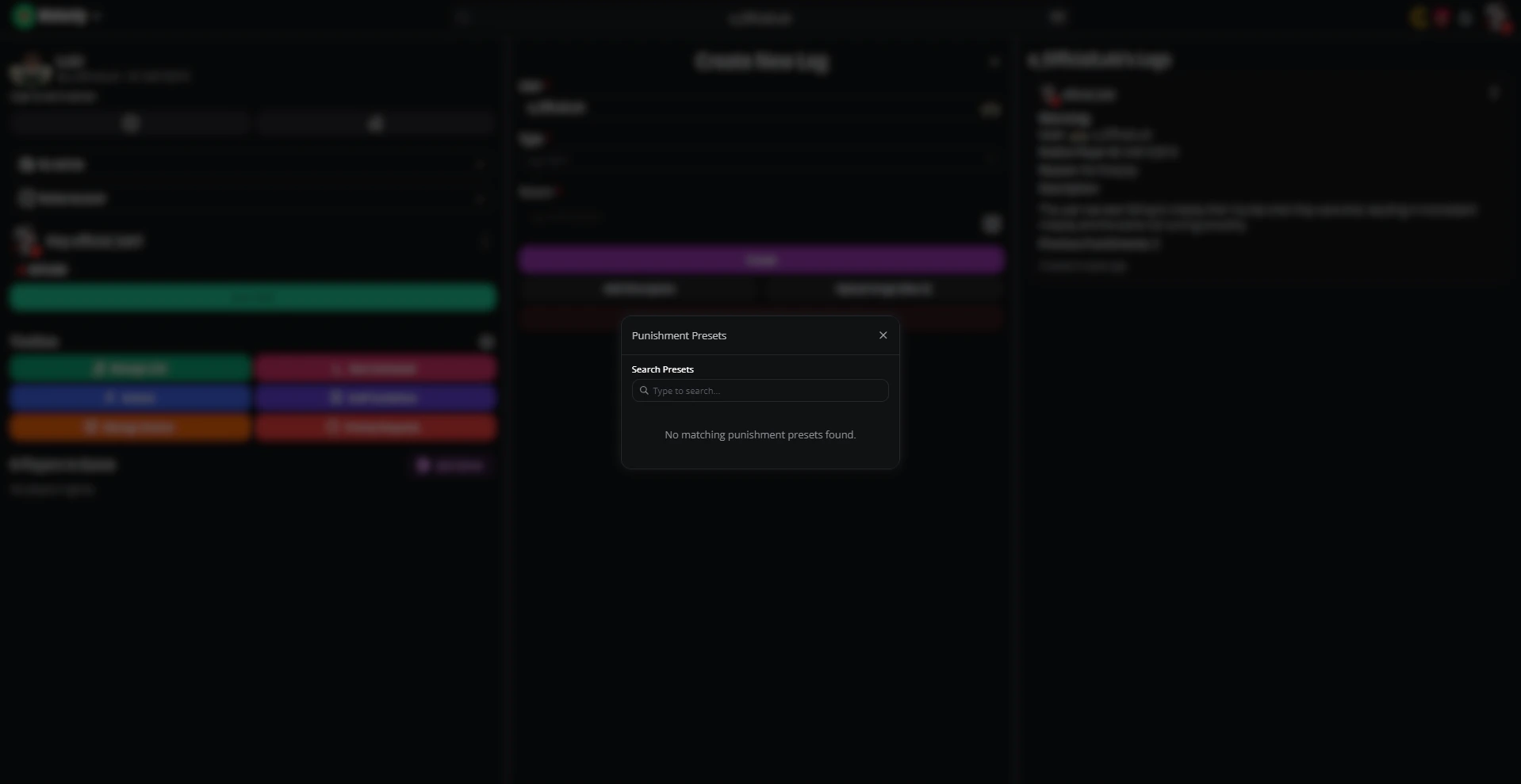
On the moderation panel, click the book icon in the right corner of the reasoning box to apply a preset.

Find punishment presets on the moderator panel

Other moderation features

  • ER:LC auto shifts — Start and end shifts automatically when you join or leave the linked ER:LC server.
  • Temporary bans — Issue bans that expire after a set duration.

Dashboard features

Need help?

Still have questions? Join our Discord server for support from the Melonly team.
Last modified on May 17, 2026