Coming from ERM, Ducky or Trident? Melonly can import your old punishment logs and shifts from the Discord channels those bots posted in, so your staff keep their history.
You need the Administrator permission in the Melonly server, and your Discord server must be linked to it.
You can start an import when you create a server by answering yes to importing logs and shifts, or at any time from the Import Data card in your server’s Settings.
1
Open Import Data
Click Import data in the Import Data card.
2
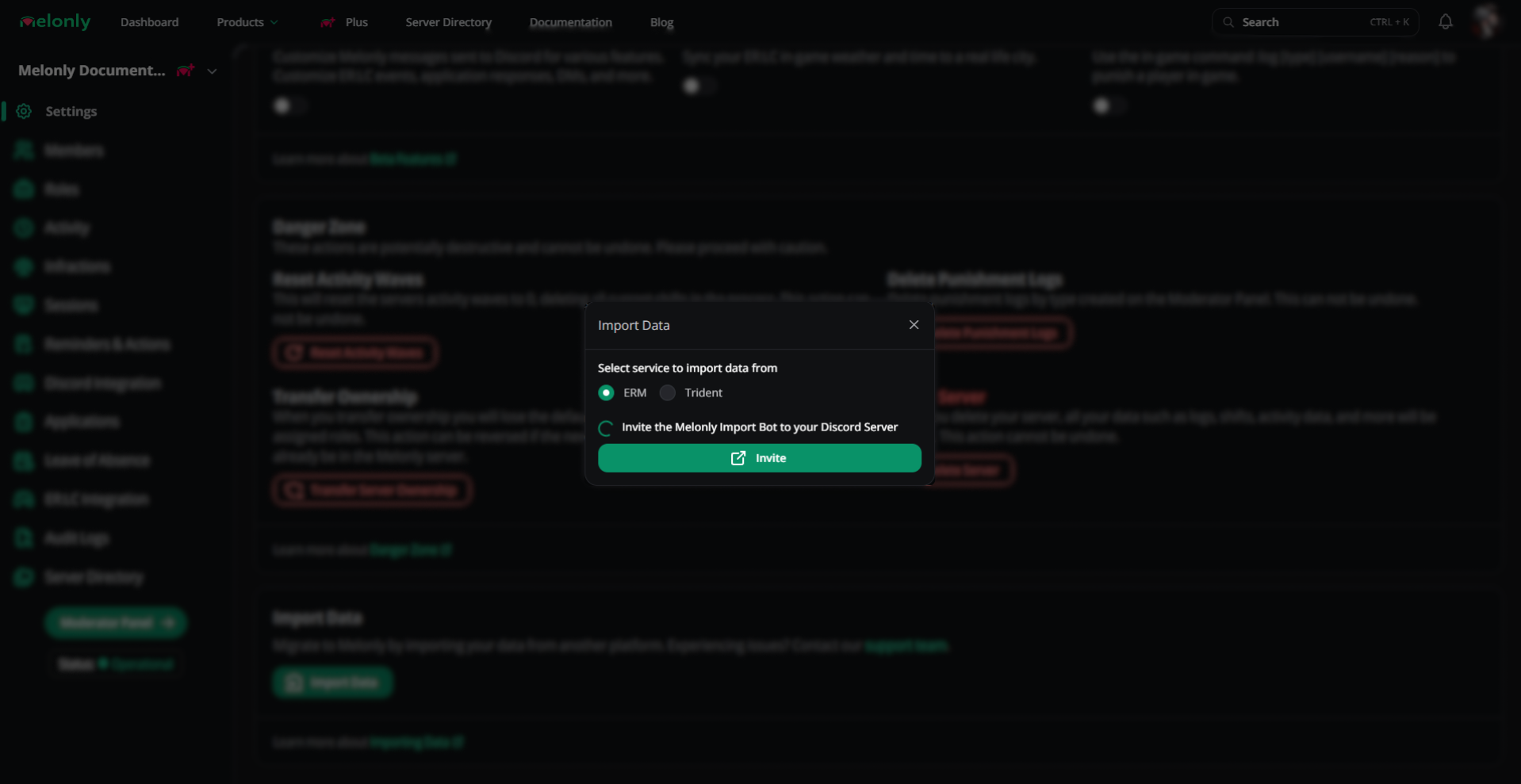
Choose the service
Pick ERM, Ducky or Trident.
Choosing a service
3
Invite the import bot
Click Invite and add the Melonly Import Bot to your Discord server. The window ticks it off once the bot has joined.
4
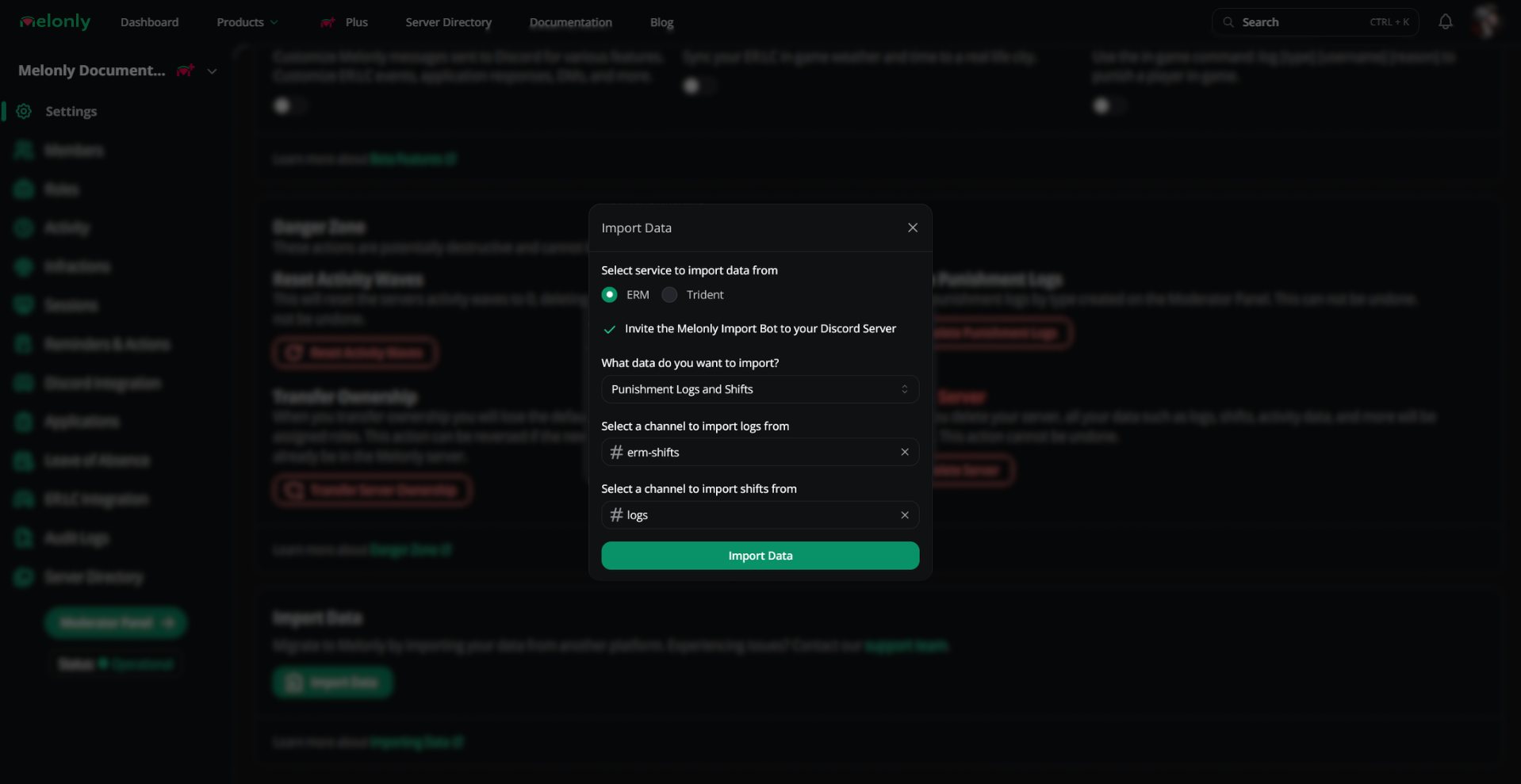
Choose what to import
Select Punishment Logs, Shifts or Punishment Logs and Shifts, then pick the channel each one should be read from.
Picking channels
5
Start the import
Click Import data. Large servers can take a few minutes.
The import bot needs View Channel and Read Message History in the channels you pick. Missing permissions are the most common reason an import fails.