
ER:LC Triggers start workflows when something happens in your connected ER:LC server.
They can react to custom commands, player activity, player counts, teams, vehicles, emergencies and moderation events.
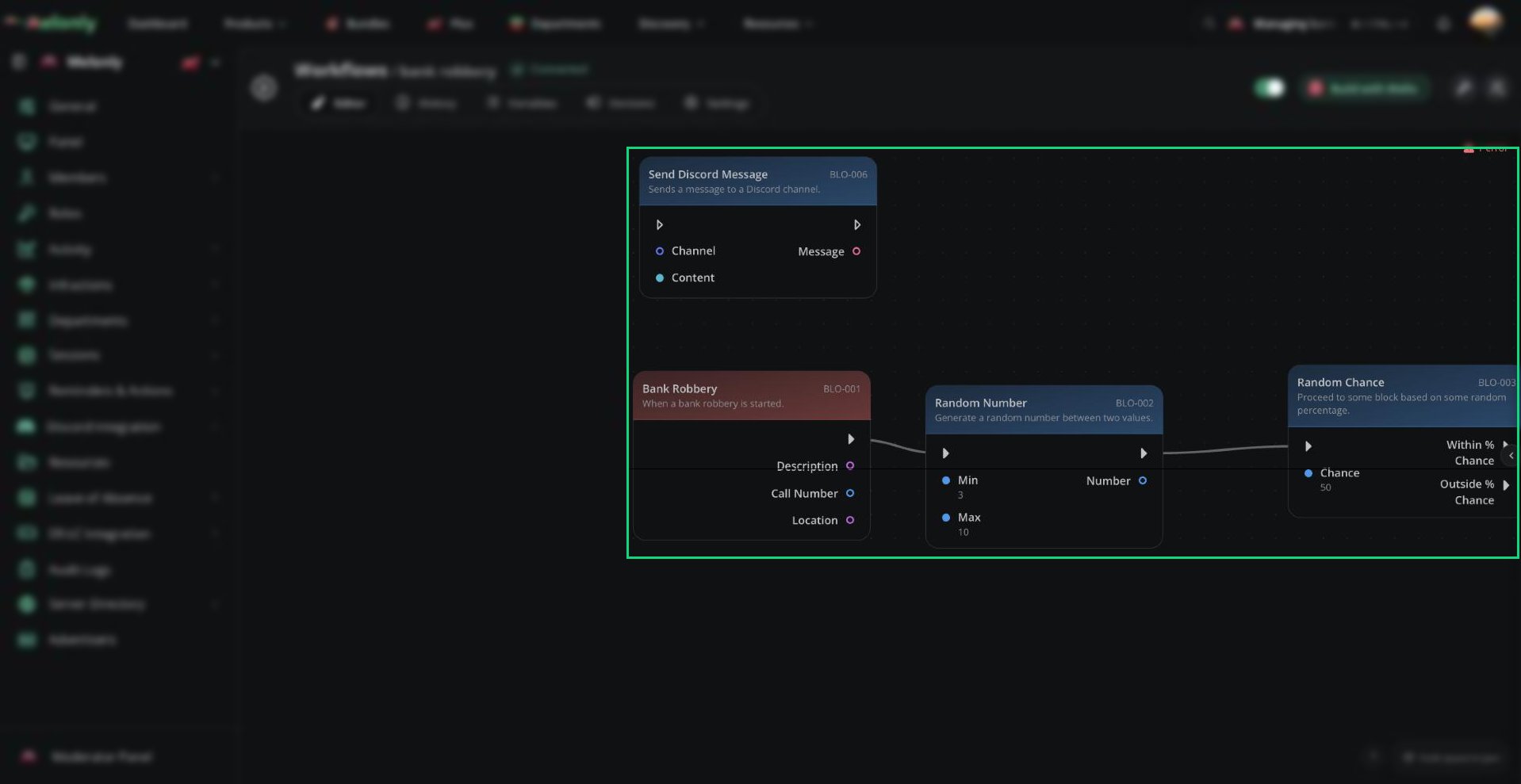
An ER:LC trigger in a workflow
Blocks
- Commands
- Players
- Player Counts
- Teams & Callsigns
- Vehicles
- Emergencies & Modcalls
- Moderation
Commands
Custom ER:LC Command
Starts the workflow when someone uses a custom ER:LC command created for the workflow.Configuration
- Command Name: The name of the custom ER:LC command. It must use lowercase letters and numbers with no spaces.
- Command Options: Optional command arguments. Each argument must have a unique name and is processed in the order shown.
- PM after Incorrect Usage: Sends the player an in-game private message when the command is used incorrectly.
- Required ER:LC Permissions: The minimum in-game permissions allowed to run the command. Available levels are Server Moderator, Server Administrator and Server Owner. Leave this blank to allow all players.
- Word: A single word.
- Multiple Words: Multiple words separated by spaces. This must be the final option.
- Player: A player’s Roblox username or ID. Partial usernames match the closest player in-game.
- Number: A number.
- Boolean: A true or false value.
- Channel: A Discord channel name or ID. Partial names match the closest channel.
- Discord Role: A Discord role name or ID. Partial names match the closest role.
- Command Name: The configured custom command name, without the command prefix or arguments.
- Invoking Player: The player who ran the command. This output includes ID, username, permissions, team, callsign, stars, in-game status, avatar and display name.
- Invoking User: The linked Melonly and Discord identity of the player. This output includes Melonly ID, Discord ID, name, avatar, Discord roles, Melonly roles, Melonly server status, nickname, join date and Discord status.
- Any custom arguments configured for the trigger. Player arguments expose the same Player properties as Invoking Player.
- You want players or staff to start a workflow from the ER:LC server.
- The workflow needs to know who used the command.
Command Used
Starts the workflow whenever any ER:LC command is used, including native ER:LC commands and remote server management commands triggered through Melonly.Output
- Player: The ER:LC player who used the command.
- User: The Melonly user connected to the player.
- Command: The full raw command string, including its prefix and arguments, for example
:weather clear.
- A workflow should log or react to commands used in-game.
Staff Kicks All
Starts the workflow specifically when
:kick all is used.Output- Player: The ER:LC player who used the command.
- User: The Melonly user connected to the player.
- Command: The command that was used.
- A workflow should record or respond to a server-wide kick command.
Staff Bans All
Starts the workflow specifically when
:ban all is used.Output- Player: The ER:LC player who used the command.
- User: The Melonly user connected to the player.
- Command: The command that was used.
- A workflow should record or respond to a server-wide ban command.
Working With ER:LC Triggers
ER:LC triggers use events from the connected ER:LC server. The server must be active and have at least one player connected for ER:LC workflow data to be available. When using ER:LC triggers, keep in mind:- Outputs: Connect values such as Player, User, Team, Command, Vehicle Name or Reason to later blocks.
- Player and User: Player outputs contain ER:LC player data. User outputs contain the linked Melonly and Discord identity and may be empty when no linked user is available.
- Threshold Triggers: Reaches triggers run at the exact configured value. Rises Above and Drops Below run when their threshold is crossed.
Custom ER:LC Command and Emergency Created require the ER:LC event webhook. See Event Webhook Setup.
Example Workflow Flow
- The number of unanswered modcalls reaches
3. - The workflow reads the current modcall count from the trigger.
- The workflow sends a message in the staff channel saying
3 modcalls are waiting. - The workflow sends an in-game message asking available staff to answer modcalls.
Need help?
Still have questions? Join our Discord server for support from the Melonly Team.