
Triggers are events that start a workflow. When a trigger fires, the workflow runs and passes the trigger’s data to the next block.
Triggers can come from Discord, ER:LC, Melonly or utility events such as timers.
How Triggers Work
A trigger fires when its event happens, for example:- A player joins your ER:LC server
- A Discord slash command is used
- A scheduled time is reached
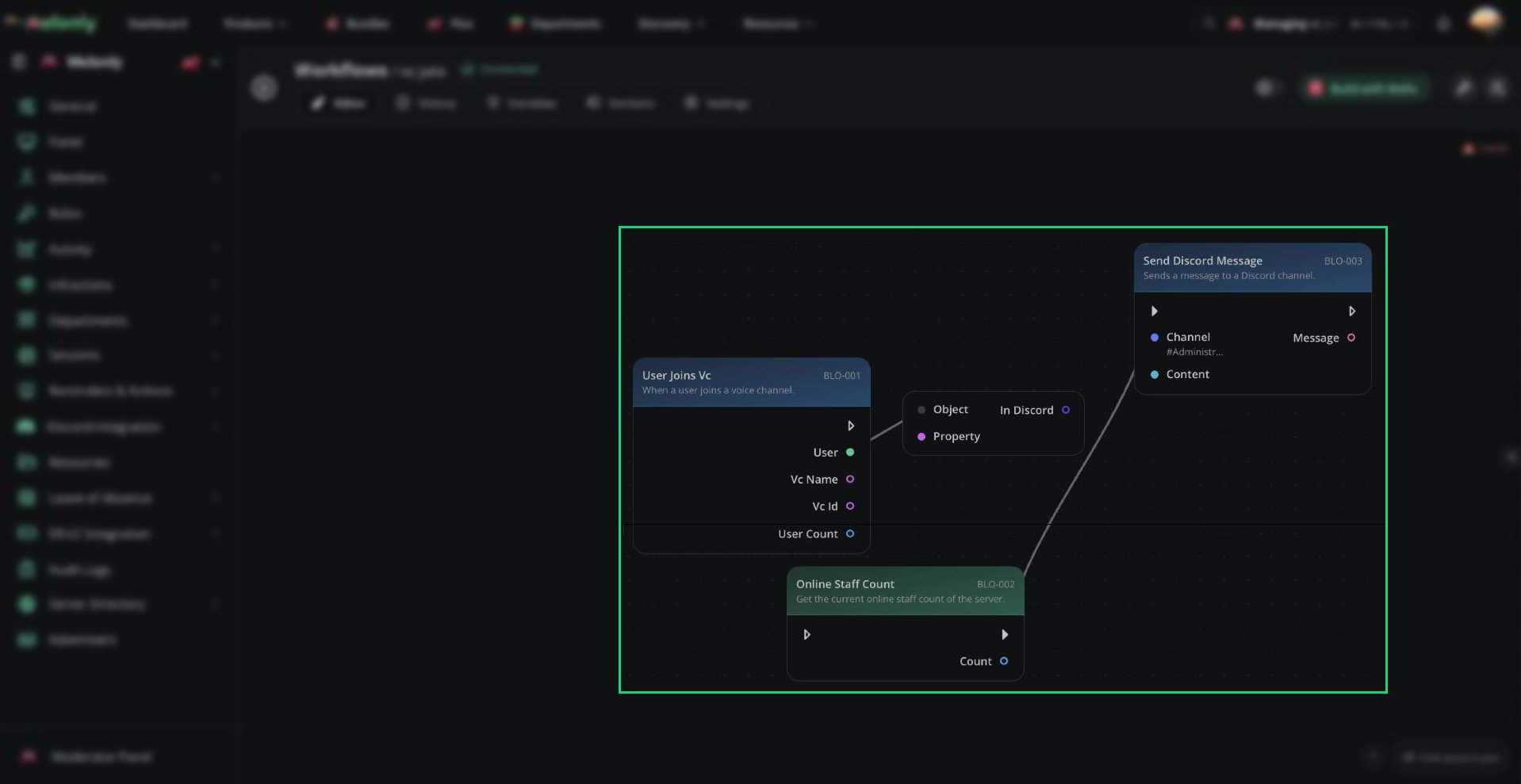
A trigger starting a workflow
Triggers
Each trigger starts a workflow when its event happens and provides its own data to the rest of the workflow.Triggers That Require Extra Configuration
Some triggers need extra setup before you can continue to the editor:- Custom Slash Command
- Custom ER:LC Command
- Timer
- Webhook
Need help?
Still have questions? Join our Discord server for support from the Melonly Team.