
What is the Advertisers page?
The Advertisers page lets you promote your server on Melonly. You design an ad (a creative), get it approved, then run it in a campaign that’s paid for with credits. Your ad then appears in sponsored spots across Melonly.The server owner, Administrators, and roles with the advertisers dashboard permission can open this page. Only the owner and Administrators can buy credits.
How Advertising Works
1
Add credits
Buy a credit pack under Add Credits. One credit pays for about 1,000 views.
2
Create a creative
Design your ad with a headline, body text, an image, and a link.
3
Submit it for review
The Melonly team checks every creative against the Advertising Guidelines before it can run.
4
Launch a campaign
Once a creative is approved, create a campaign with dates and a budget. Your ad starts showing when the campaign goes live.
Overview
The cards at the top show your credit balance, active campaigns, approved creatives, and your views, clicks, and click-through rate (CTR). You can change the time range or pick a single campaign to see only its numbers.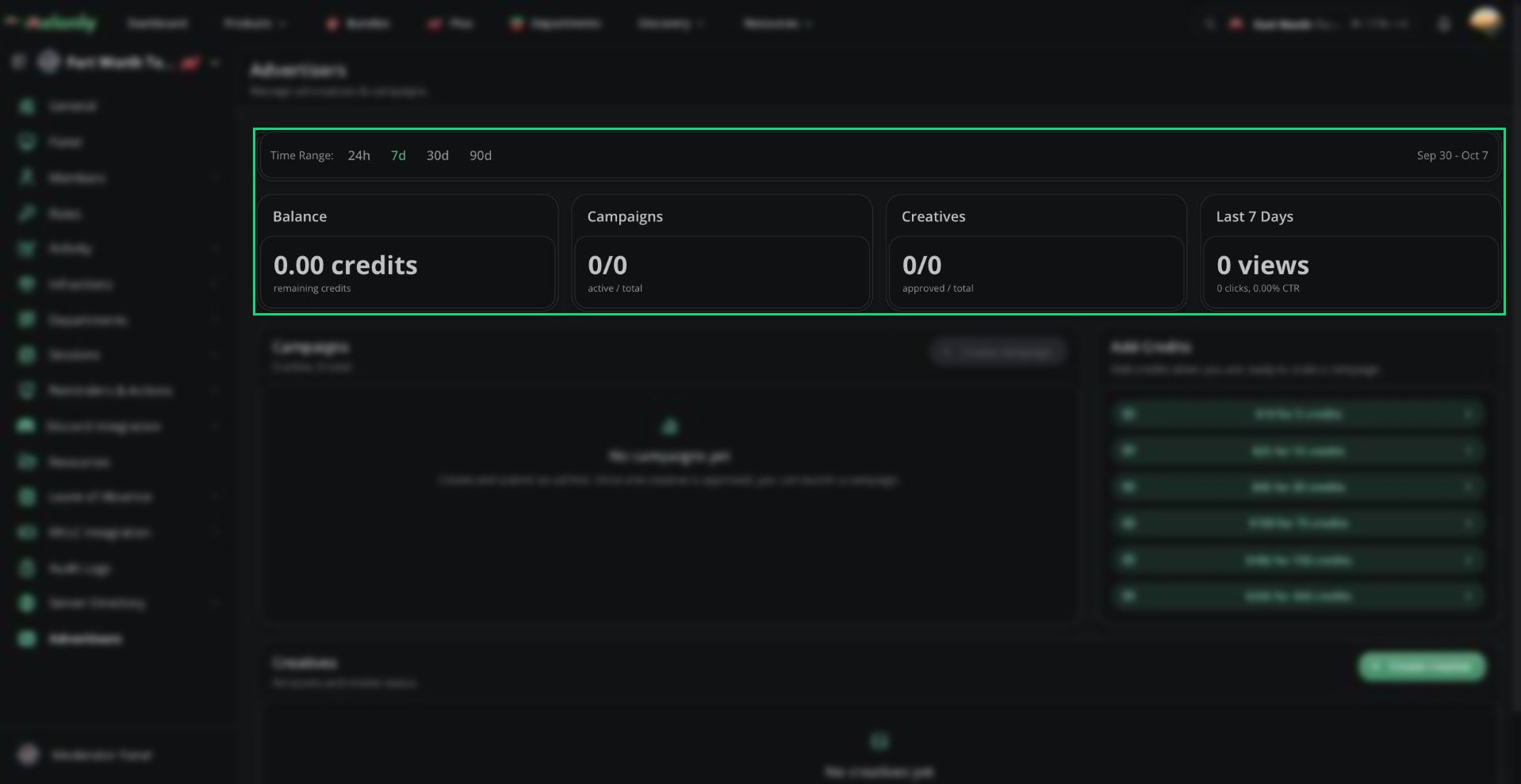
Advertisers overview
Credits
Credits pay for your campaigns. You’re charged as people see your ad (about 1 credit per 1,000 views). Clicks are free.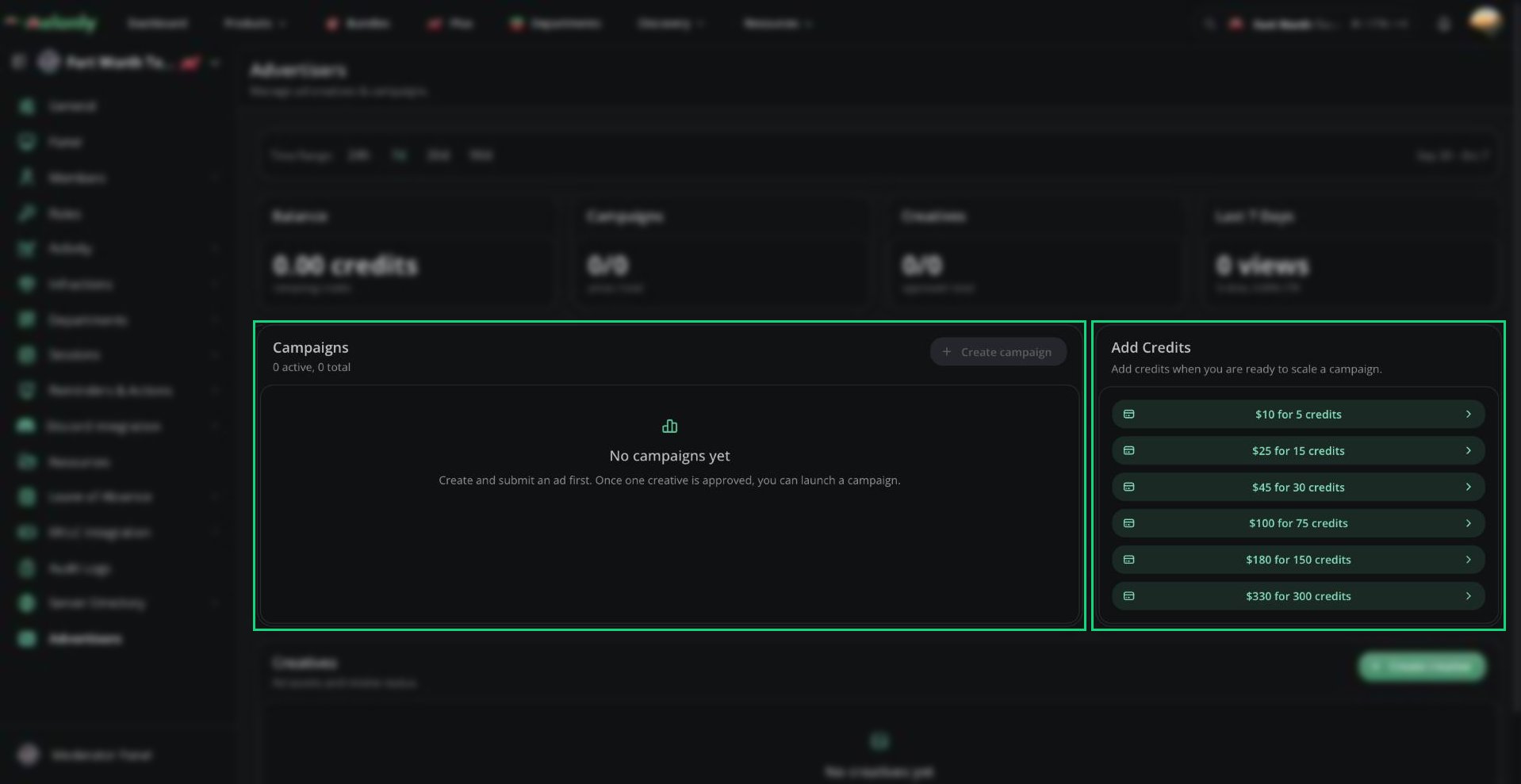
Campaigns and Add Credits
Creatives
A creative is the ad itself.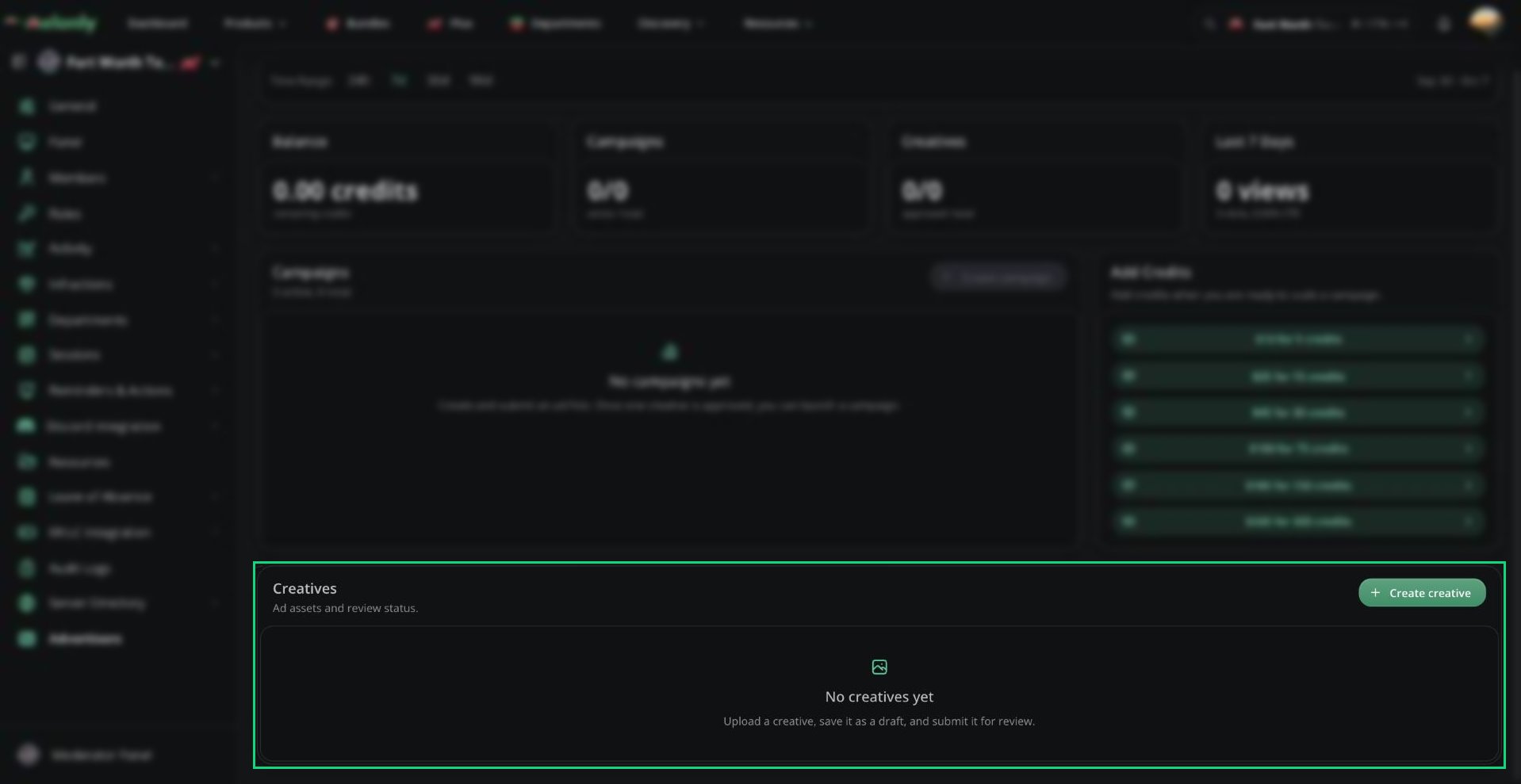
Creatives
Creating a creative
Click Create creative and fill in:
Click Save Draft to save it.
Submitting for review
1
Start the submission
Click the send icon on a draft creative.
2
Read the guidelines
Review the Advertising Guidelines, then click Continue.
3
Confirm and submit
Tick both confirmations and click Confirm and Submit.
Editing a creative puts it back to Draft, so it needs to be reviewed again. To change an approved ad without losing it, use Duplicate creative instead.
Campaigns
A campaign runs your approved creatives for a set time and budget.Creating a campaign
You need at least one approved creative first. Click Create campaign and fill in:
The budget is capped at 12 credits per day of the campaign, up to 100 credits. For example, a 3-day campaign can spend up to 36 credits, and anything 9 days or longer can spend up to 100. Campaigns shorter than a week, or with fewer than 10 credits, may deliver less reliably.
Expected performance
Before you launch, Expected Performance estimates your campaign’s reach, clicks, and CTR based on your budget. Click Start Campaign to create and launch it. Launching sets aside the budget from your balance. Credits are only spent as people see the ad, spread evenly across the campaign’s dates. If you don’t have enough credits for the full budget, the campaign is saved as a draft. Add credits, then click Launch campaign.Managing campaigns
Click a campaign to see its budget, spend, creatives, and performance.
Where Ads Appear
Ads show in sponsored spots across Melonly, including the dashboard and Mod Panel of servers without Melonly Plus, the Server Directory, profiles, forms, departments, and the blog. You can’t choose where your ad appears. Each viewer sees an ad at most 10 times a day, and members with Melonly Pro don’t see ads.Need help?
Still have questions? Join our Discord server for support from the Melonly Team.