
Utility Triggers start workflows from workflow events rather than Discord, ER:LC or Melonly activity.
They can run on a fixed schedule or when an external application calls the workflow.
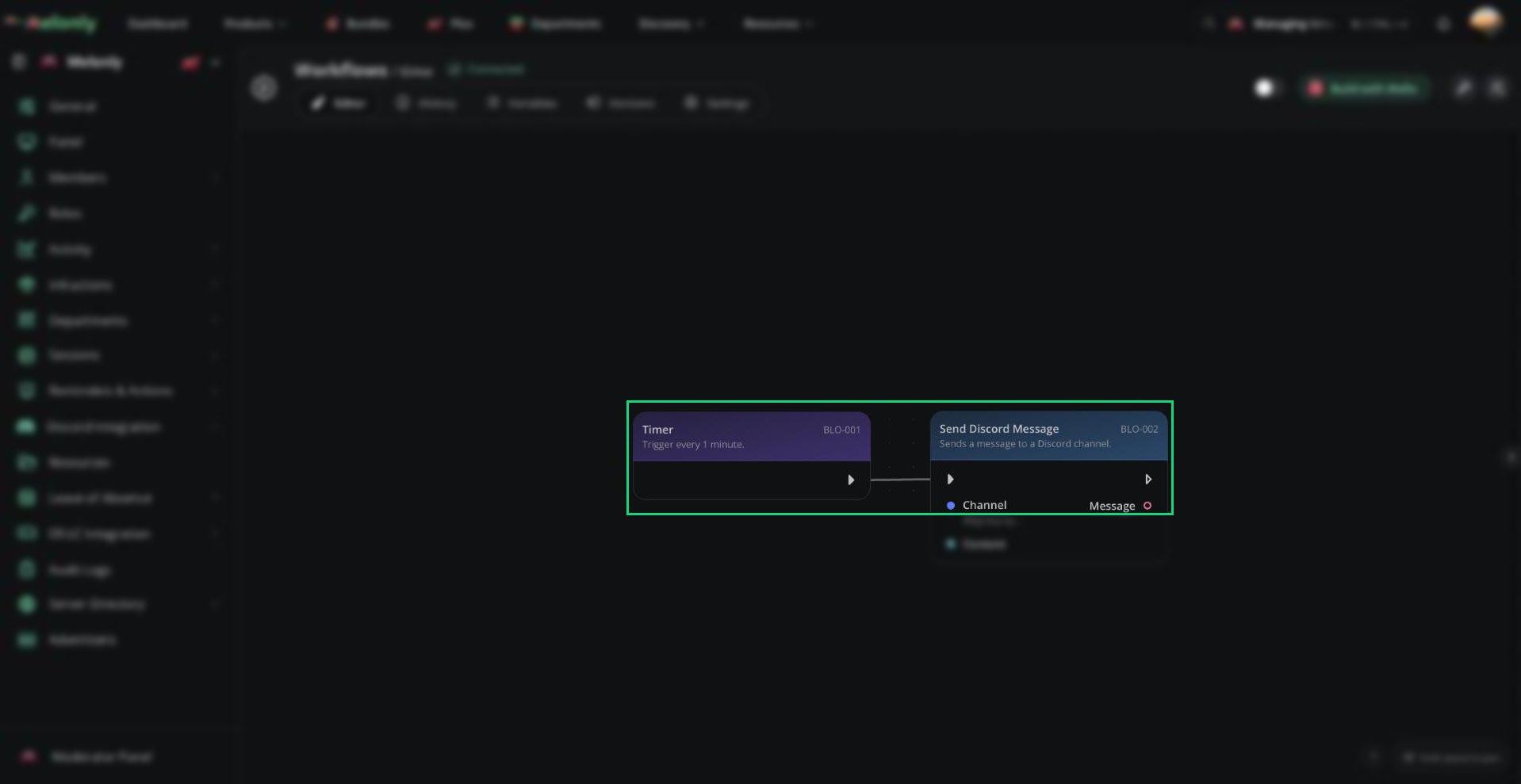
A Timer trigger
Blocks
Timer
Starts the workflow repeatedly after the configured number of minutes.Configuration
- Minutes: A whole number from
1to10080.
- A workflow should run repeatedly on a fixed schedule.
Webhook
Starts the workflow when an external application sends a request to the workflow’s webhook URL.Configuration
- Webhook URL: The URL your application calls. Copy it from the trigger settings and keep it private. Click Rotate token if the URL is ever shared by mistake.
- A website, bot or other external tool should start a workflow.
Working With Utility Triggers
Timer workflows run automatically at the configured interval once the workflow is enabled. Webhook workflows run each time the webhook URL is called.Example Workflow Flow
- The Timer trigger is configured to run every
60minutes. - The workflow starts automatically once each hour.
- The workflow checks the current ER:LC player count.
- If the server is active, it posts an hourly status message in the staff Discord channel.
Need help?
Still have questions? Join our Discord server for support from the Melonly Team.