
Conditions are logic blocks that decide whether a workflow continues or takes a different path.
They compare values and check roles or permissions to decide whether an action should run.
How Conditions Work
A condition checks whether something is true or false. If it passes, the workflow continues. If not, it stops or follows another path. For example:- Checking whether a player is a moderator before running an action
- Comparing two numbers to see which is greater
- Checking whether a user has a specific Discord or Melonly role
- Matching a session status before continuing
Conditions
Each condition checks data and returns true or false.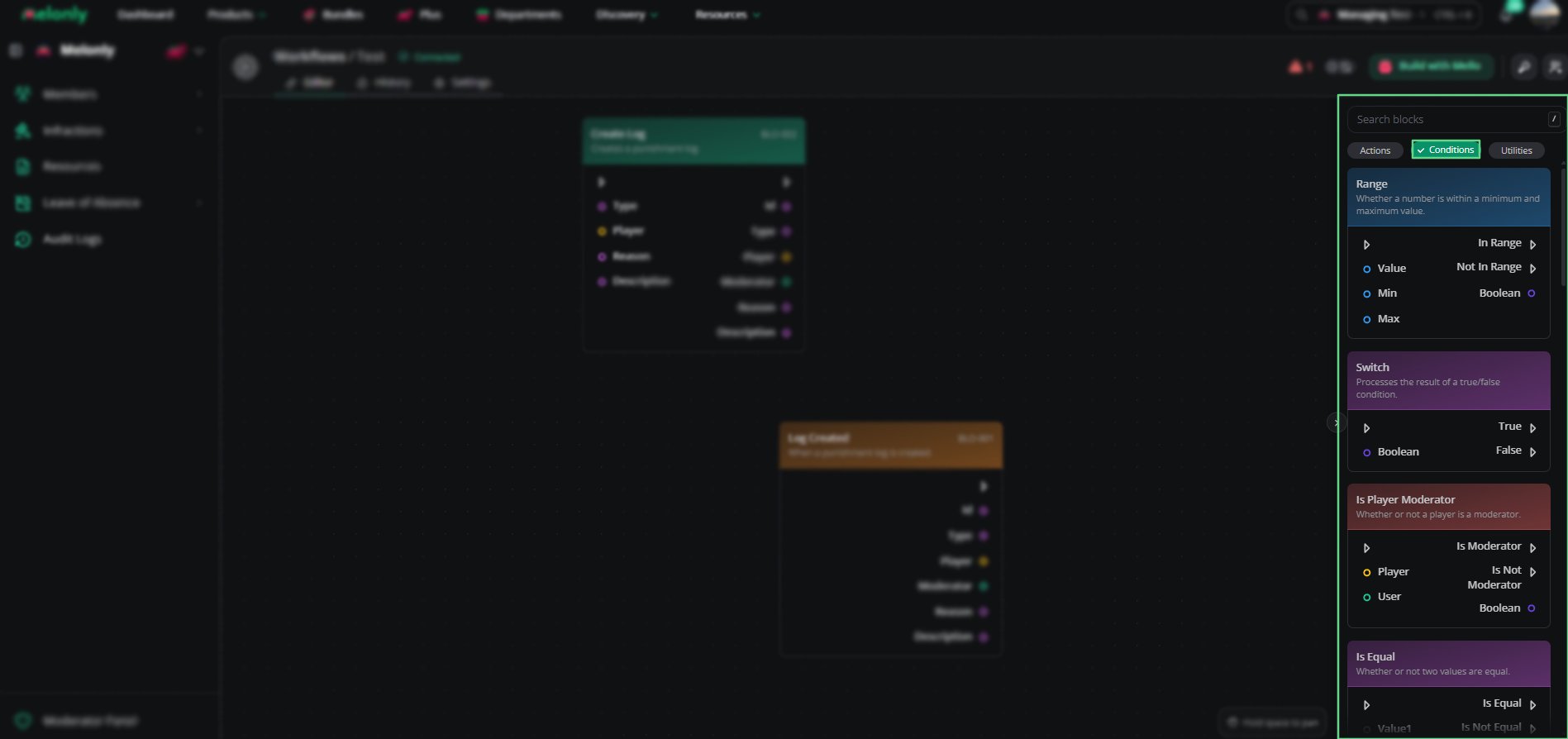
Conditions Overview
Working With Conditions
Conditions control when actions run and how data moves through your workflow. When designing workflows, keep in mind:- Data Sources: Conditions can use data from triggers, actions or variables.
- Chaining: Combine several conditions to build more complex logic.
- Fallbacks: Use another path for when a condition fails.
- Testing: Test conditions to make sure they behave as expected.
Example Workflow Flow
- A player joins your ER:LC server and the trigger starts the workflow.
- A condition checks whether the player is a moderator.
- If true, the workflow sends a Discord message.
- If false, it ends without running any actions.
Need help?
Still have questions? Join our Discord server for support from the Melonly Team.