
Utility Actions control how a workflow behaves while it is running.
They can pause a workflow, disable a workflow or enable another workflow.
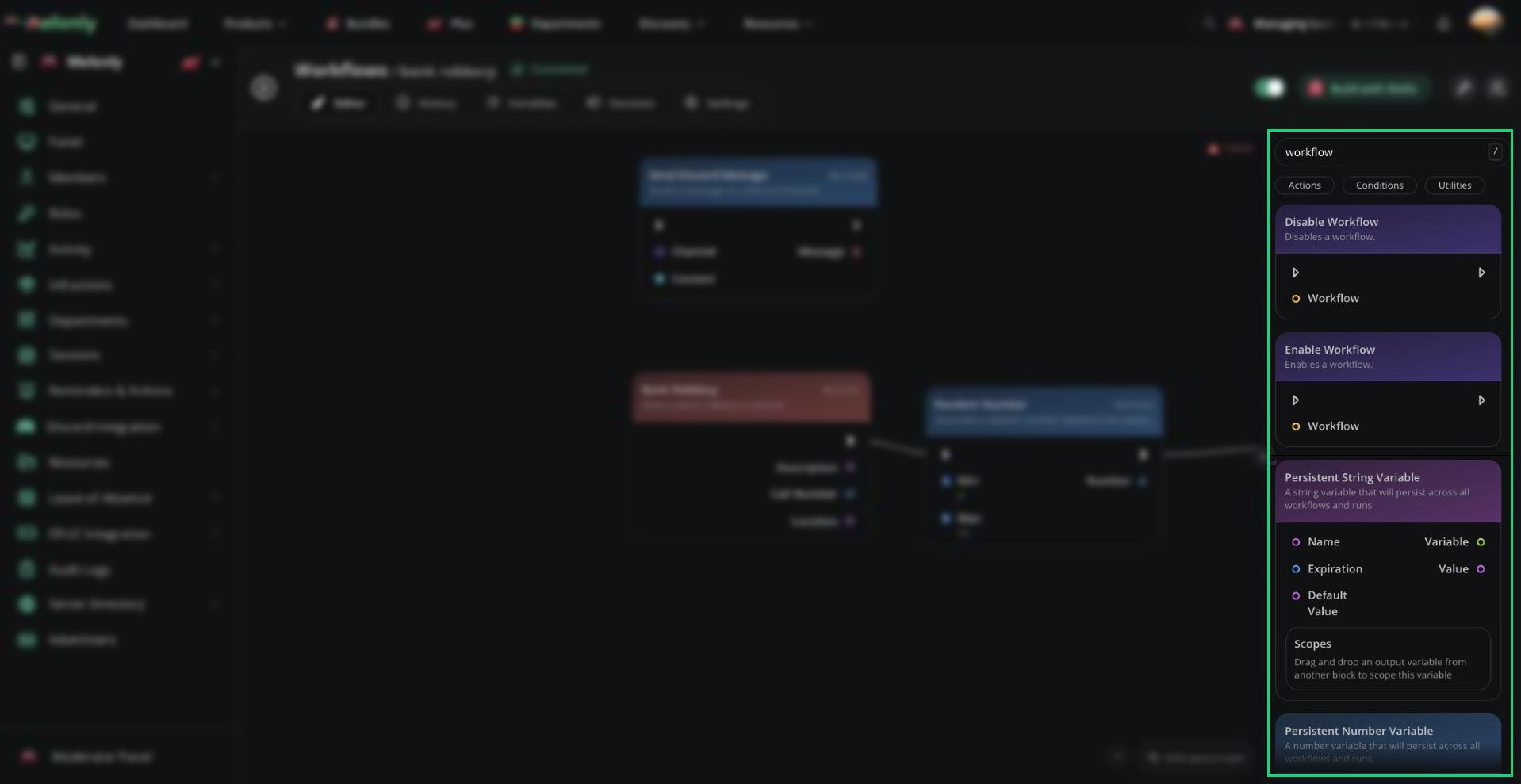
Utility actions in the block library
Blocks
Utility action blocks do not directly interact with Discord, ER:LC, or Melonly users. They are used to control the workflow itself.- Delay
- Disable Workflow
- Enable Workflow
Delay
The Delay block waits for a set amount of time before continuing the workflow.What Does It Do?
The Delay block pauses the workflow for the duration you provide. After the delay finishes, the workflow continues to the next connected block.Input
- Duration: The amount of time to wait, in whole seconds.
- No direct output. The workflow continues after the delay finishes.
Example
A workflow can wait 10 seconds before sending a follow-up message.Notes
- Duration is measured in whole seconds. Decimals are not supported.
- Use delays carefully in slash command workflows, because Discord may time out if the workflow waits too long before responding.
- Delay is useful when one action should happen shortly after another action, instead of immediately.
Working With Utility Actions
Utility actions are used to control workflow timing and availability. They are most useful when a workflow needs to wait before continuing or manage whether another workflow can run. When using utility actions, keep in mind:- Timing: Delay pauses the workflow for a set whole number of seconds before the next block runs.
- Workflow State: Enable and Disable Workflow change whether the selected workflow can be triggered again.
- Permissions: Workflows that enable or disable other workflows should be protected with permission checks.
- Slash Commands: Avoid long delays before responding to slash commands, because Discord expects a quick response.
Example Workflow Flow
- A staff member runs a command to start an emergency mode.
- The workflow disables a normal automation workflow.
- The workflow sends an alert message.
- After a delay, another workflow can be enabled again when the server is ready.
Need help?
Still have questions? Join our Discord server for support from the Melonly Team.