
Melonly Actions let workflows update Melonly resources and server systems.
They can create logs, manage shifts and breaks, send session messages, update Melonly roles and remove users from servers or departments.
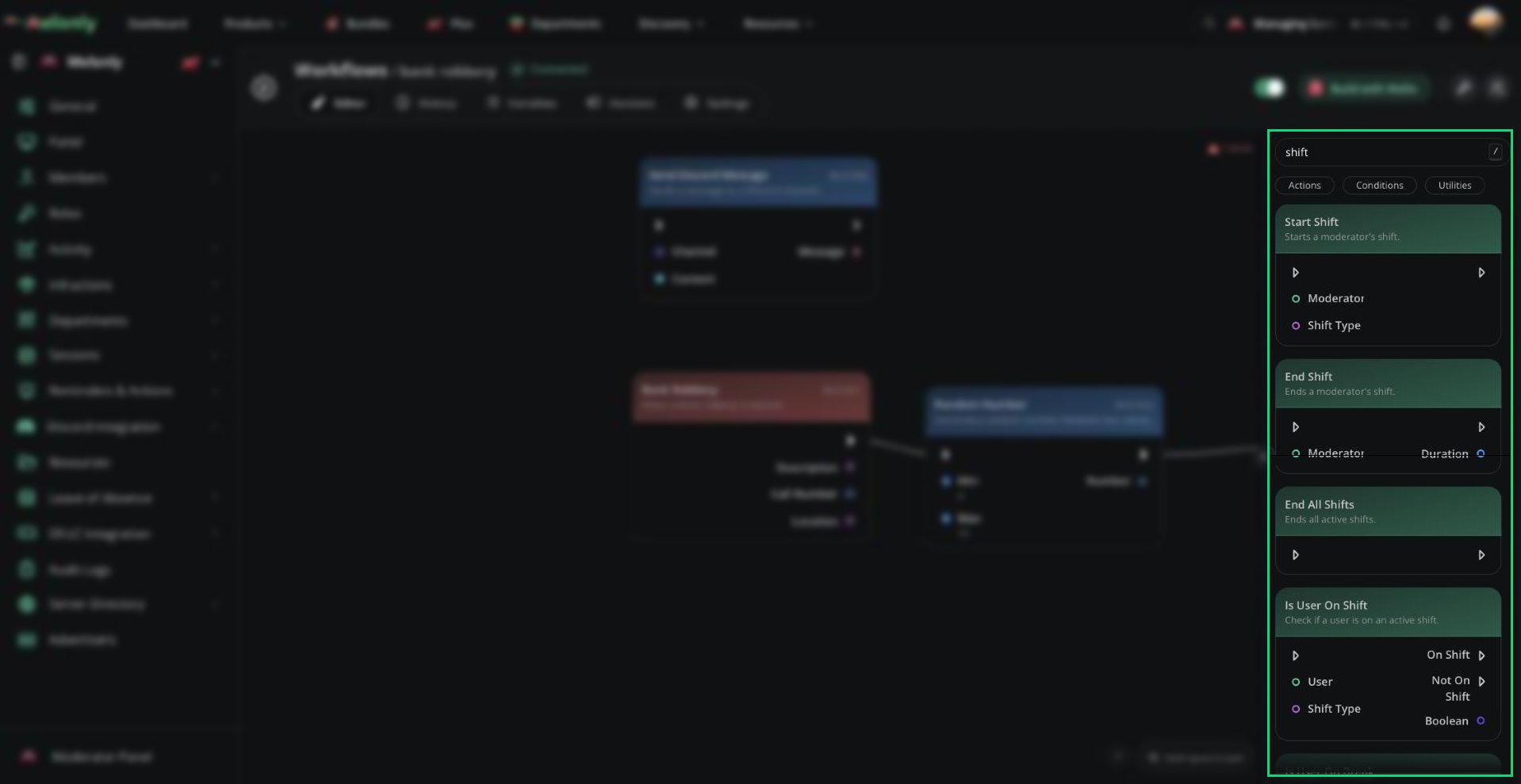
Melonly actions in the block library
Blocks
Melonly action blocks usually work with Melonly users, moderators, roles, sessions or moderation records. They are useful when a workflow needs to connect Discord, ER:LC, or workflow events back into Melonly.- Logs
- Shifts & Breaks
- Sessions
- Roles
- Users
Logs
These blocks create or update moderation-related information inside Melonly.Create Log
Creates a punishment log.Input
- Type: The type of log that should be created.
- Player: The player the log is being created for.
- Reason: The reason for the log.
- Description: Extra information that should be added to the log.
- Id: The ID of the log that was created.
- Type: The type of log that was created.
- Player: The player that was punished. This output includes player properties such as ID, username, permissions, team, callsign, stars, in-game status, avatar and display name.
- Moderator: The moderator that created the log. For workflow-created logs, this is always System. This output includes moderator properties such as Melonly ID, Discord ID, name, avatar, Discord roles, Melonly roles, Melonly server status, nickname, join date and Discord status.
- Reason: The reason for the log.
- Description: The description of the log.
- A workflow needs to automatically document a punishment or moderation action.
- A slash command or ER:LC command should create a Melonly log after it runs.
- A workflow needs to pass the created log data into another block later.
- Logs created by workflows use System as the moderator.
- The created log can be used later in the workflow through its output values.
- Use the Player output when later blocks need information about the punished player.
Working With Melonly Actions
Melonly actions work with Melonly users, roles, shifts, sessions, logs and departments. They are often used after a trigger or condition decides that something should be updated inside Melonly. When using Melonly actions, keep in mind:- User Selection: Make sure the user, player or moderator value points to the correct person before running the action.
- Linked Systems: Some actions can connect to Discord behavior, such as removing a user from Discord during a Melonly removal.
- Data Flow: Use outputs such as created log information or shift duration when later blocks need that data.
Example Workflow Flow
- A staff member runs a custom slash command with a player and reason.
- The workflow checks if the staff member has permission to use the command.
- If allowed, the workflow creates a Melonly log.
- The workflow sends a confirmation response to the staff member.
Need help?
Still have questions? Join our Discord server for support from the Melonly Team.