
Actions are the blocks that do things in a workflow.
Once a trigger starts a workflow, actions run step by step to send messages, create logs or work with other systems across Discord, ER:LC and Melonly.
How Actions Work
An action runs when the workflow reaches it, for example:- Sending a Discord message
- Creating a punishment log
- Kicking a player in-game
Actions
Each action performs one task and may need some setup before it can run.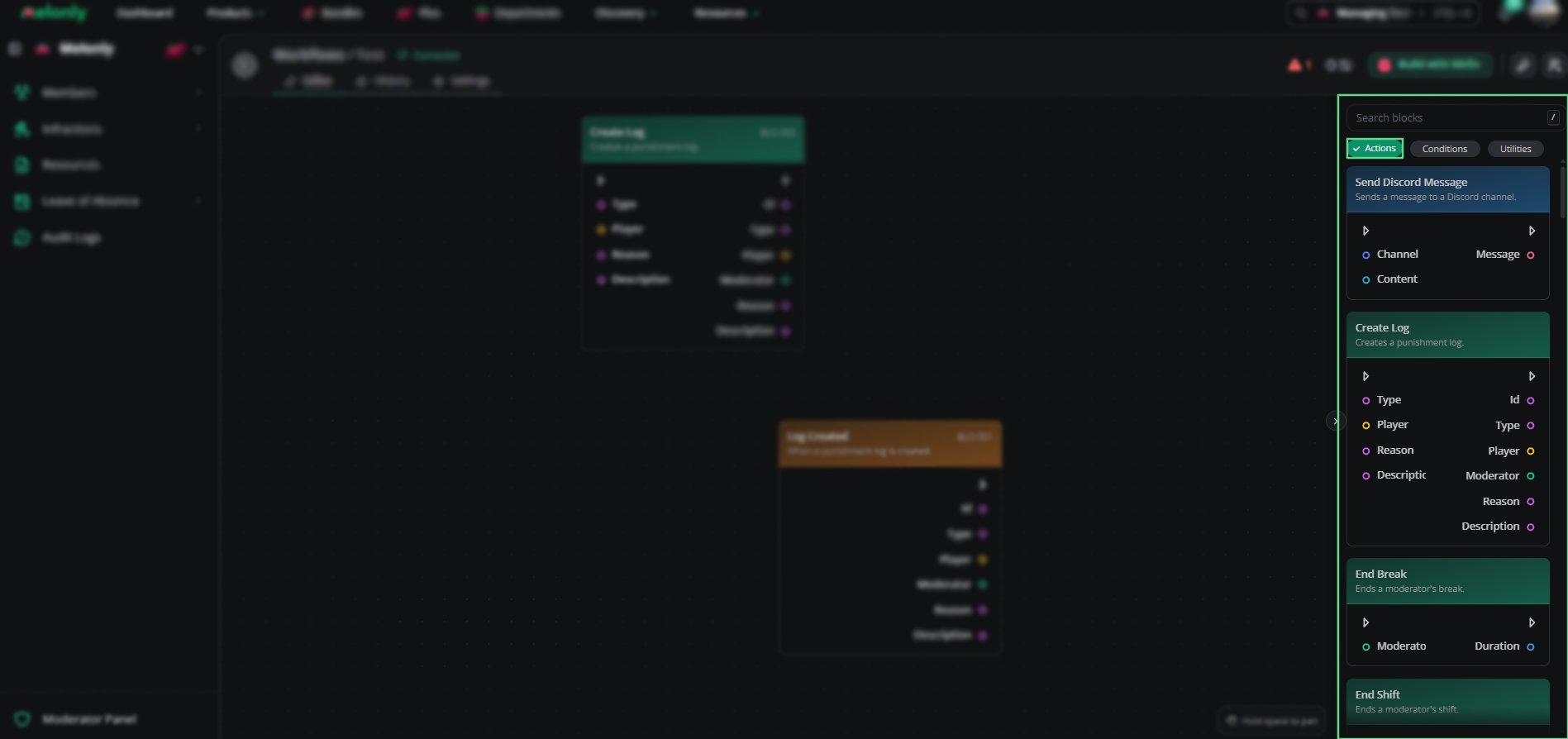
Actions Overview
Working With Actions
Some actions are simple, like sending a message, while others work with several systems or need specific inputs. When building workflows, keep in mind:- Execution Order: Actions run in the order they are connected.
- Data Flow: Each action can use data from the trigger or earlier blocks.
Example Workflow Flow
- A player joins your ER:LC server and the trigger starts the workflow.
- The workflow checks whether they have a Moderator role in Discord.
- If they do, it gives the player in-game moderator permissions.
- Finally, it logs the change in a management channel.
Need help?
Still have questions? Join our Discord server for support from the Melonly Team.