
A Progressive Web App (PWA) installs Melonly to your home screen or desktop so you can launch it like a native app — no app store required.Documentation Index
Fetch the complete documentation index at: https://docs.melonly.xyz/docs/llms.txt
Use this file to discover all available pages before exploring further.
Why install the PWA
| Benefit | Detail |
|---|---|
| Faster access | Launch from your home screen instead of typing a URL |
| Always current | Updates apply automatically with no manual installs |
| Cross-platform | Works the same way on desktop, iOS, and Android |
| Notifications | Receive alerts even when the browser isn’t open |
Install on desktop
Open Melonly
Visit melonly.xyz in Chrome, Edge, or another Chromium-based browser.
Install from the address bar
Click the install icon on the right side of the address bar, then click Install.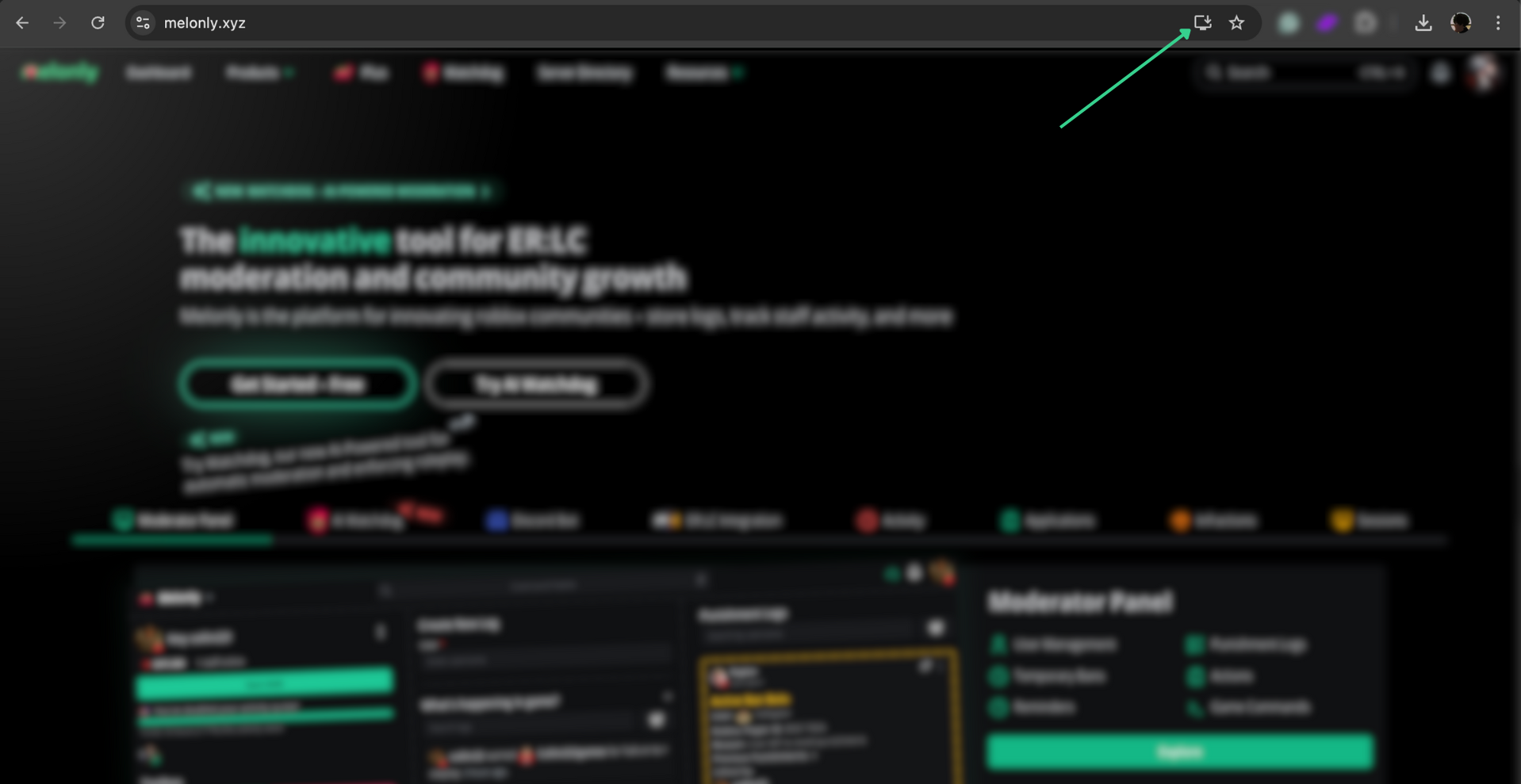
Install on Android
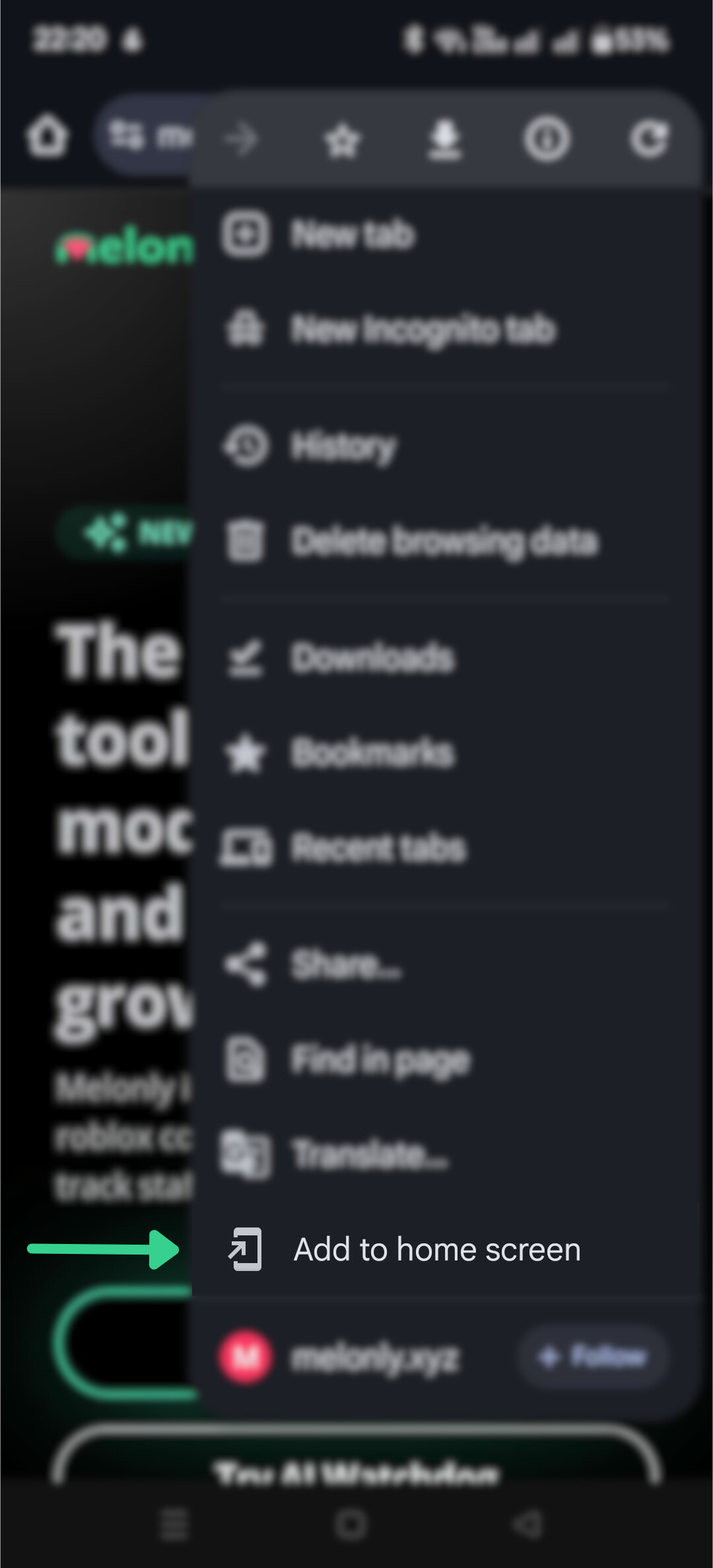
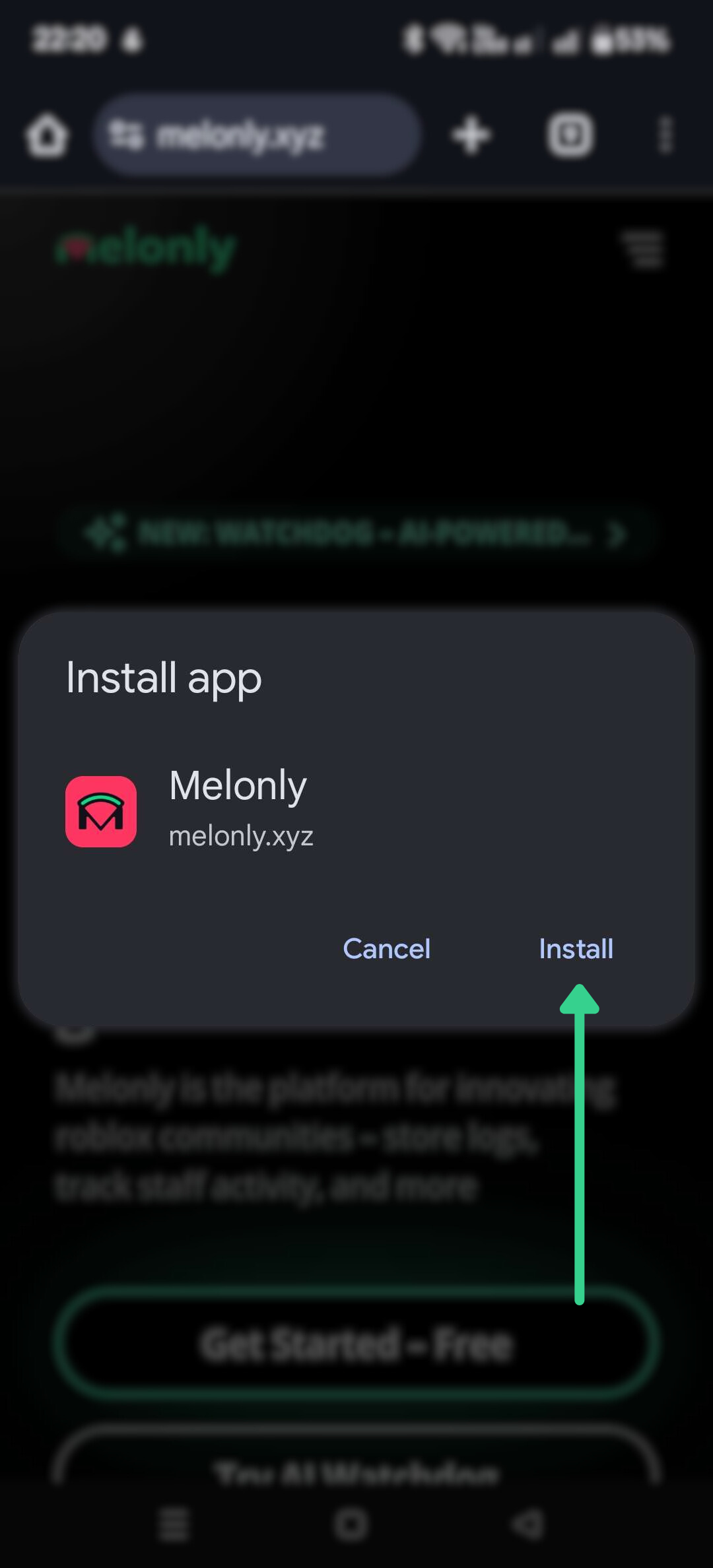
Open Melonly in Chrome
Visit melonly.xyz in Chrome.
Install on iOS
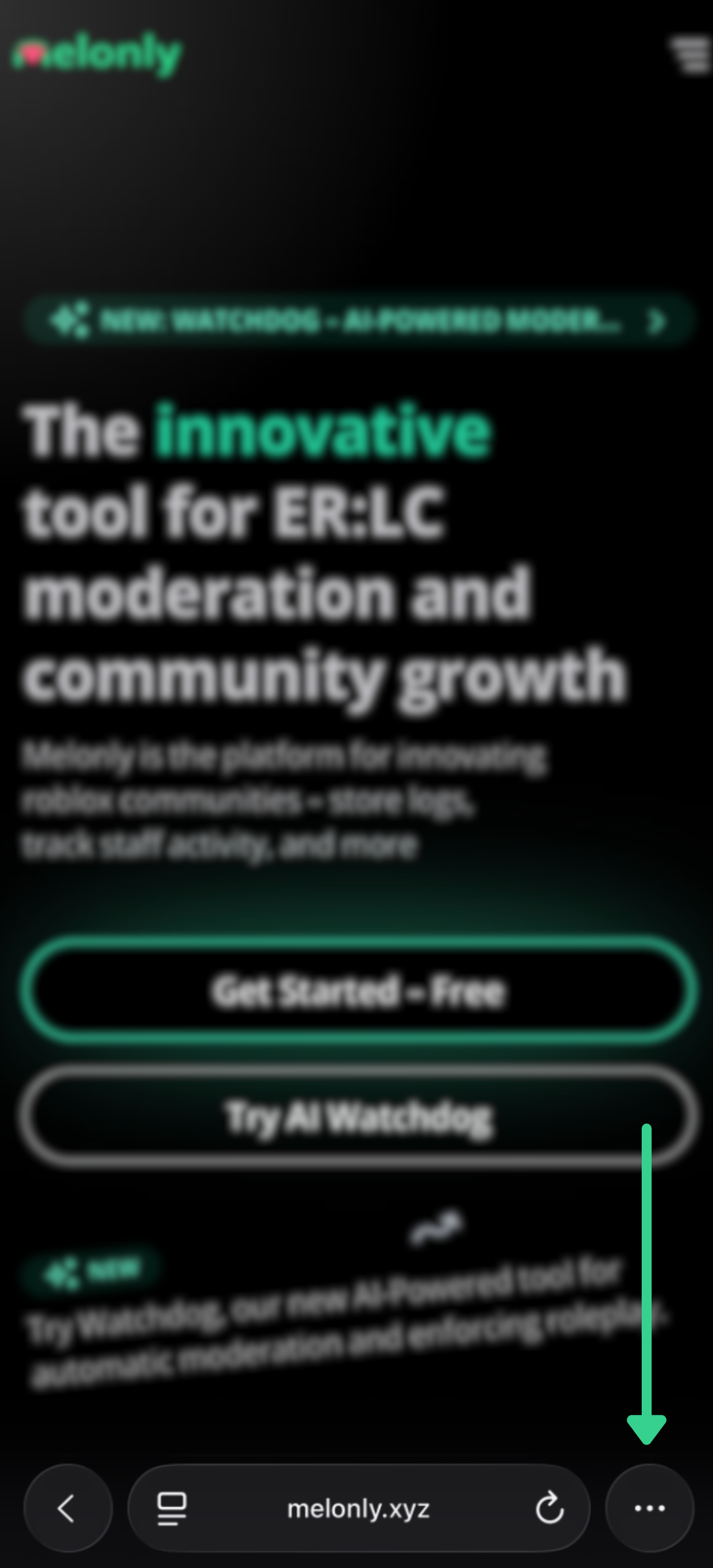
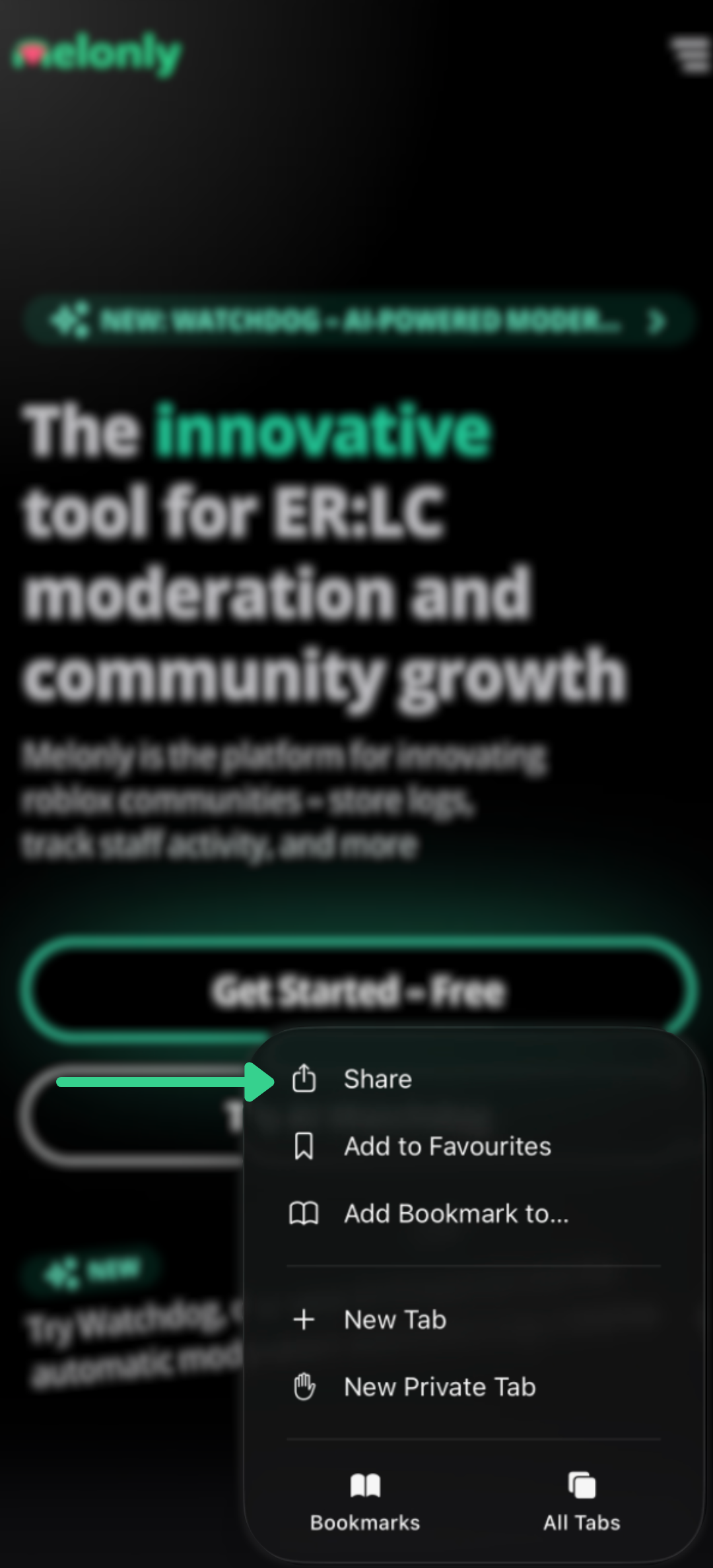
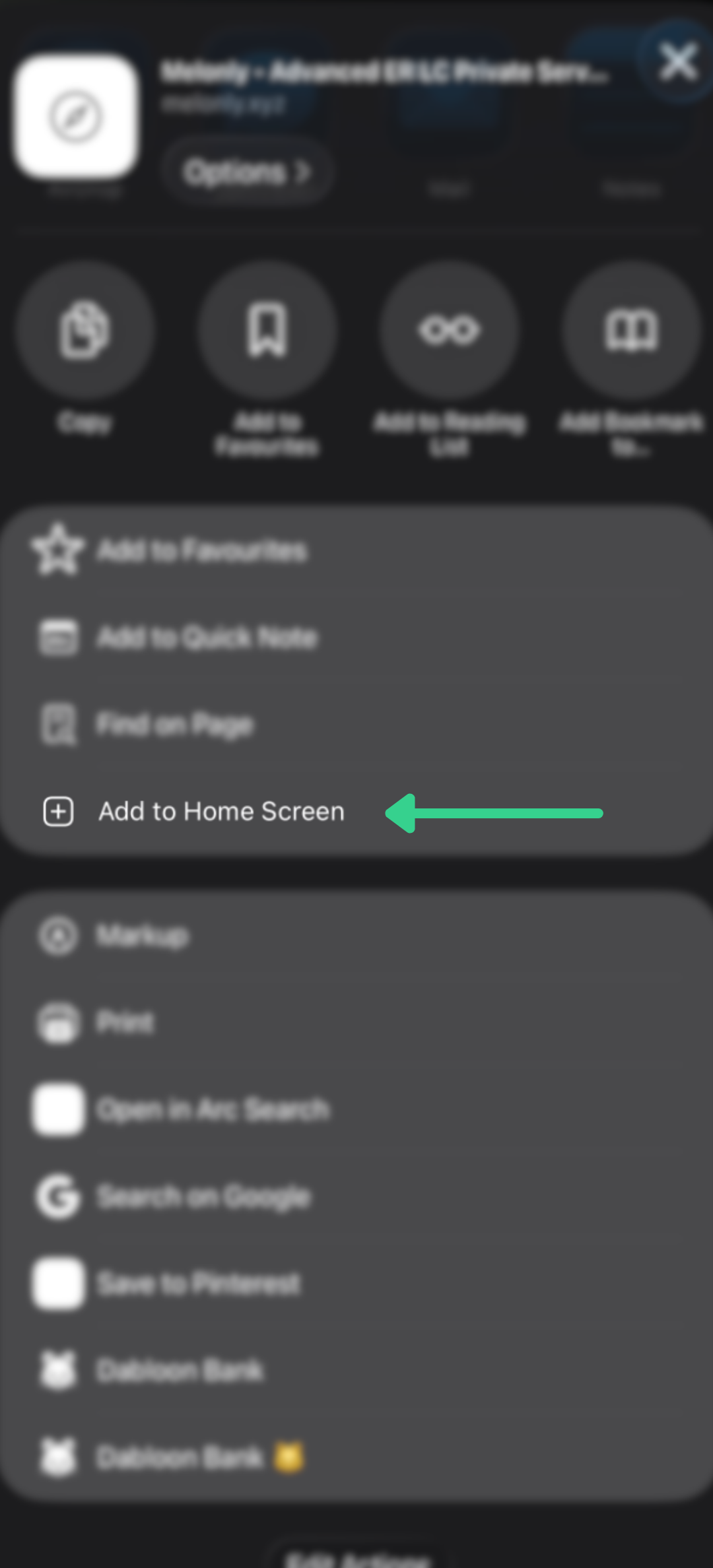
Open Melonly in Safari
Navigate to melonly.xyz using Safari.
Need help?
Still have questions? Join our Discord server for support from the Melonly team.