
Your Melonly account holds your personal settings, server preferences, notification controls, and history across every Melonly server you’re a member of.Documentation Index
Fetch the complete documentation index at: https://docs.melonly.xyz/docs/llms.txt
Use this file to discover all available pages before exploring further.
Get to your account
Sign in
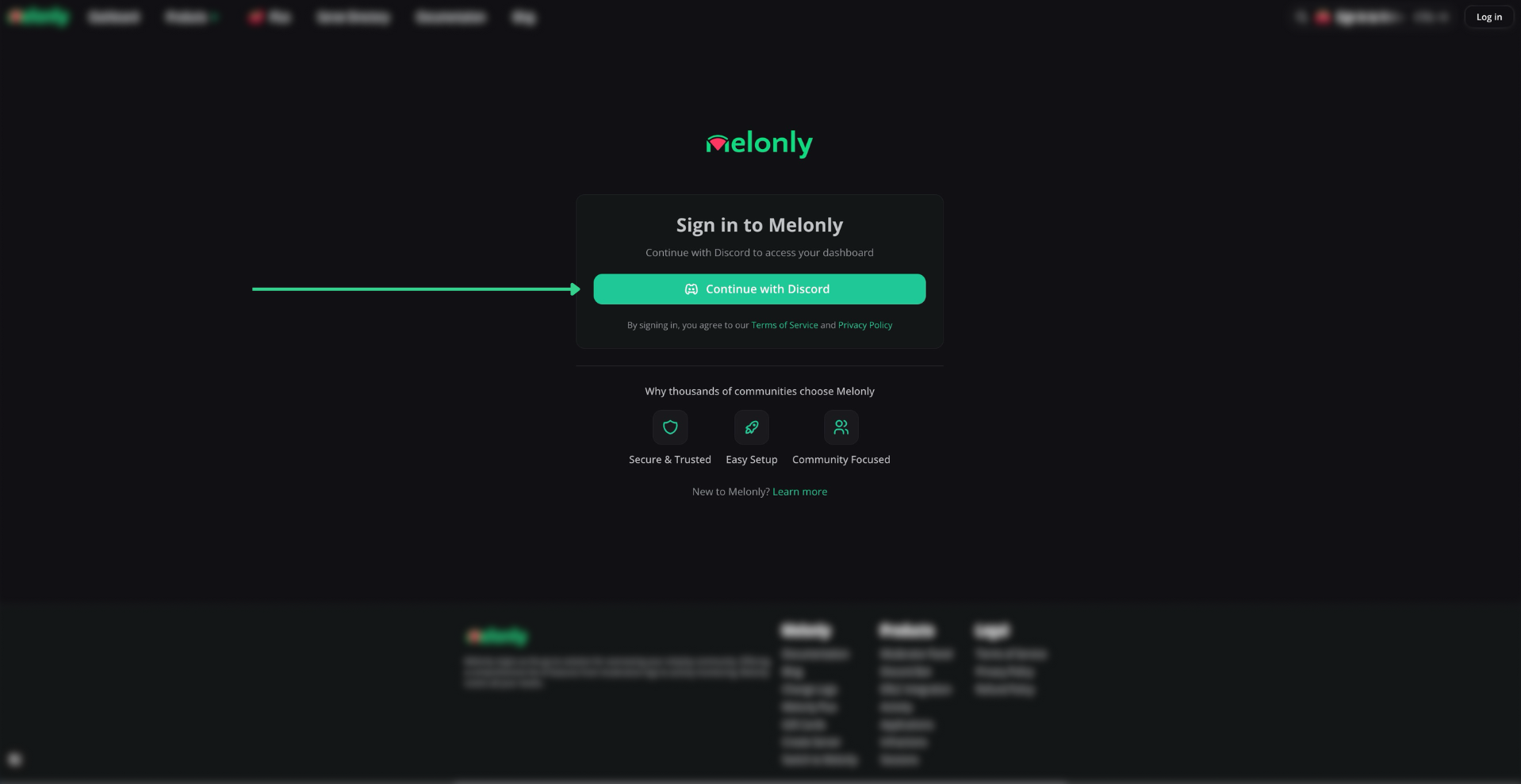
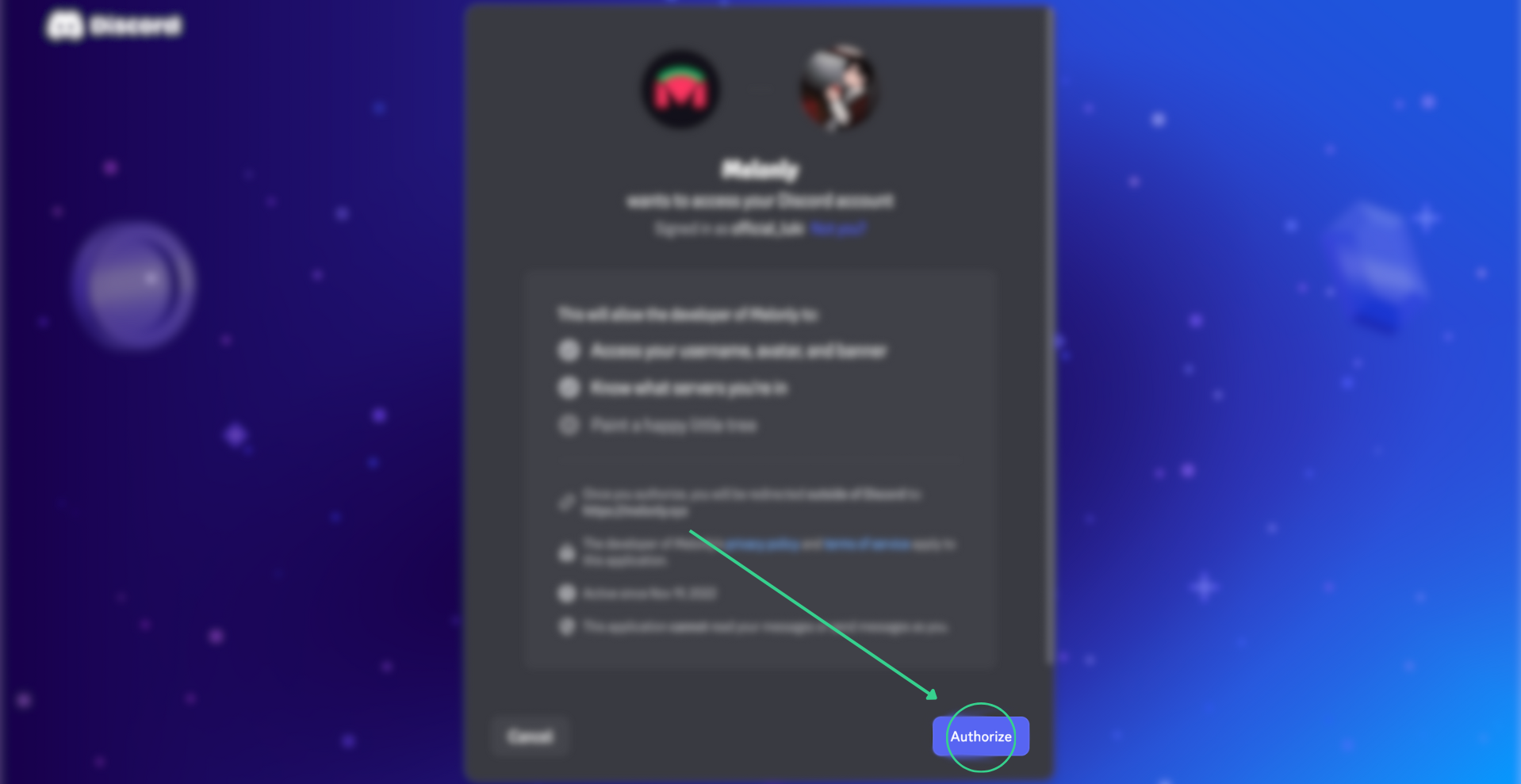
Click Log in in the top-right corner of melonly.xyz and authorize with Discord.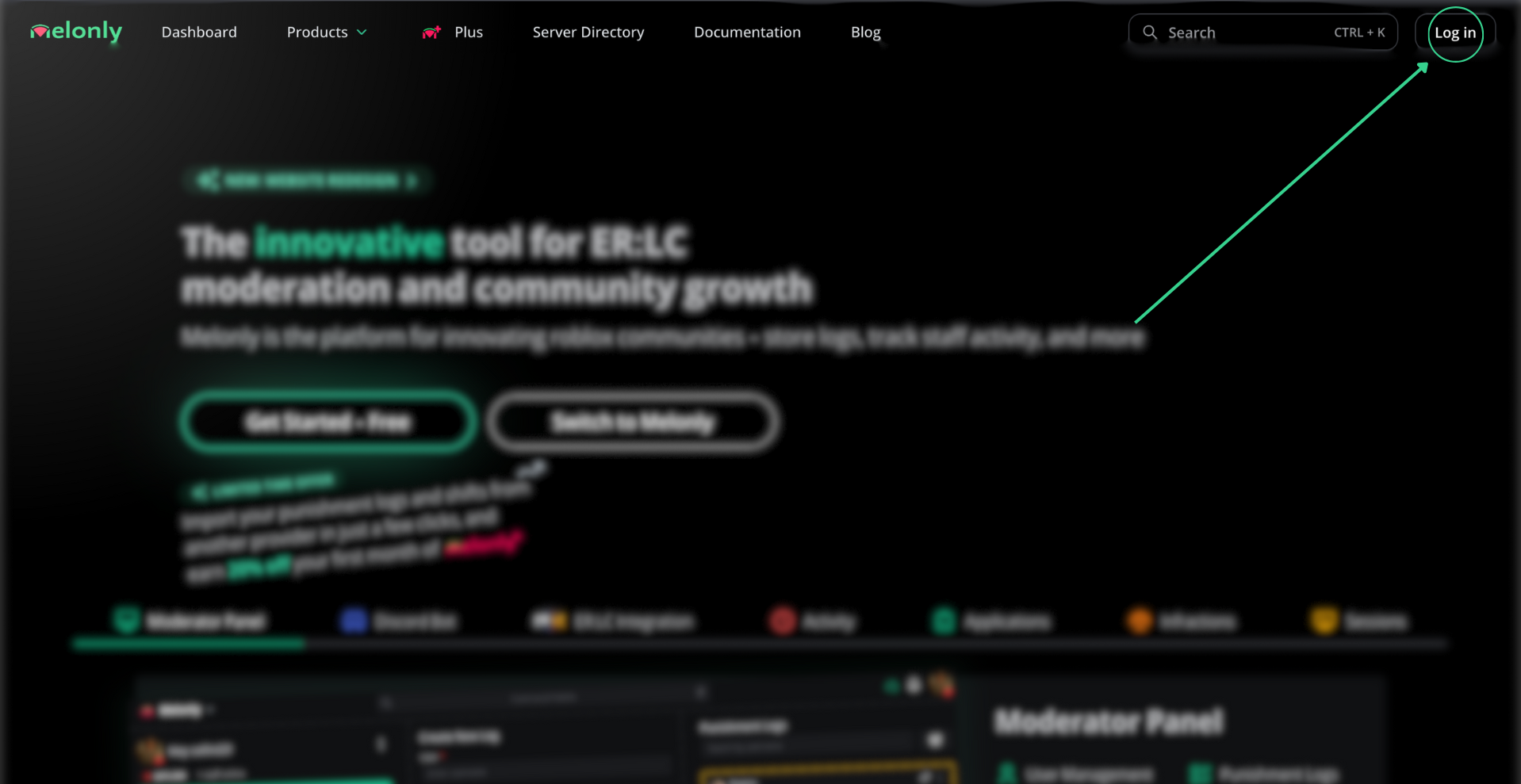
Open your account
Visit melonly.xyz/my/account or click your profile picture from any page.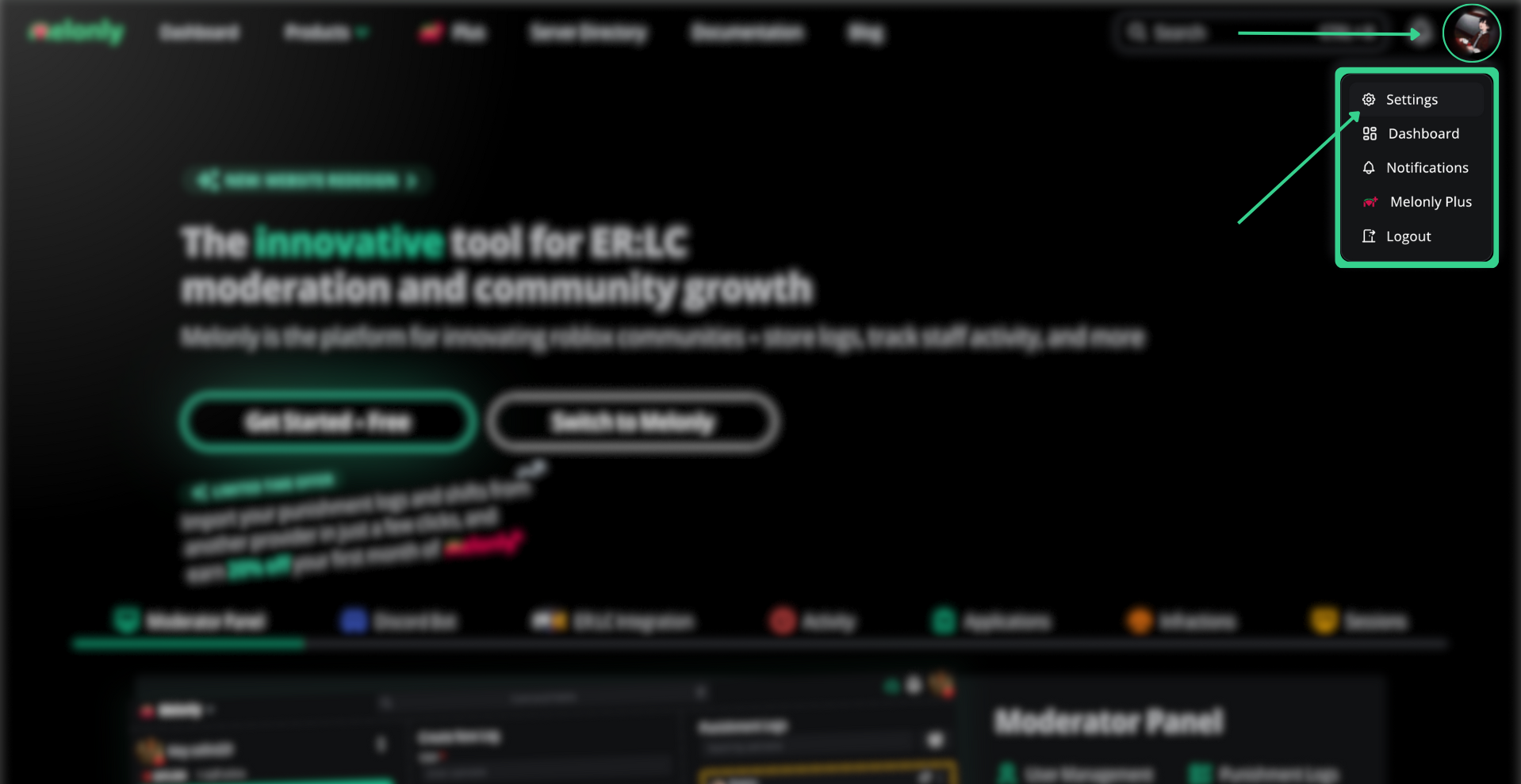
- Account
- Profile
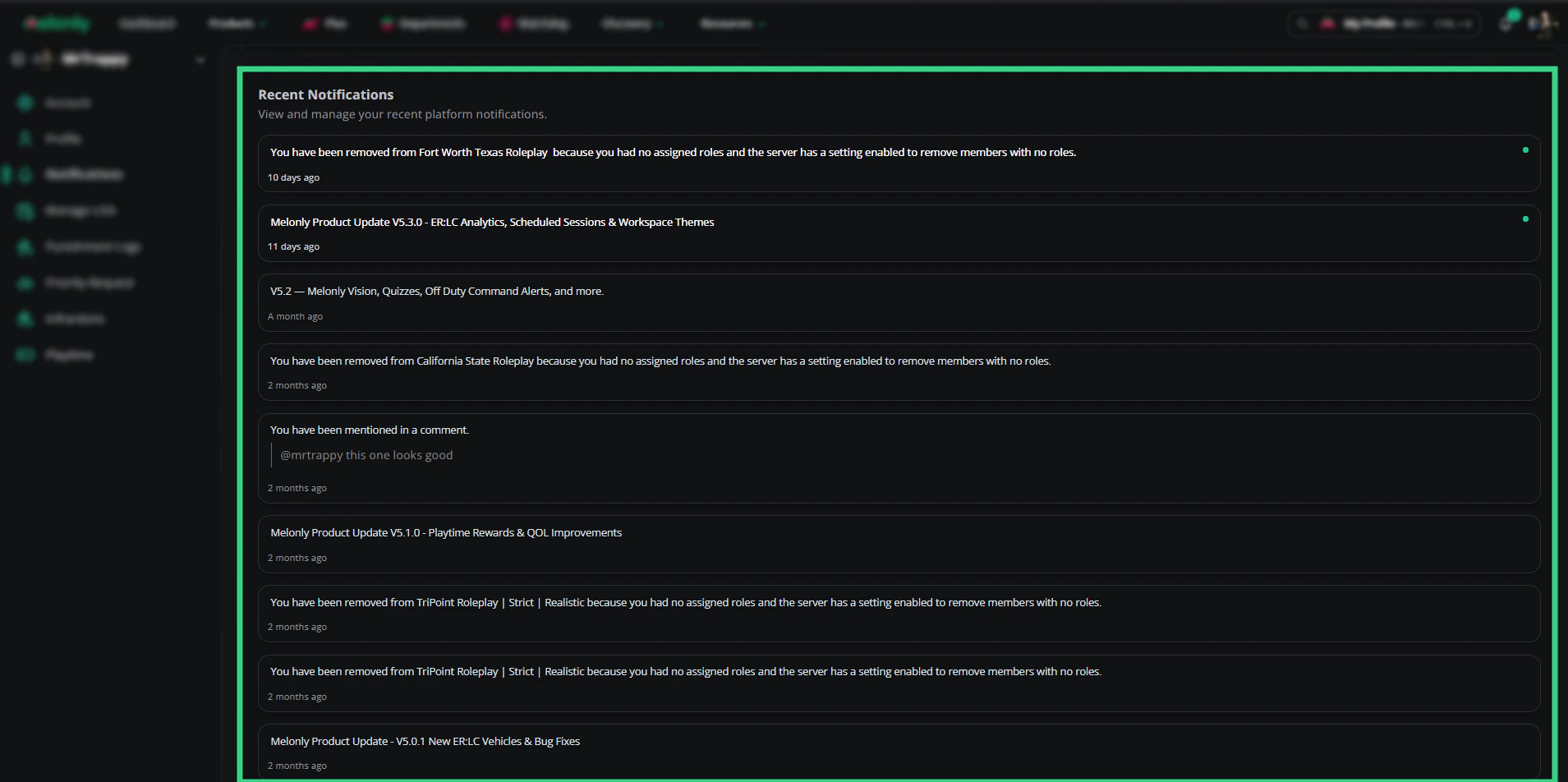
- Notifications
- Manage LOA
- Punishment logs
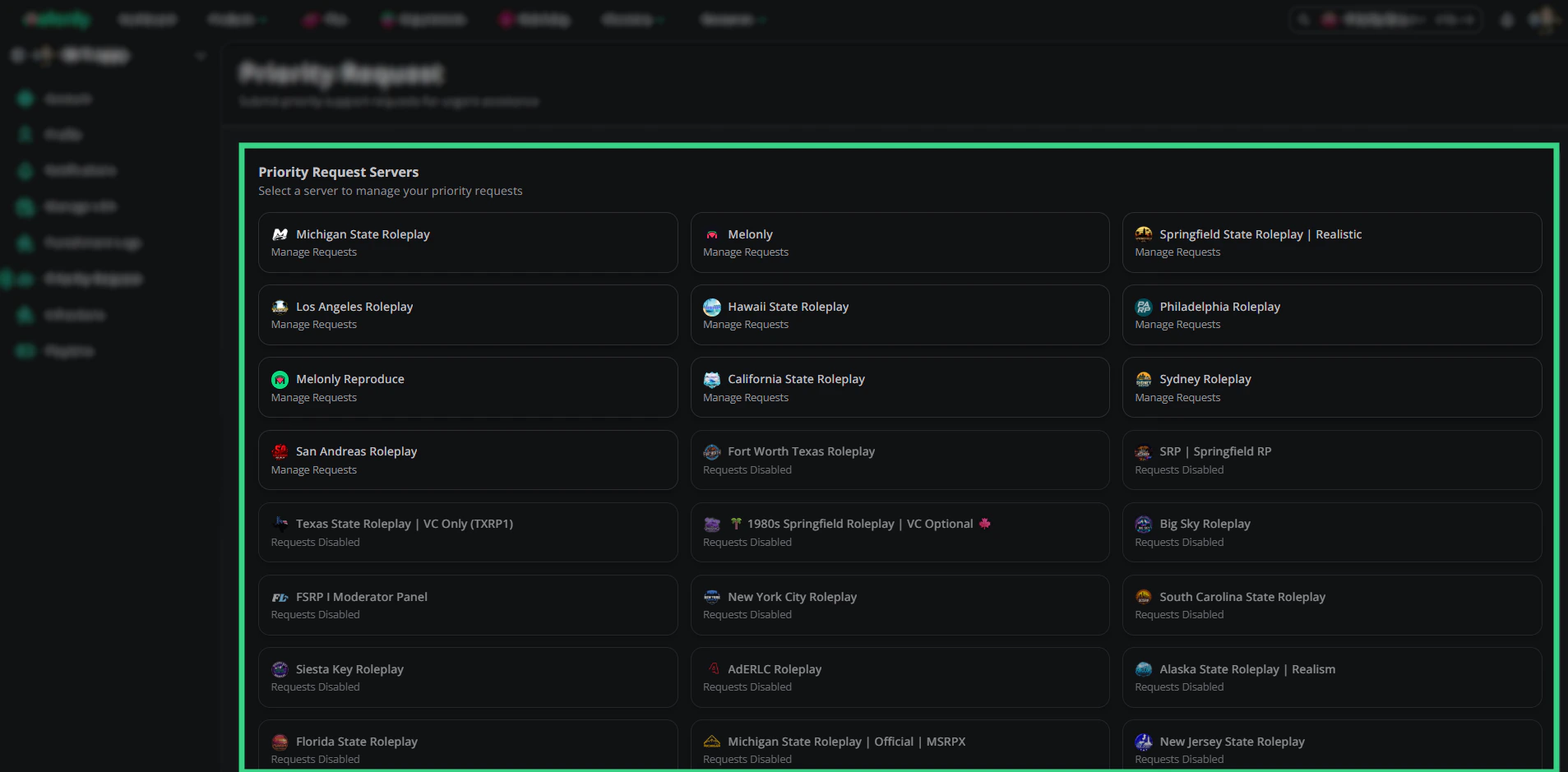
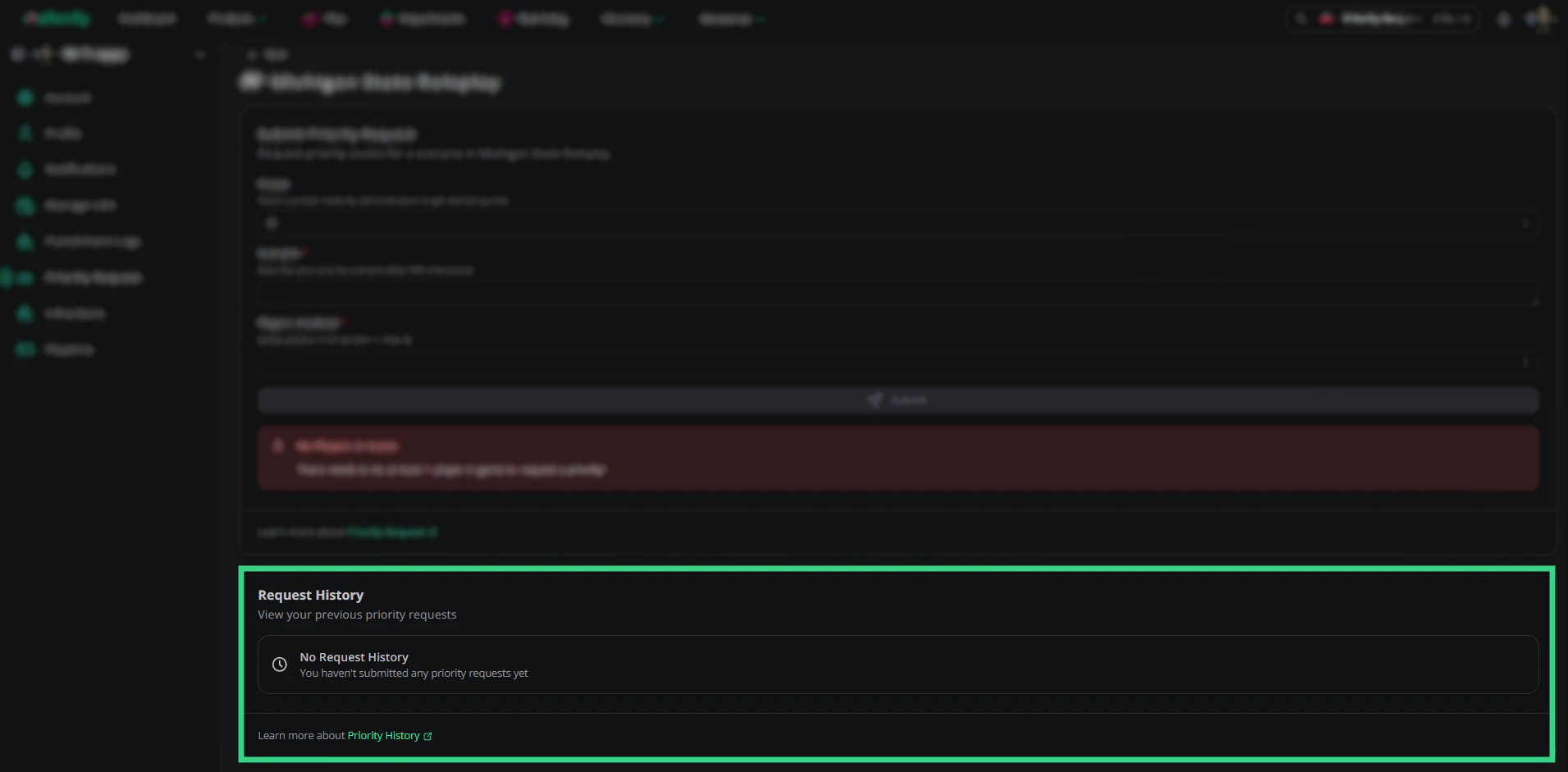
- Priority requests
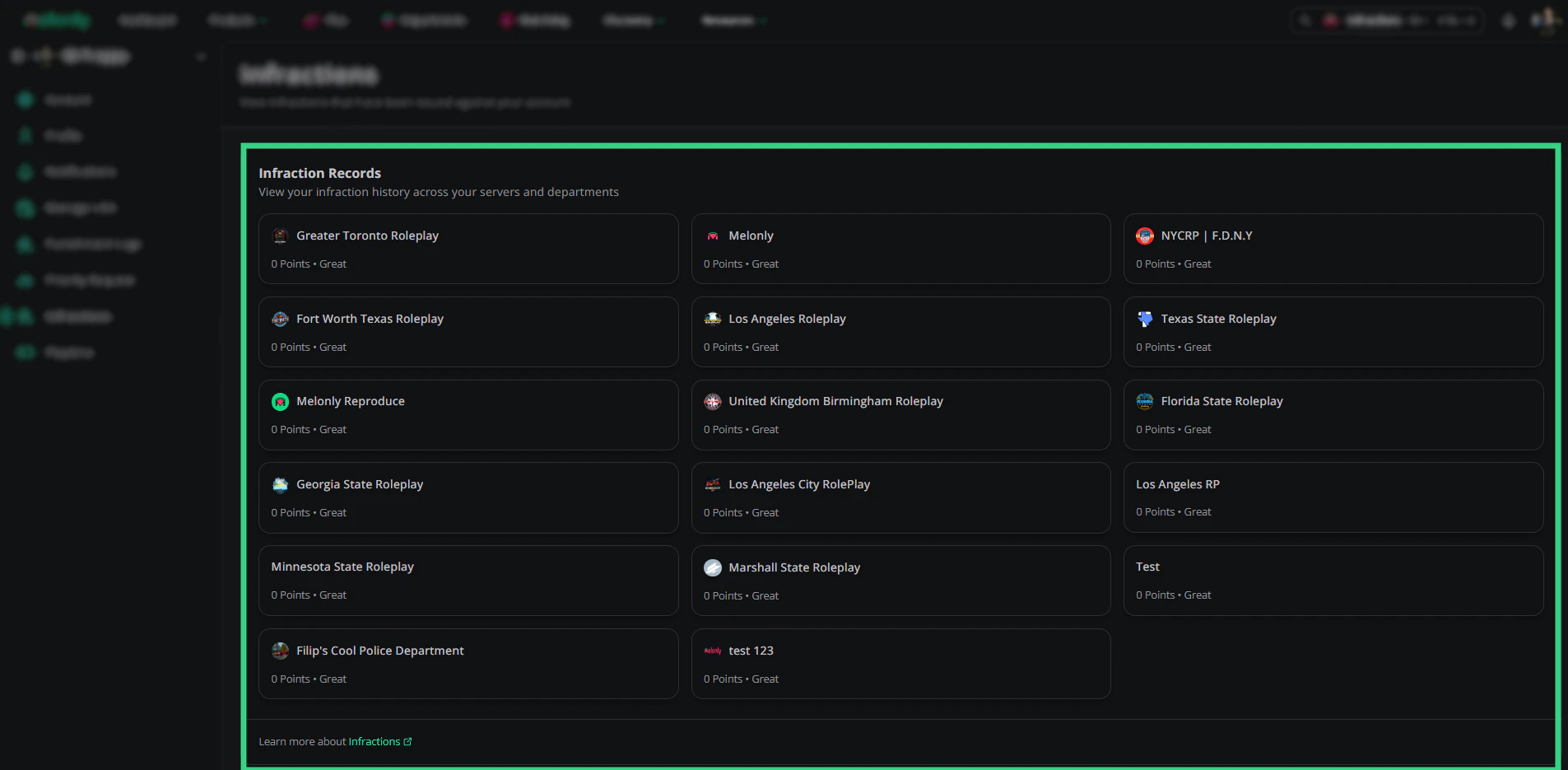
- Infractions
- Playtime
The Account page controls your personal profile, connected services, server preferences, notifications, and security.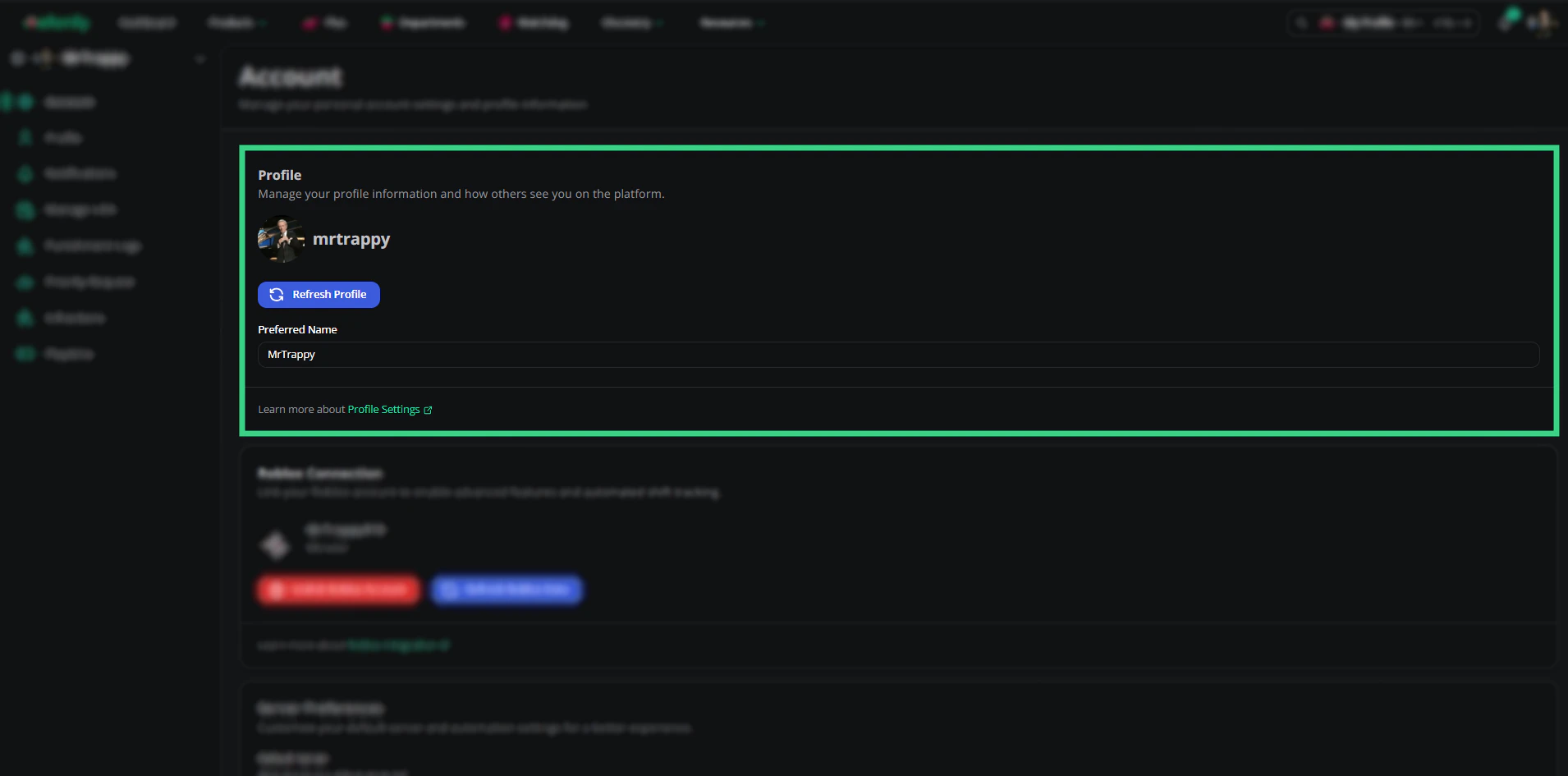
Profile
| Setting | Description |
|---|---|
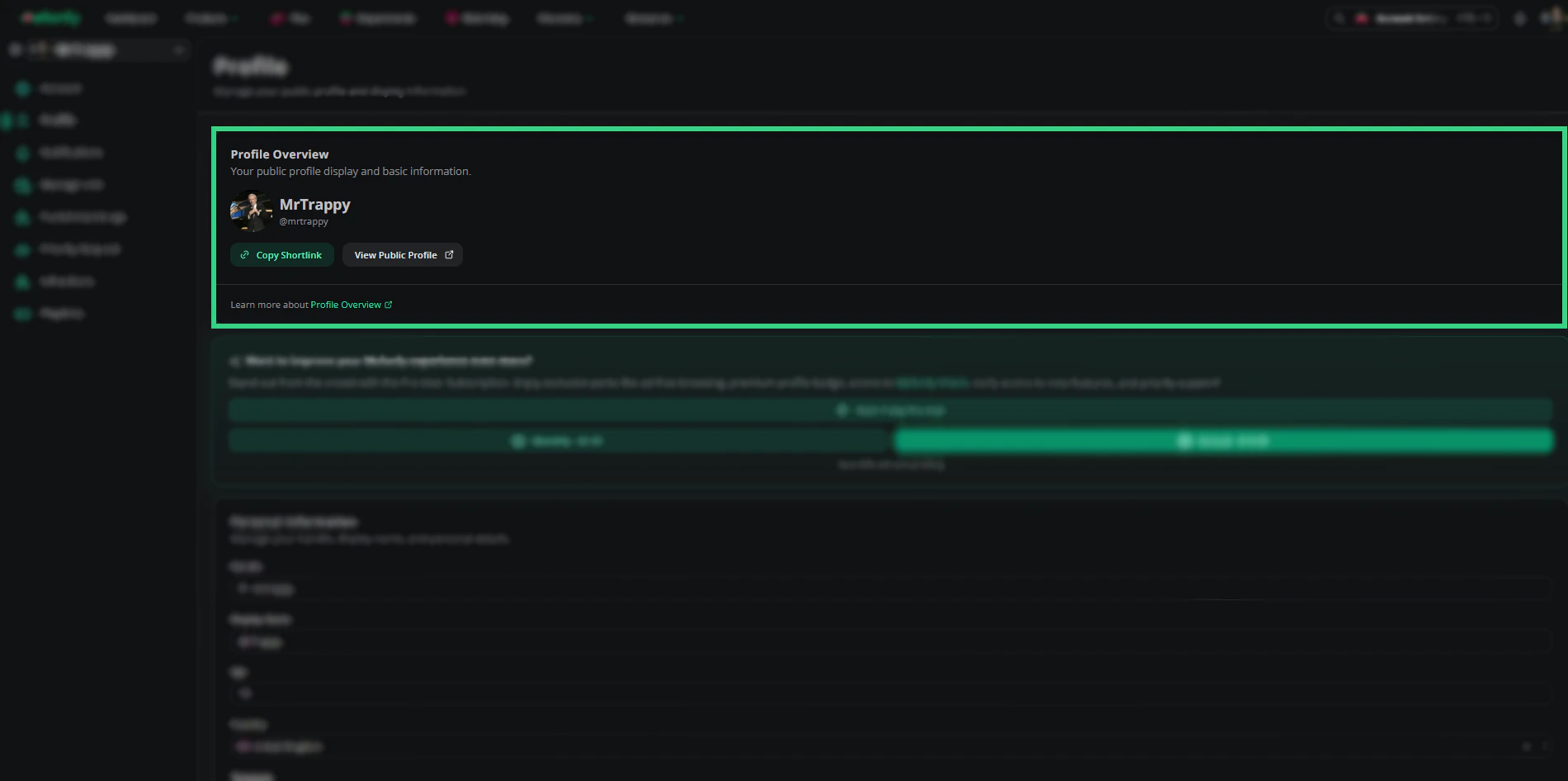
| Username display | Shows your linked account username |
| Preferred name | The name Melonly uses across the platform |
| Refresh profile | Re-syncs your profile from Discord |
Roblox connection
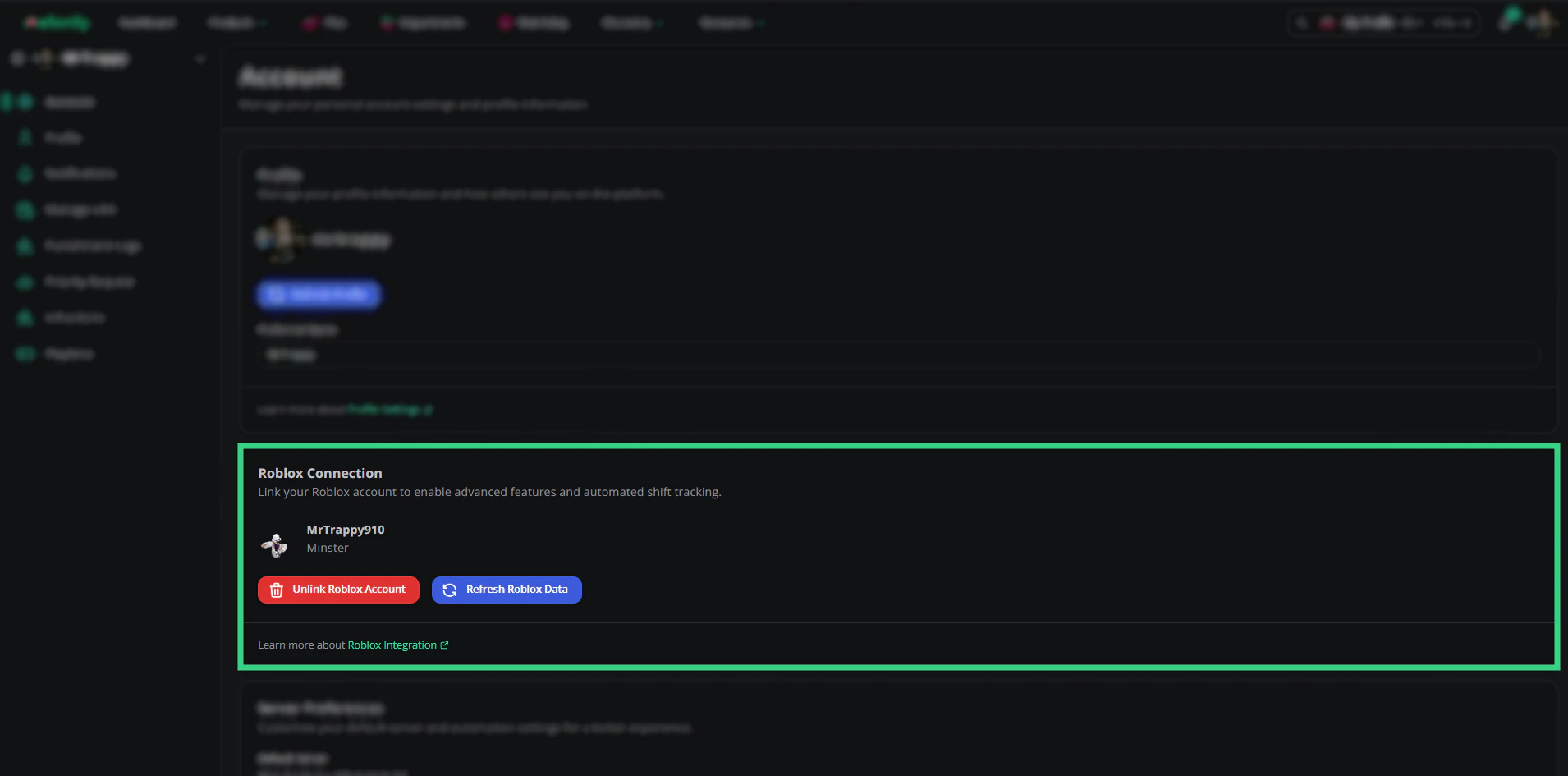
Link your Roblox account to unlock automation and verification features.If no Roblox account is linked, some features won’t work until you link one.
- Refresh Roblox data — Re-syncs your Roblox account info.
- Unlink Roblox account — Disconnects your Roblox account and removes its data.
Server preferences
| Setting | Description |
|---|---|
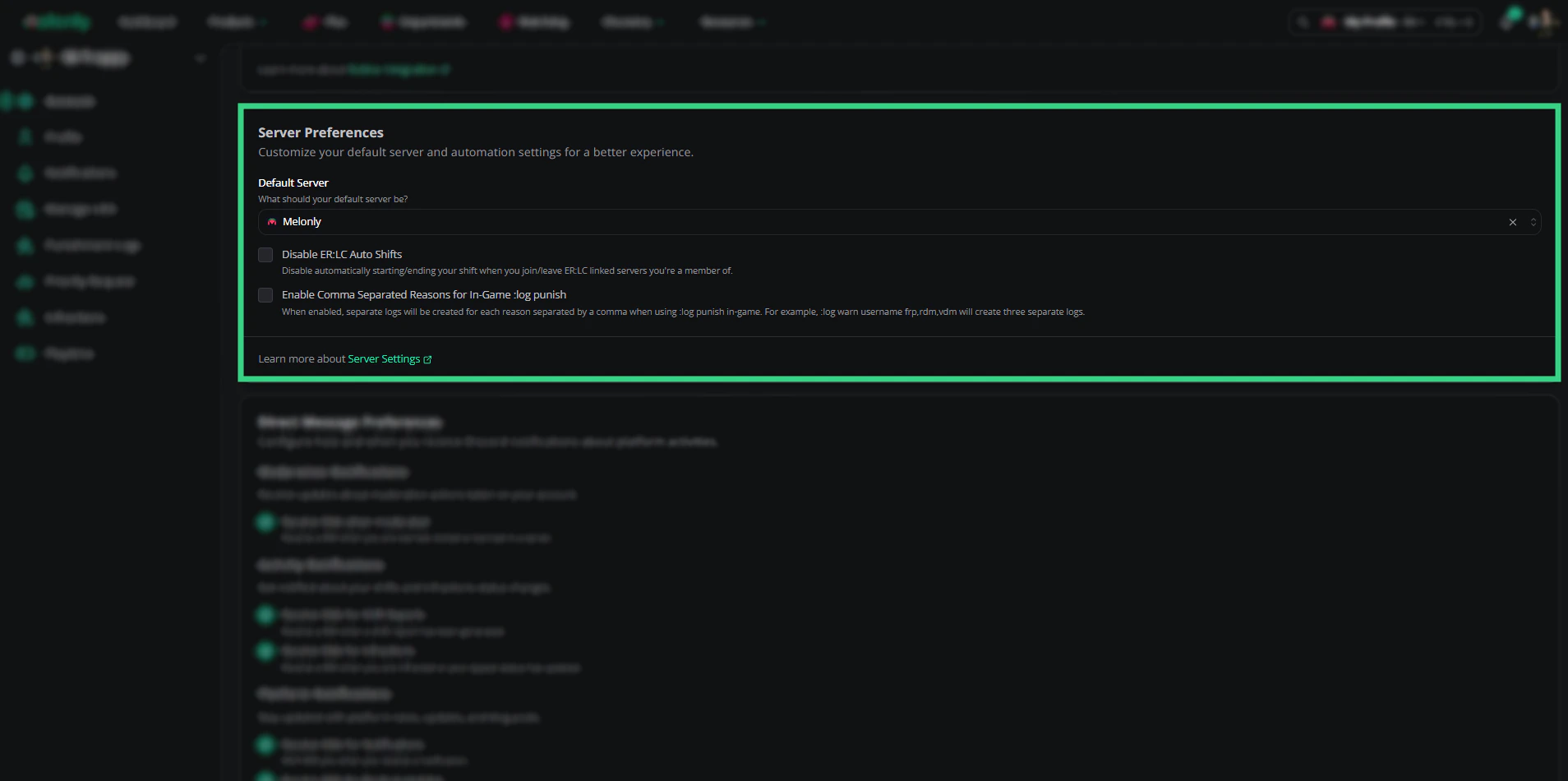
| Default server | The server Melonly uses when no server is specified |
| Disable ER:LC auto shifts | Stops automatic shift start/end when joining or leaving ER:LC |
| Comma-separated reasons | Logs each comma-separated reason as its own punishment entry (e.g. frp, rdm, vdm) |
Direct message preferences
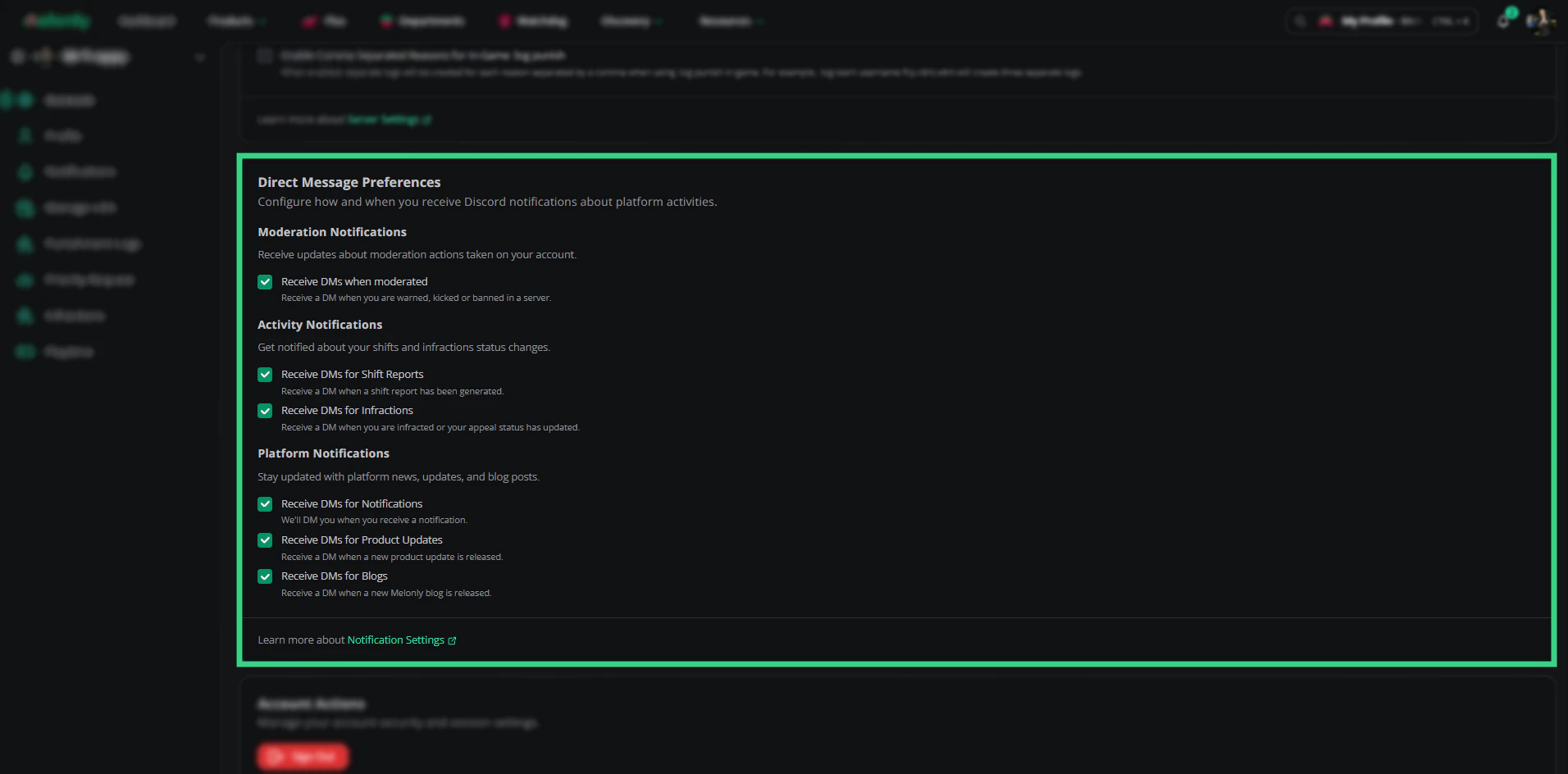
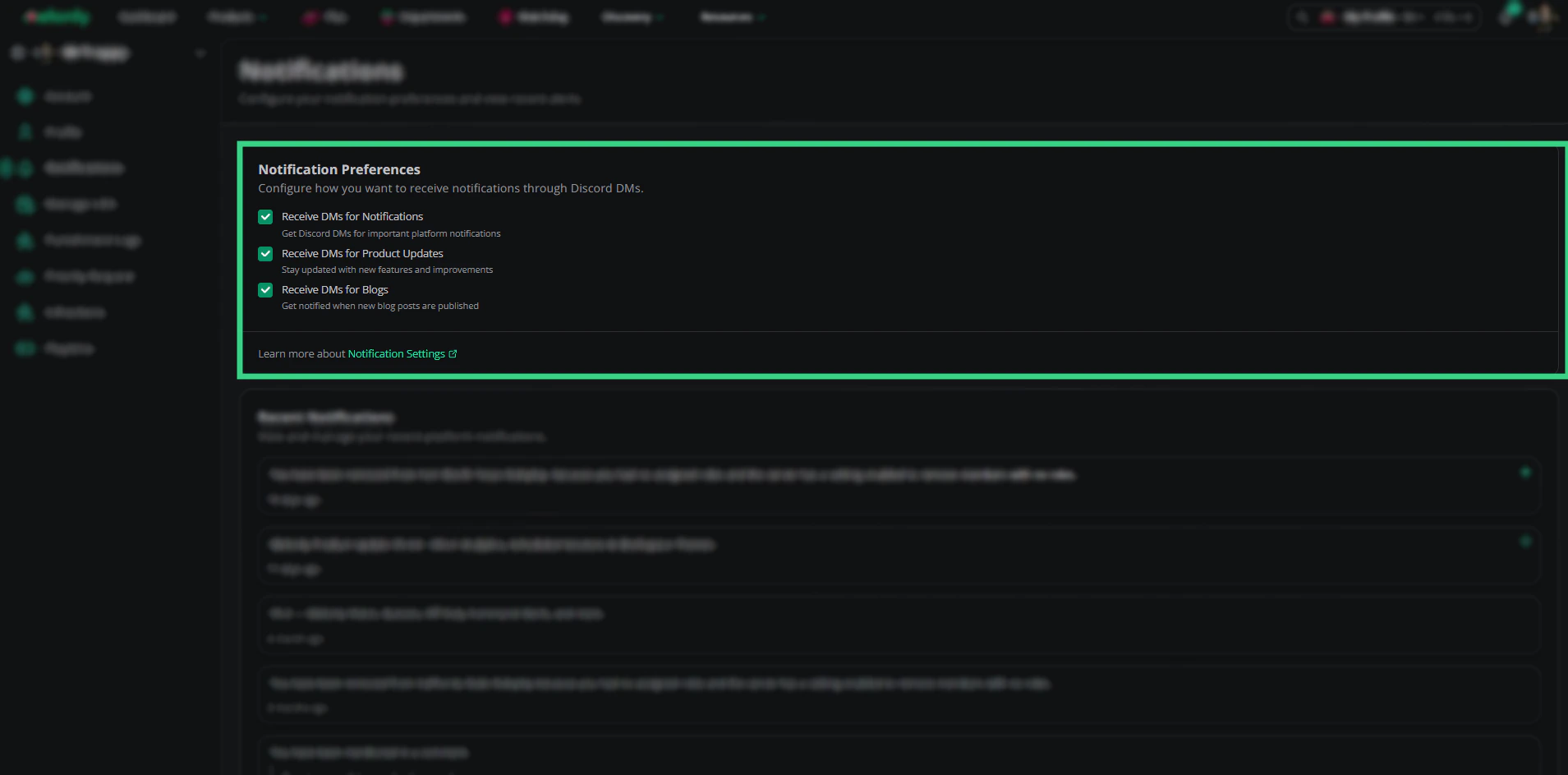
Control which Discord DMs Melonly sends you.| Category | Setting |
|---|---|
| Moderation | DMs when you’re warned, kicked, or banned |
| Activity | DMs for shift reports and infractions |
| Platform | DMs for notifications, product updates, and blogs |
Security
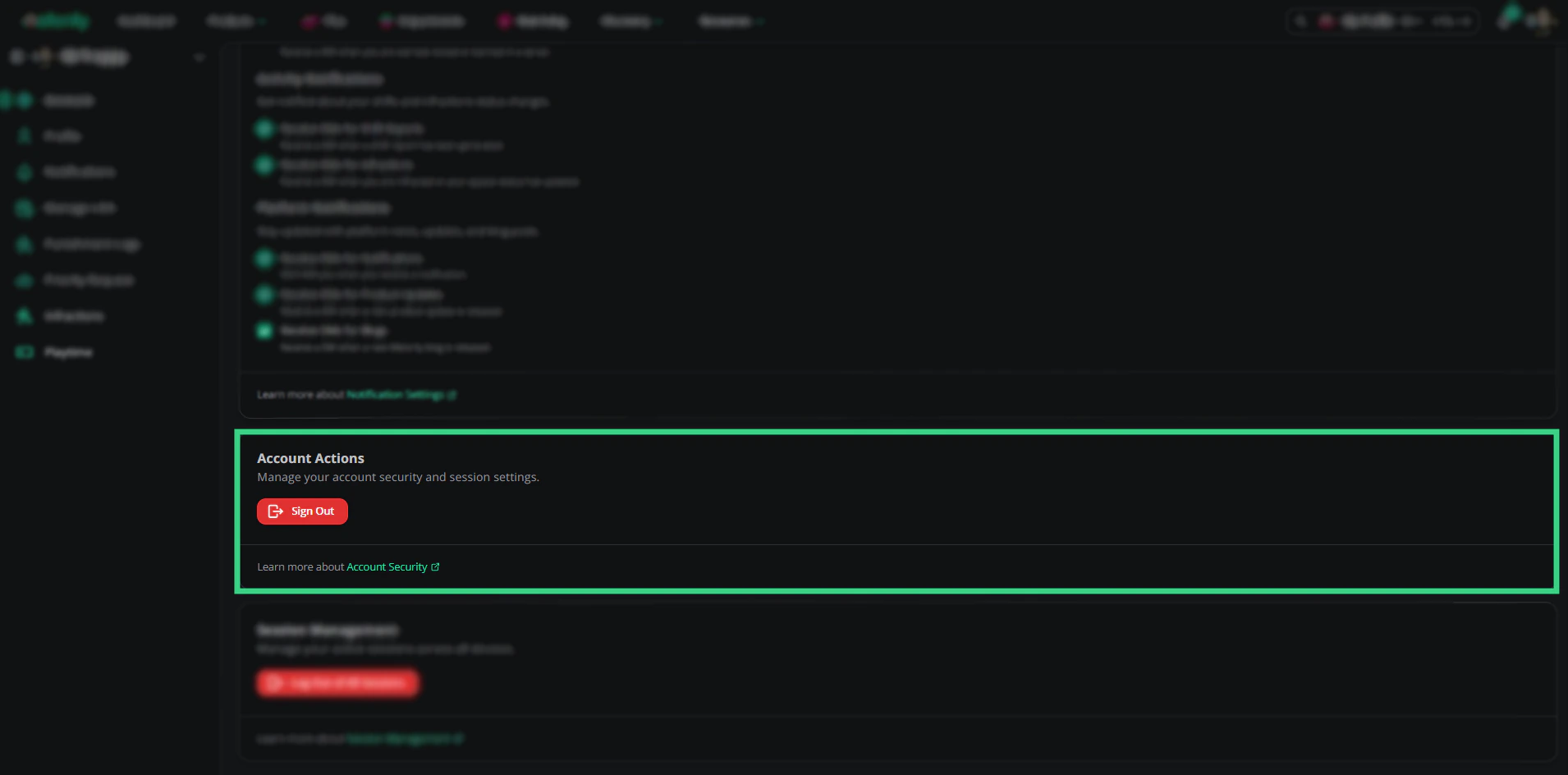
- Sign out — Ends your current session.
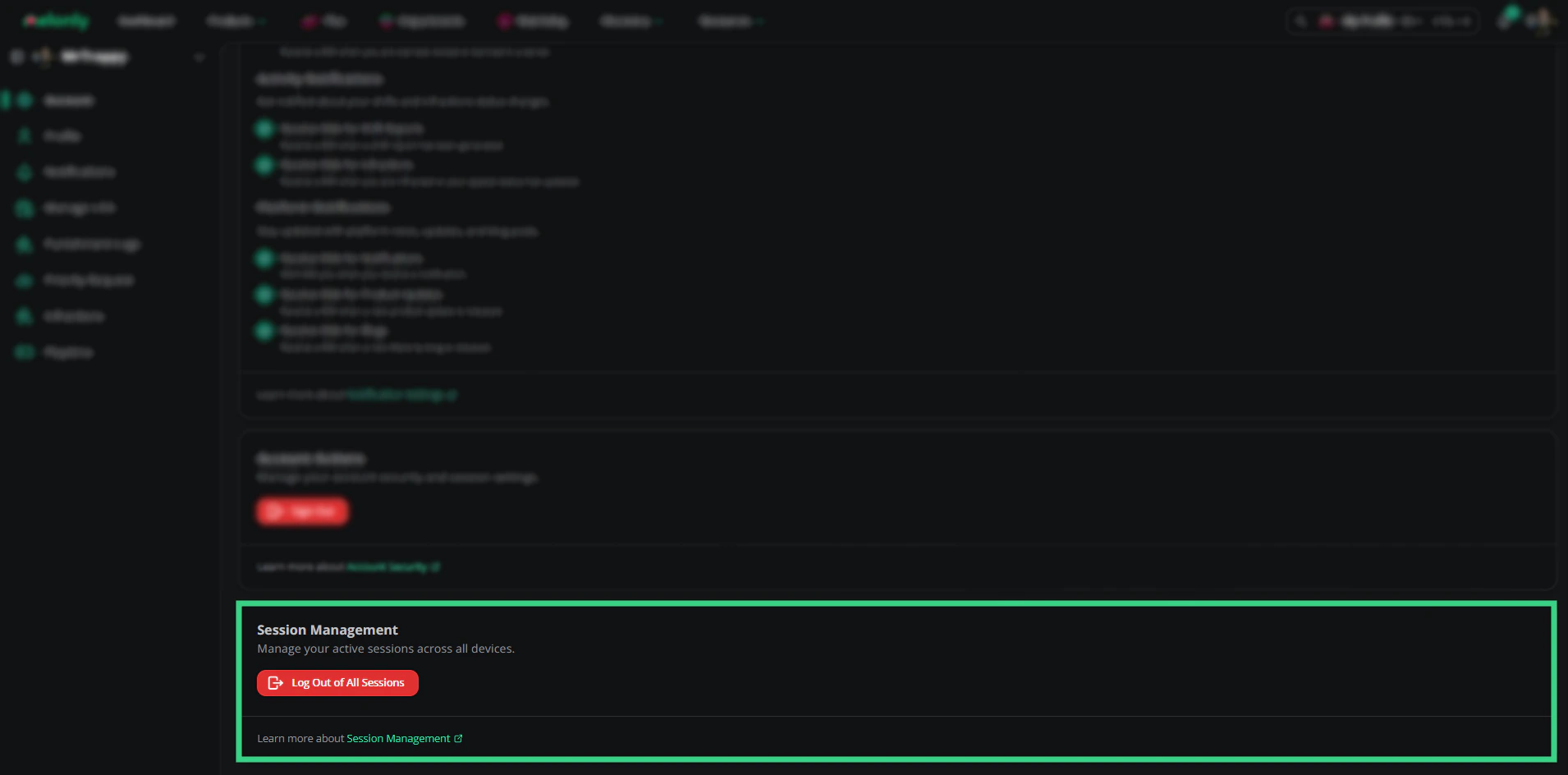
- Log out of all sessions — Ends every active session across every device.

Need help?
Still have questions? Join our Discord server for support from the Melonly team.