
Melonly Plus is the premium tier of Melonly. It unlocks advanced moderation tools, higher limits, customization options, and AI-assisted features for communities that want more control over their server.Documentation Index
Fetch the complete documentation index at: https://docs.melonly.xyz/docs/llms.txt
Use this file to discover all available pages before exploring further.
Subscription plans
Frequently asked
| Question | Answer |
|---|---|
| Can I use Plus on all my servers? | Each subscription gives one server slot. You can activate it on any server you’re a member of that doesn’t already have Plus. |
| What does Plus include? | Premium features such as infractions, Discord message customization, AI detection, and more — see the sections below. |
| Do you offer refunds? | At our discretion. See the refund policy. |
| Where do I manage my subscription? | Through the Stripe billing portal. |
| Do you offer bulk discounts? | Yes, on yearly or lifetime plans of 4+ subscriptions. Email admin@melonly.xyz. |
| Is Melonly free? | Yes — Plus only unlocks the premium feature set on top of the free plan. |
Moderation panel
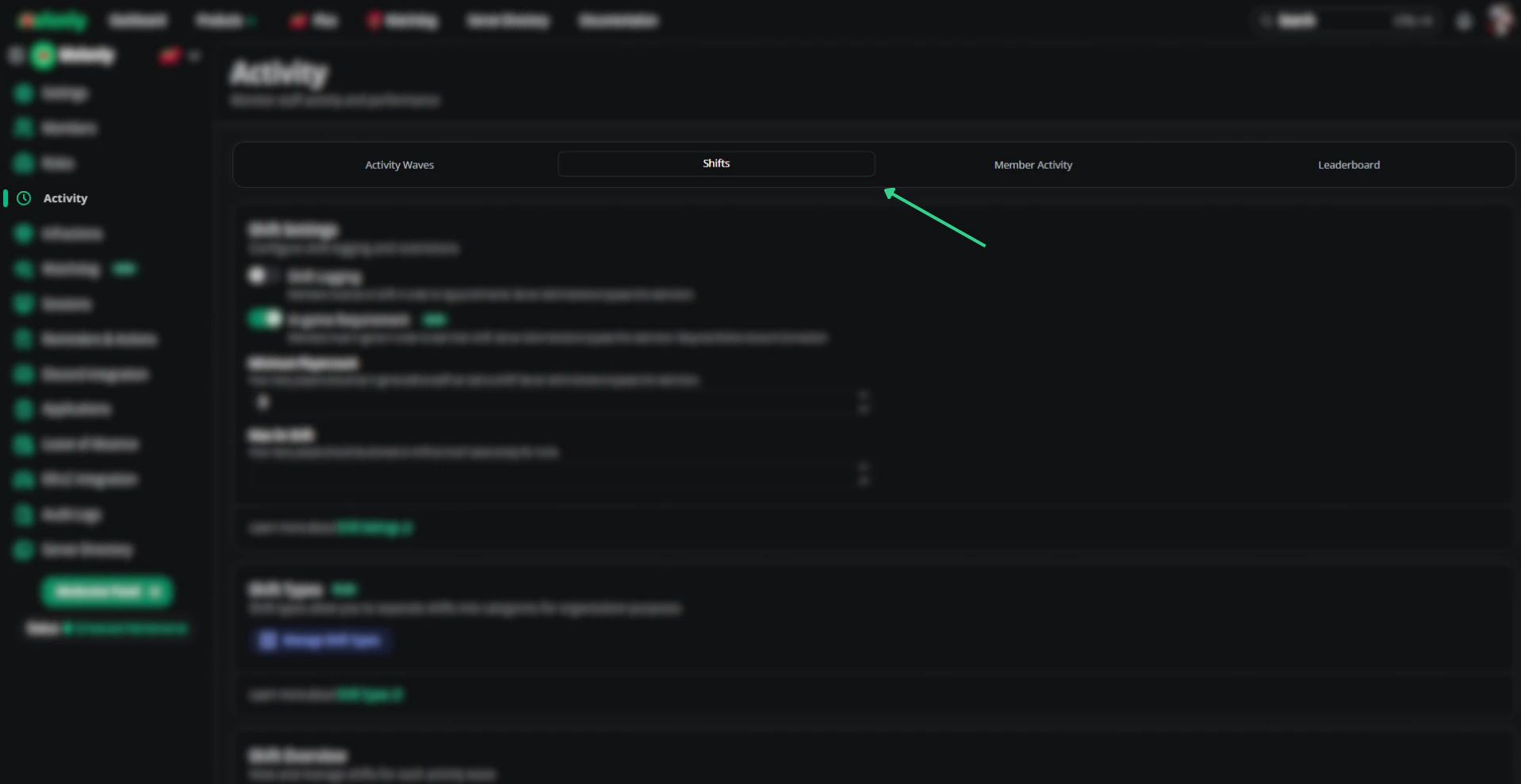
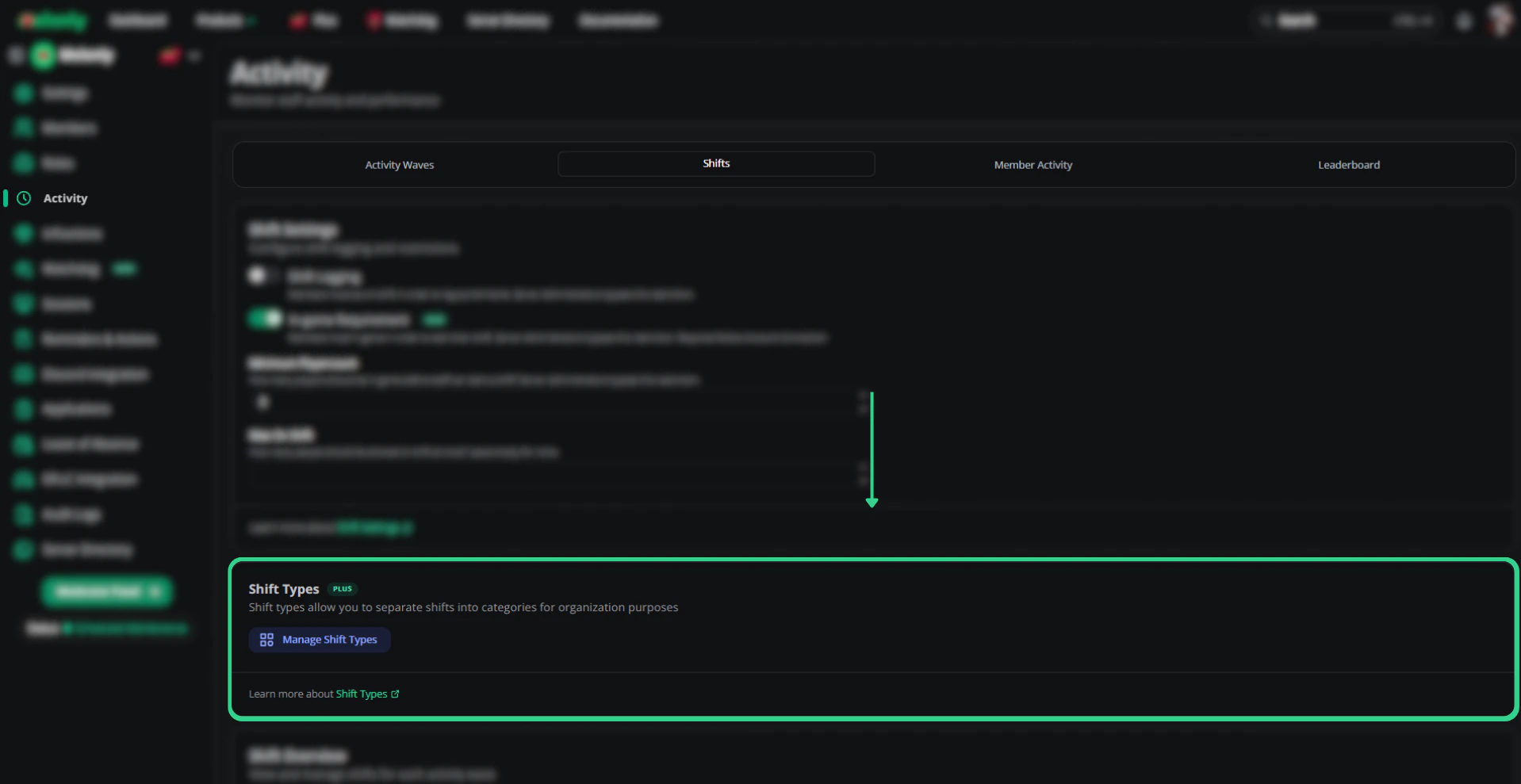
Custom shift types
Create labeled shift types for your moderation team — for example, “50/50 Moderation Shift”, “General Shift”, or “Support Shift” — to differentiate roles and responsibilities.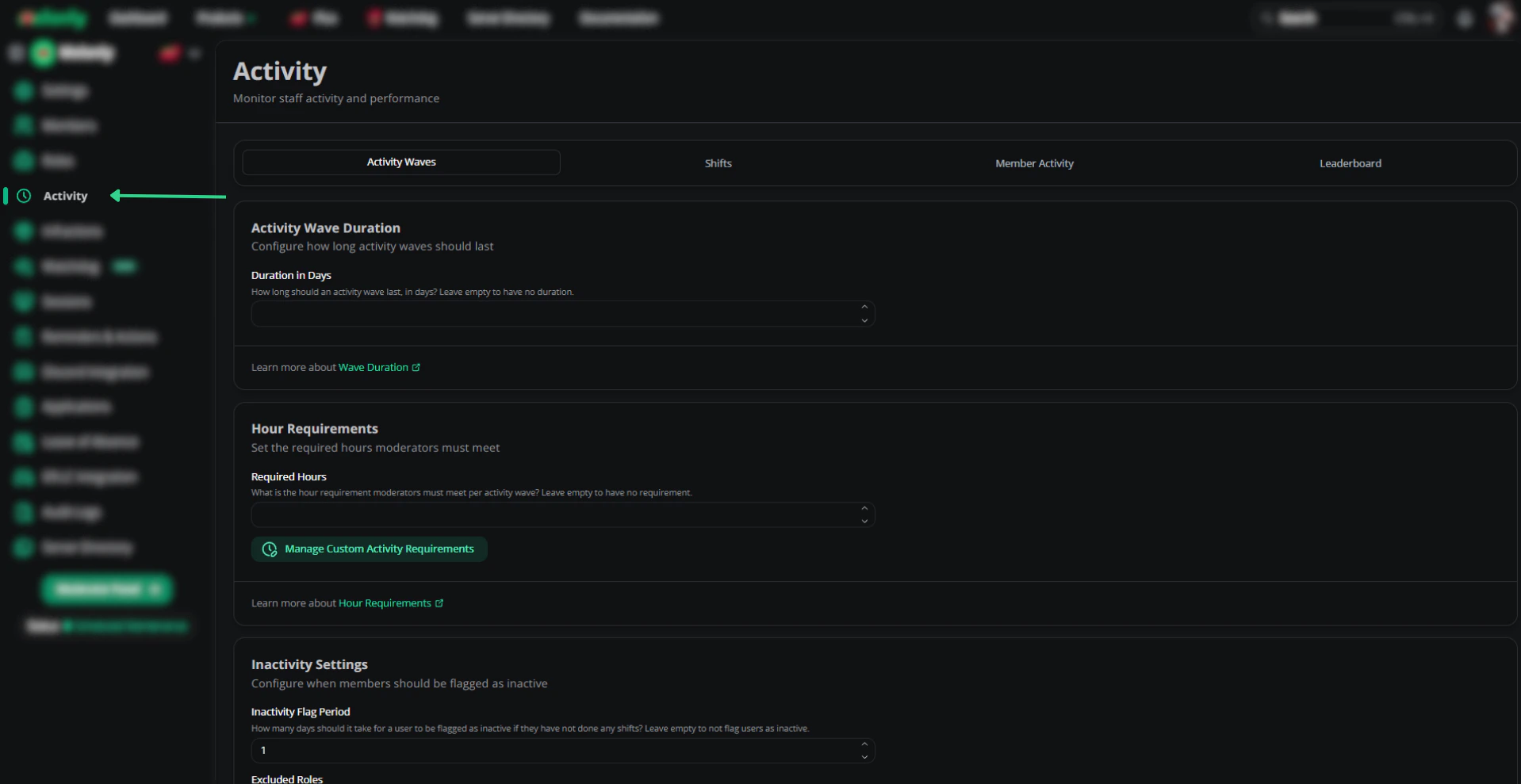
Punishment presets
Predefined punishments your moderators can apply with one click. Useful when your community has consistent rule violations and standard responses.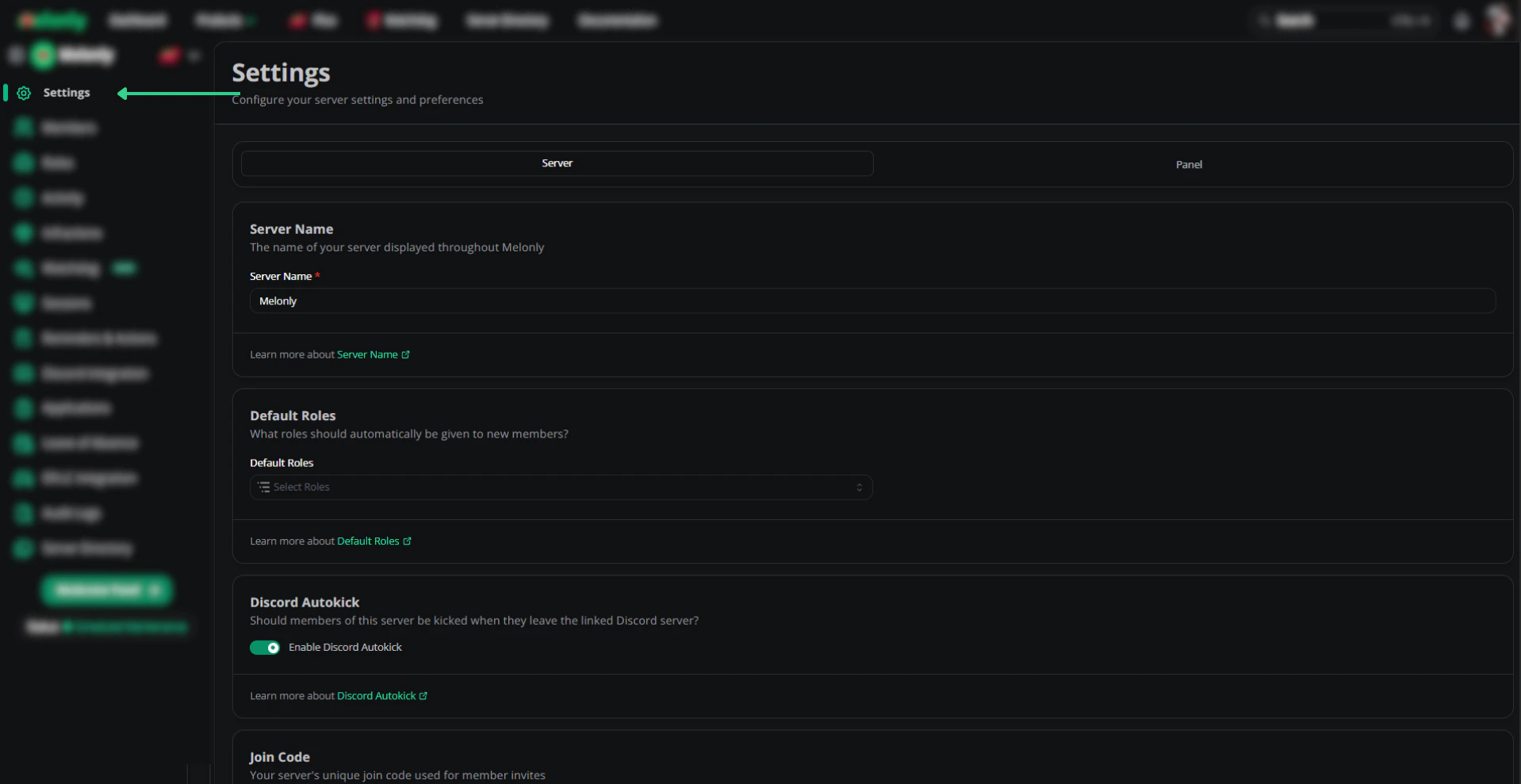
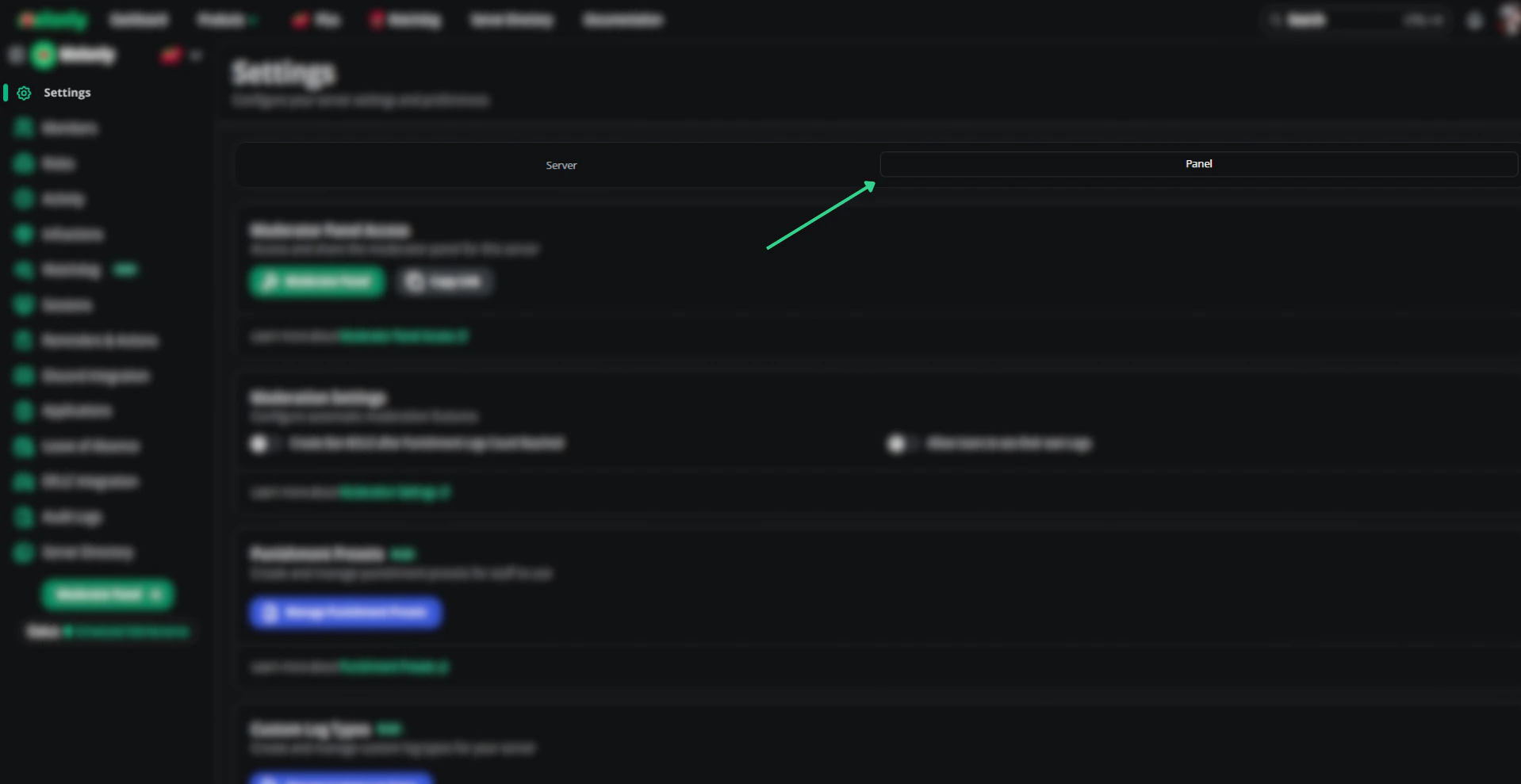
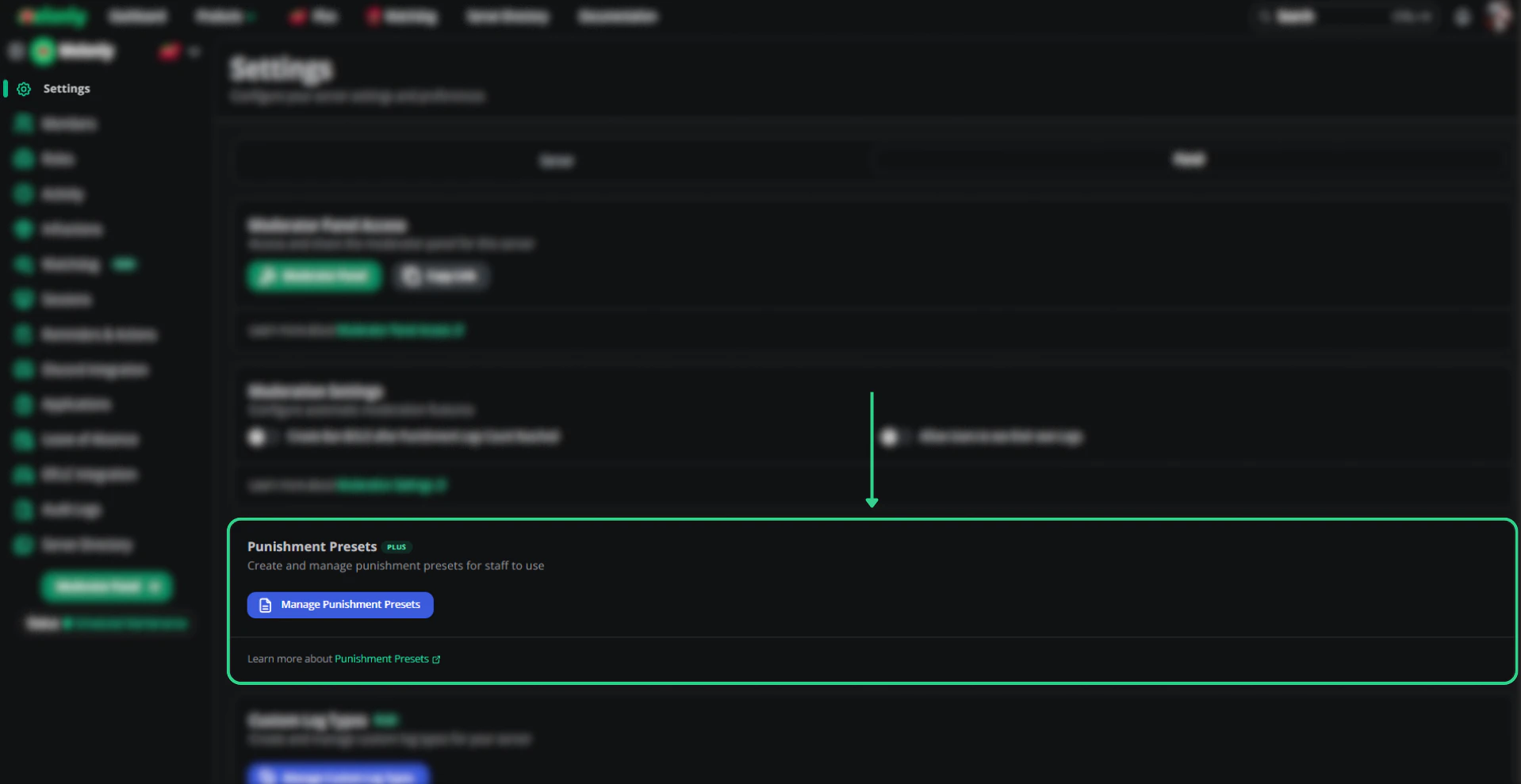
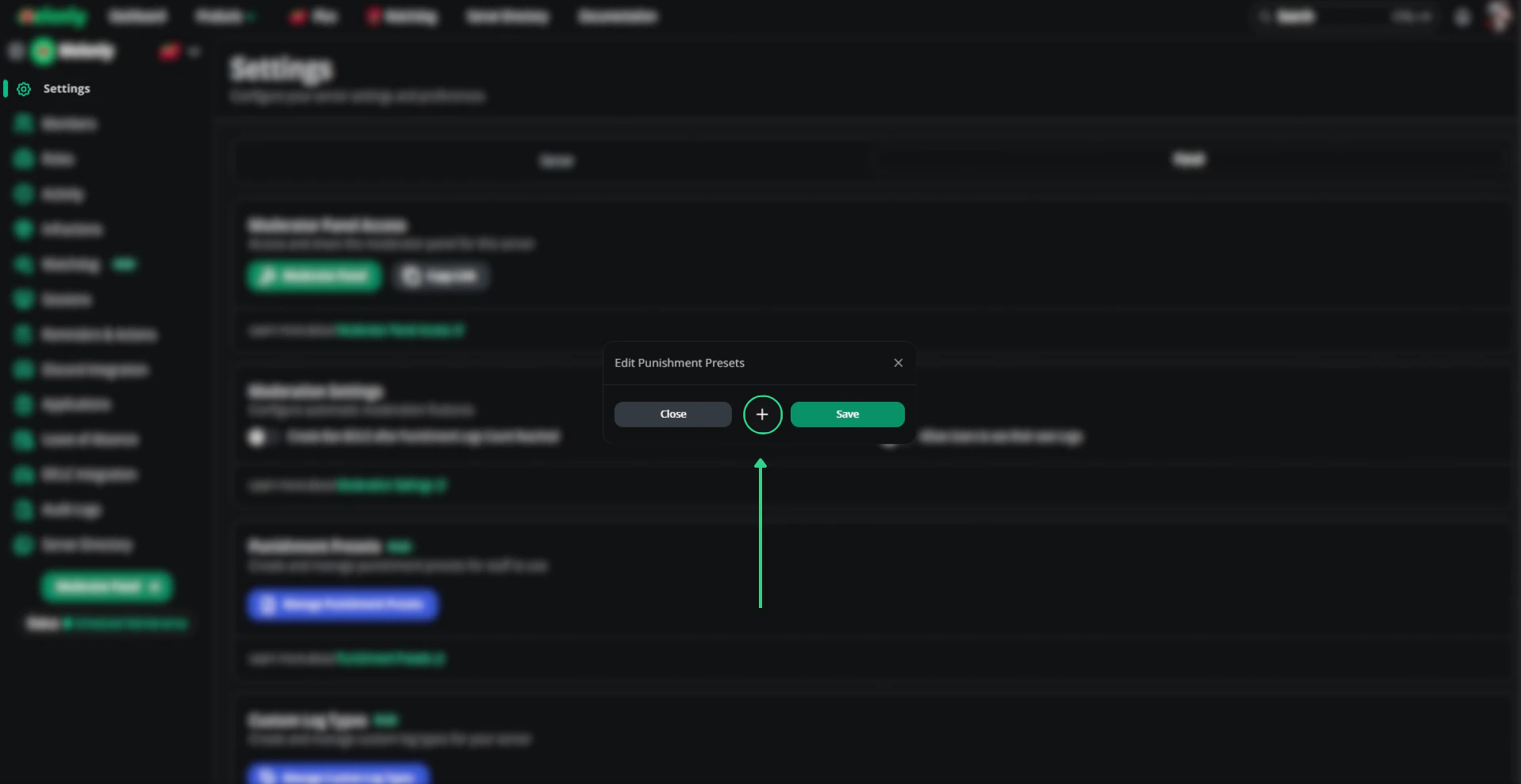
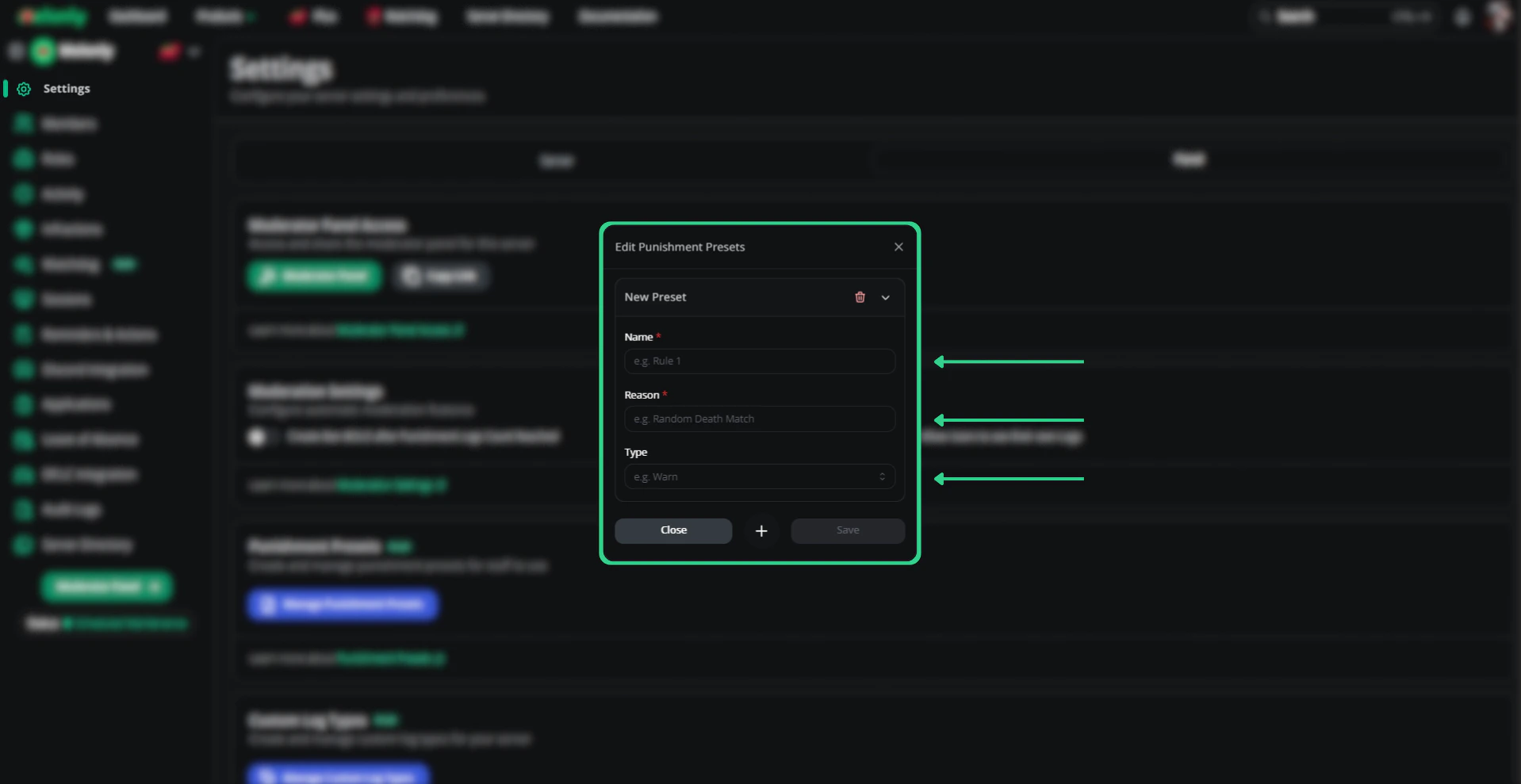
Use presets in the panel
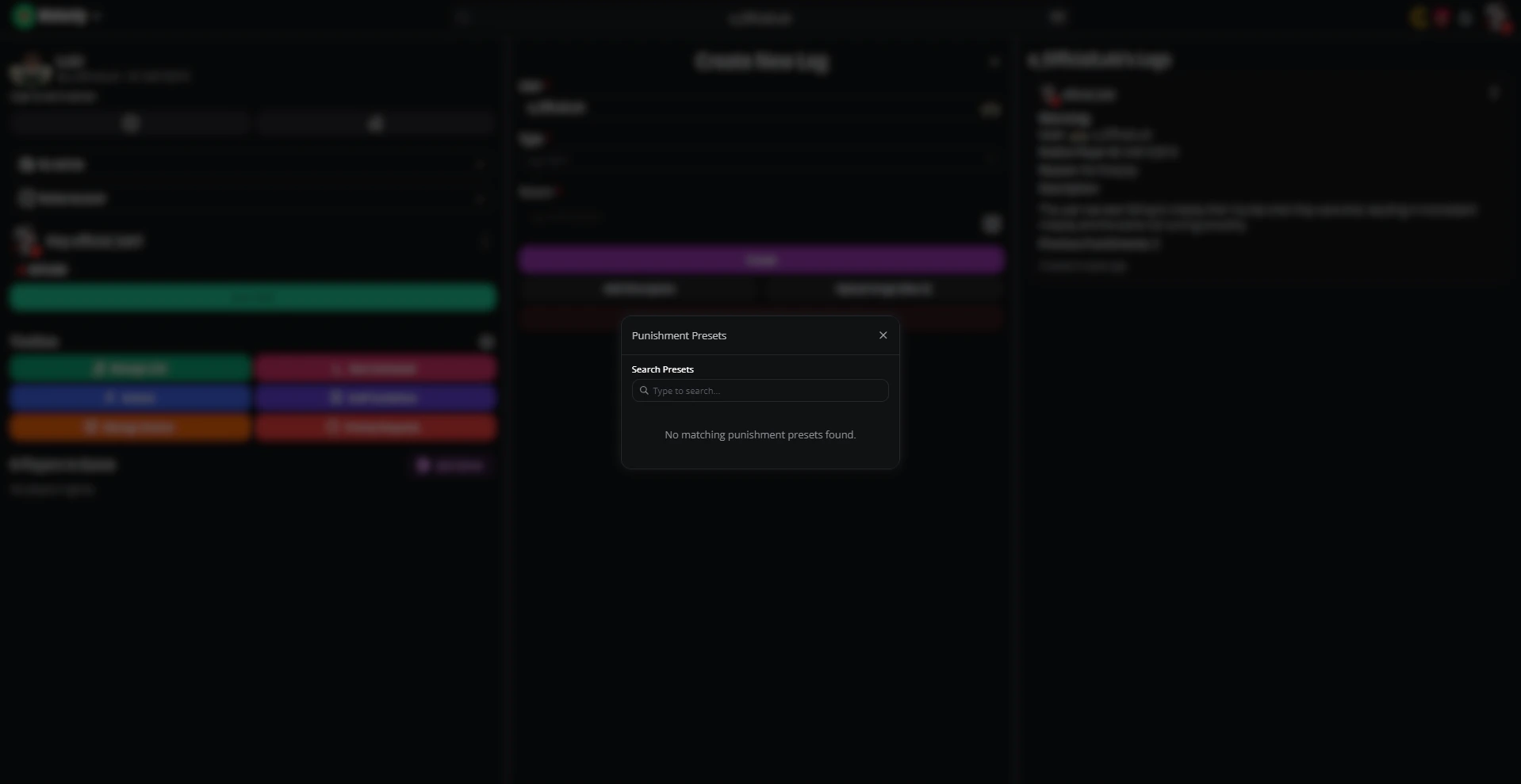
On the moderation panel, click the book icon in the right corner of the reasoning box to apply a preset.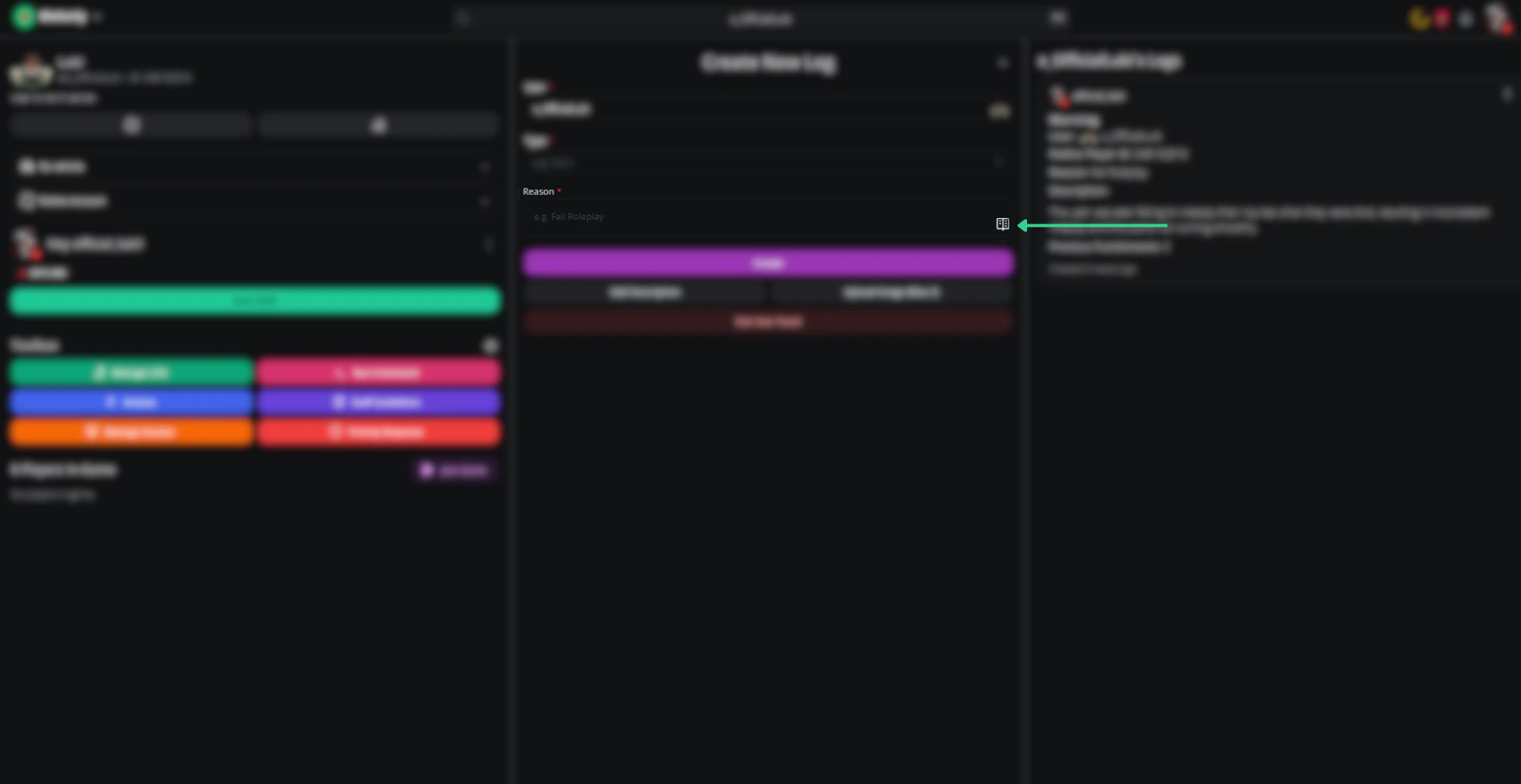
Other moderation features
- ER:LC auto shifts — Start and end shifts automatically when you join or leave the linked ER:LC server.
- Temporary bans — Issue bans that expire after a set duration.
Dashboard features
| Feature | Description |
|---|---|
| Discord linked roles | Sync custom Melonly roles to Discord linked roles |
| Dashboard role permissions | Per-role permission control for the dashboard |
| Increased role limit | Up to 20 roles |
| Increased reminders limit | Up to 20 reminders |
| Increased actions limit | Up to 20 actions |
| Vehicle restrictions | Up to 15 restricted vehicles |
| Infractions module | Issue, track, and appeal infractions |
| ER:LC rejoin timer | Block recently-banned users from rejoining for a set period |
| Application comments | 1,000-character comment limit |
| In-game DMs on warn | Privately message users in ER:LC when warning them |
| Custom audit log channels | Route audit logs to specific channels |
| Custom punishment log channels | Route punishment logs by type |
| Custom punishment log types | Define your own punishment categories |
| Customizable Discord messages | Edit message templates Melonly sends |
| Auto-remove ER:LC permissions | Strip in-game permissions when staff are removed |
| ER:LC ↔ Discord logging | Mirror ER:LC events into Discord channels |
| ER:LC voice channel stats | Show server stats in voice channel names |
| Application paste detection | Flag pasted content in application responses |
| AI detection for applications | Flag AI-generated application responses |
| Membercheck reminders | Scheduled reminders for member checks |
| Vehiclecheck reminders | Scheduled reminders for vehicle checks |
Need help?
Still have questions? Join our Discord server for support from the Melonly team.