
The Profile Directory lets Melonly users showcase their handle, experience, and skills, and lets server staff find candidates for their teams.Documentation Index
Fetch the complete documentation index at: https://docs.melonly.xyz/docs/llms.txt
Use this file to discover all available pages before exploring further.
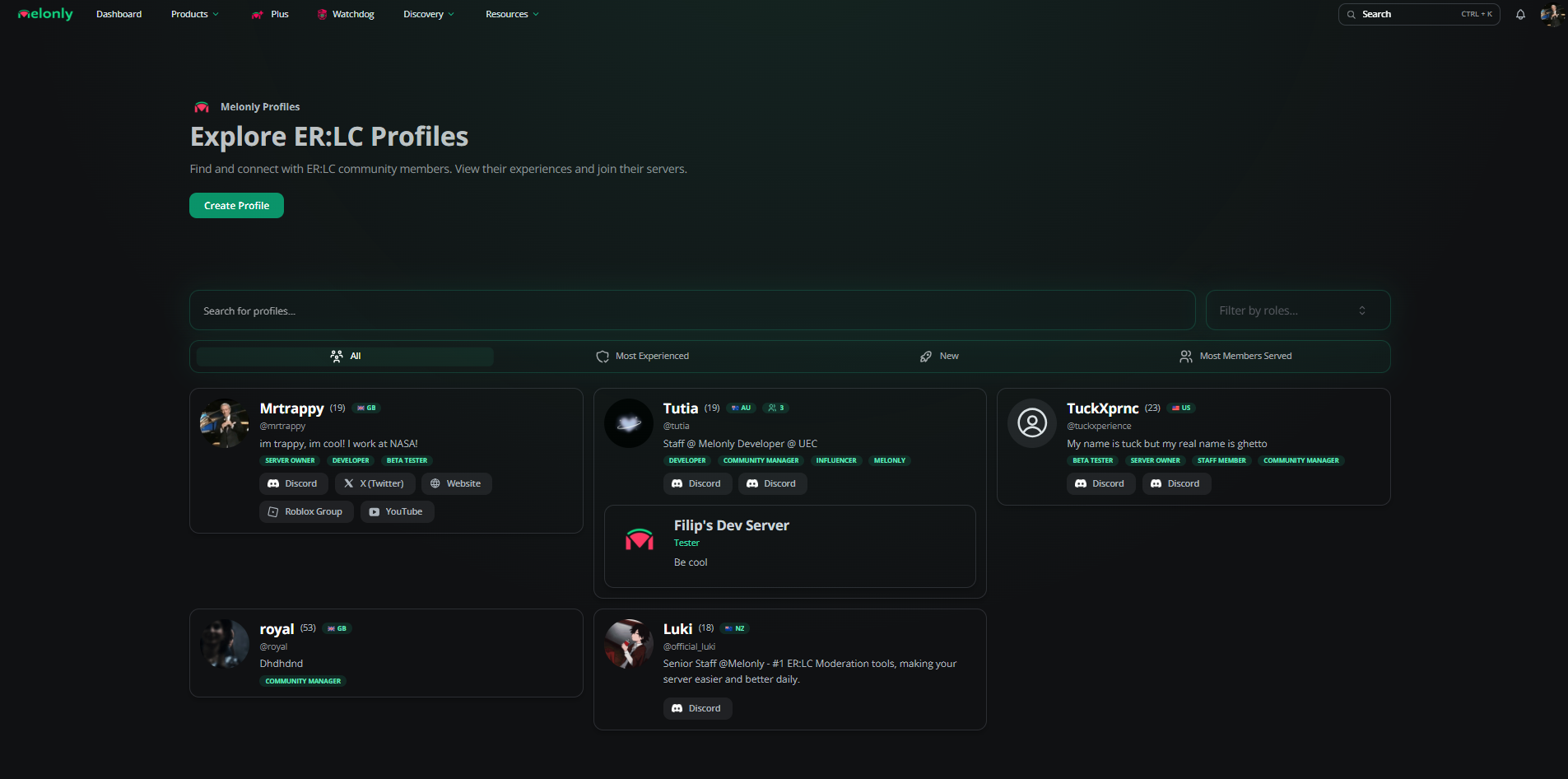
Directory overview
Profile overview
A complete profile shows your handle, bio, tags, roles, social links, and verified server experience.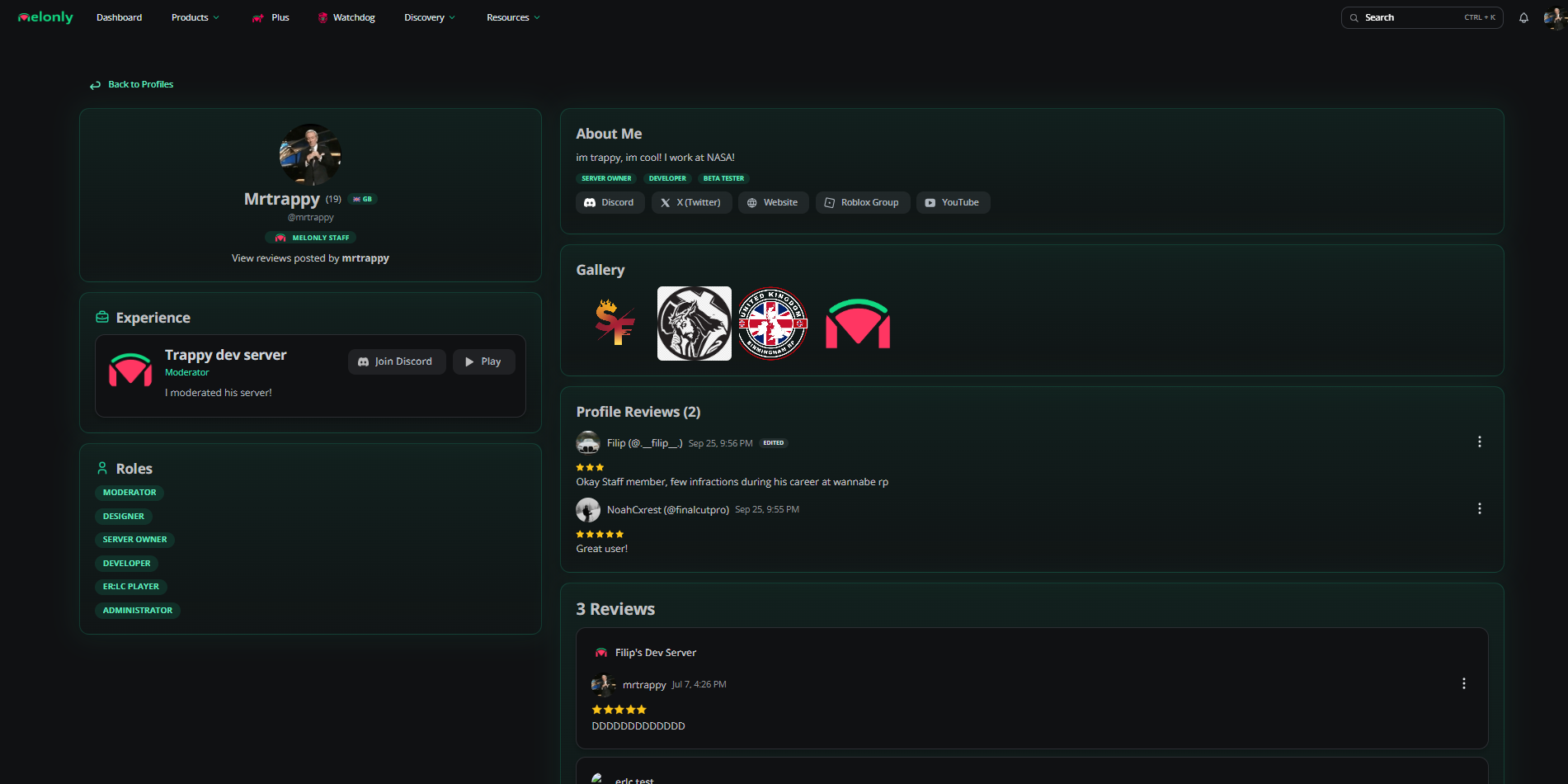
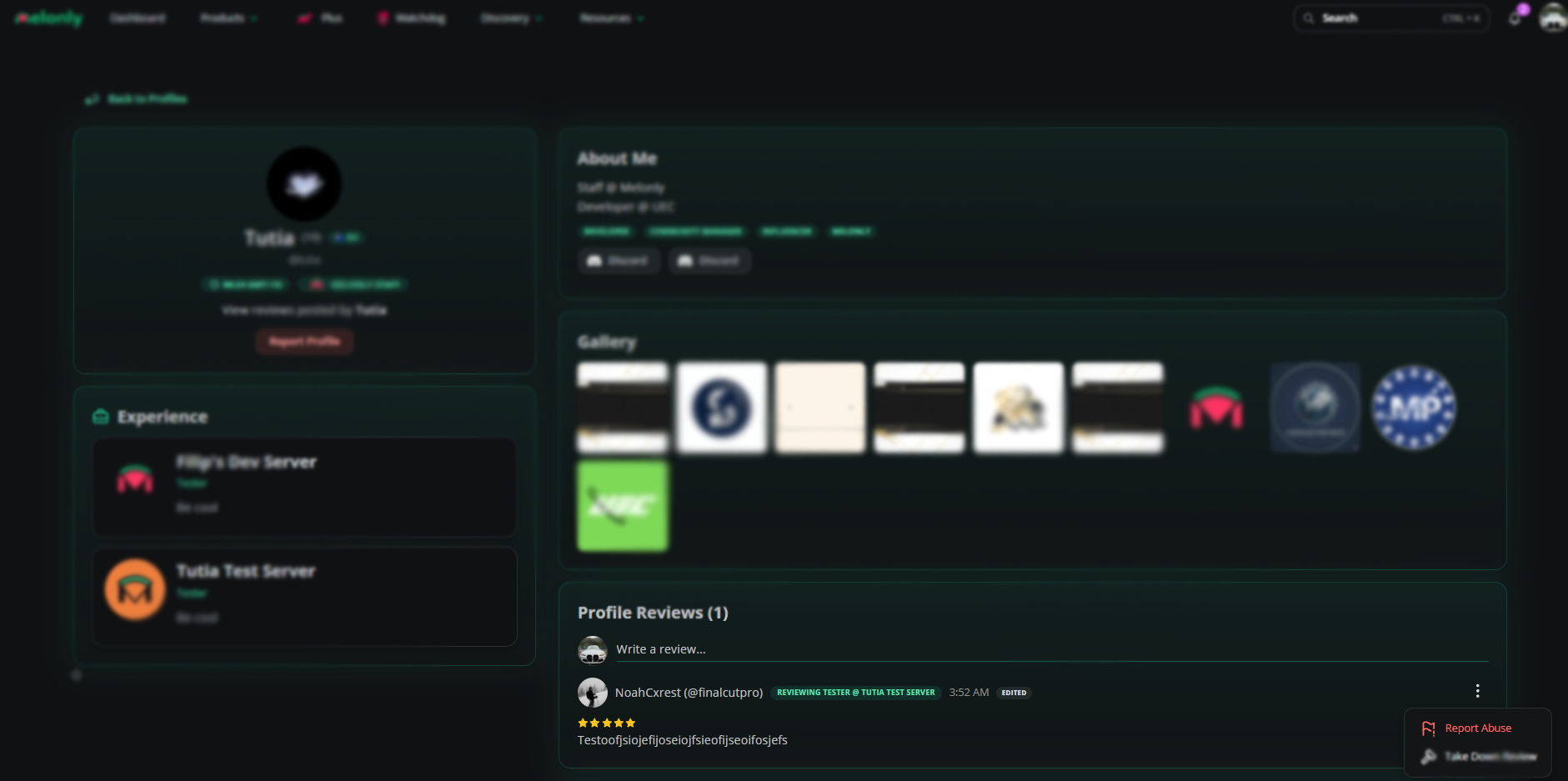
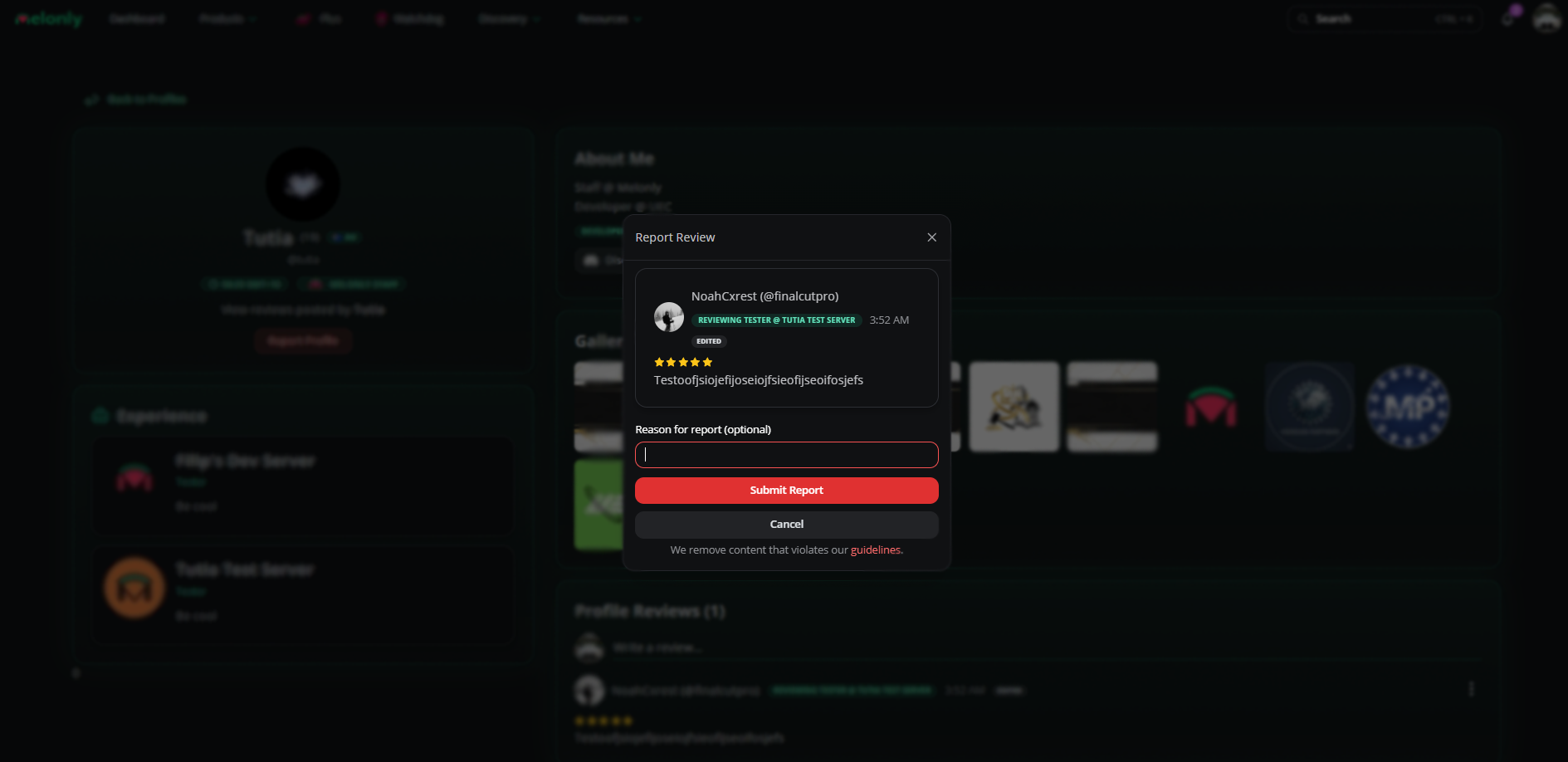
Report a profile review
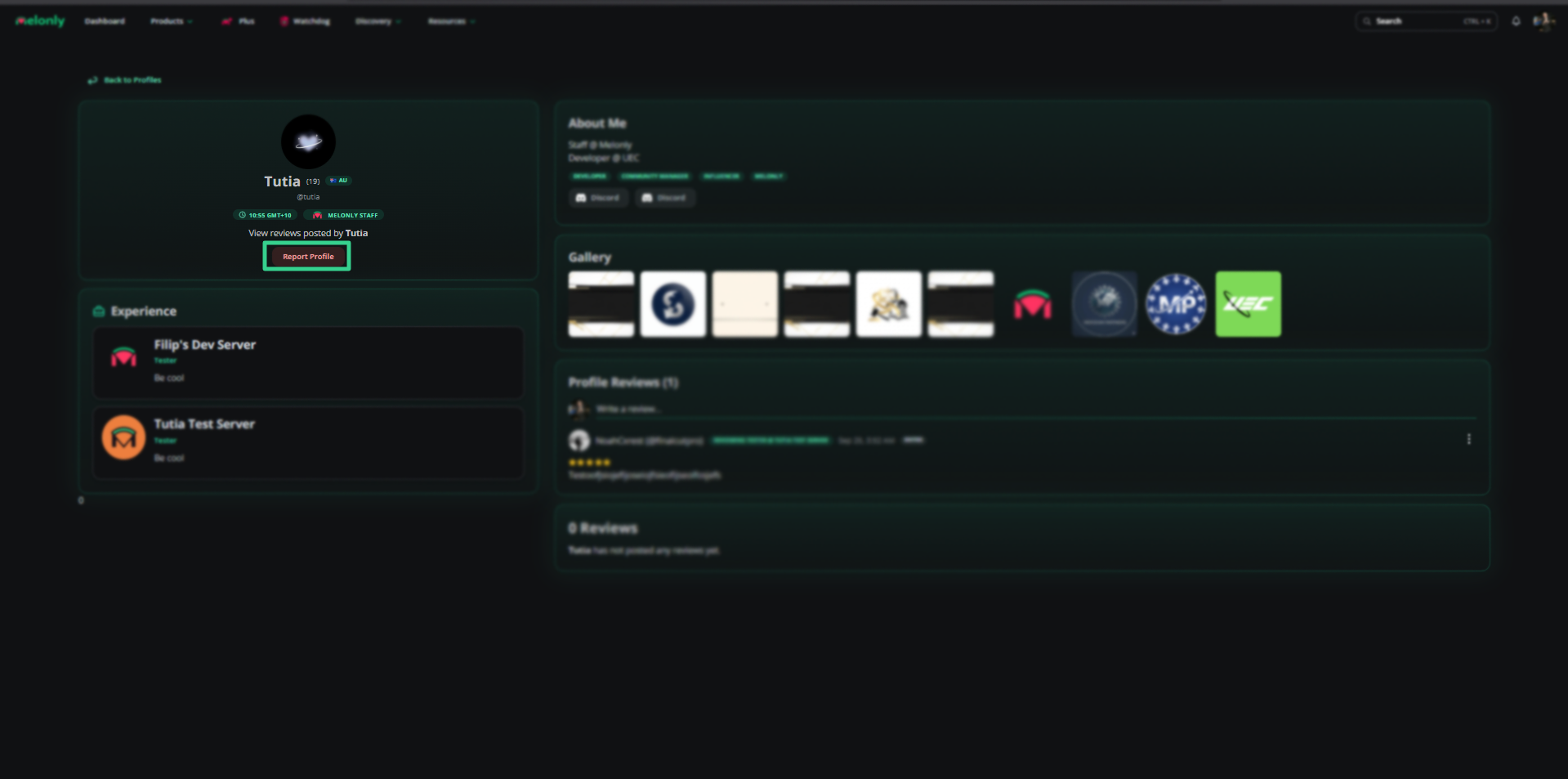
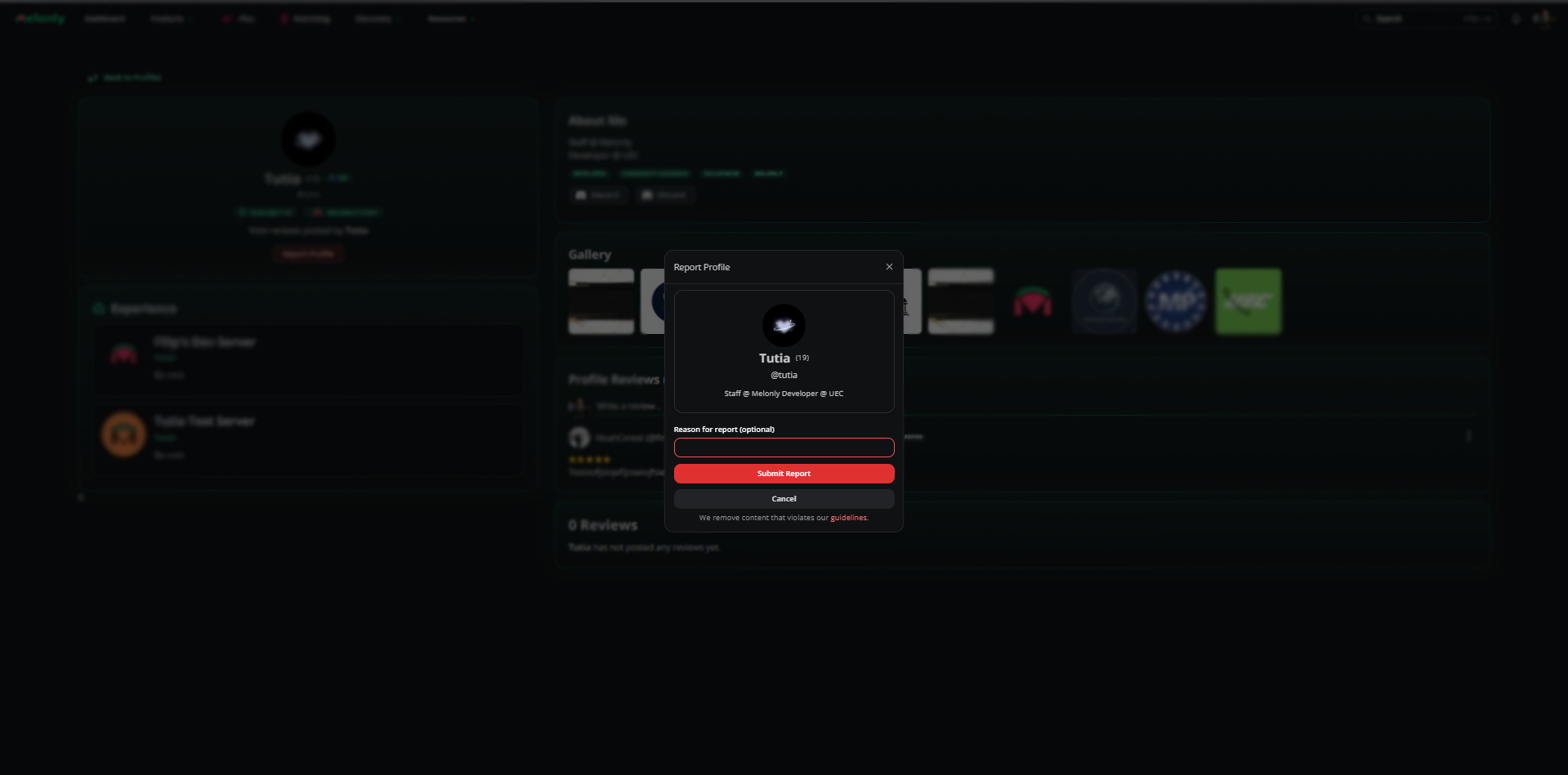
Report a profile
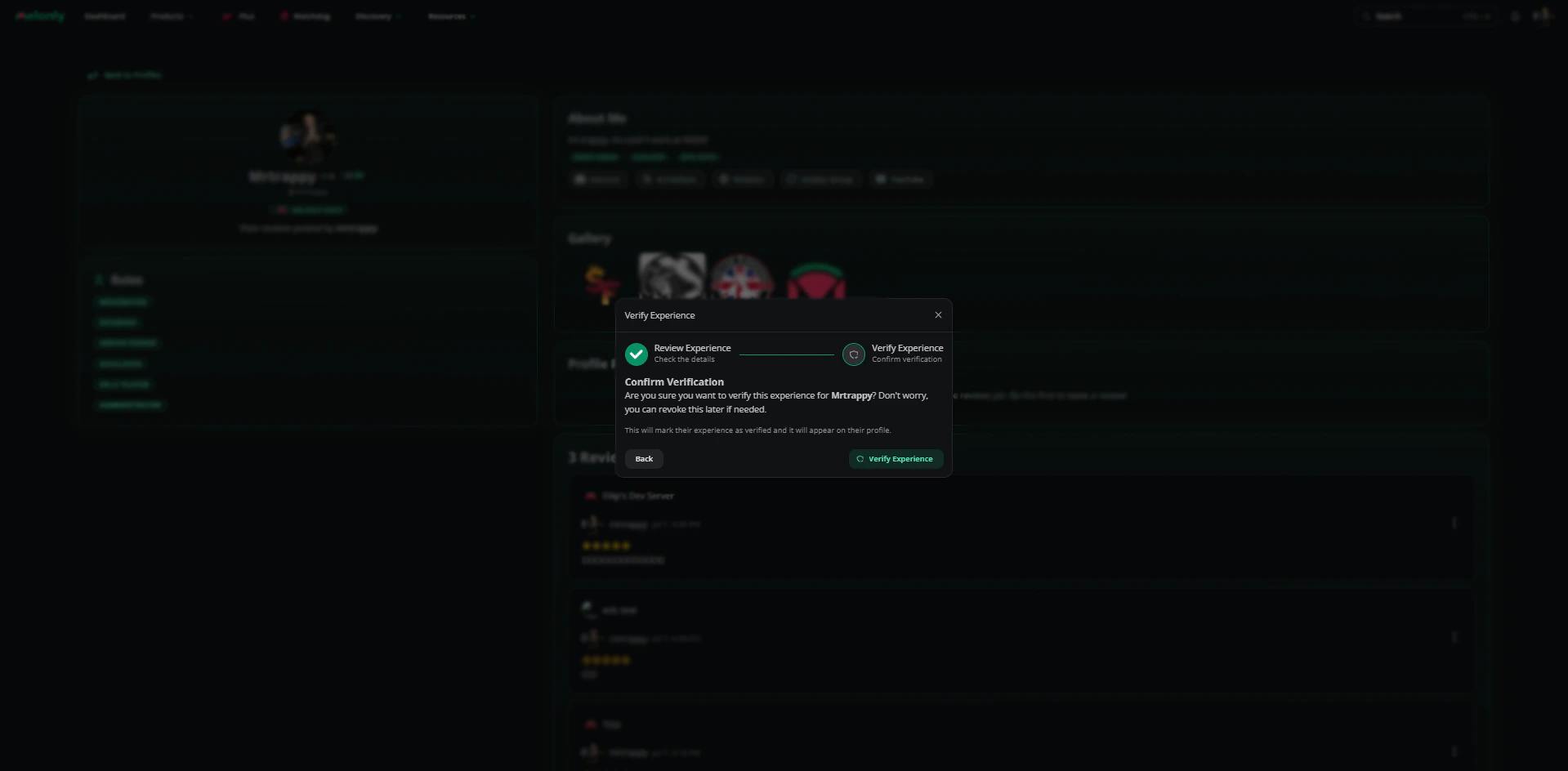
Verify server experience
When a user adds your server to their experience, an admin reviews the entry. Approved entries appear on the user’s profile and in the server’s directory listing. Admins can remove entries when staff leave.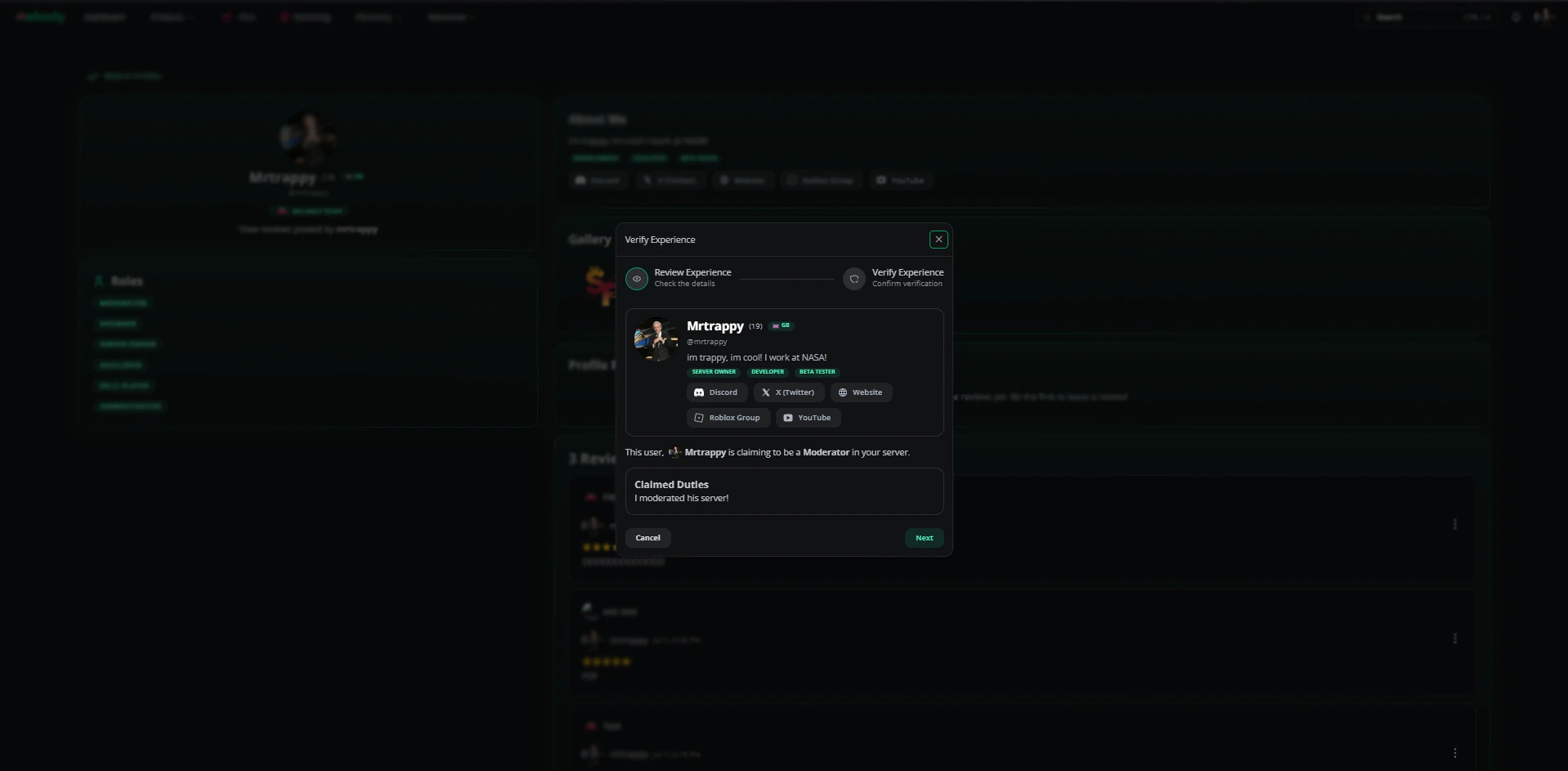
Need help?
Still have questions? Join our Discord server for support from the Melonly team.