
Your Melonly profile is the public face of your account — handle, display name, bio, tags, roles, and verified experience all live here.Documentation Index
Fetch the complete documentation index at: https://docs.melonly.xyz/docs/llms.txt
Use this file to discover all available pages before exploring further.
Profile overview
The profile page shows your public details and includes shortcuts for sharing or refreshing your profile.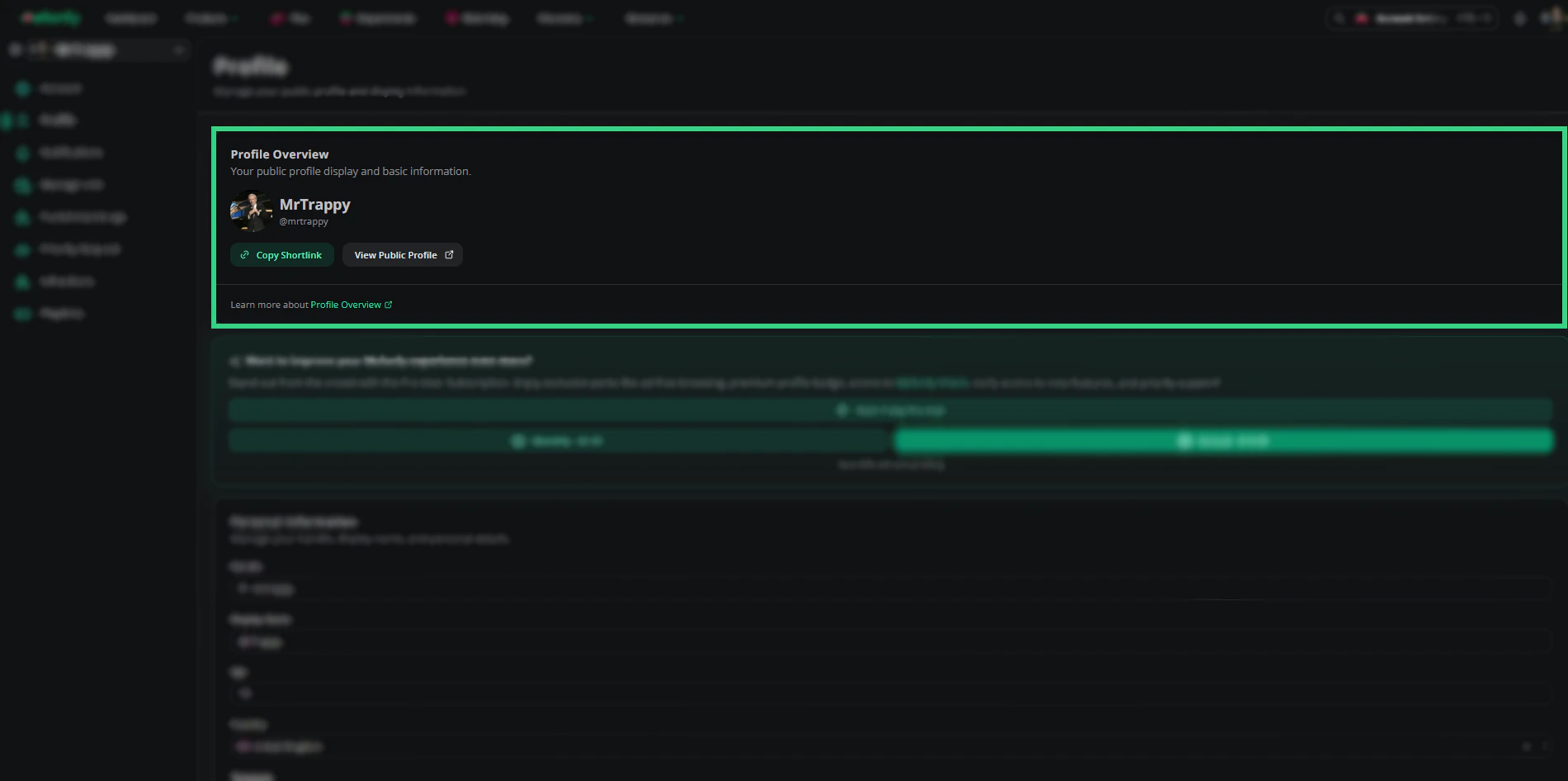
| Button | Action |
|---|---|
| Copy shortlink | Copies your public profile shortlink |
| View profile page | Opens your public profile in a new tab |
| Refresh profile | Re-syncs your profile with the latest Discord data |
Personal information
Edit how you appear across the platform.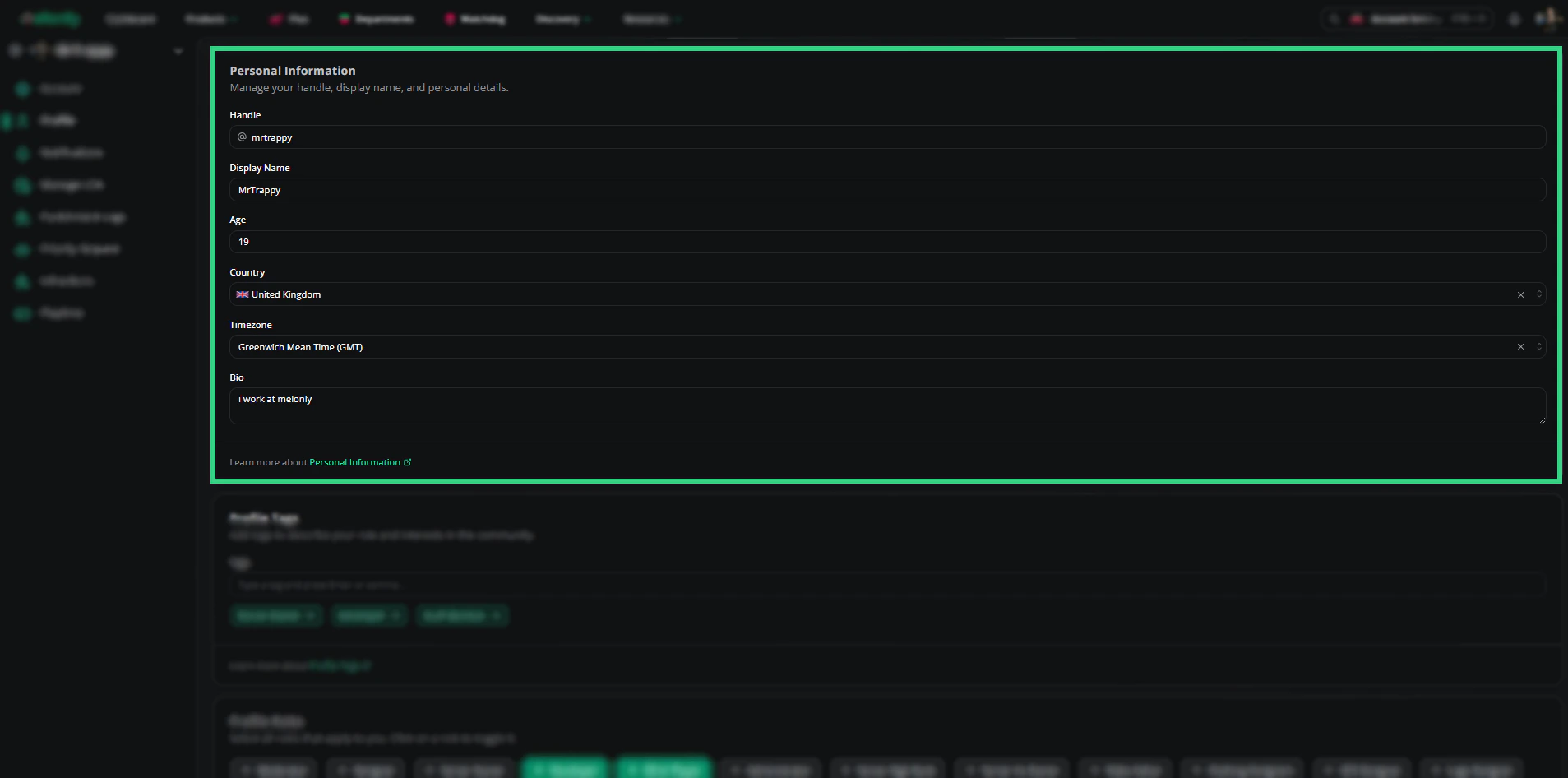
| Field | Description |
|---|---|
| Handle | Your unique identifier across Melonly |
| Display name | The name shown across the platform |
| Age | Optional, displayed on your public profile |
| Country | Optional, displayed on your public profile |
| Bio | Short description shown on your public profile |
Tags
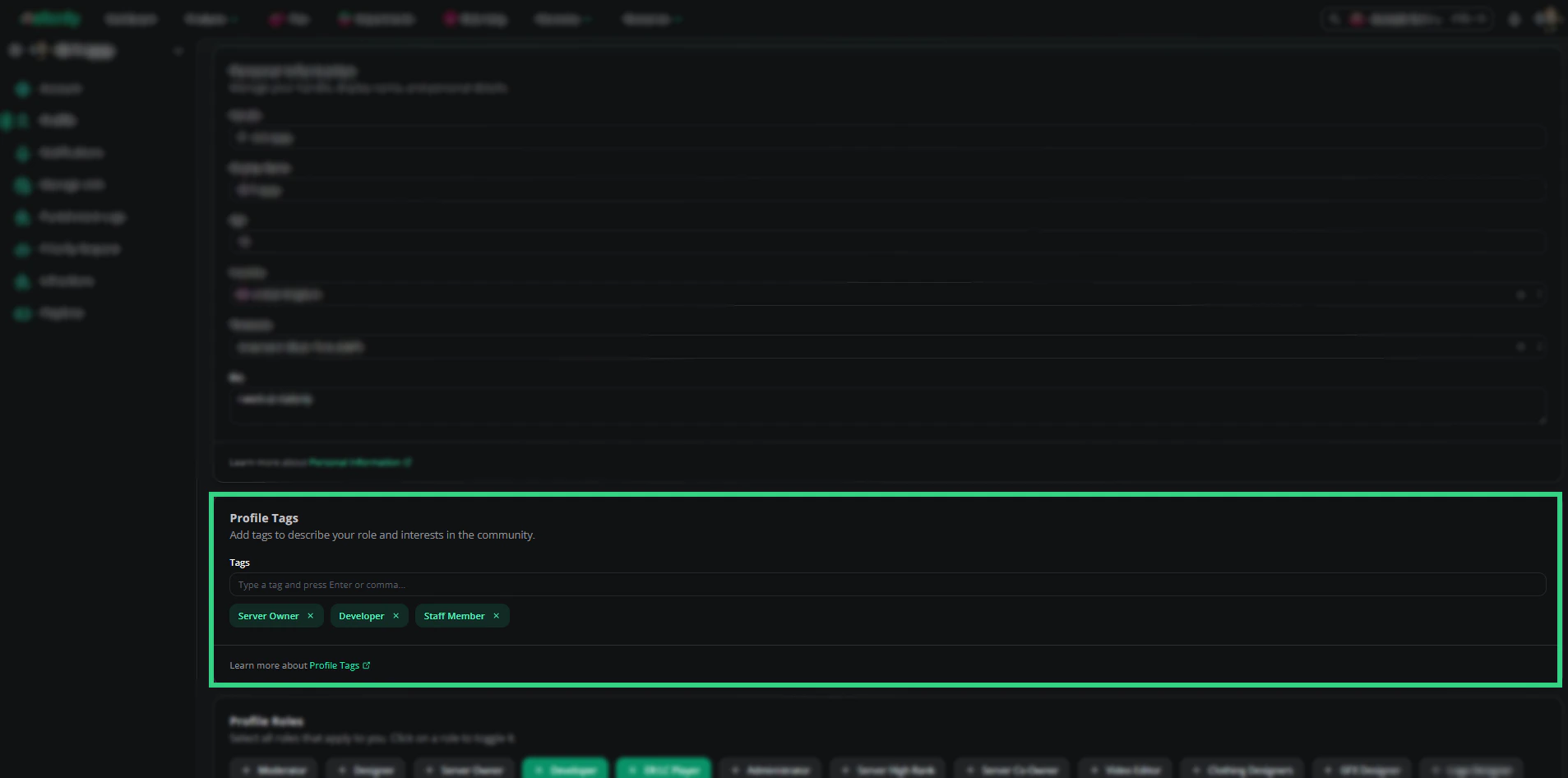
Add tags to highlight skills or interests. Click Add tags to type a keyword, or click thex next to a tag to remove it.
Roles
Roles are designations you can attach to your profile. Available roles include Moderator, Designer, Server Owner, Developer, ER:LC Player, Administrator, Server High Rank, Server Co-Owner, Video Editor, Clothing Designer, GFX Designer, Logo Designer, and Uniform Designer.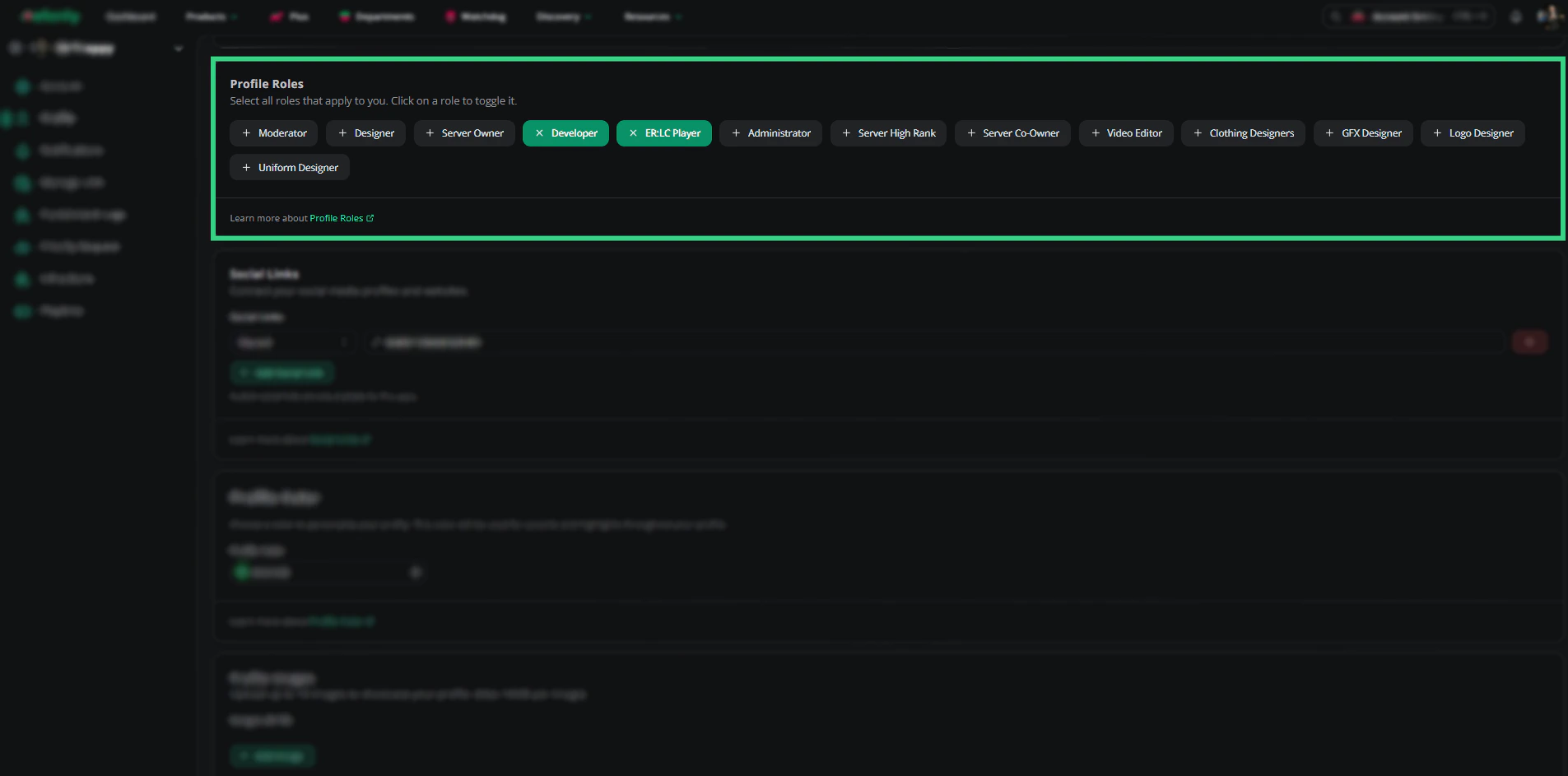
Social links
Connect your other online accounts so others can find you.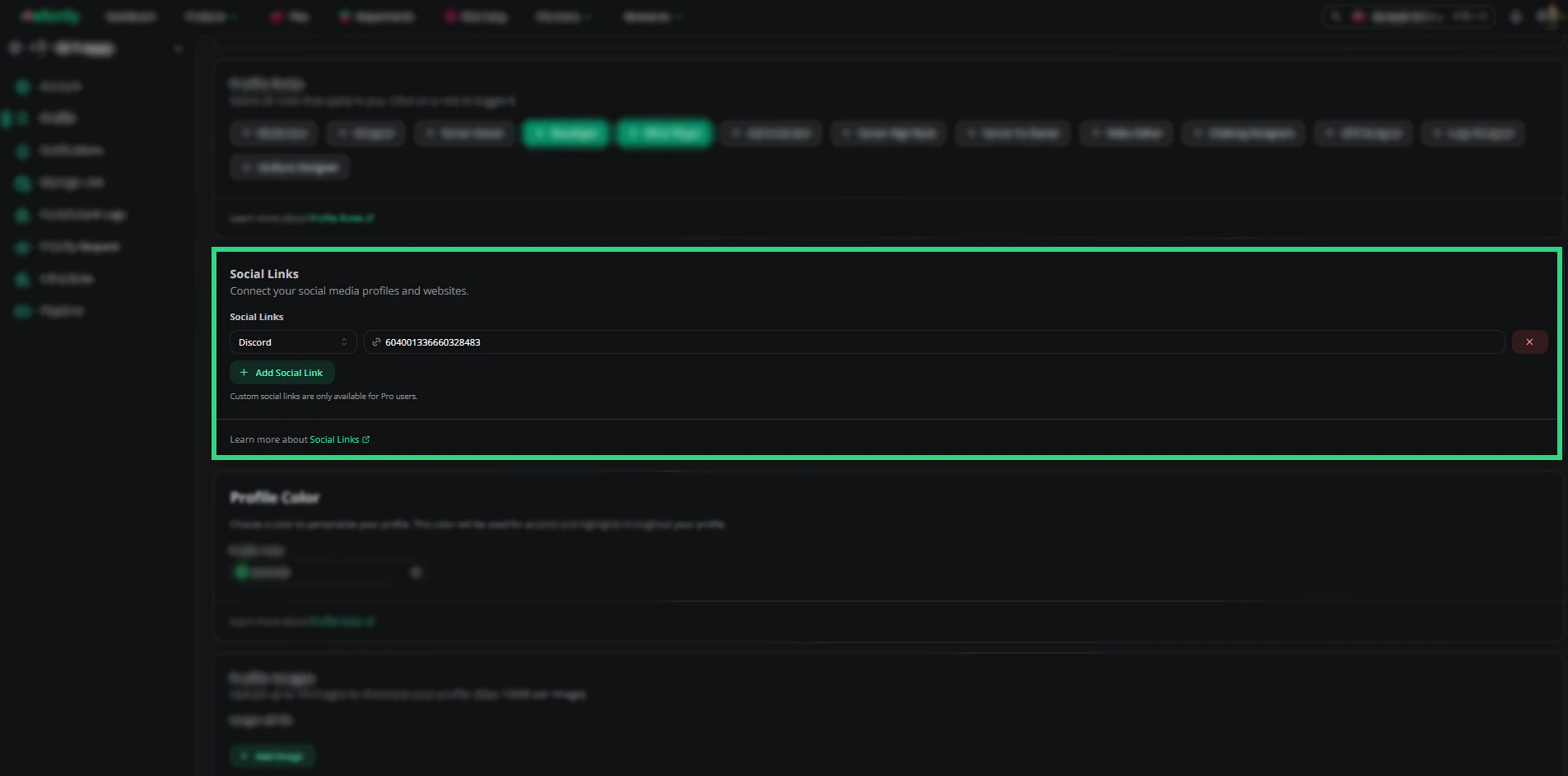
- Add social link — Pick a platform and enter your username or URL.
- Remove social link — Click the
xnext to a link.
Profile color
Pick a color from the palette to set your profile theme.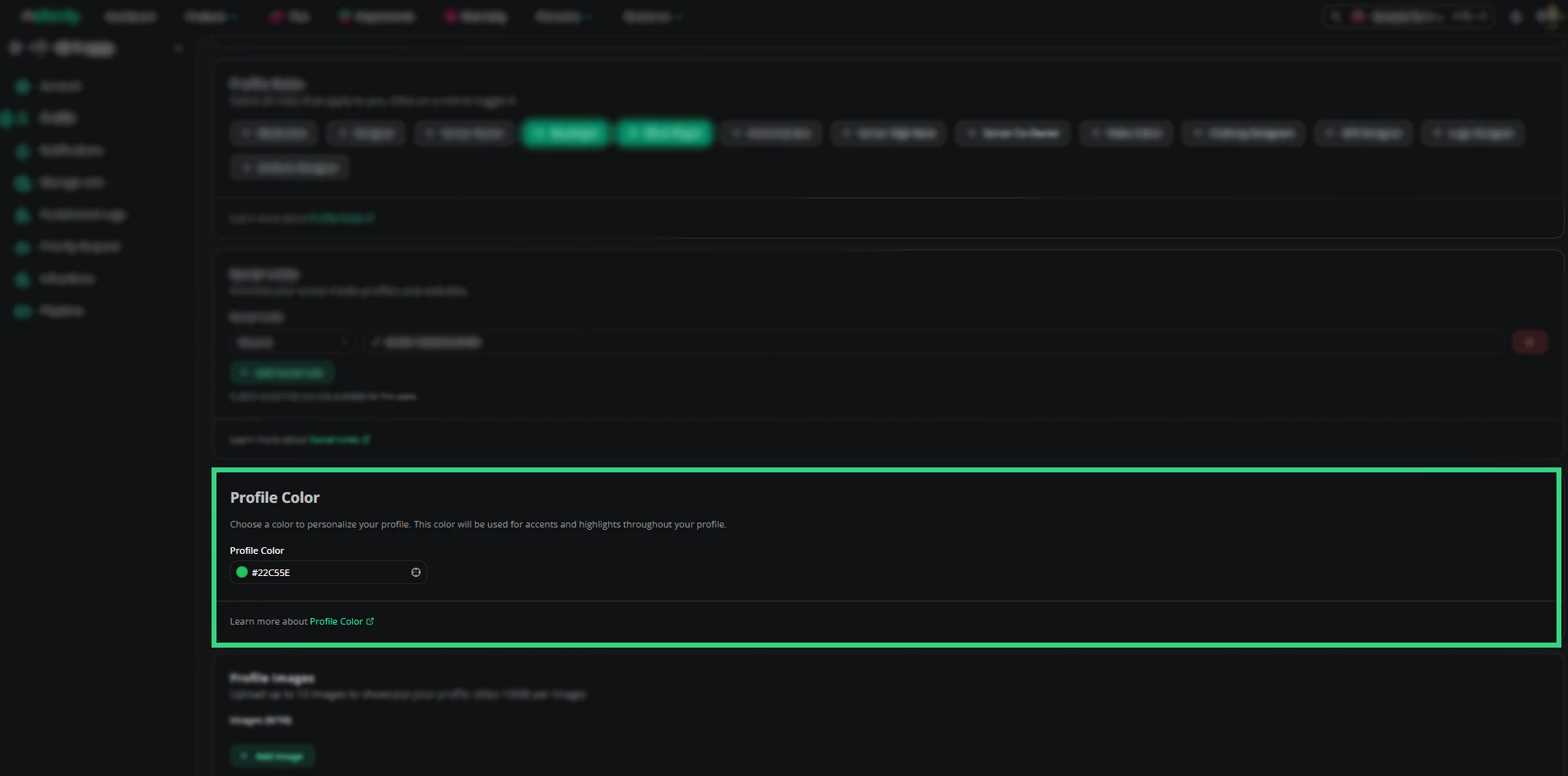
Profile images
Upload a cover image that appears as your profile banner.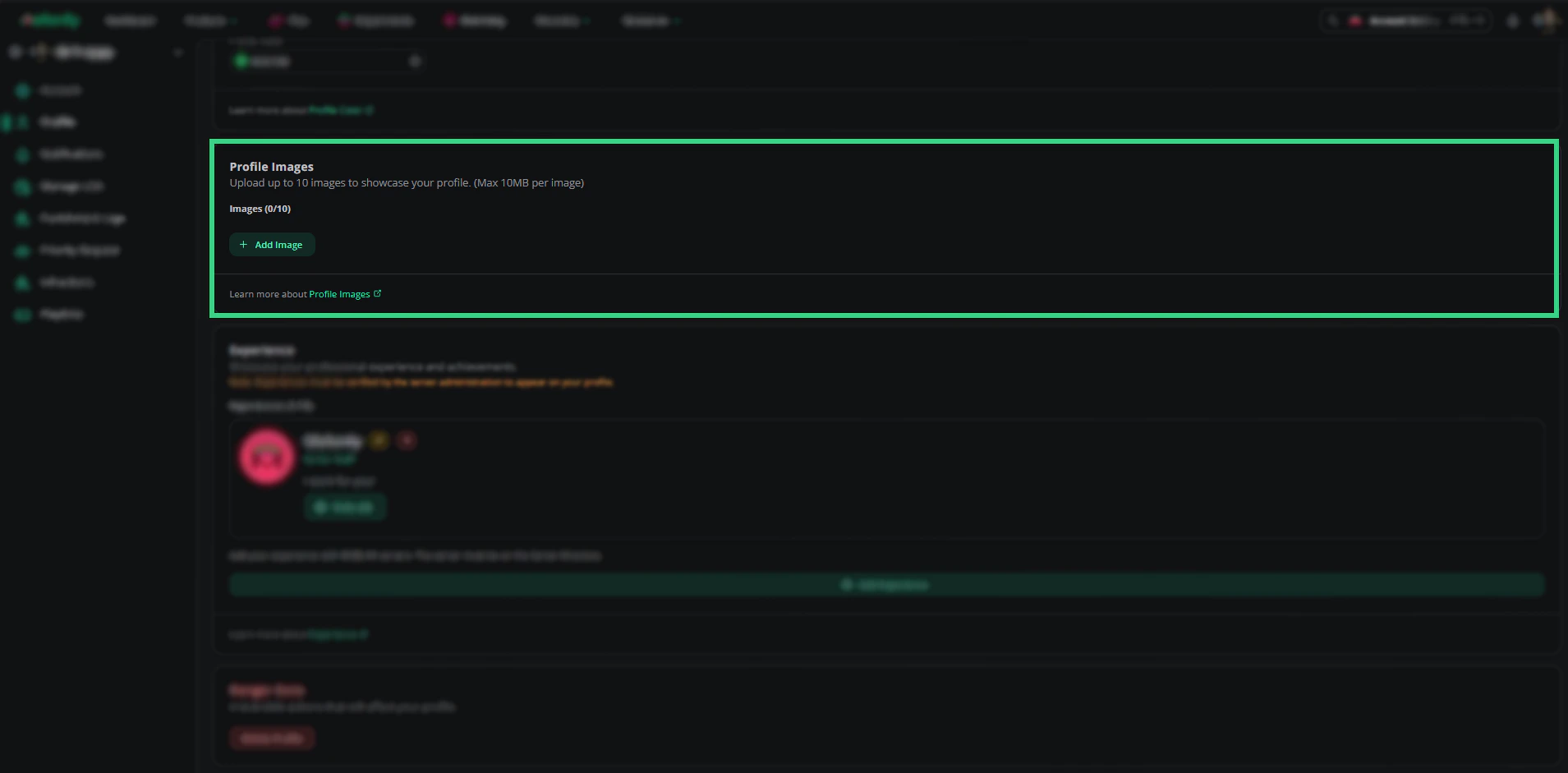
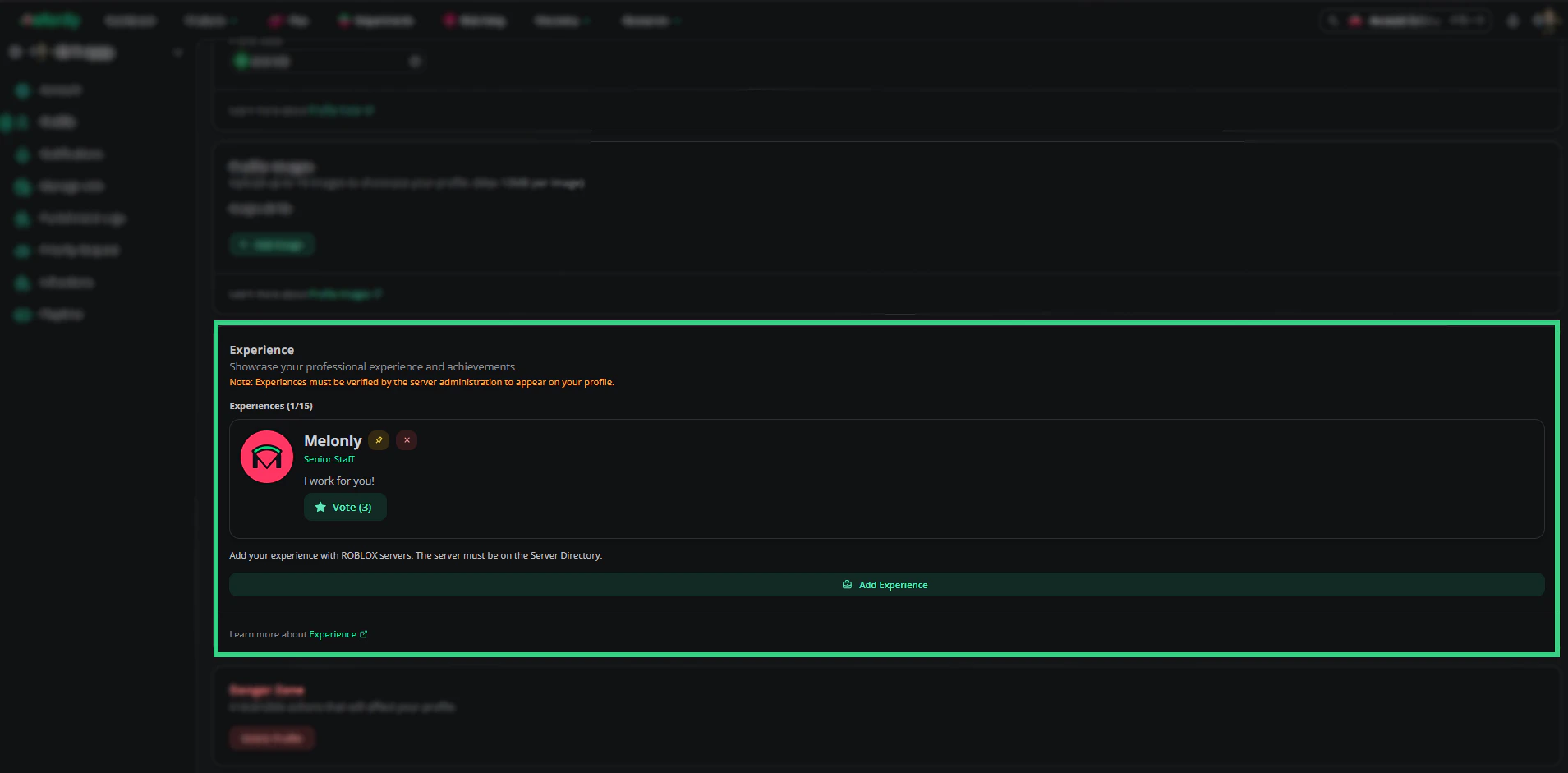
Experience
Showcase verified roles you’ve held in other servers. Experience entries require admin approval before appearing on your profile.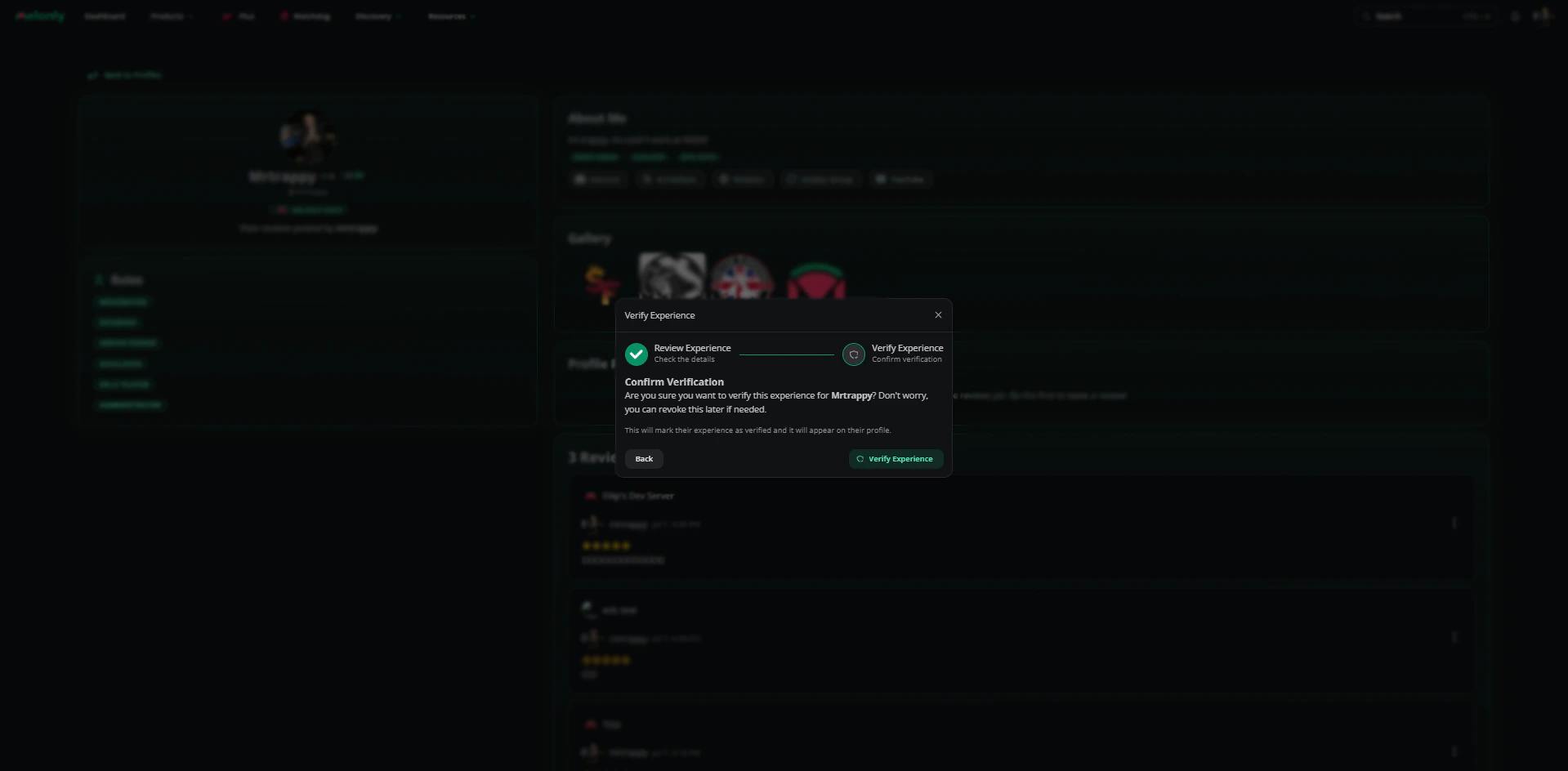
Add an experience entry
Danger zone
Need help?
Still have questions? Join our Discord server for support from the Melonly team.