
Documentation Index
Fetch the complete documentation index at: https://docs.melonly.xyz/docs/llms.txt
Use this file to discover all available pages before exploring further.
Watchdog is a paid feature. Learn more on the Watchdog page.
Watch the overview
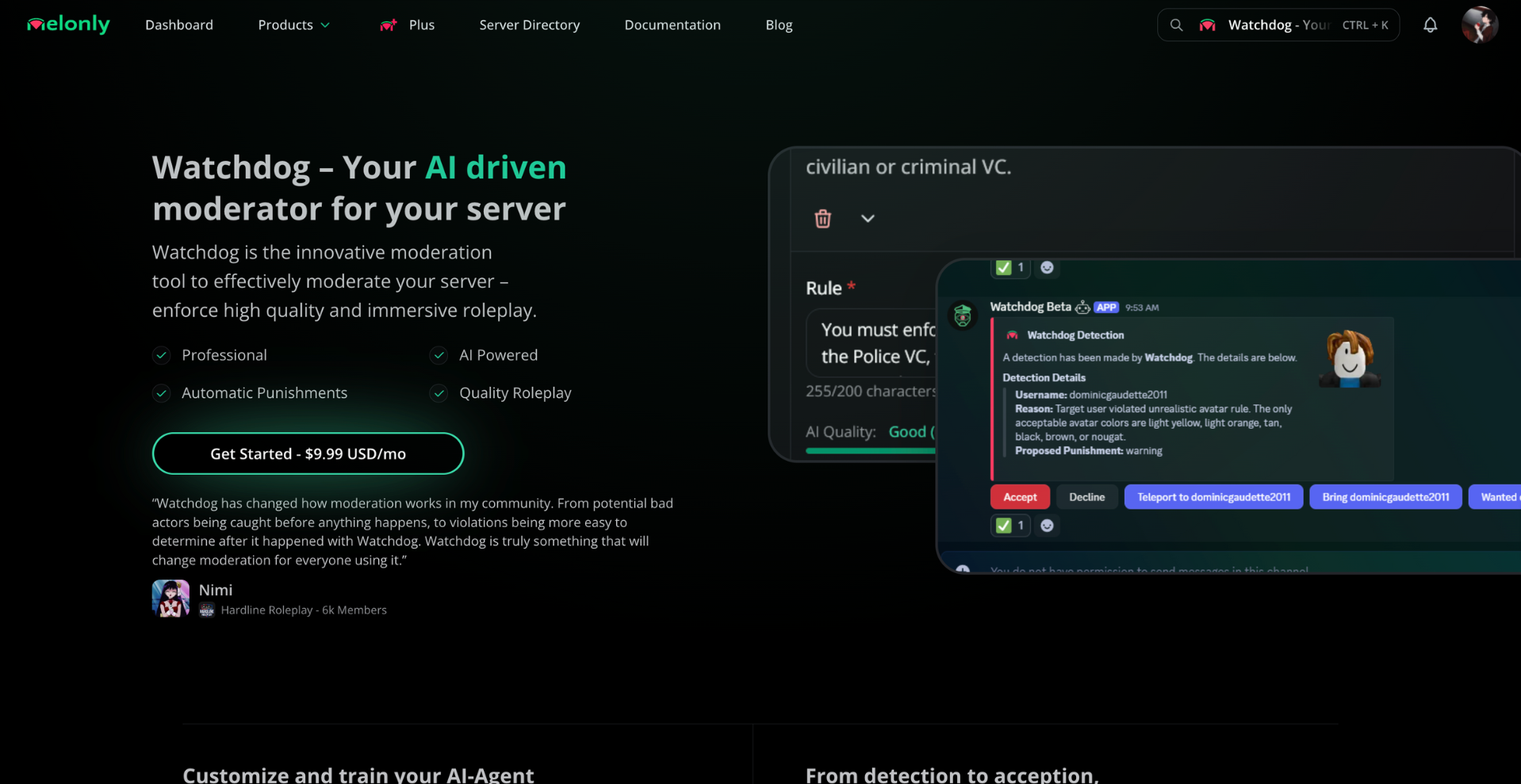
Enable Watchdog
Open the dashboard
Go to your Melonly dashboard and select your server.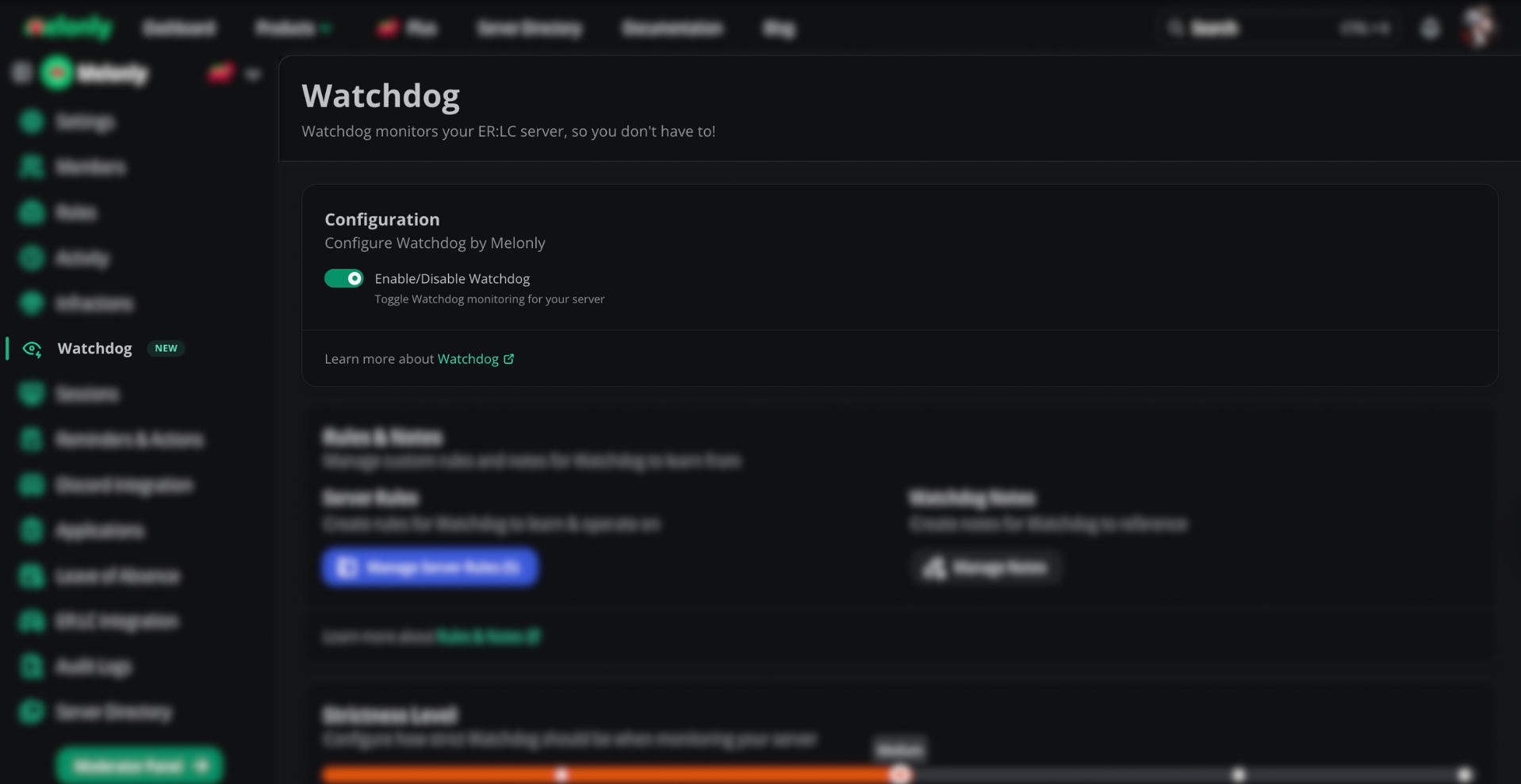
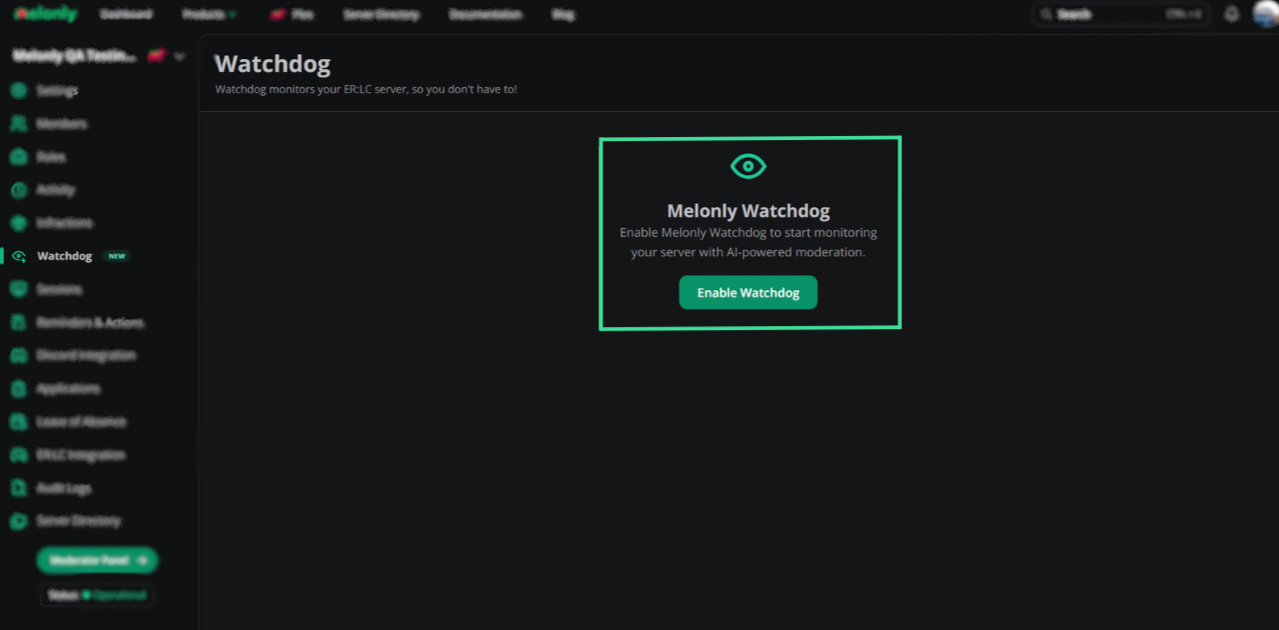
Rules and notes
Rules and notes give Watchdog context about how your server should be moderated.More than five rules can reduce Watchdog accuracy. Keep your rule list focused.
Add a rule
Open the Rules & Notes card, click Manage Server Rules, then Add. Type a single, specific rule (e.g. “No headless head allowed”).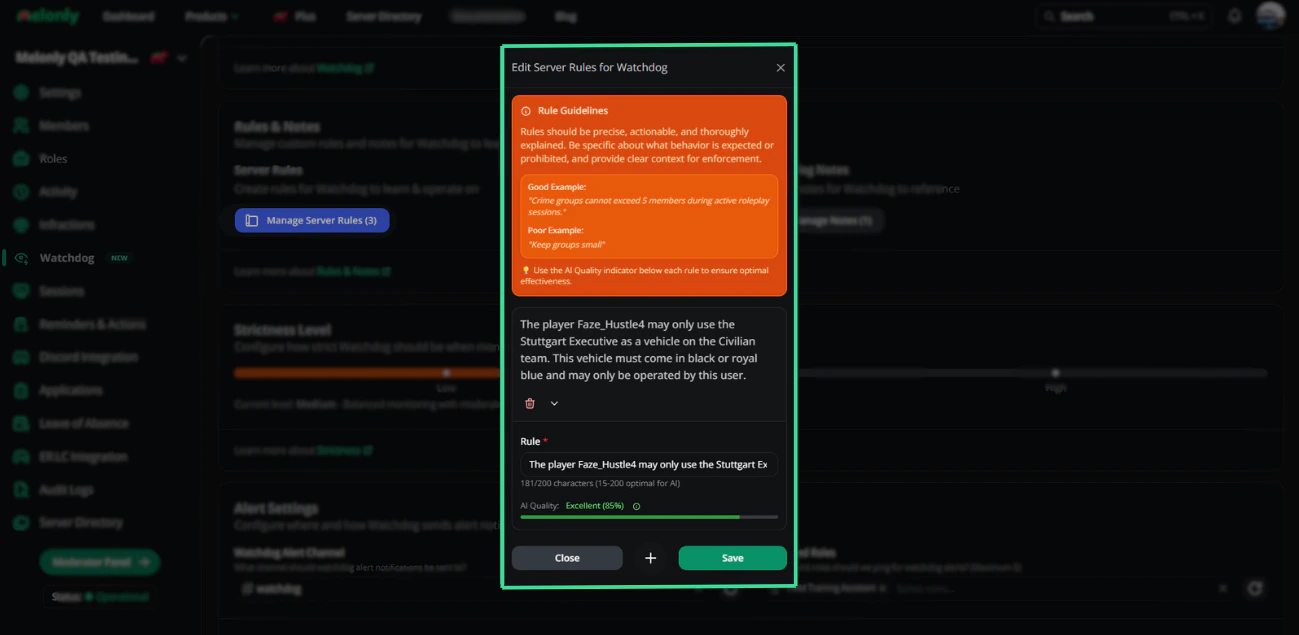
Add a note
Click Manage Server Notes, then Add. Notes describe the server’s vibe (e.g. “We are a VC-only server”).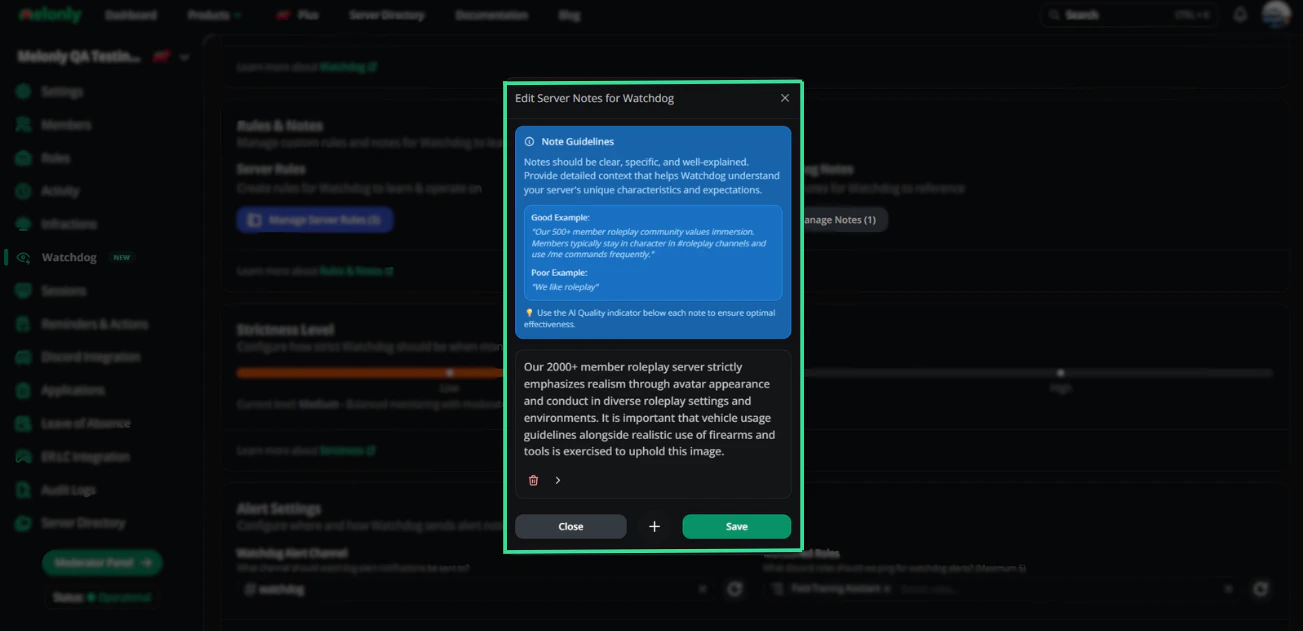
Strictness and alerts
Strictness
Drag the slider in the Strictness Level card to your preferred enforcement level.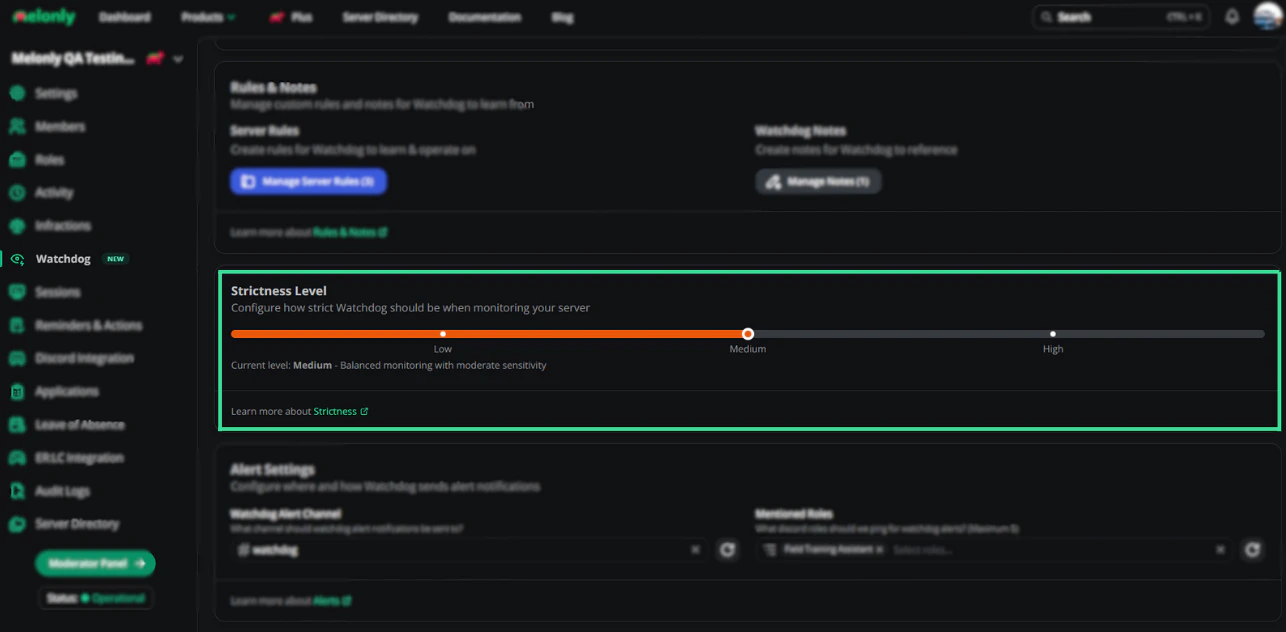
Alert channel and role
In Alert Settings, pick:- Watchdog Alert Channel — where alerts are posted in Discord.
- Mentioned Roles — which role gets pinged on every alert.
Need help?
Still have questions? Join our Discord server for support from the Melonly team.