
Manage your server’s staff list — invitations, join requests, and removals — from the Members page on your dashboard.Documentation Index
Fetch the complete documentation index at: https://docs.melonly.xyz/docs/llms.txt
Use this file to discover all available pages before exploring further.
Members list
The members list shows every staff member with their roles, join date, and LOA status.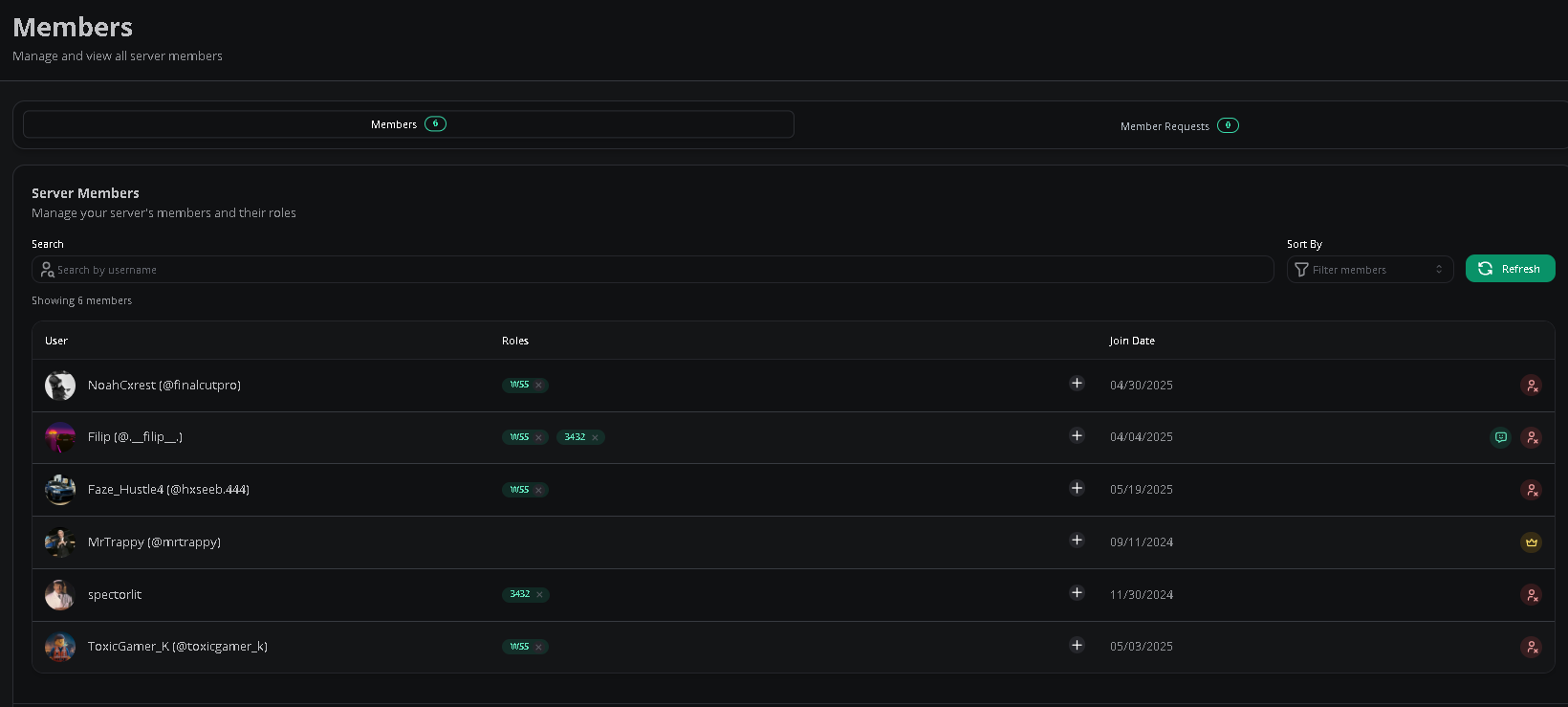
Add members
Copy the join link or code from your dashboard’s Settings page. New members open the link or paste the code on the dashboard after clicking Join a Server.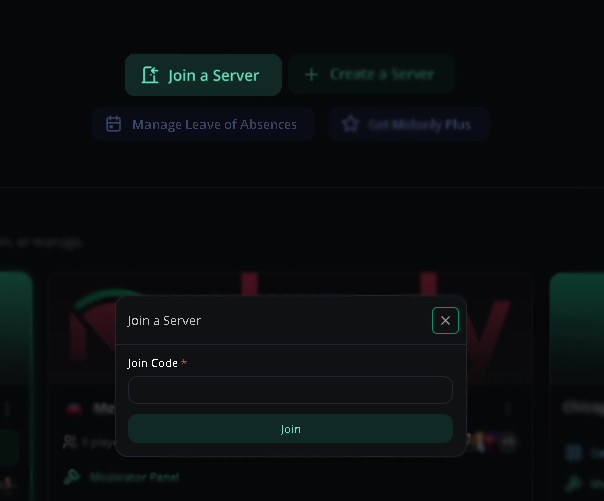
Membership requests
Join requests are held until manually approved. Linked Discord roles (Melonly Plus) bypass this requirement.Approving requests requires the Administrator or Members Page permission.
Remove members
On the Members page, click Remove Member next to the user.Requires the Administrator or Members Page permission.

Why is a Melonly staff member in my server?
A Melonly team member may join your server to investigate an issue. They’ll usually leave once it’s resolved — feel free to remove them if they don’t.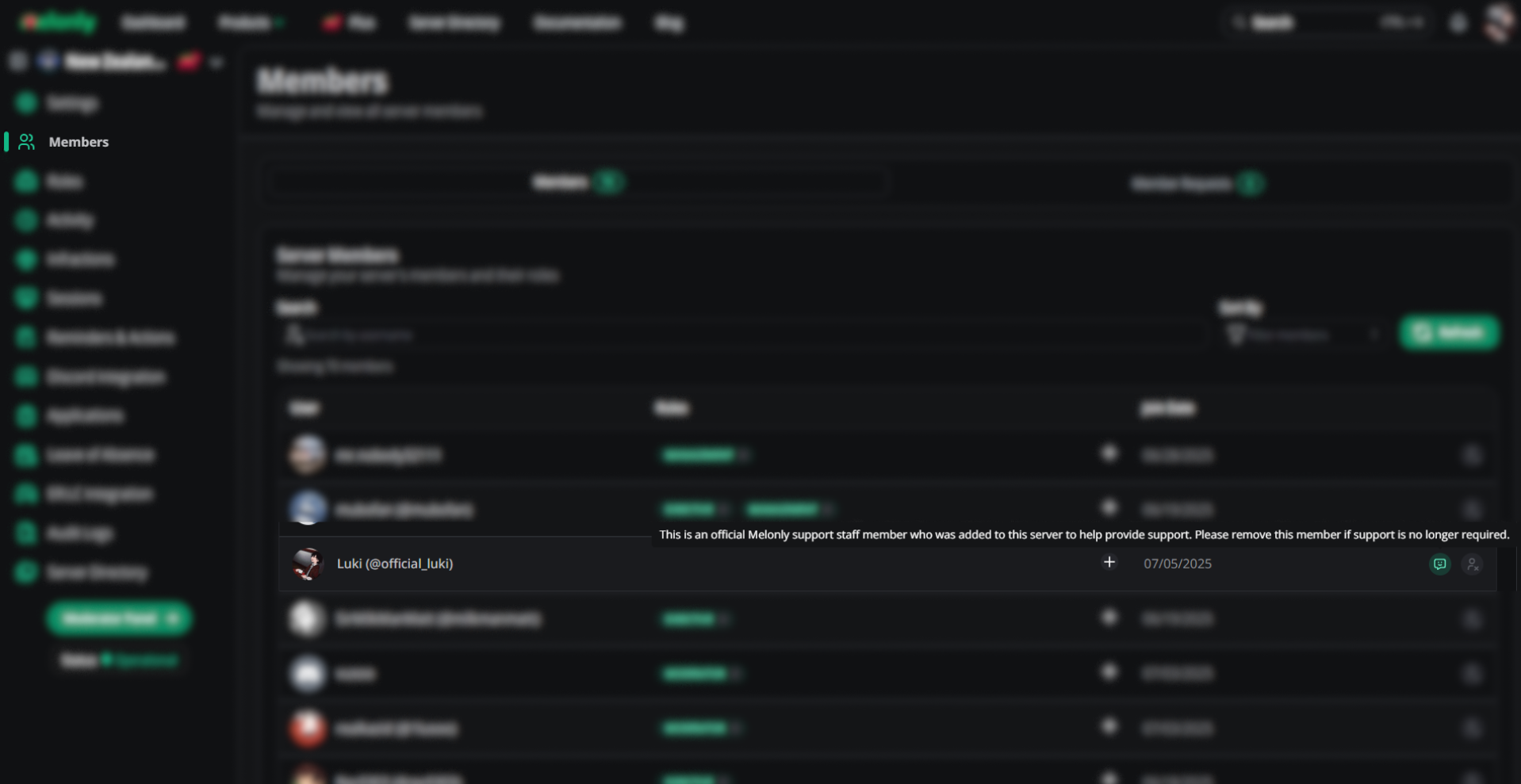
Need help?
Still have questions? Join our Discord server for support from the Melonly team.