
The Server Directory at servers.melonly.xyz is where players discover, vote on, and review ER:LC communities. Listings are reviewed by the Melonly team before going live.Documentation Index
Fetch the complete documentation index at: https://docs.melonly.xyz/docs/llms.txt
Use this file to discover all available pages before exploring further.
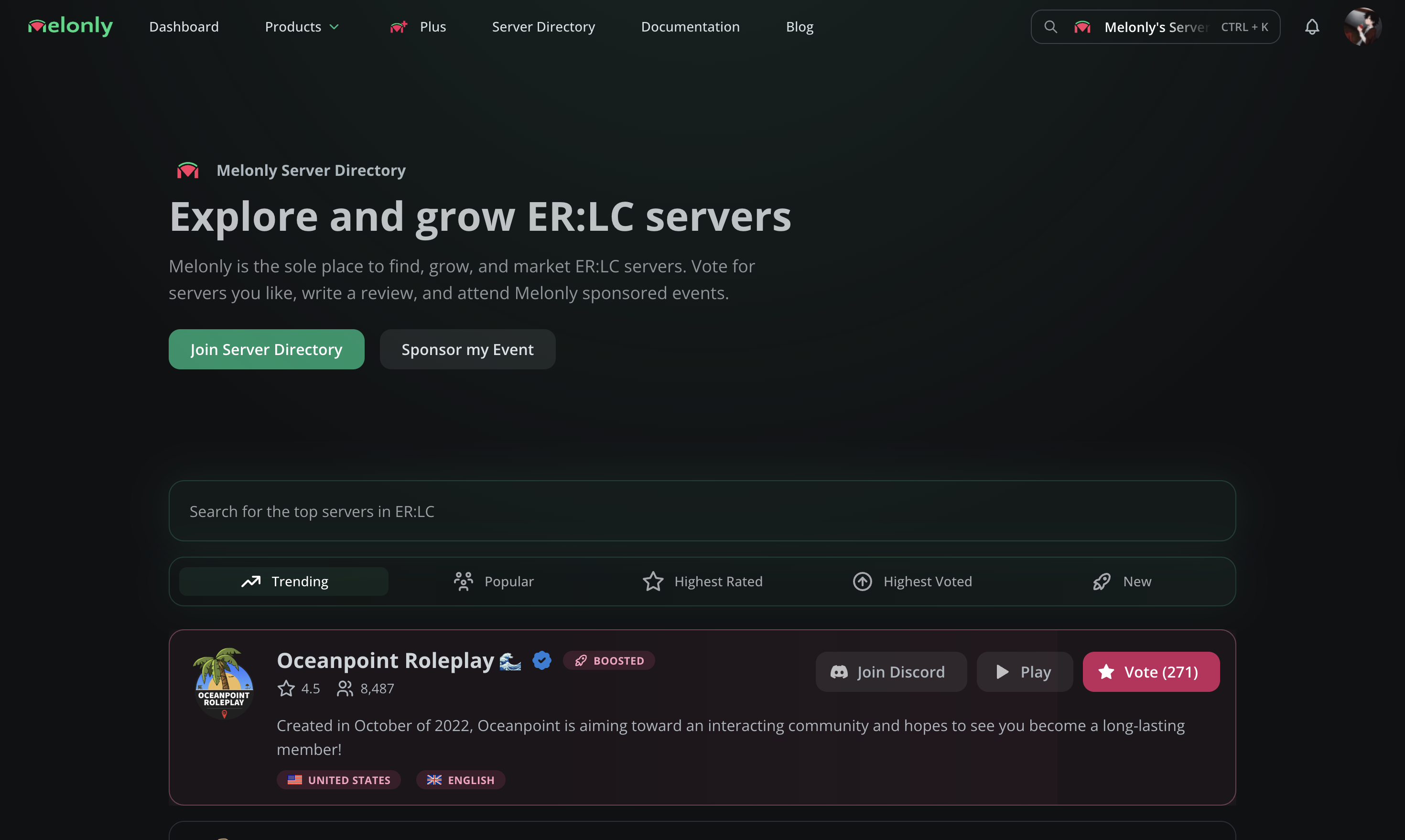
Performance recommendations
Melonly automatically suggests improvements for your listing. Apply them as they appear to grow faster.Performance recommendations
Learn how recommendations work and how votes and boosts factor in.
Submit your server
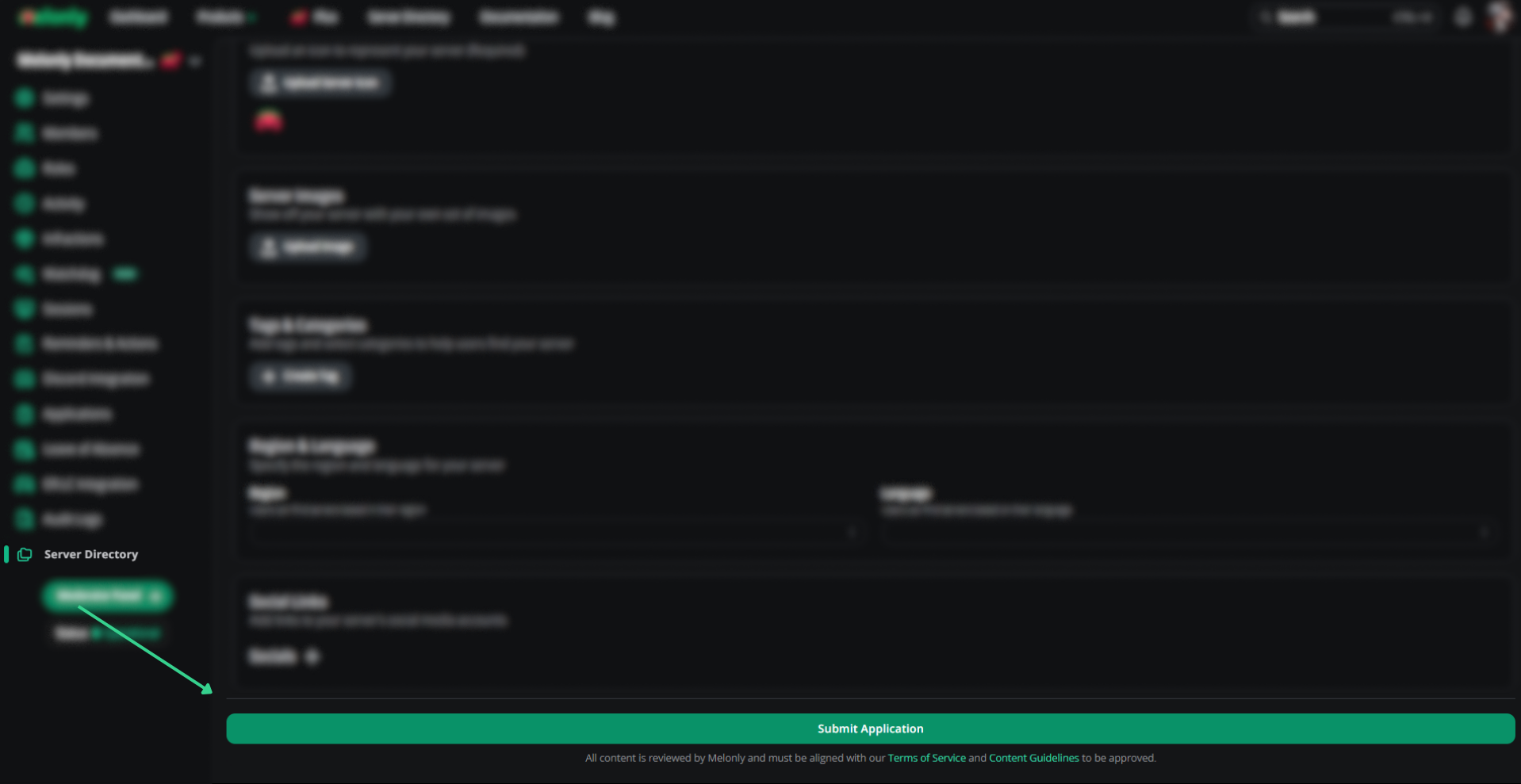
From your server’s dashboard, open Server Directory in the sidebar. Fill out the application — server name, descriptions, join code — and submit for review.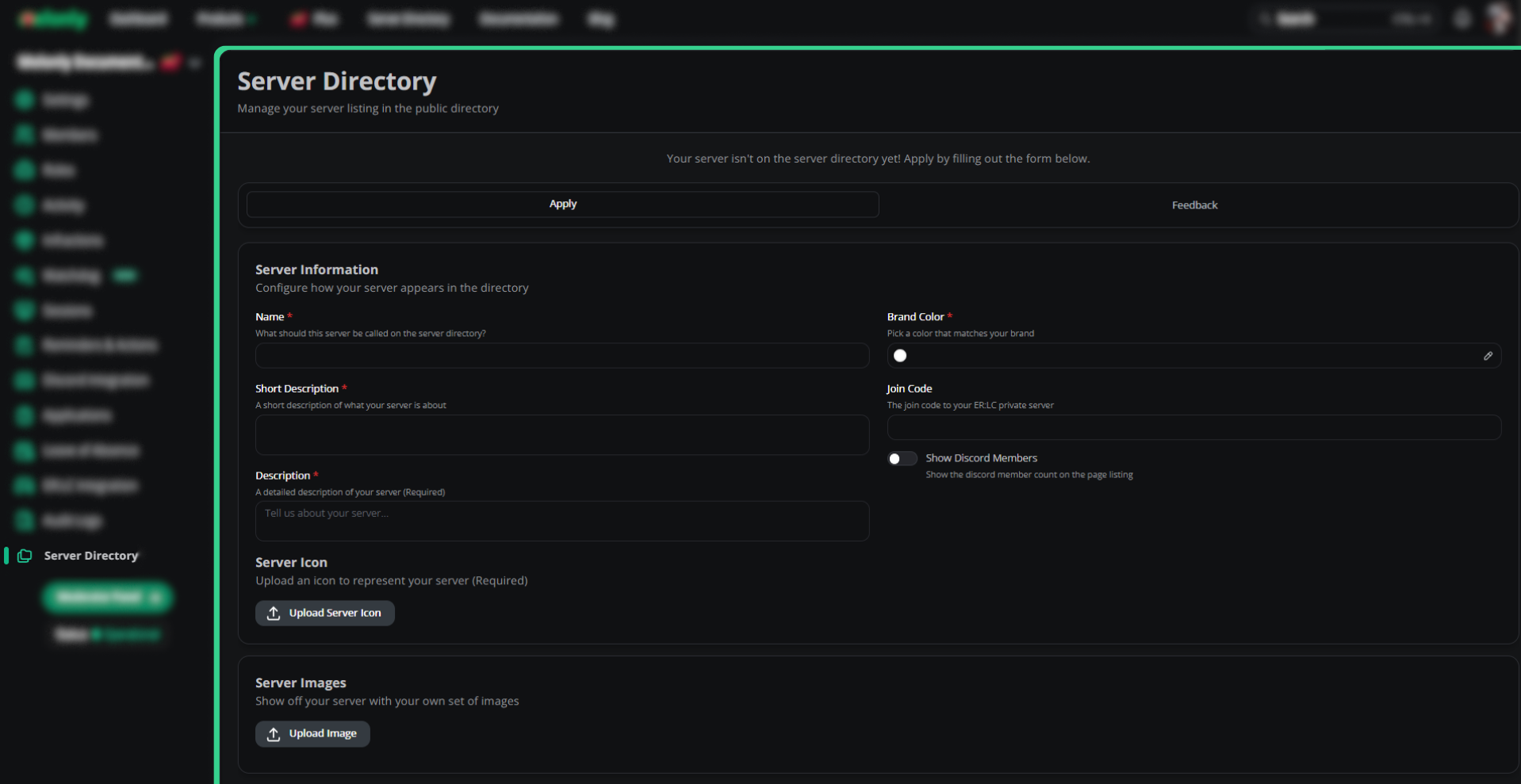
Fill in server info
Name, descriptions, brand color, join code, Discord member visibility, and server icon.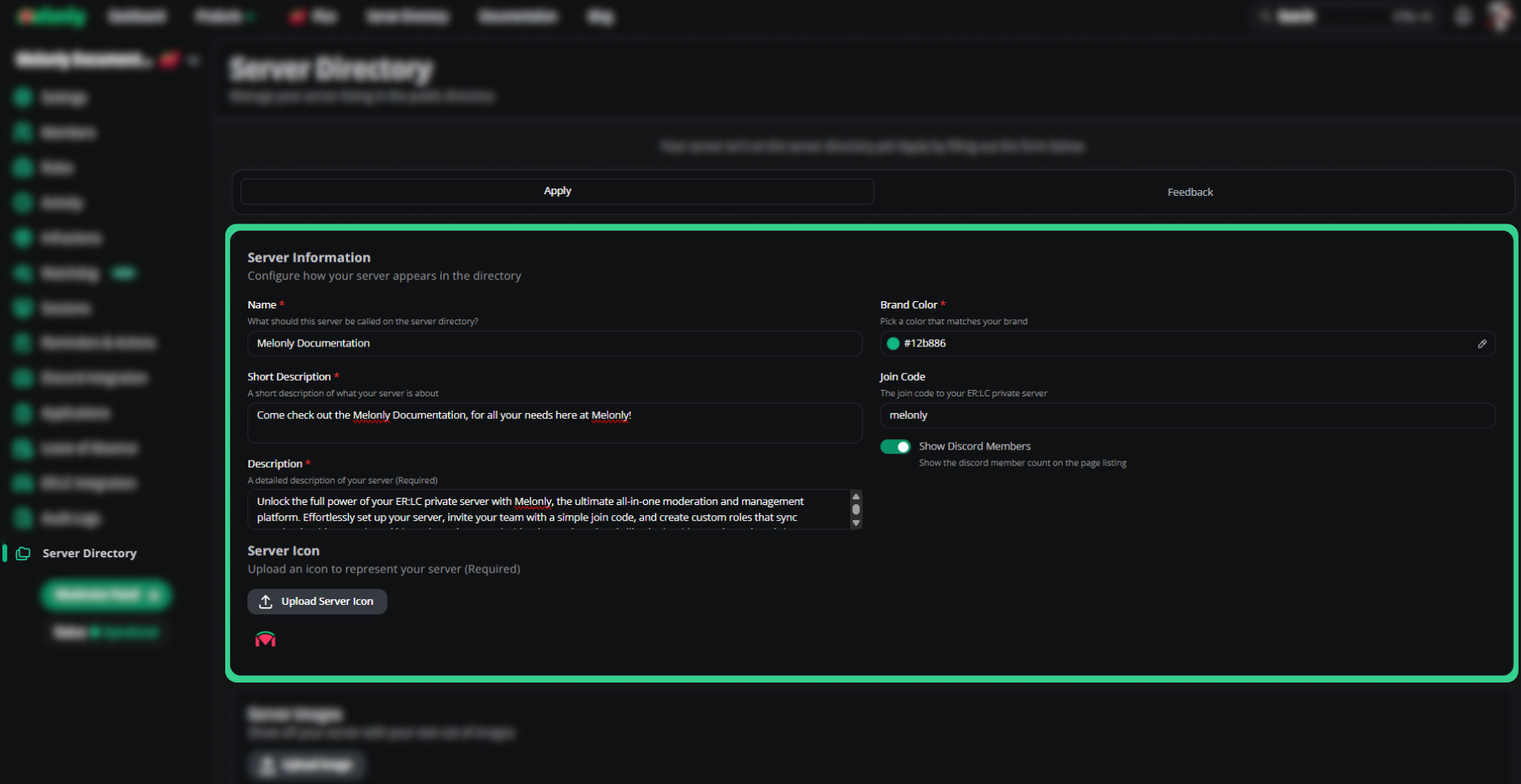
Pick tags and categories
Add accurate, searchable tags. Avoid joke or gibberish tags — they’ll be rejected.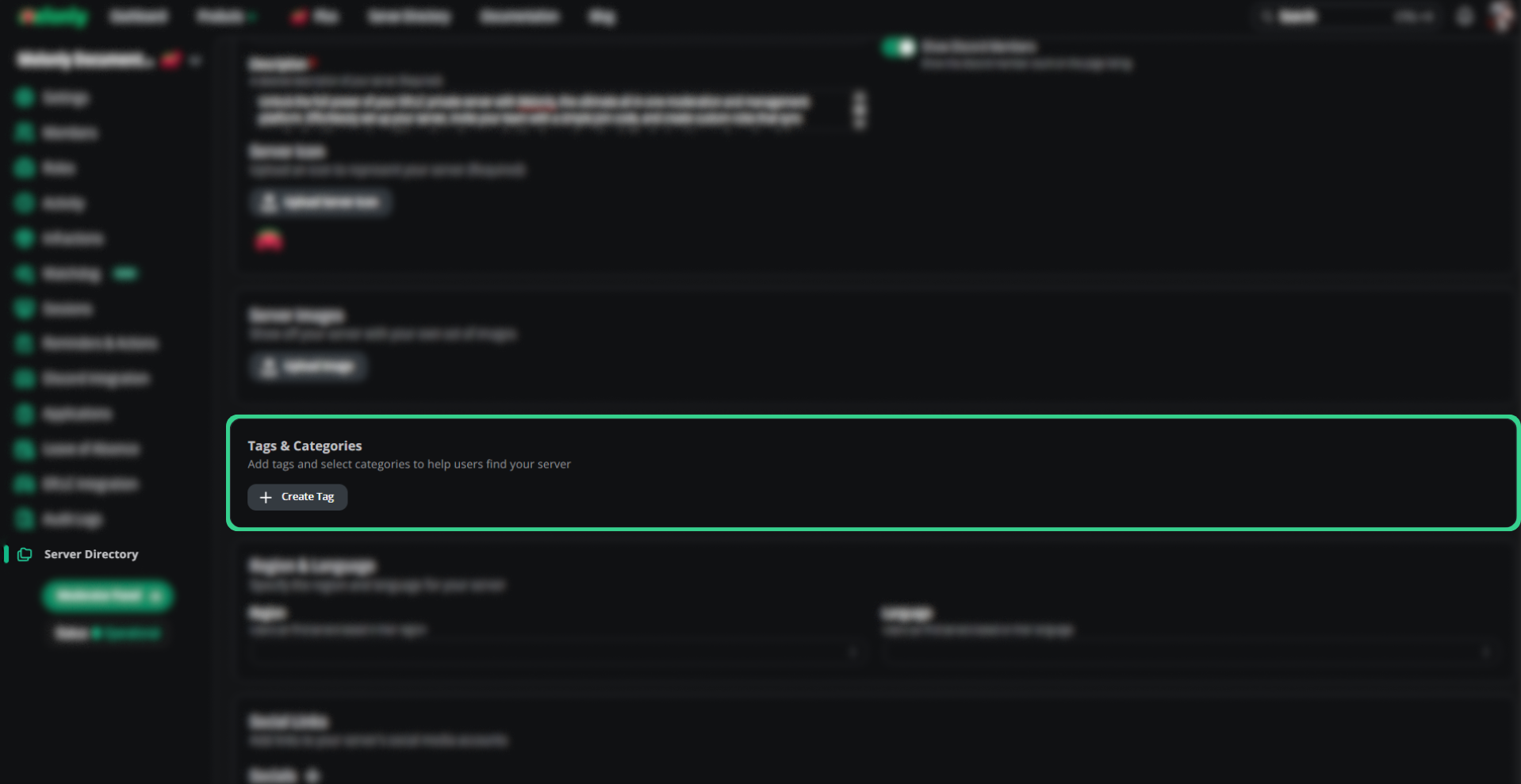
Add social links
Link YouTube, Discord, TikTok, X, Roblox, and your website. We strongly recommend including Discord — it’s the highest-converting link.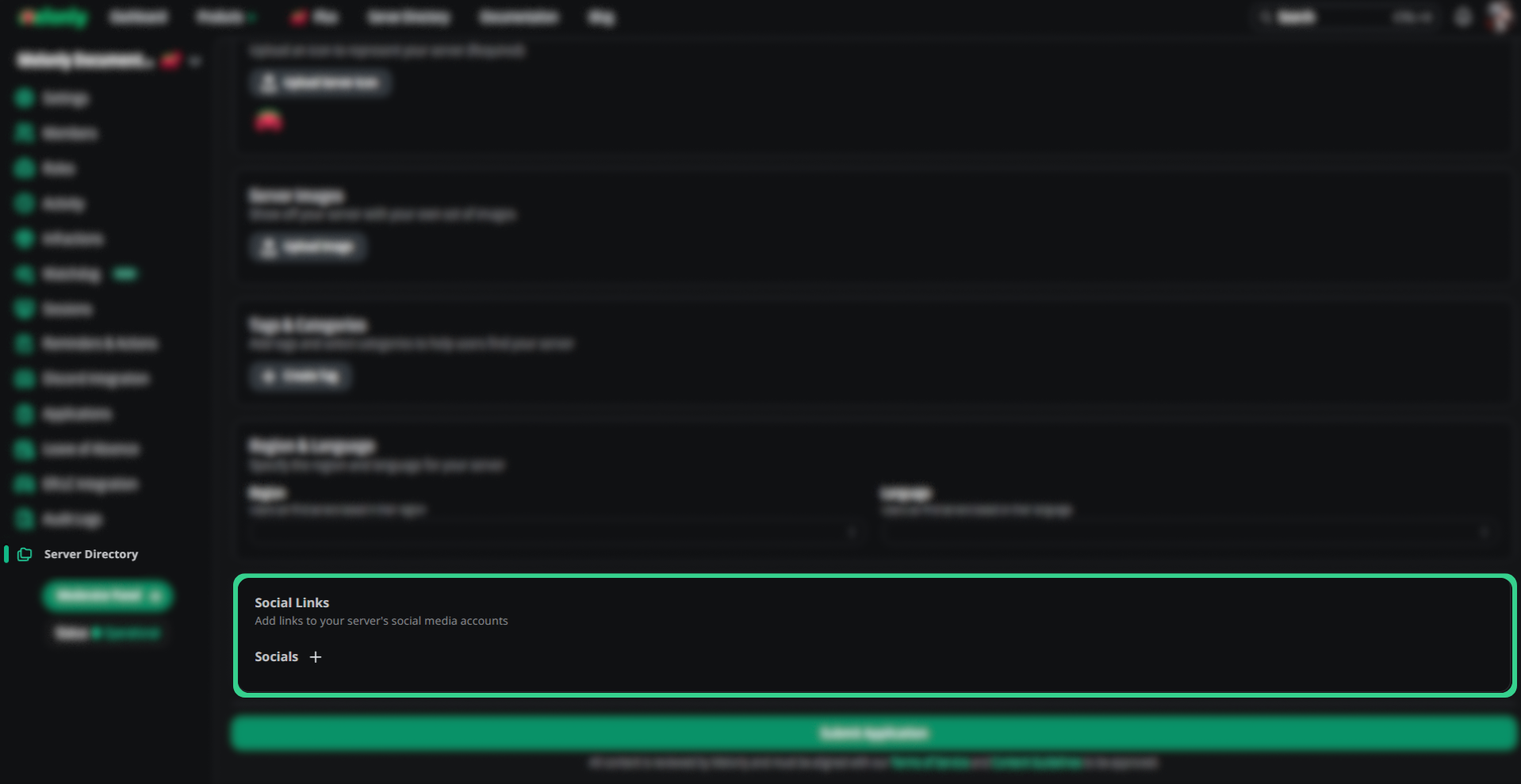
Application sections
Server information
| Field | Description |
|---|---|
| Name | Public server name |
| Short Description | One-line summary, e.g. where the server is based |
| Description | Full description (must follow our guidelines) |
| Brand Color | Background color for your directory page |
| Join Code | ER:LC or Maple County join code (not Discord) |
| Show Discord Members | Display Discord member count on the listing |
| Server Icon | Listing icon |
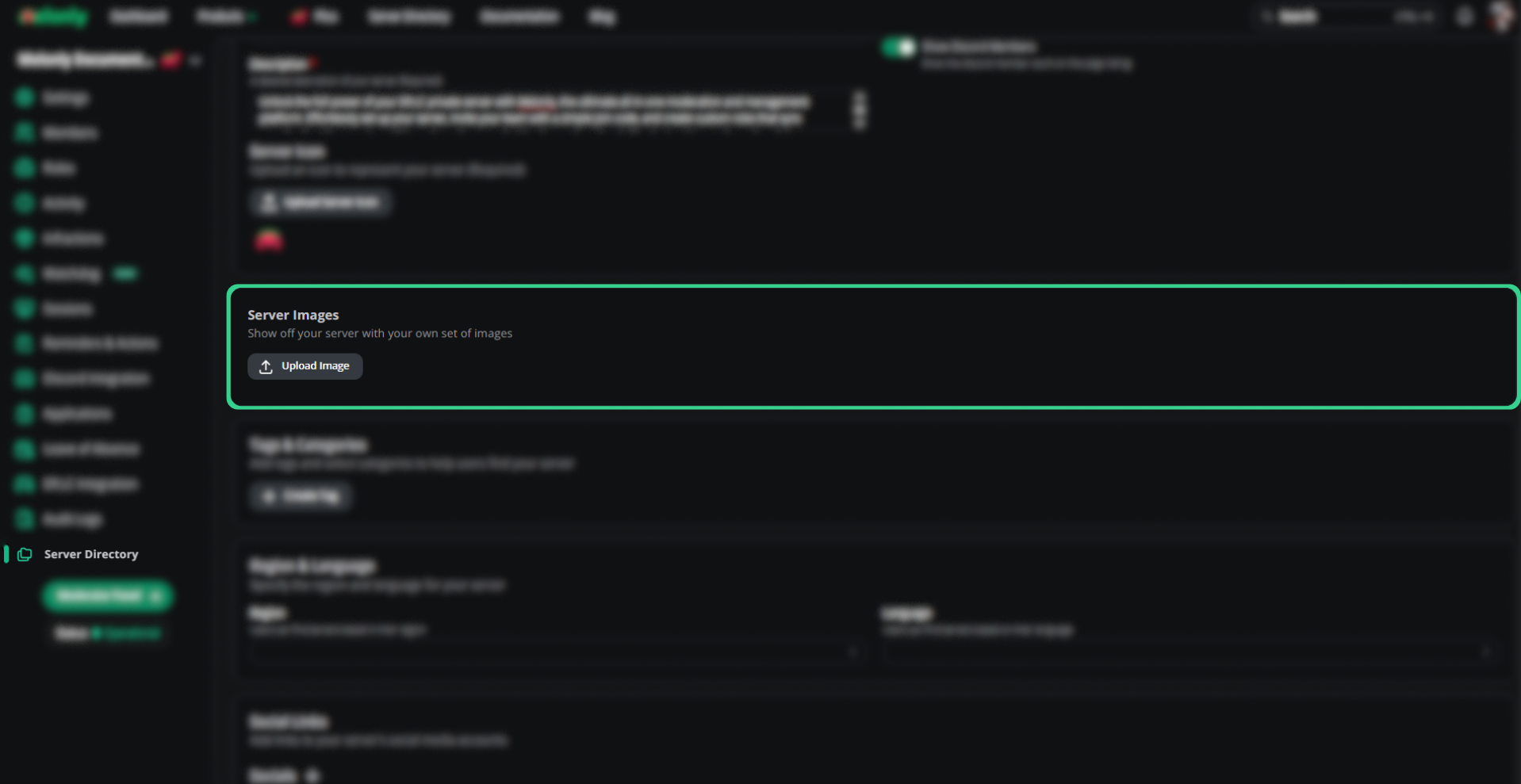
Server images
In-game screenshots displayed on your directory page.Tags and categories
Searchable tags. Use accurate descriptors only.Region and language
| Field | Description |
|---|---|
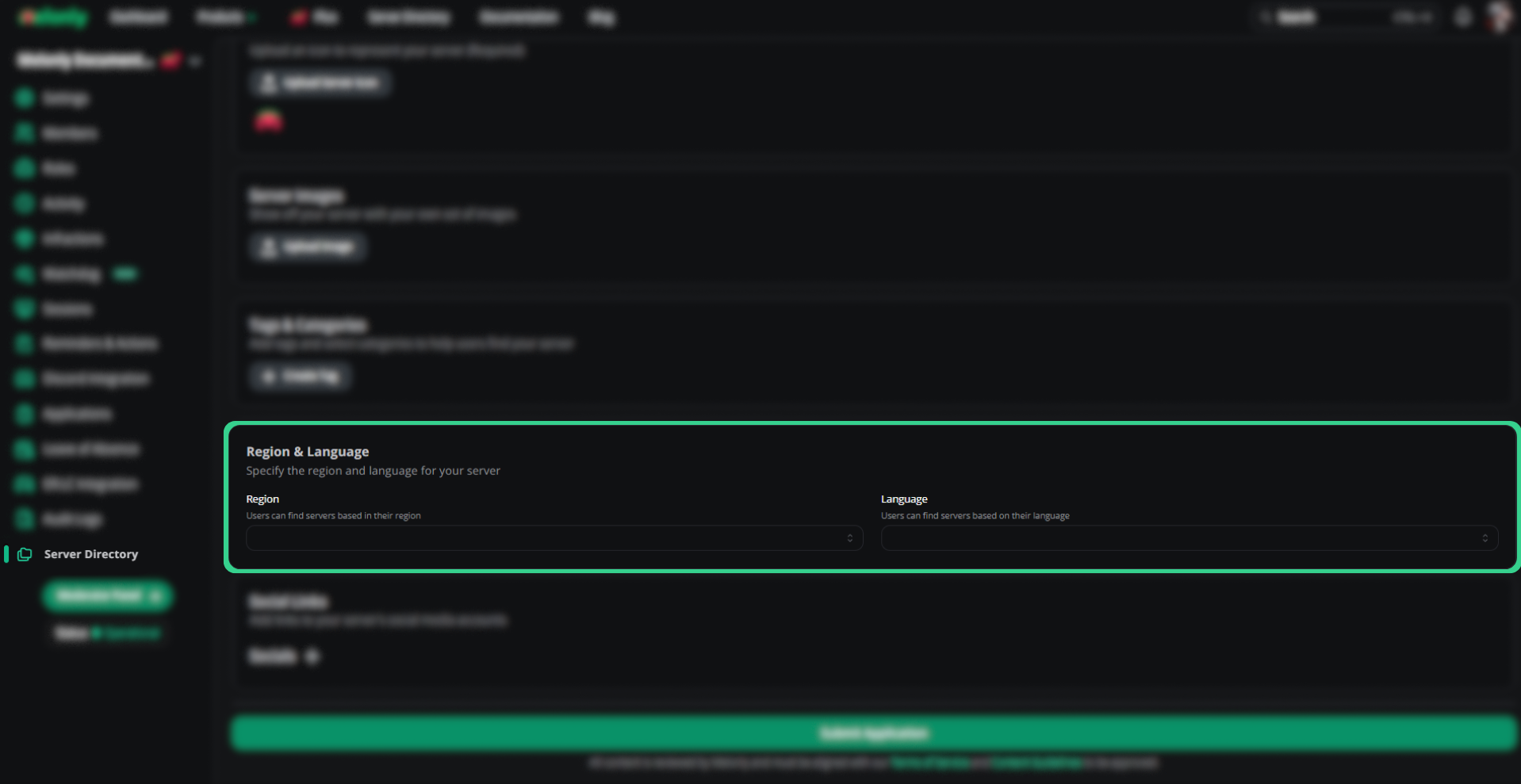
| Region | Part of the world your server is based in |
| Language | Primary server language (English-only, Spanish-only, etc.) |
Social links
Links to your server’s social accounts. Include Discord to drive joins.Feedback
Open the Feedback tab to see staff notes on past applications and improvement tips. Apply the suggestions we leave — they directly affect approval and ranking.Manage your listing
Once approved, the directory settings page gives you three options.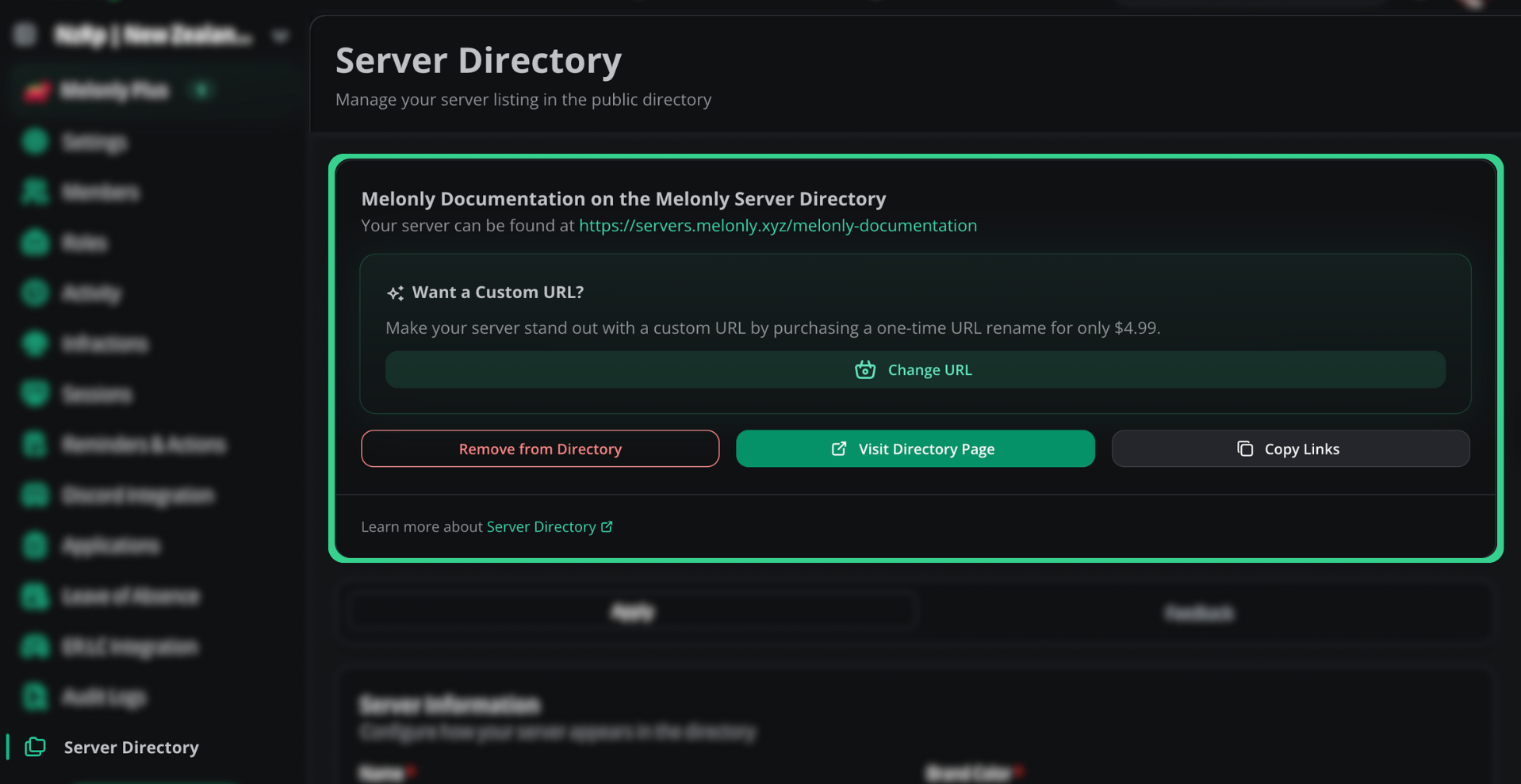
| Option | What it does |
|---|---|
| Remove from Directory | Delists your server and deletes votes and reviews. Can’t be undone — you’d need to reapply. |
| Visit Directory Page | Opens your live listing in a new tab |
| Copy Links | Copies the directory page link and the vote link |
Custom URL
Click Change URL in the directory settings page to purchase a one-time URL rename for $4.99.Need help?
Still have questions? Join our Discord server for support from the Melonly team.