
Reminders and actions live on the same page and complement each other. Reminders nudge staff at fixed intervals; actions are custom logs staff can fill out for events Melonly doesn’t track natively.Documentation Index
Fetch the complete documentation index at: https://docs.melonly.xyz/docs/llms.txt
Use this file to discover all available pages before exploring further.
Reminders
Reminders only fire while at least one member is on shift.
:m or :h messages.
Create a reminder
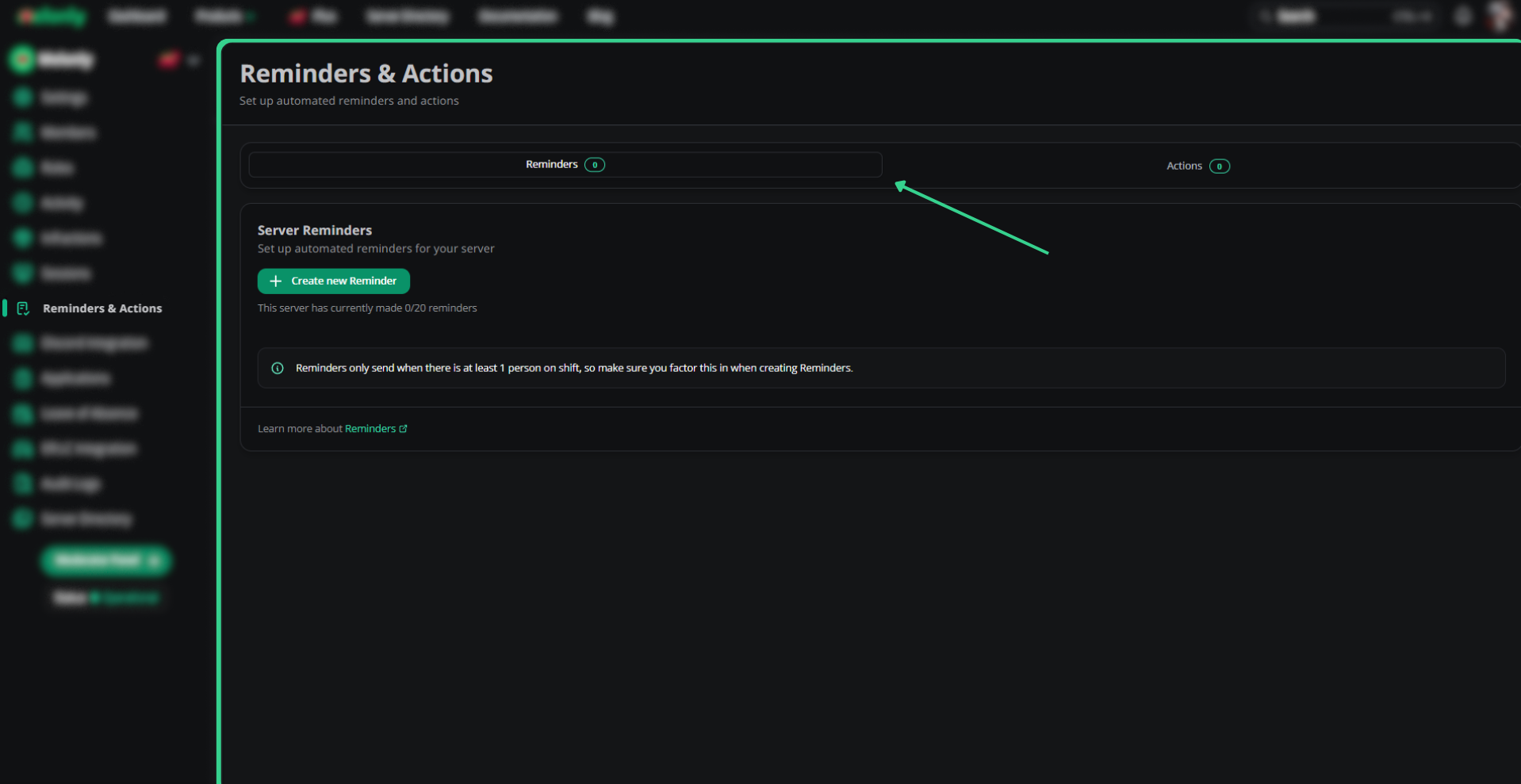
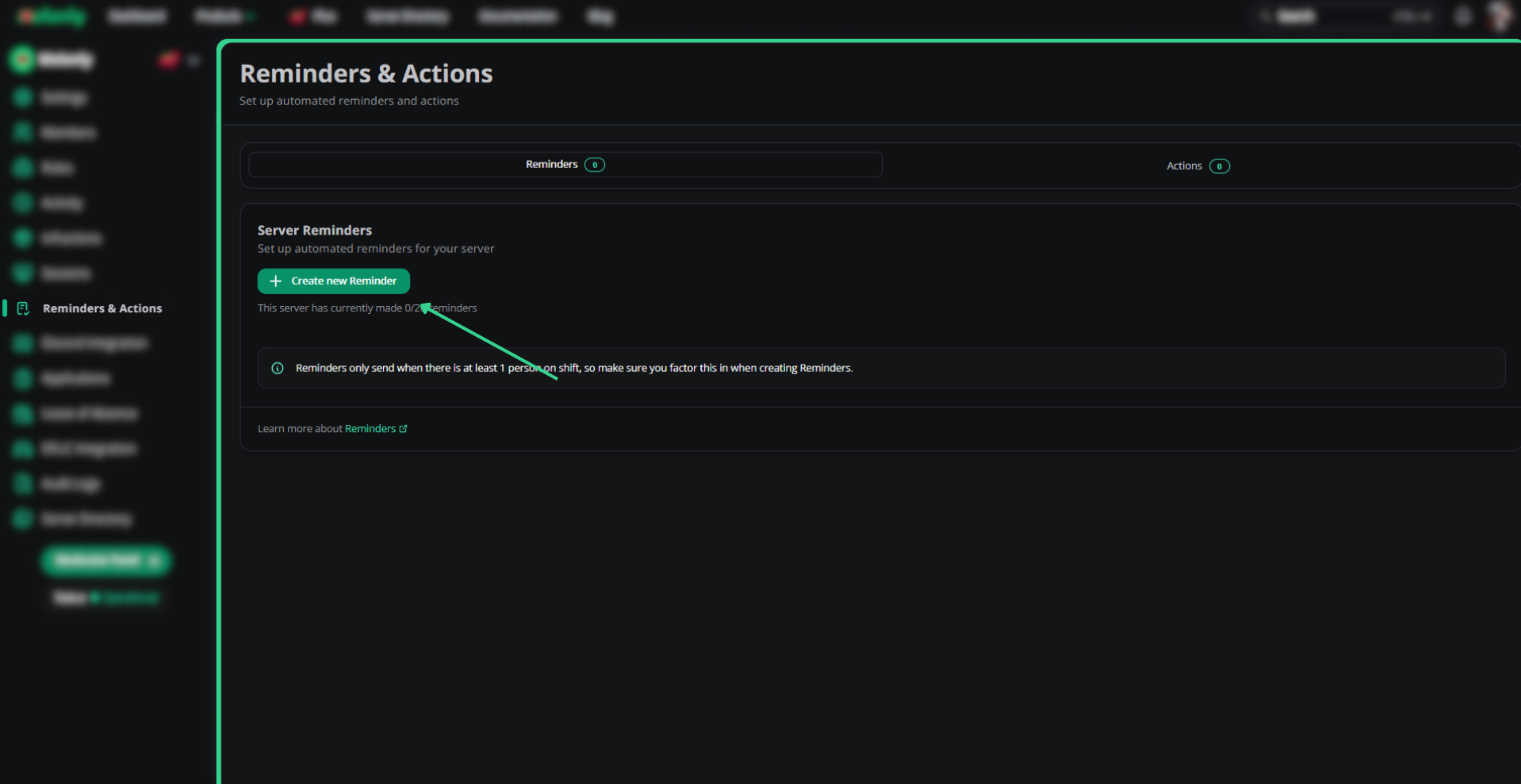
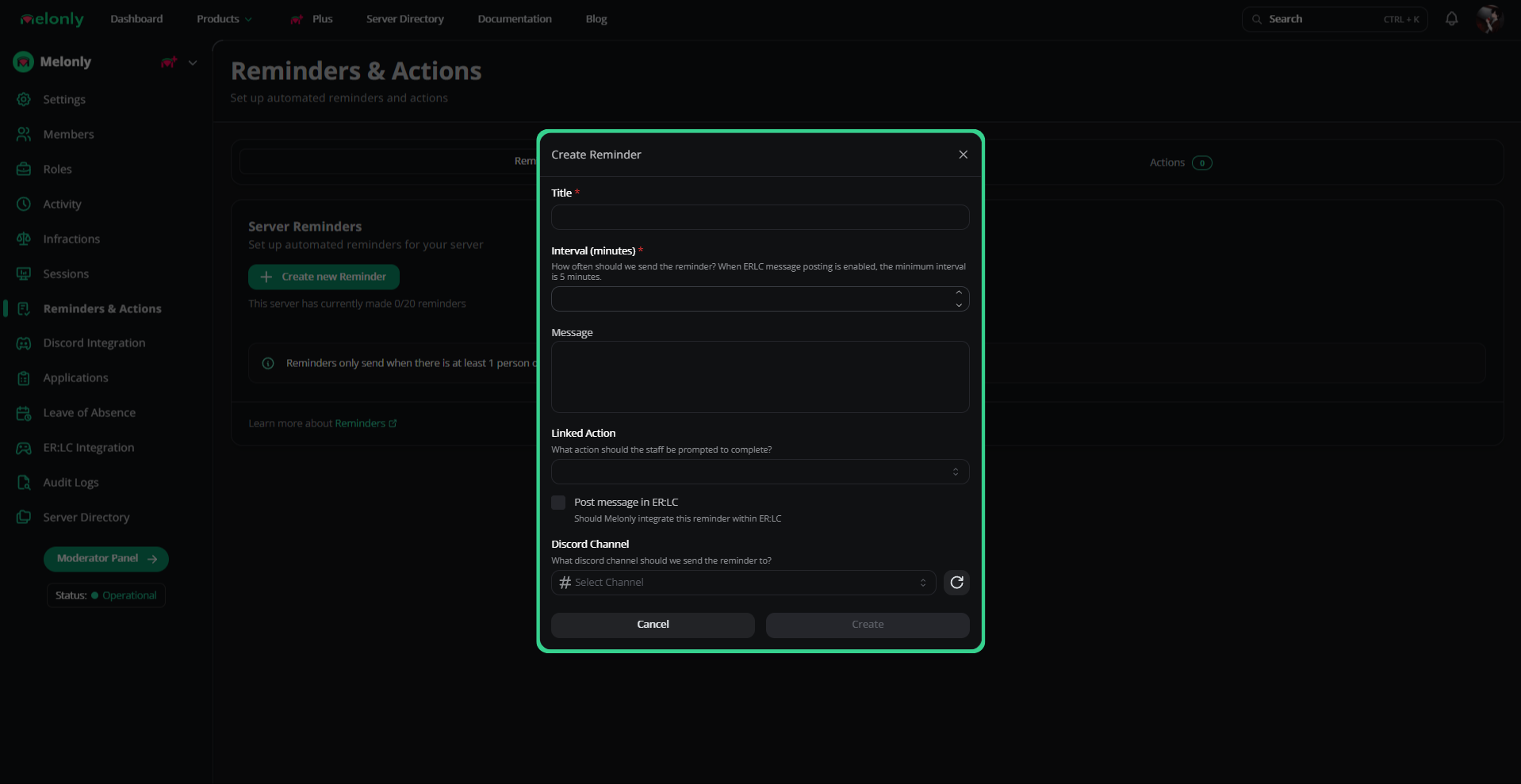
ER:LC reminders
Requires the ER:LC API pack with your API key linked. See ER:LC integration.
ER:LC type
| Type | What it does |
|---|---|
| Hint | Sends as :hint |
| Announcement | Sends as :m |
| Member check | Verifies in-game members are in Discord; enforces with set message and kick threshold |
| Vehicle check | Verifies no one is using restricted vehicles |
:pm & :load member check | Member check that loads (:load) anyone failing |
:pm & :load vehicle check | Vehicle check that loads (:load) anyone failing |
Other settings
| Setting | Description |
|---|---|
| Kick threshold | Number of times the reminder fires before kicking. Works with auto member-check and vehicle-check. |
| Minimum ER:LC players | Reminder won’t fire below this player count. |
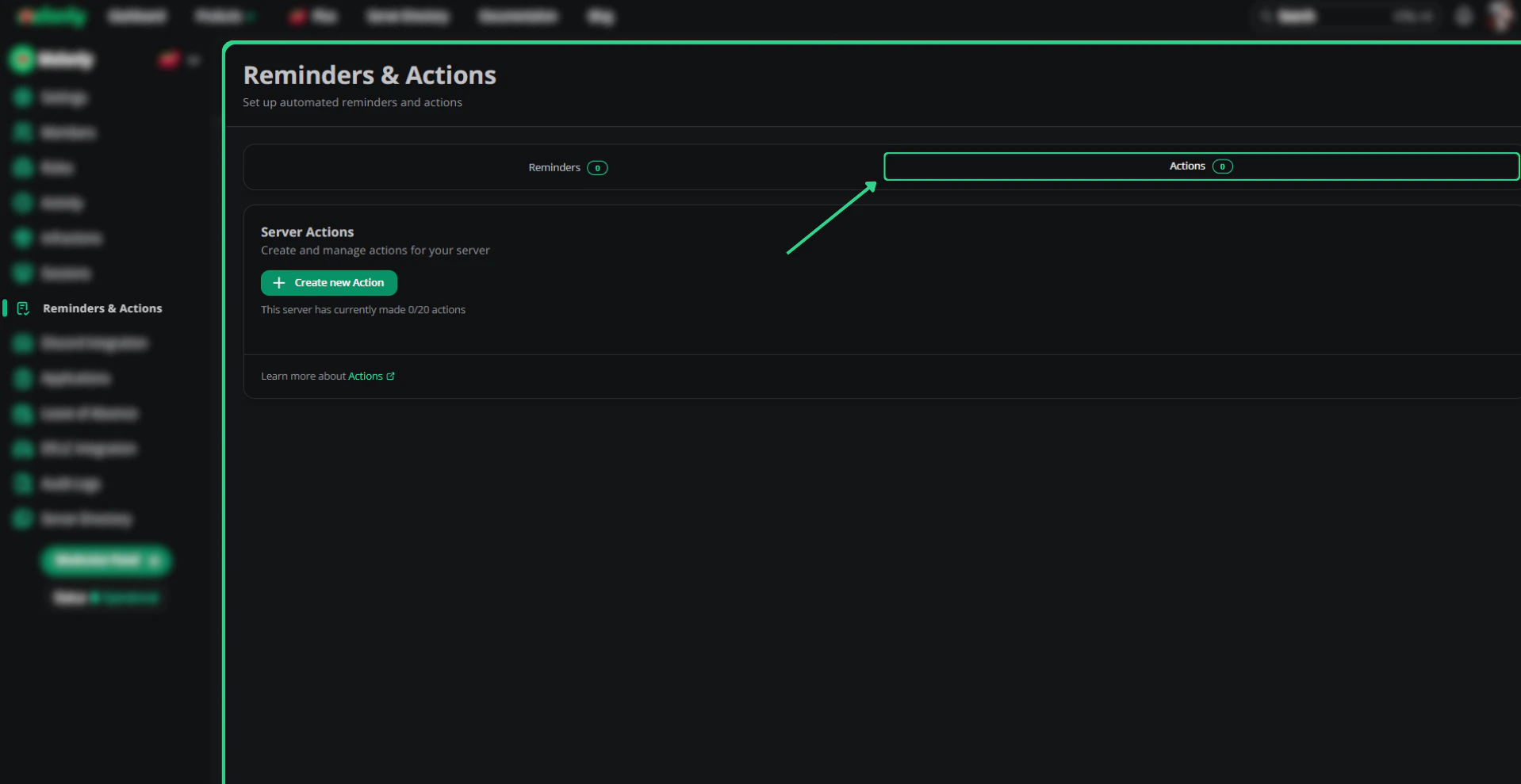
Actions
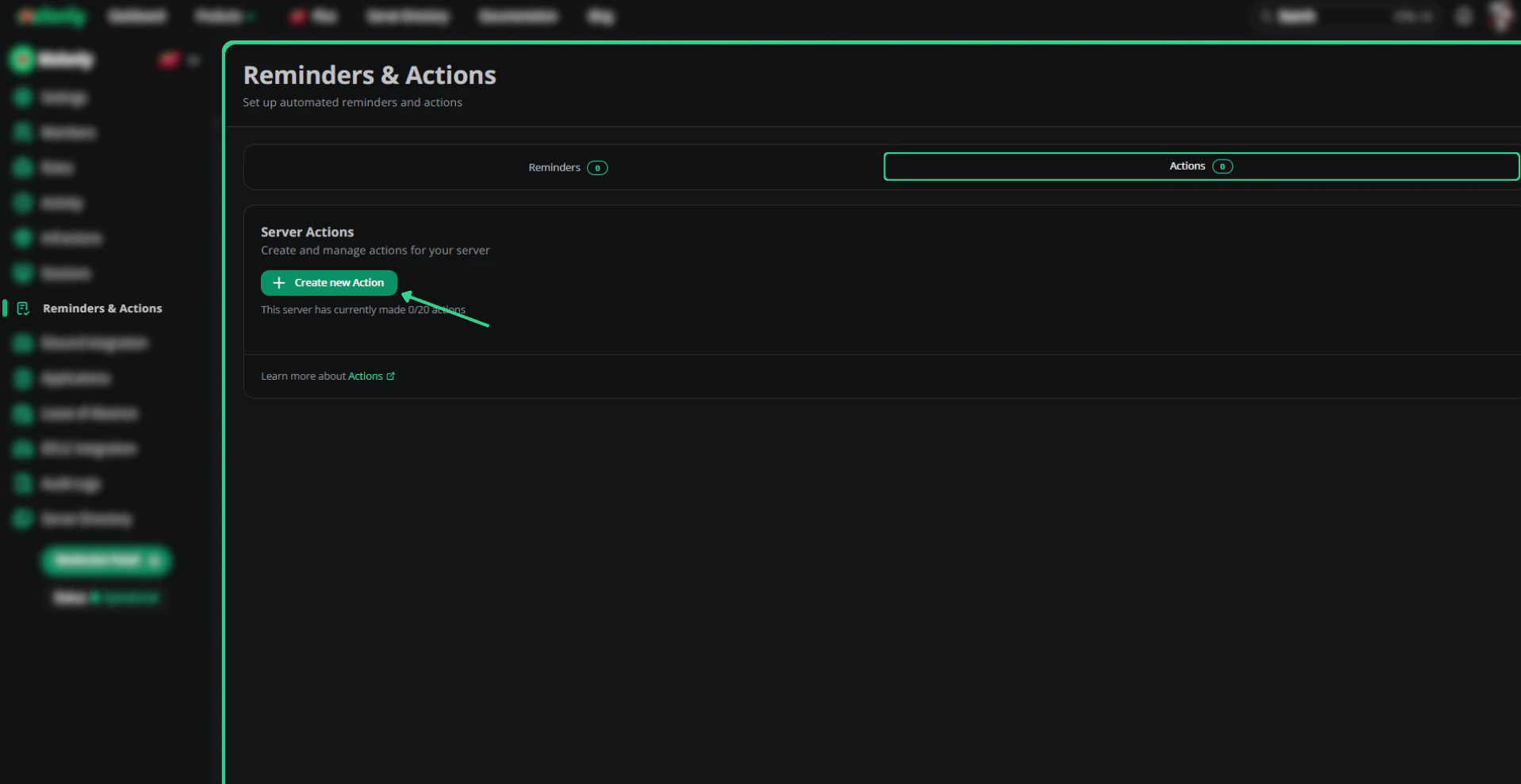
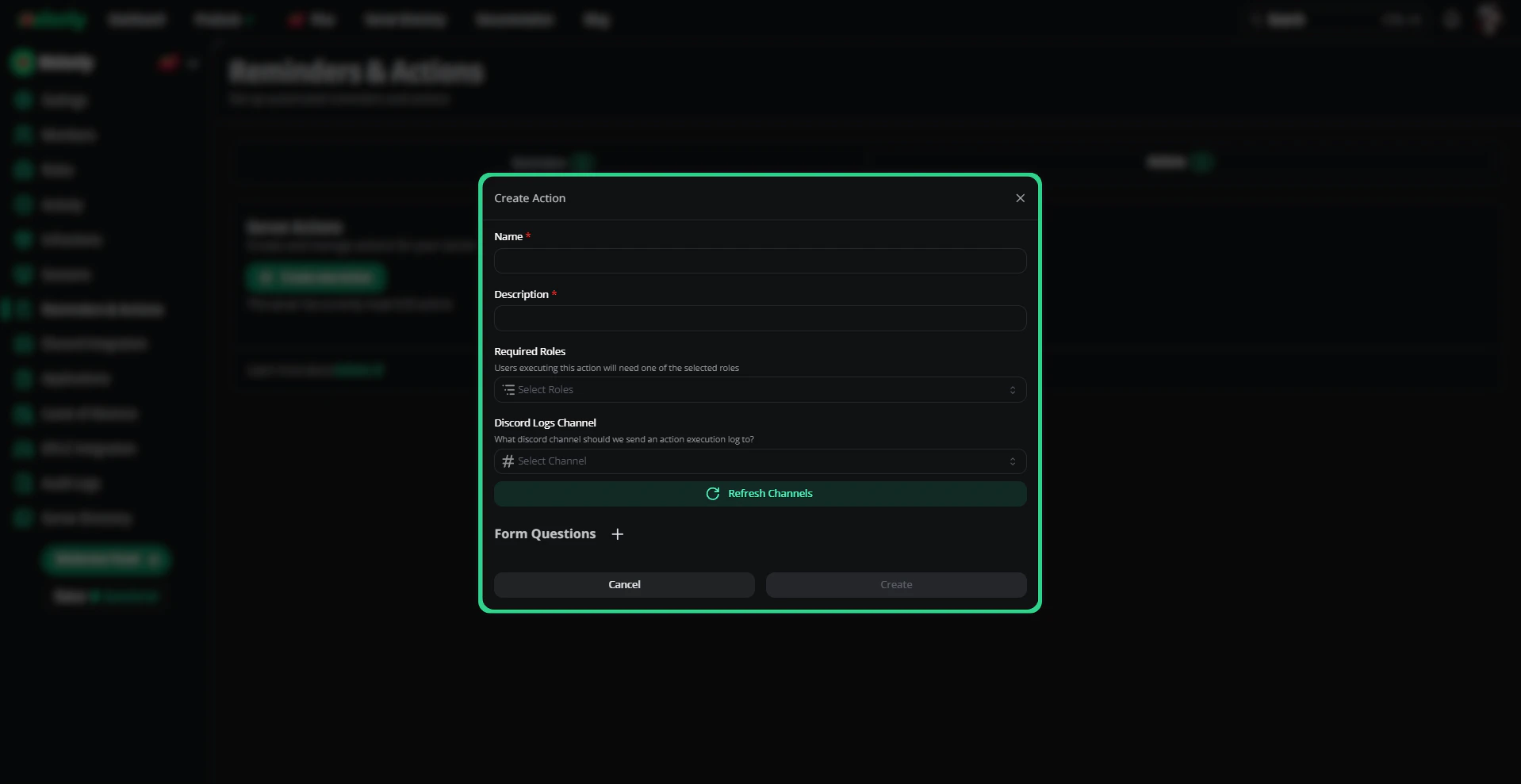
Actions are custom logs staff fill out from the mod panel — useful for things like priority-timer logs that Melonly doesn’t capture by default.Create an action
Need help?
Still have questions? Join our Discord server for support from the Melonly team.