
What is Experience?
Experience shows the servers you’ve been staff in, with your rank and what you did. It helps other server owners see your track record. Each entry has to be verified by an administrator of that server before it appears on your public profile.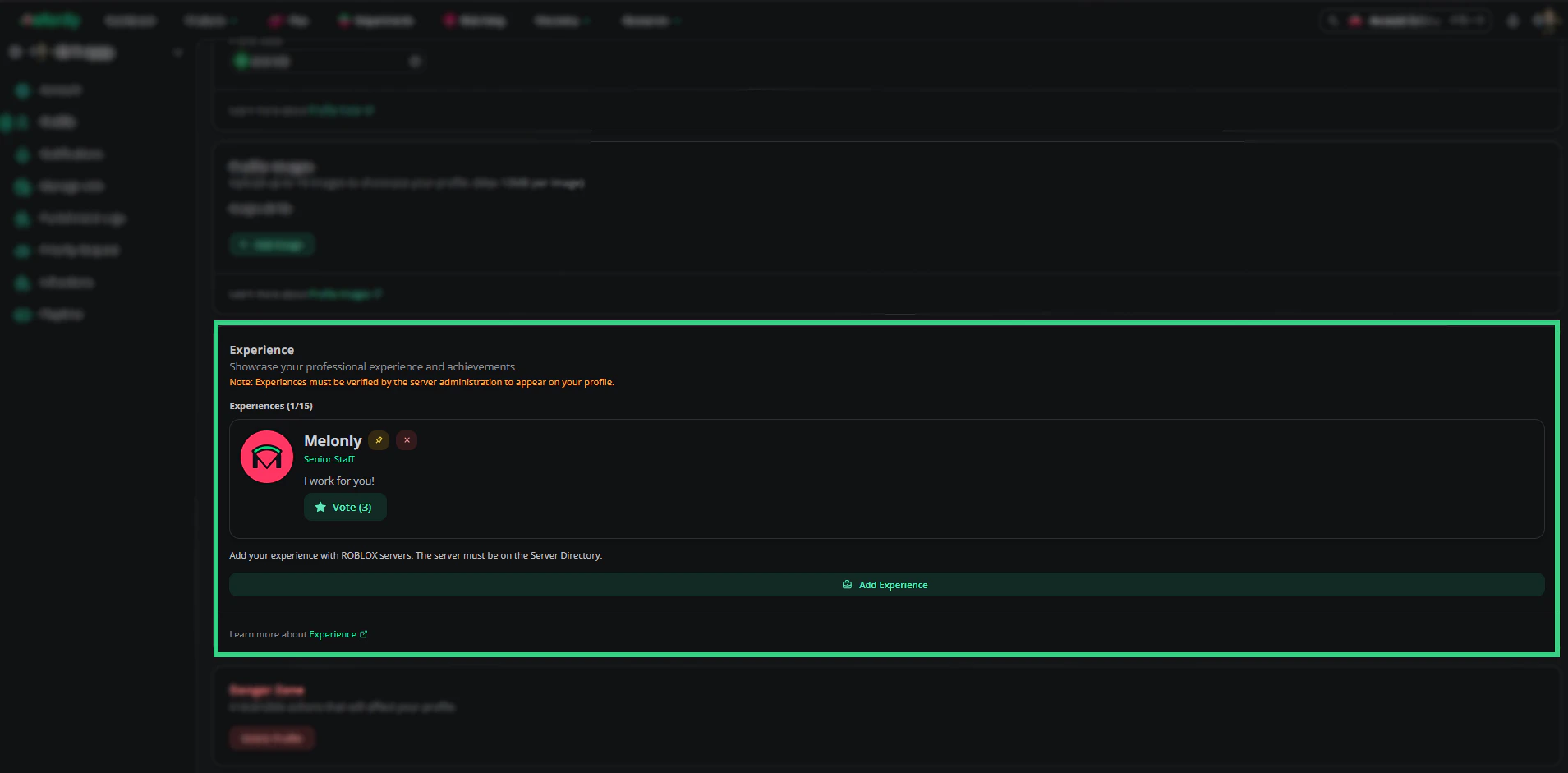
Experience
Adding Experience
The server needs to be listed on the Server Directory. You can add up to 15 entries, one per server.1
Find the server
In the Experience card on your profile, click Add experience and search for the server (at least 3 characters). If it doesn’t show up, paste its Server Directory link and click Find server.
2
Add your rank and duties
Enter the rank you held (up to 100 characters) and describe your duties (up to 500 characters), then click Save experience.
3
Save your profile
Click Save on the Experience card to keep the new entry.
Getting Verified
New entries start unverified. Click Copy Verification Link on the entry and send it to an administrator of that server. When they open the link, they review your rank and duties and click Verify experience. The entry then appears on your public profile.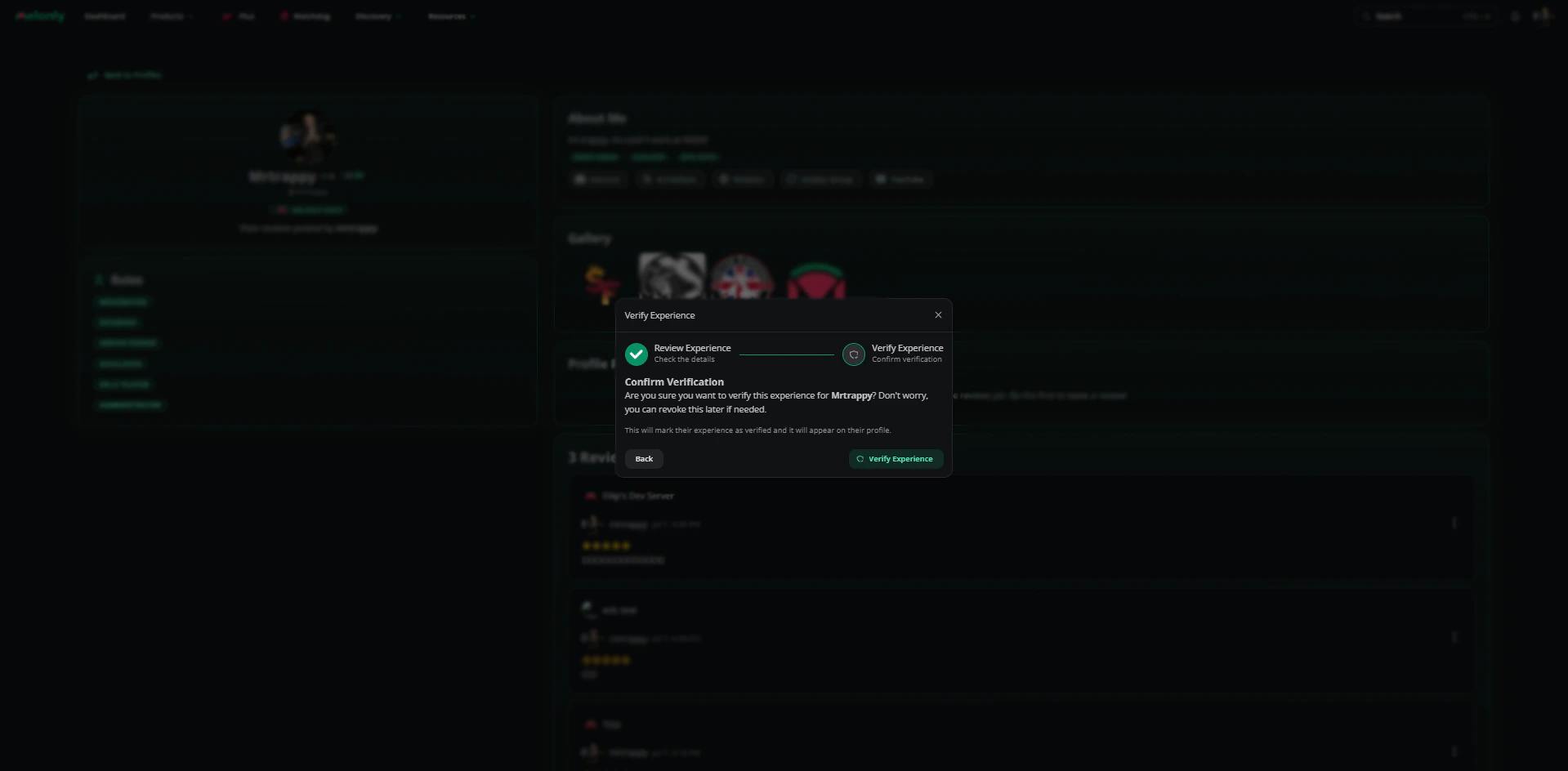
Verify Experience
Only members with the Administrator permission in that server’s Melonly server can verify experience.
Managing Entries
Related
Need help?
Still have questions? Join our Discord server for support from the Melonly Team.