Activate Plus Watchdog, Departments, Bundles, or Vision Seats
Open your dashboard
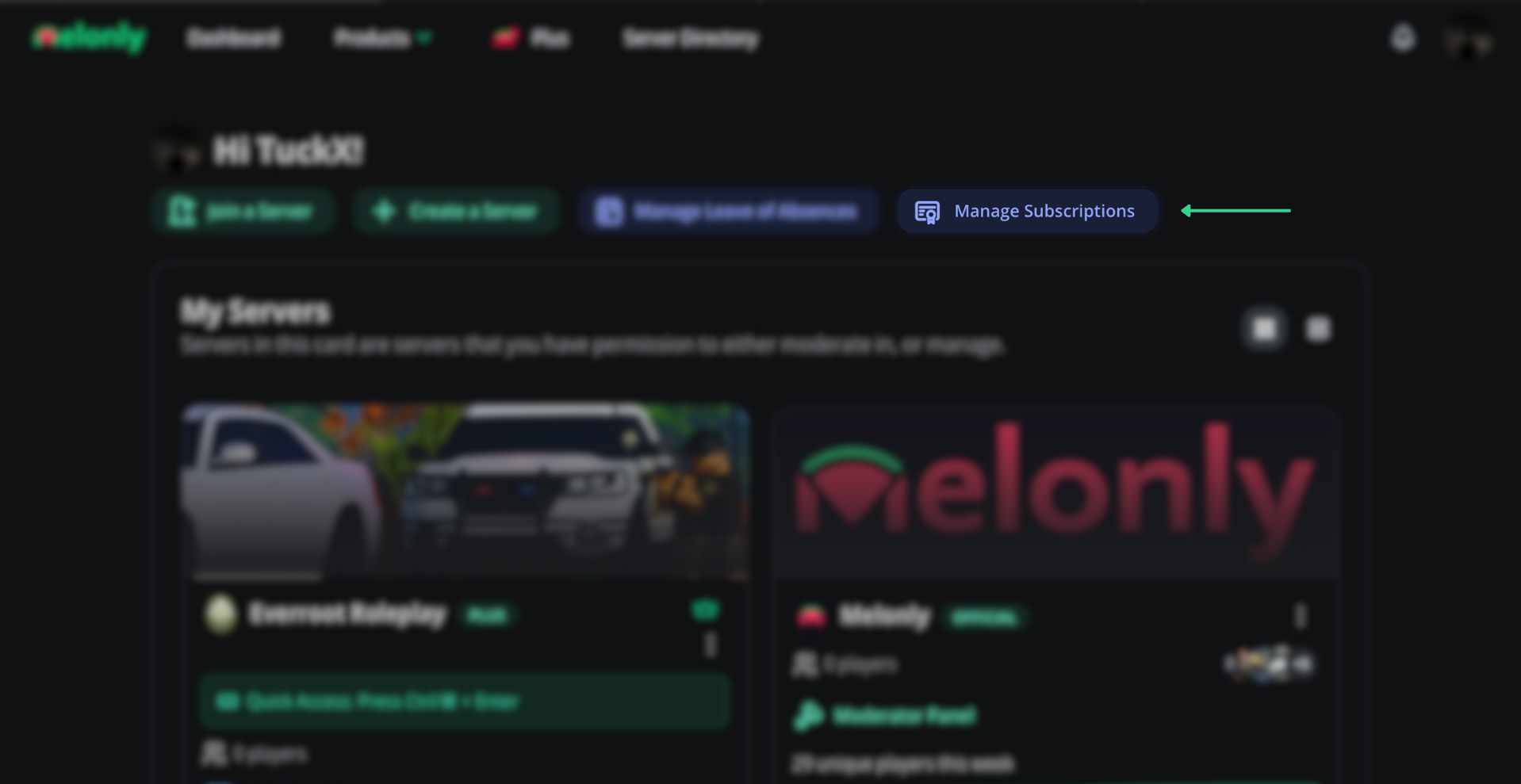
Go to your Melonly dashboard and open the Manage Subscriptions popup.
Open the Manage Subscriptions popup
Activate the subscription
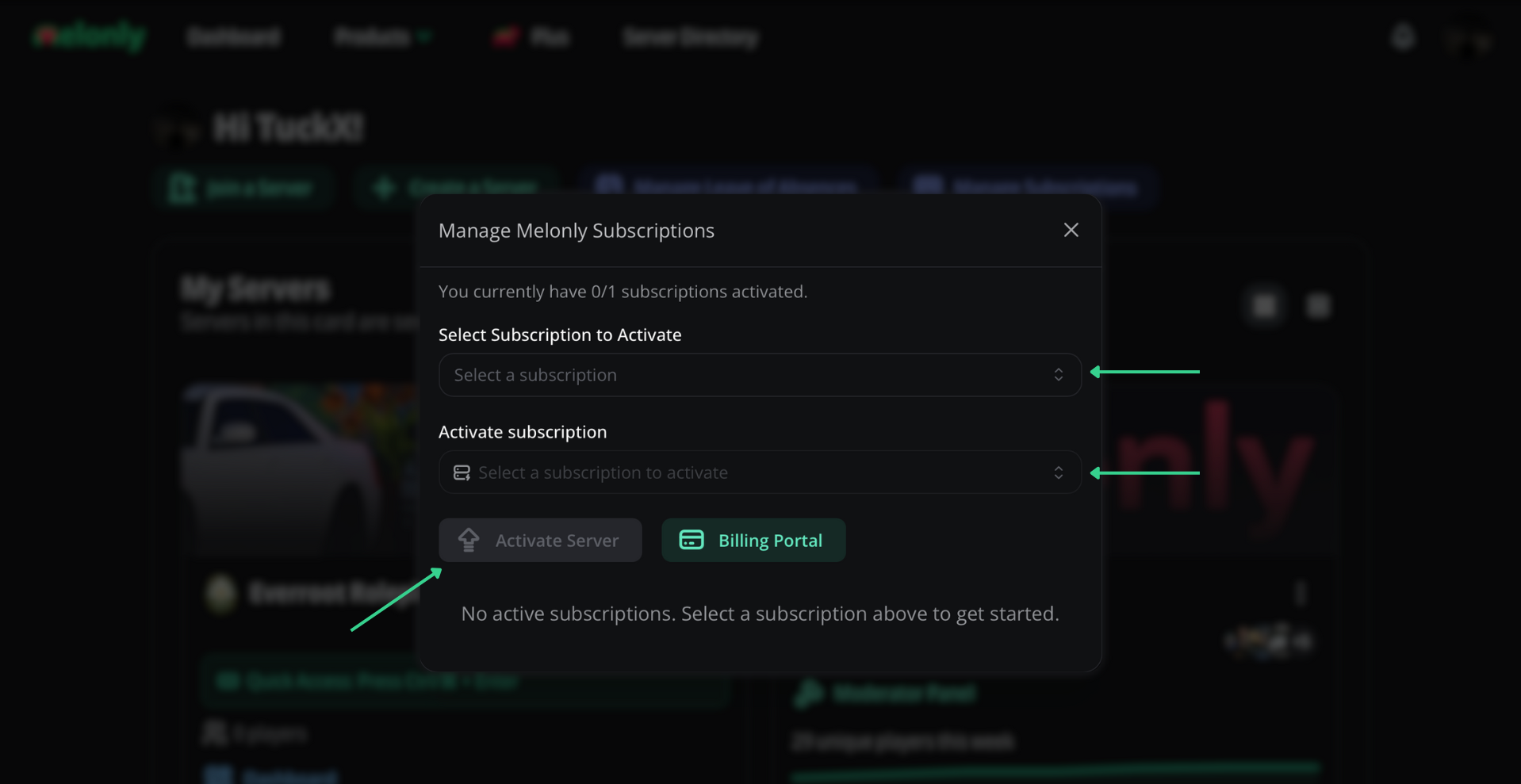
Select the server, then click Activate Watchdog, Activate Plus, Activate Vision Seats, or Activate Departments. If you purchased a bundle, all of the items inside of the bundle will appear.
Activate the subscription on your server
Need help?
Still have questions? Join our Discord server for support from the Melonly team.