
Department Name and Type
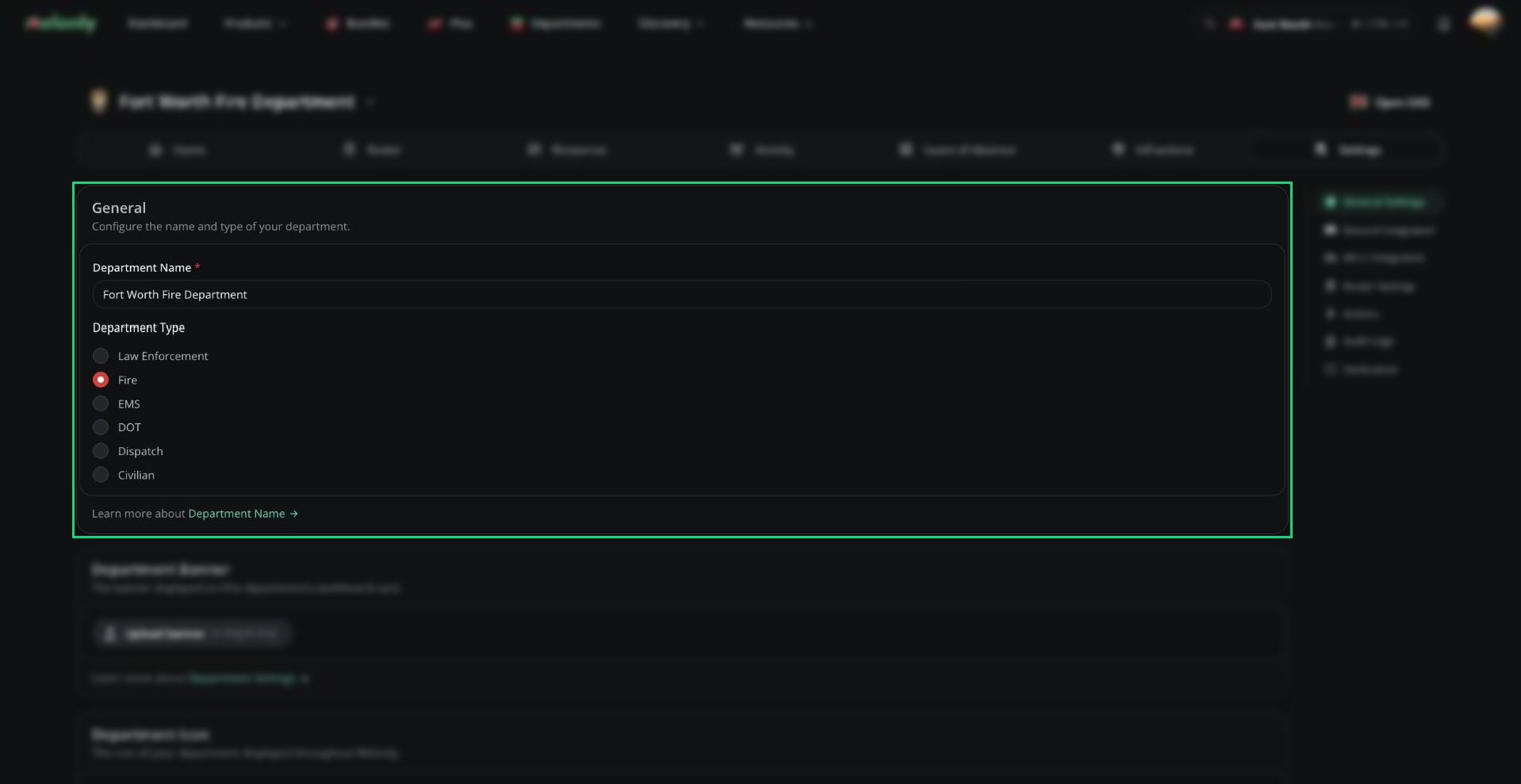
General card
Most settings use a save bar at the bottom of the page. Uploads, join code changes and everything in the Danger Zone apply straight away.
Banner and Icon
- The banner is shown on your department’s card on the dashboard. Click Upload banner to set one, or Remove banner to clear it.
- The icon shows next to your department’s name throughout Melonly. Click Upload icon to change it.
Pinned Buttons
Pinned buttons give every member one-click shortcuts on the department Home page. Click Add pinned button, then use the arrows to reorder them.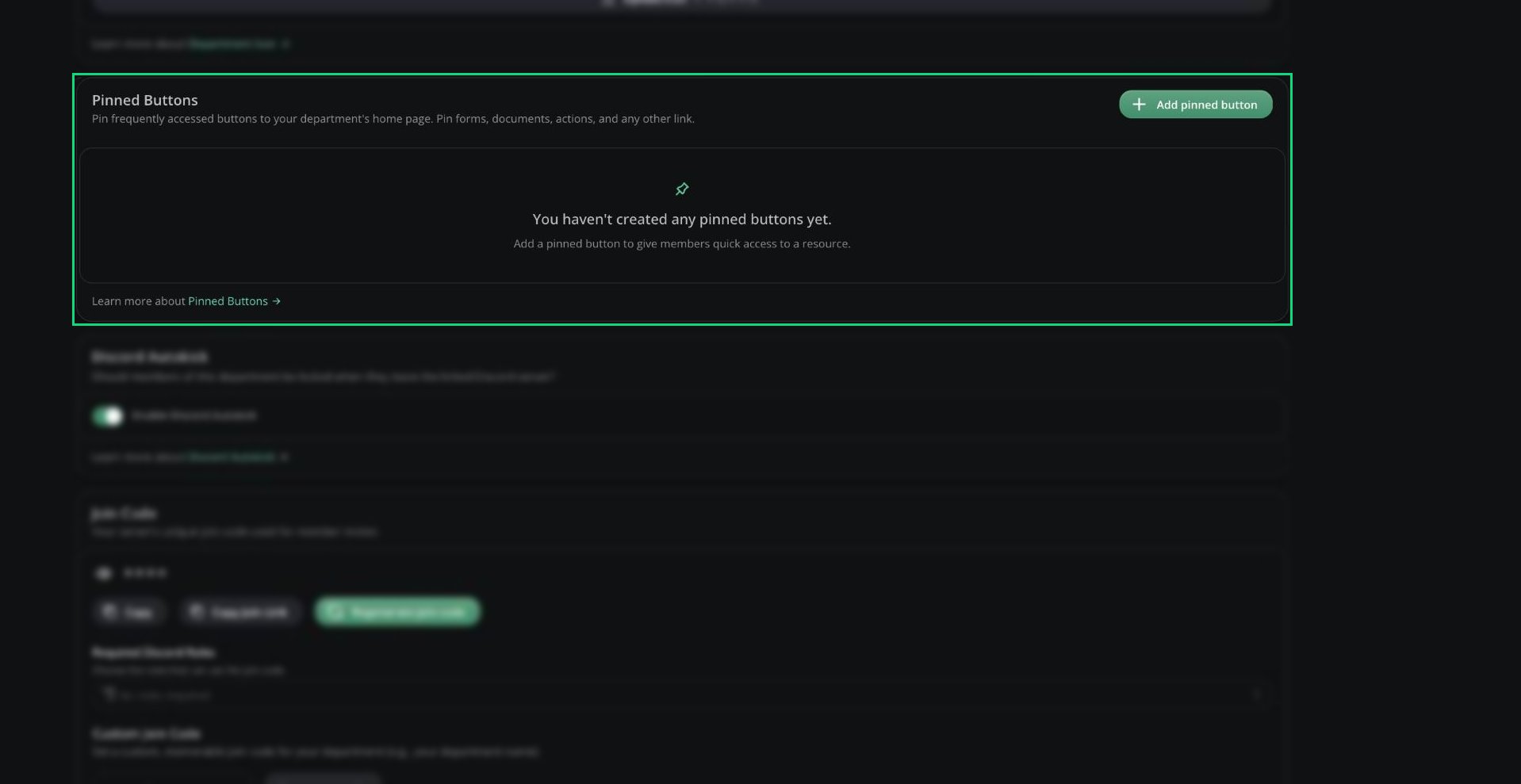
Pinned Buttons card
Each button needs a label (up to 300 characters) and its link, form, document or action before you can save.
Discord Autokick
Turn on Enable Discord Autokick to remove members from the department when they leave your linked Discord server. Needs a linked Discord server.Join Code
New members join by entering your join code on the dashboard or opening your join link.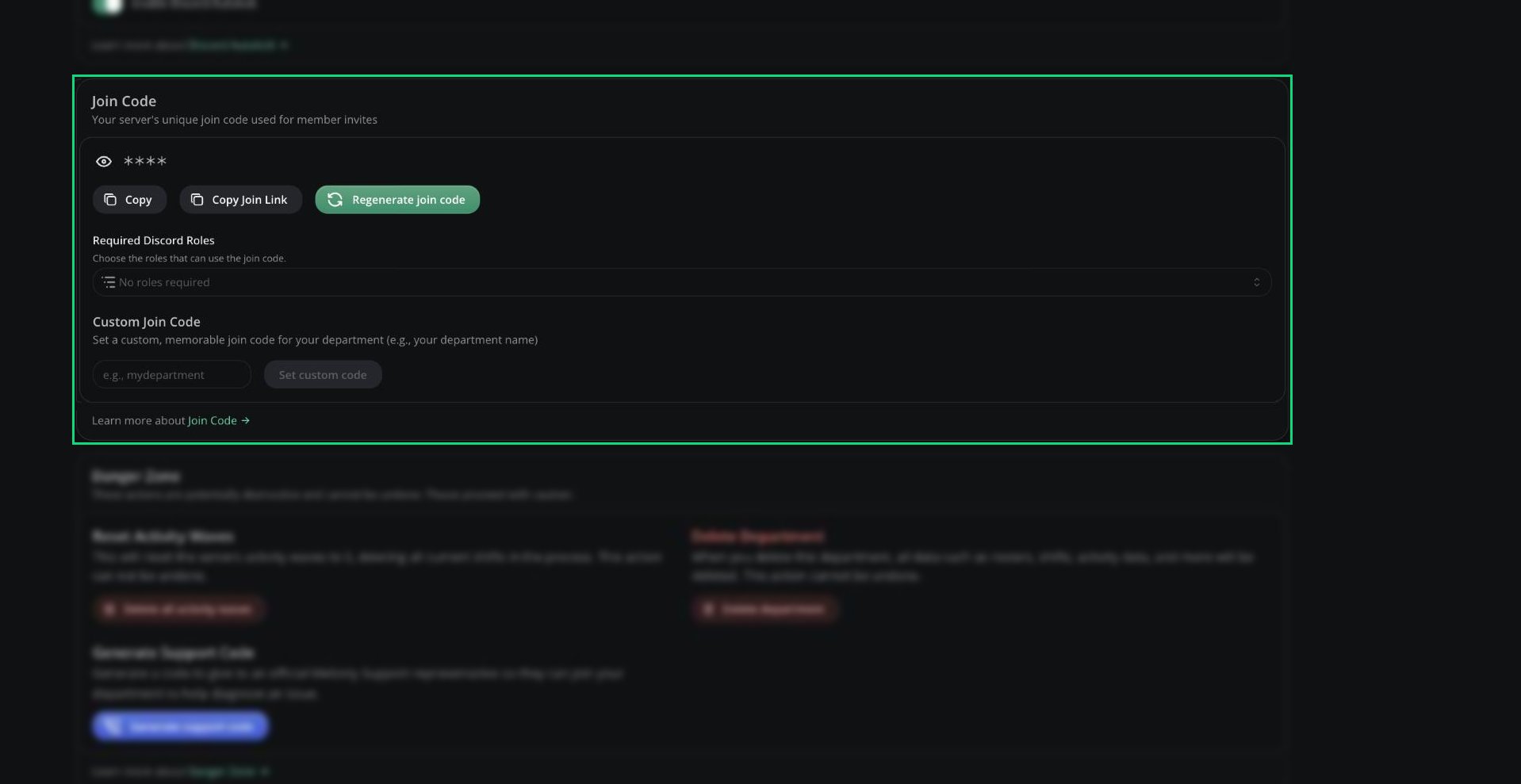
Join Code card
- Copy or Copy Join Link to share it.
- Regenerate join code if it leaks. The old code and link stop working straight away.
Danger Zone
Super administrators are the parent server’s owner, its administrators, and anyone with the Departments dashboard permission. Departments can’t be transferred to another owner or parent server.
Need help?
Still have questions? Join our Discord server for support from the Melonly Team.