
What are Roster Settings?
Roster Settings decide what your roster shows, and hold your department’s roles.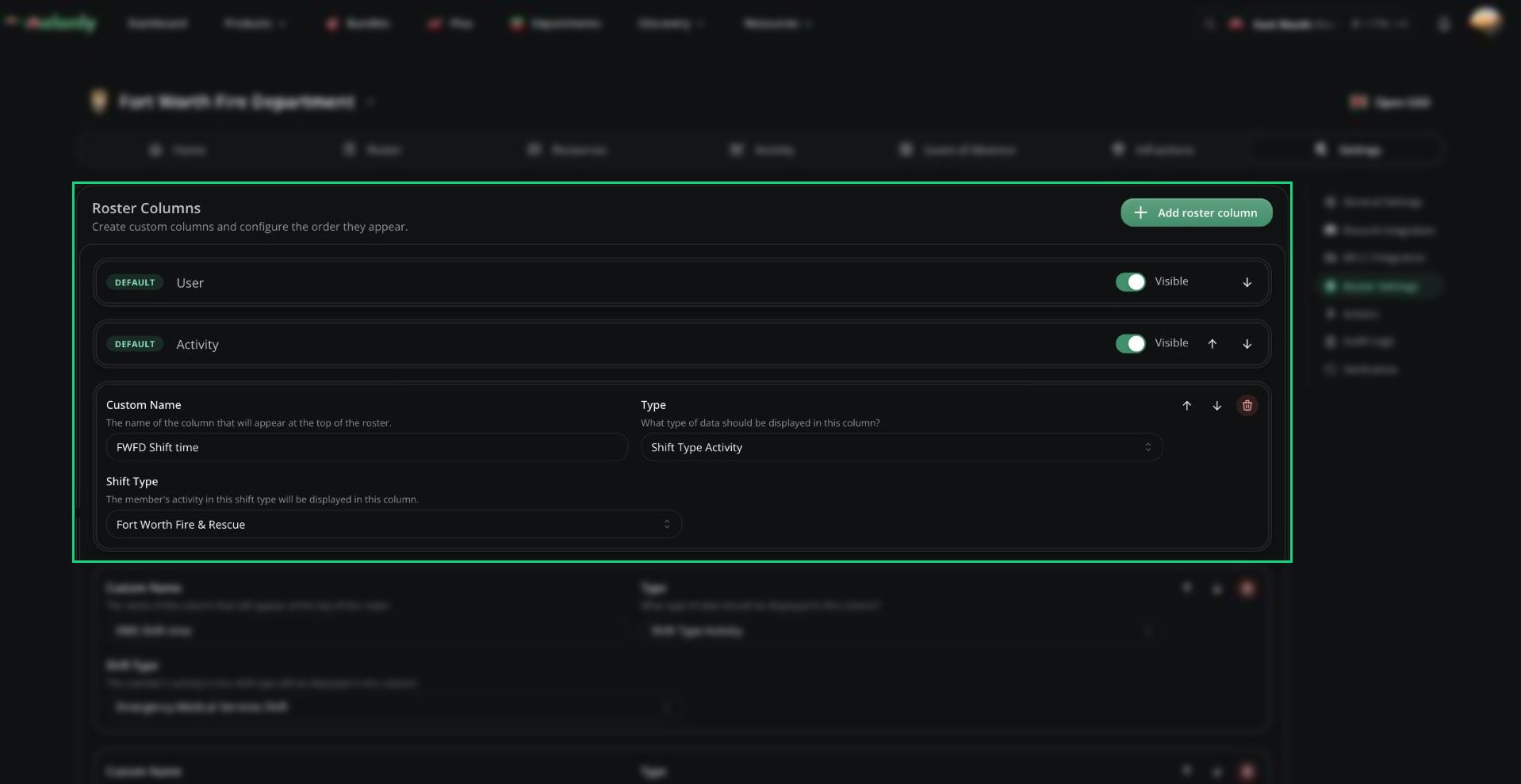
Roster Columns
Roster Columns
The default columns (User, Activity, Member Since, Points) can be hidden but not deleted. Use the arrows to reorder columns. Click Add roster column to add your own:Department Roles
Below the columns, you can create up to 20 department roles. Roles sit on top of ranks to group members or grant extra permissions. See Roles.Need help?
Still have questions? Join our Discord server for support from the Melonly Team.