
What is Verification?
Melonly Verification checks that people in your linked Discord server own a Roblox account, and gives them roles when they verify. It needs a linked Discord server. Click Enable Verification to turn it on.Configure
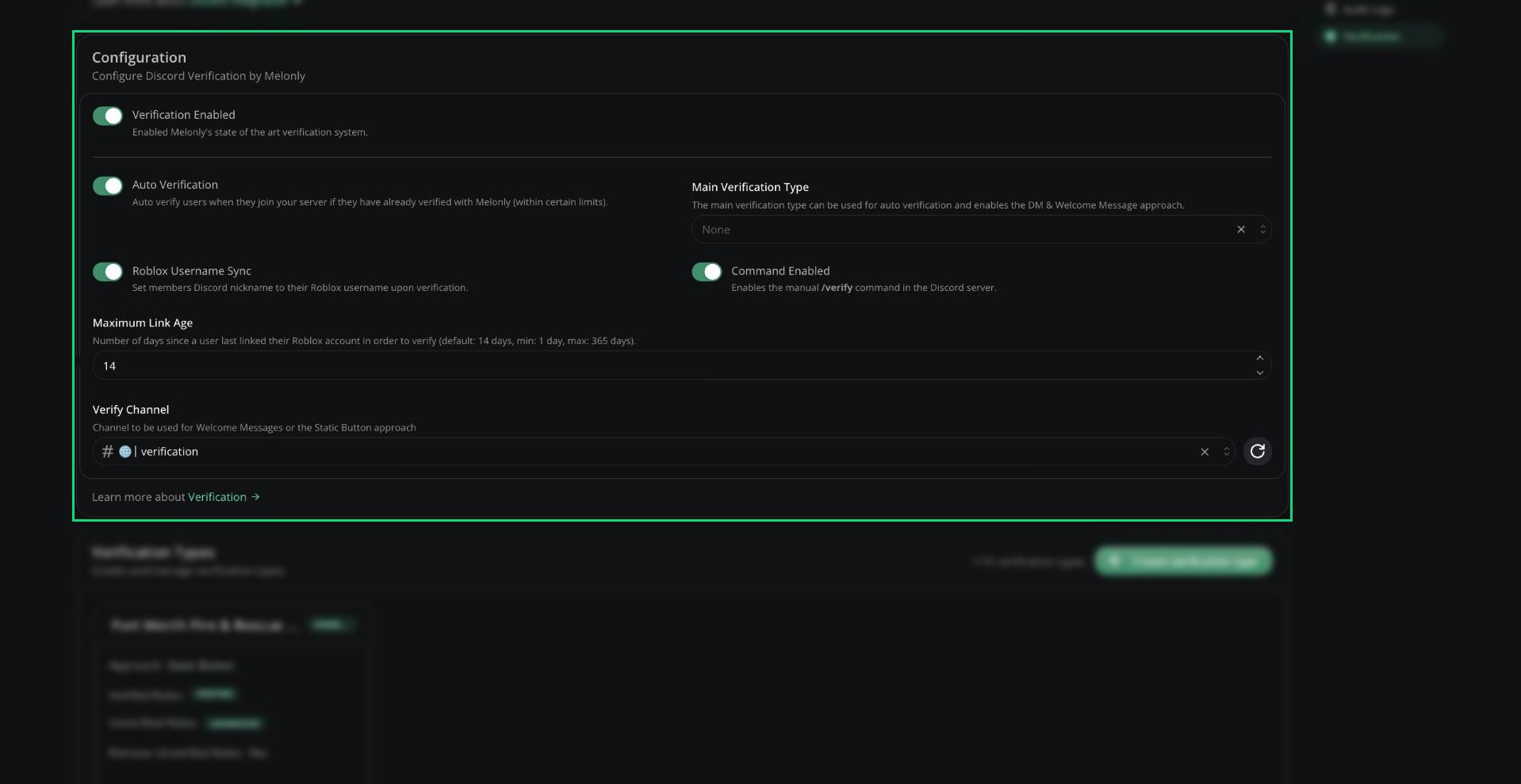
Verification configuration
When you pick a Verify Channel, Melonly offers to post the verification message there.
Verification Types
Verification types decide how people are prompted, which roles they get, and what they need to pass. You can have up to 15. Save the Configuration card before clicking Create verification type.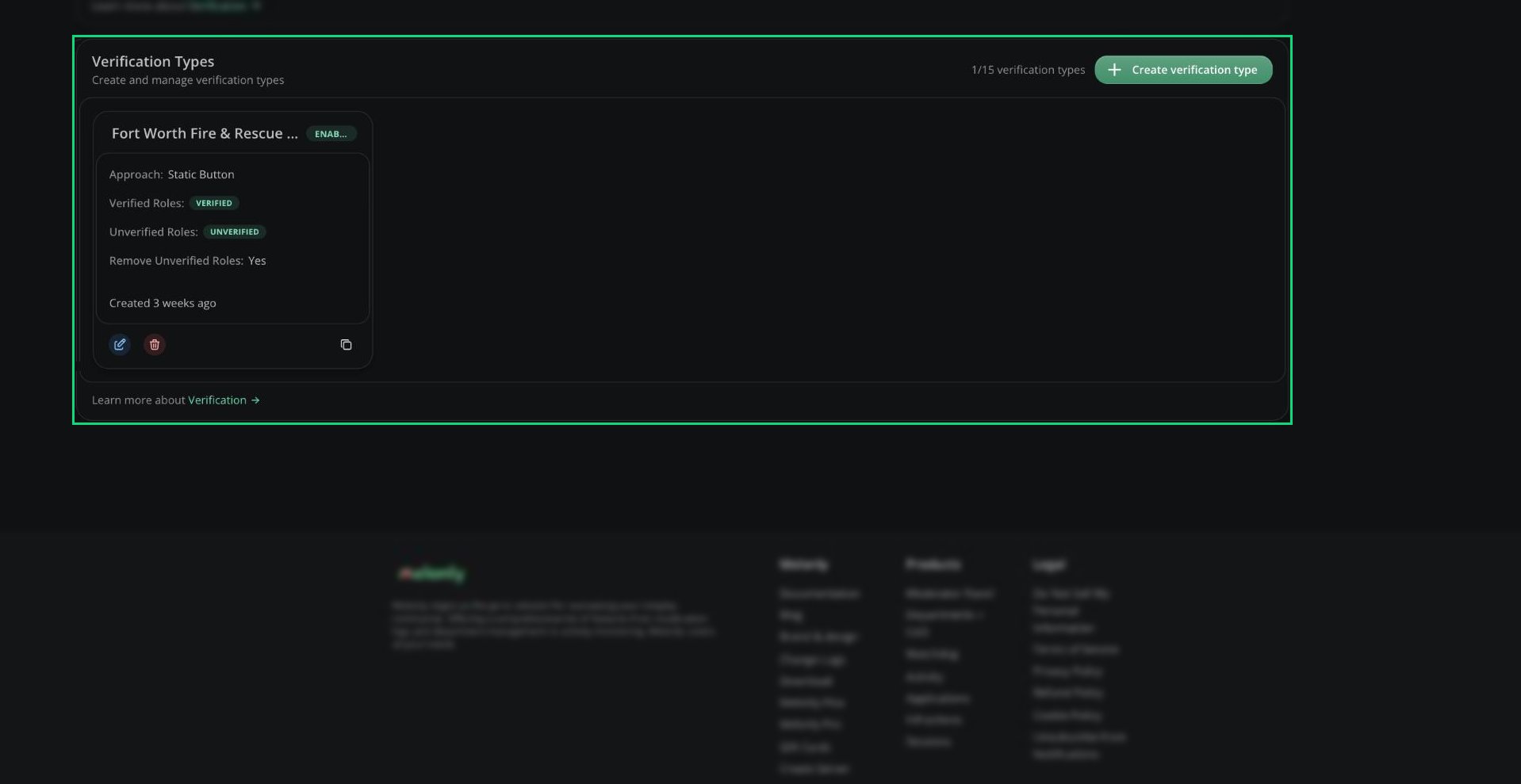
Verification Types
Each type has Copy Verification Link for a direct link to verify with that type.
Approach types
Approach types
For Static Button, use the send button next to Approach Type to post the message. You can customise the DM, welcome or button message after creating the type.
Requirements
Requirements
With no requirements, anyone can verify.
Verification guide
Learn how verification works for your members.
Need help?
Still have questions? Join our Discord server for support from the Melonly Team.