
Staff Guidelines
Staff Guidelines show the punishment guidelines your management team has written, so you can check the right punishment while you moderate. They require Melonly Plus.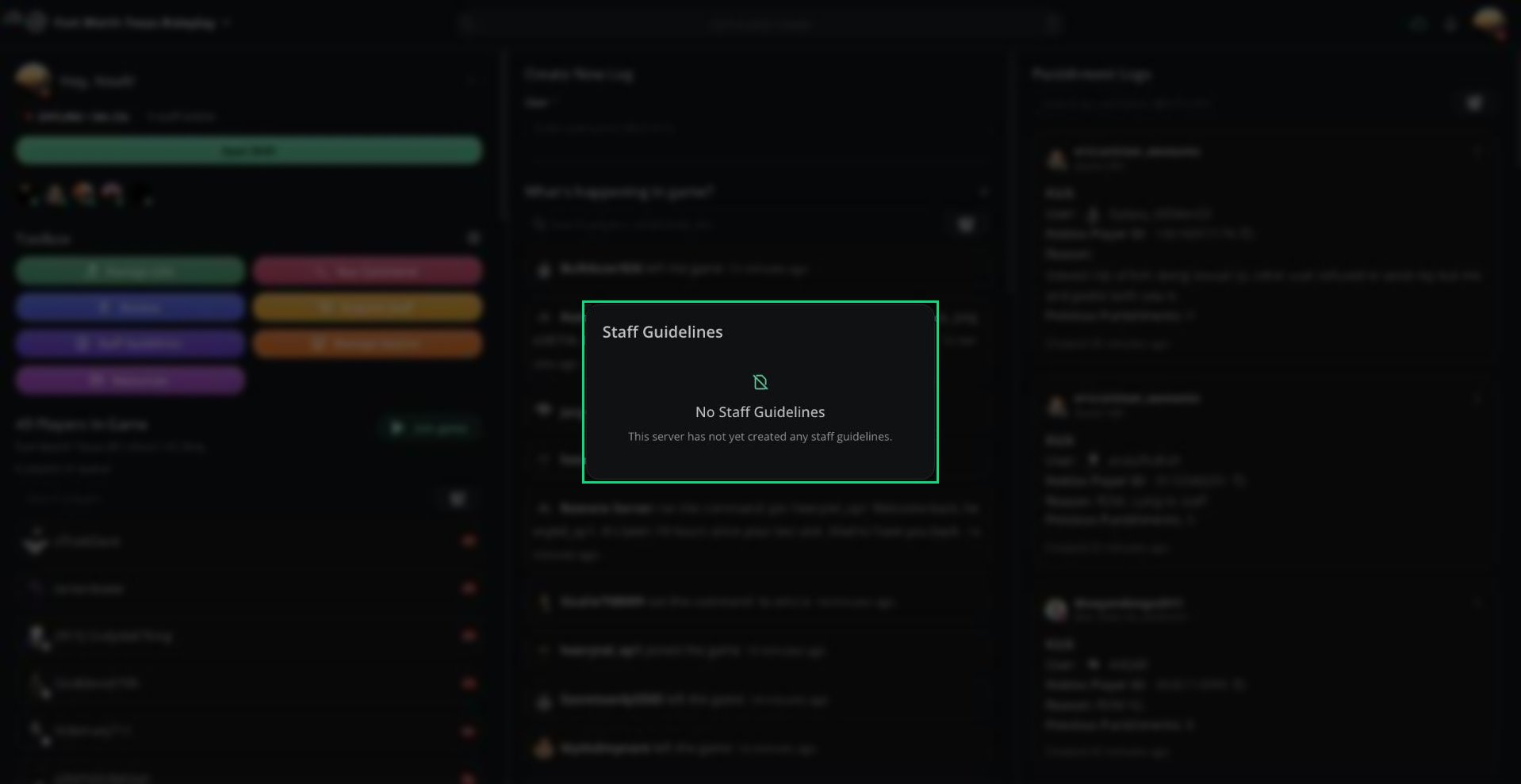
Staff Guidelines
Resources
Resources gives you quick access to your server’s documents, forms, and workspaces.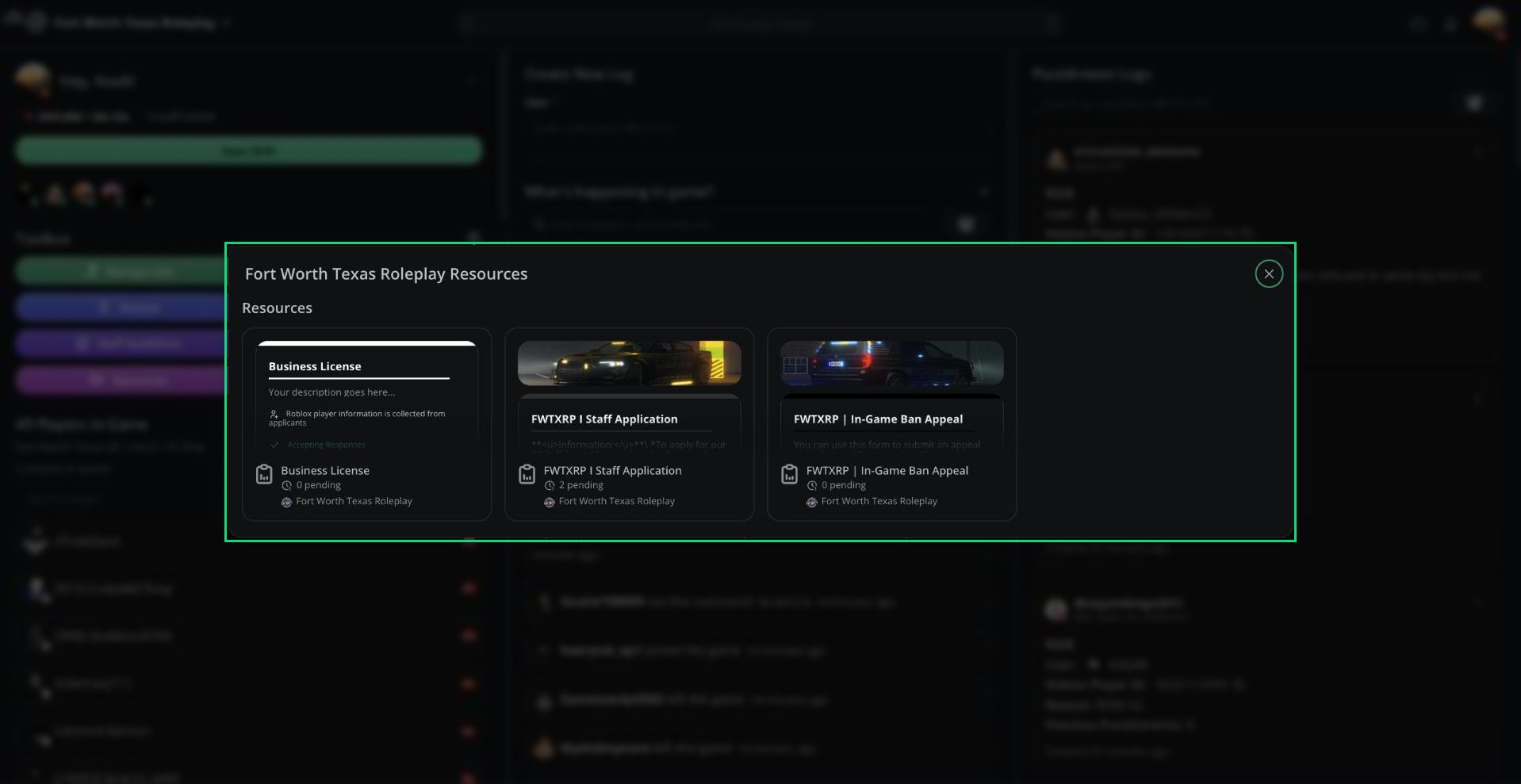
Resources
Only resources shared with you appear here.
Resources on the dashboard
Create documents, forms, and workspaces.
Need help?
Still have questions? Join our Discord server for support from the Melonly Team.