
What are Actions?
Actions are custom tasks your management team sets up, such as logging a traffic stop or recording a training. Running an action logs it to Discord and records it in your server’s action history.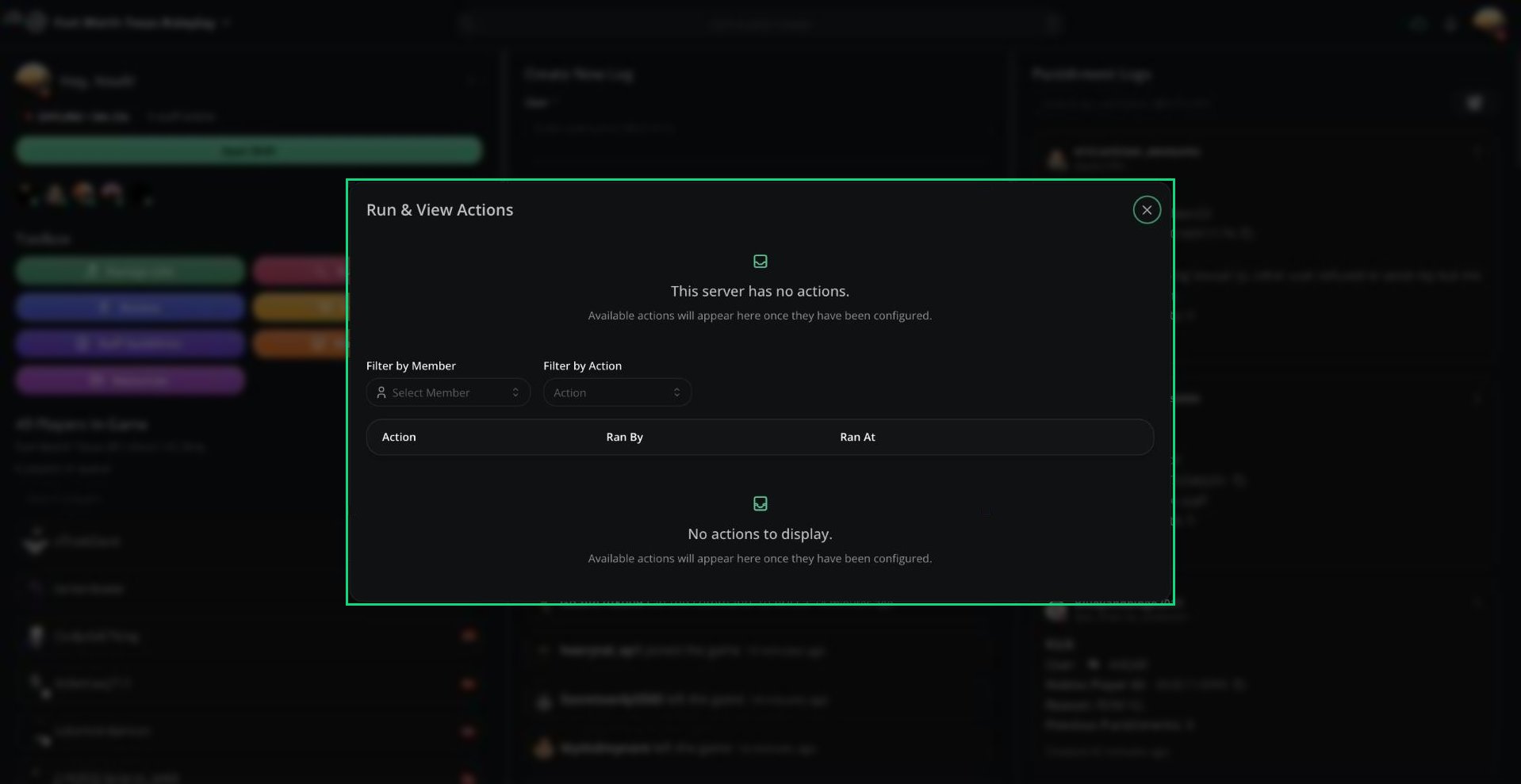
Run & View Actions
Running an Action
1
Choose an action
Click an action card. A green border means you can run it. A red border means you’re missing a required role.
2
Fill in the form
If the action has questions, fill them in and click Submit response.
Free servers can use their first 5 actions. Servers with Melonly Plus can use up to 20.
Action History
Below the actions is a table of every action run on your server.
Use Filter by Member and Filter by Action to narrow the list. Click the eye icon to see a run’s form answers.
Deleting someone else’s run requires the Delete Action permission. You can always delete your own.
Actions from Reminders
Reminders can link to an action. Clicking Complete on a reminder in Discord opens the panel with that action ready to run. Running it completes the reminder.Need help?
Still have questions? Join our Discord server for support from the Melonly Team.