
What is Request Staff?
Request Staff pings your team in Discord when your server needs more moderators.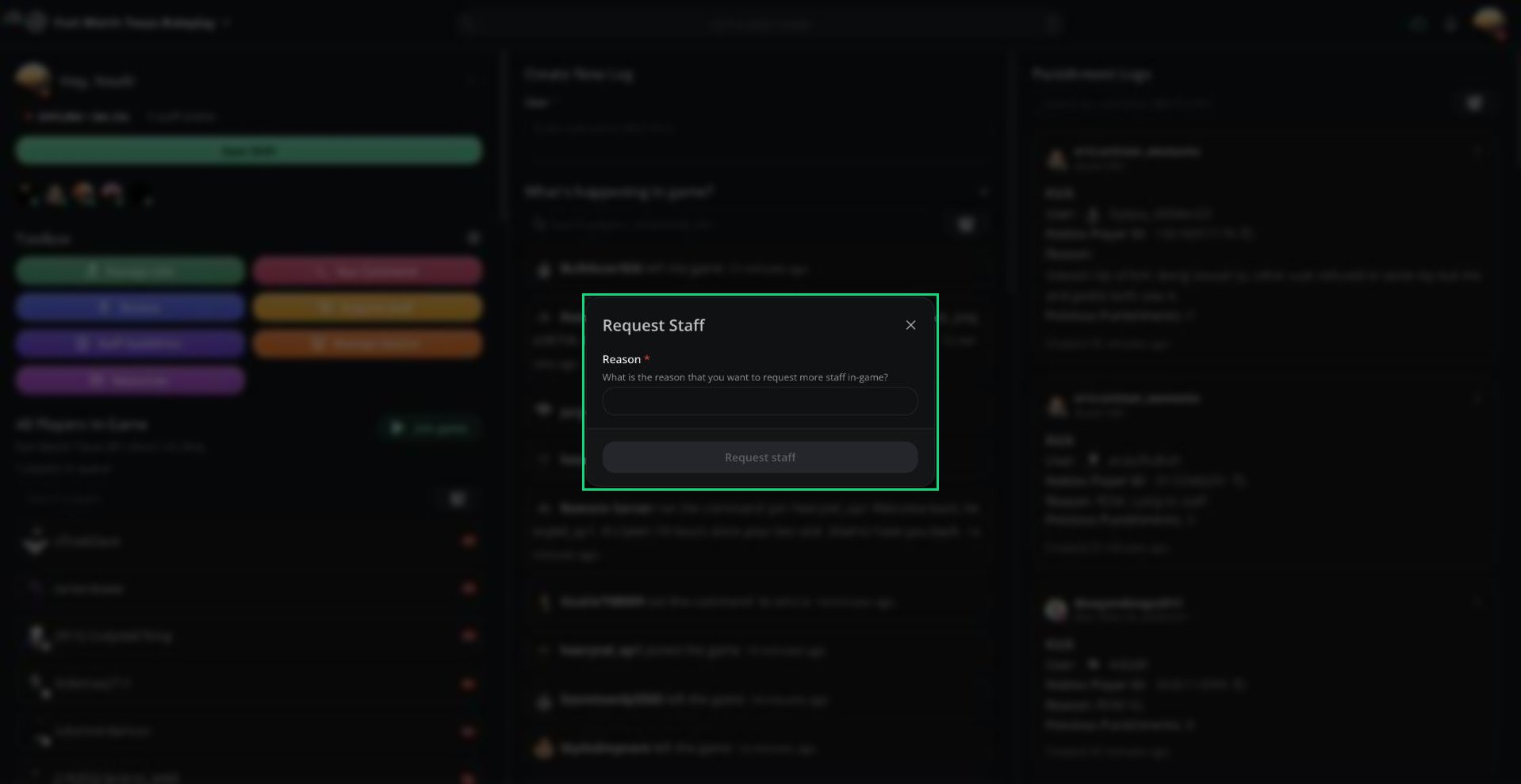
Request Staff
Requesting Staff
1
Open Request Staff
Click Request Staff in the Toolbox. It’s also in the ⋮ menu next to your name and in the Command Palette.
2
Give a reason
Explain why you need more staff in Reason.
3
Send it
Click Request staff.
Cooldowns and Requirements
- After a request, nobody on the server can request staff again until the cooldown ends. The default is 5 minutes.
- Your server may limit requests to certain roles. Administrators can always request.
Setting It Up
Management sets up Request Staff under Dashboard → Panel → Staff Request Settings. It requires a linked Discord server.Need help?
Still have questions? Join our Discord server for support from the Melonly Team.