
What are Infraction Settings?
The Settings page controls how infractions, appeals, quotas, Discord roles, and automated punishments work in your server.These settings define how members are punished, how appeals are handled, and how messages are sent. Settings also allow you to create appeal questions and manage staff guidelines. Permissions for accessing these settings are assigned on the member’s Melonly Role.
Infraction Settings
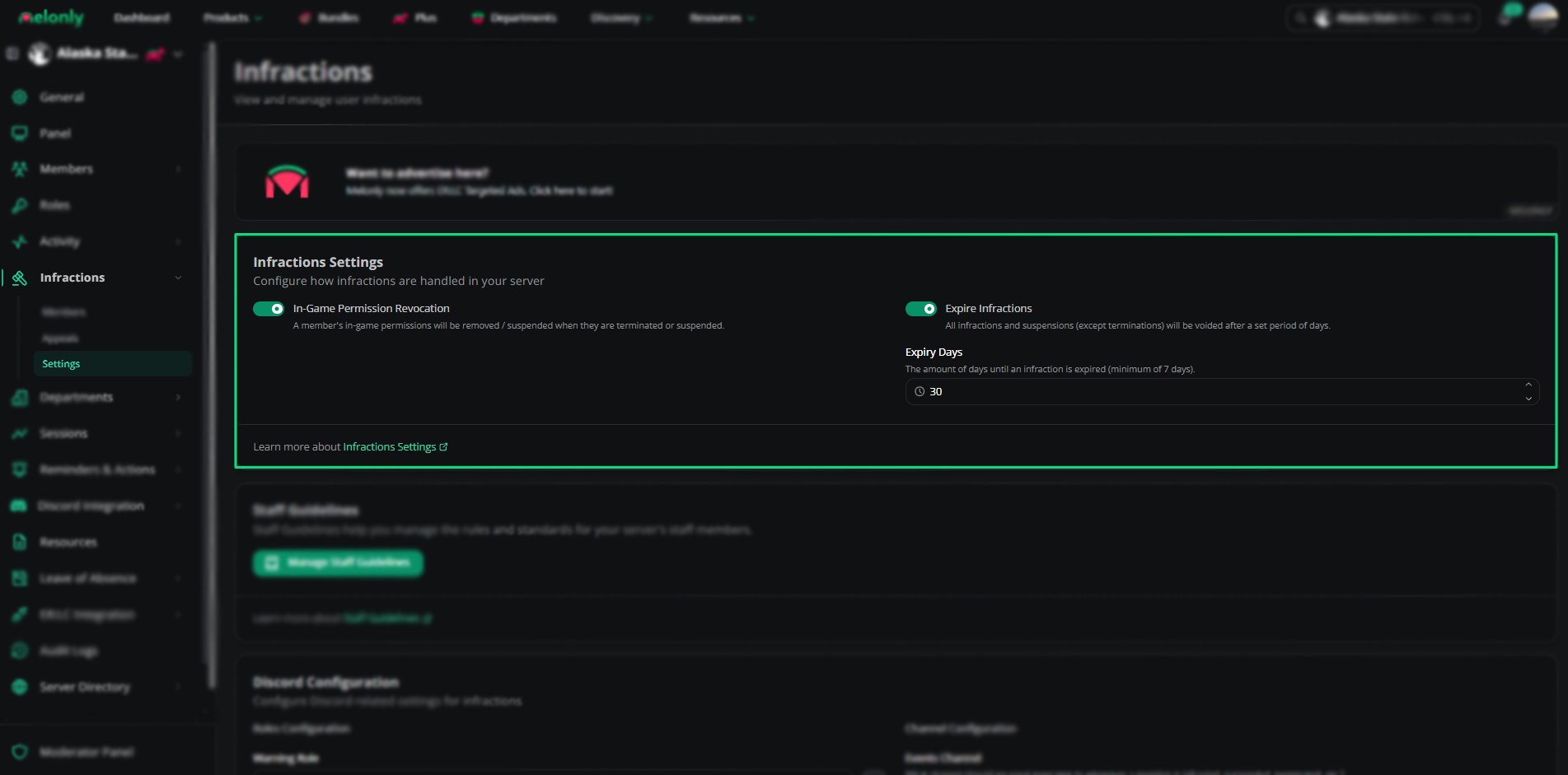
Infraction Settings
Staff Guidelines
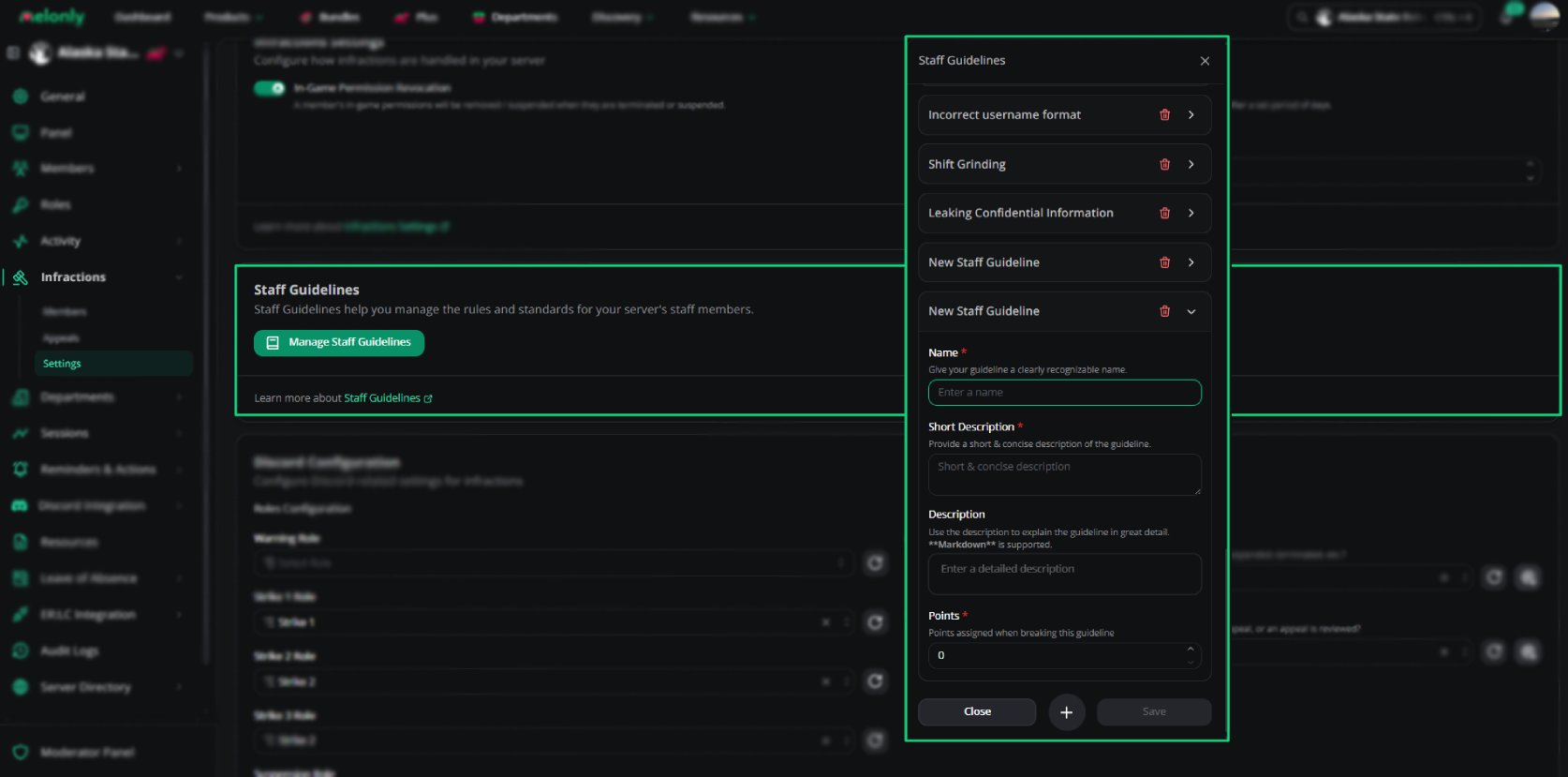
Staff Guidelines help you standardise what counts as an infraction.Each guideline includes a name, short description, full description, and point value.
Staff Guidelines
1
Open the Settings tab on the Infractions page
Navigate to the Infractions module and open the Settings tab.
2
Click Manage Staff Guideline
Create or edit guidelines that define punishable behavior.
Point value defaults to 0.
Discord Configuration
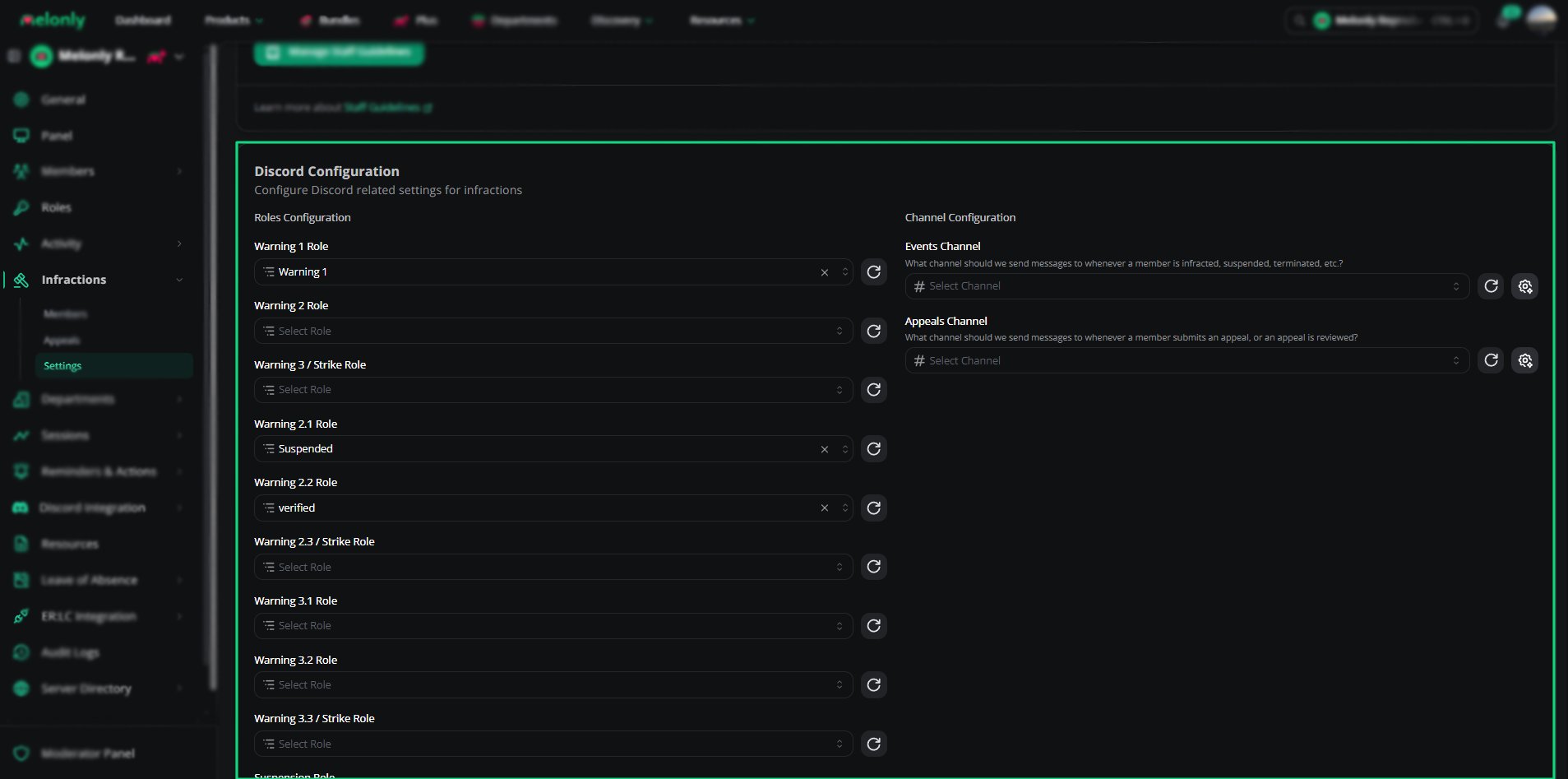
Discord Configuration
Quota Settings
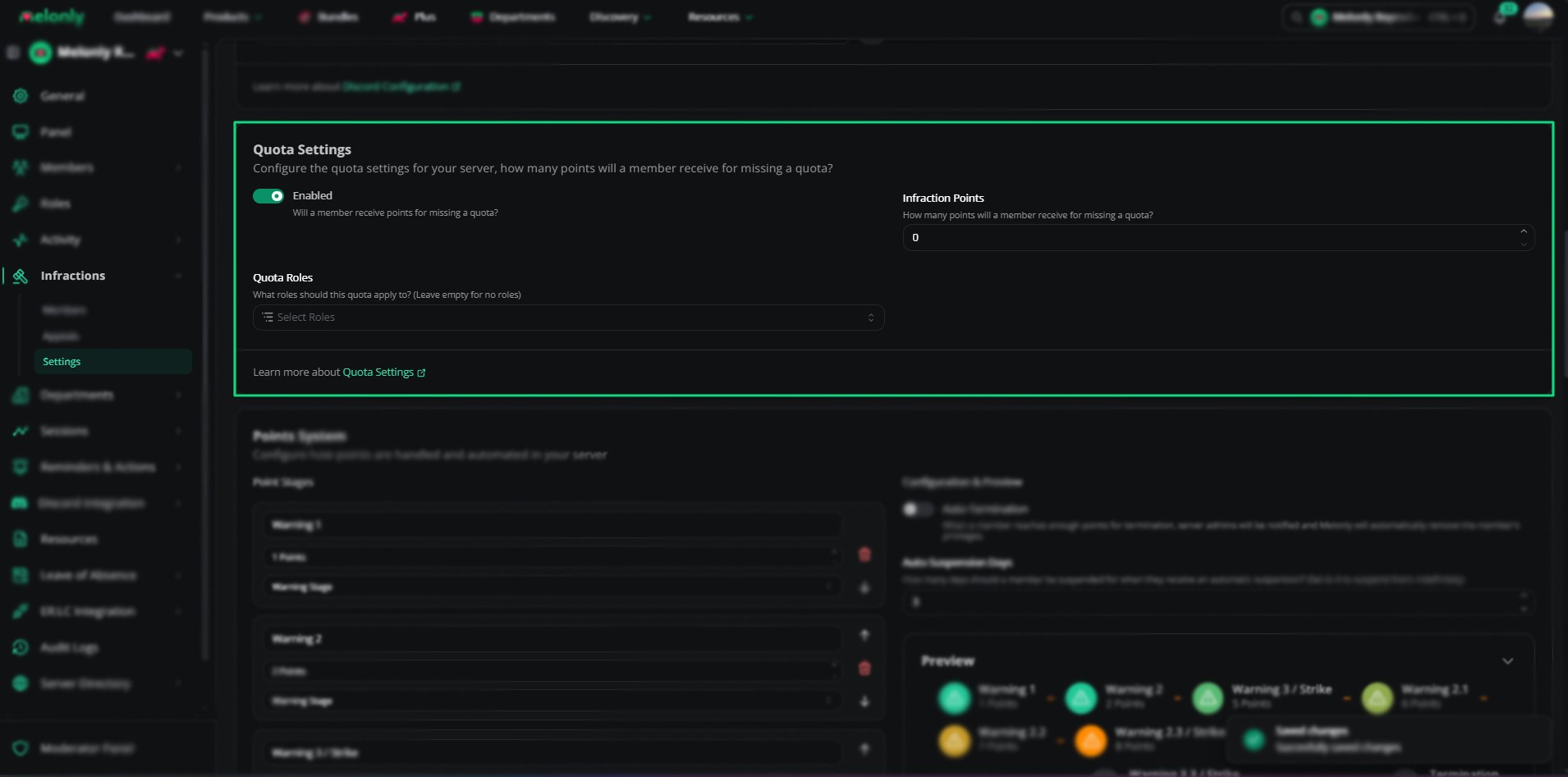
Quota Settings
Points System
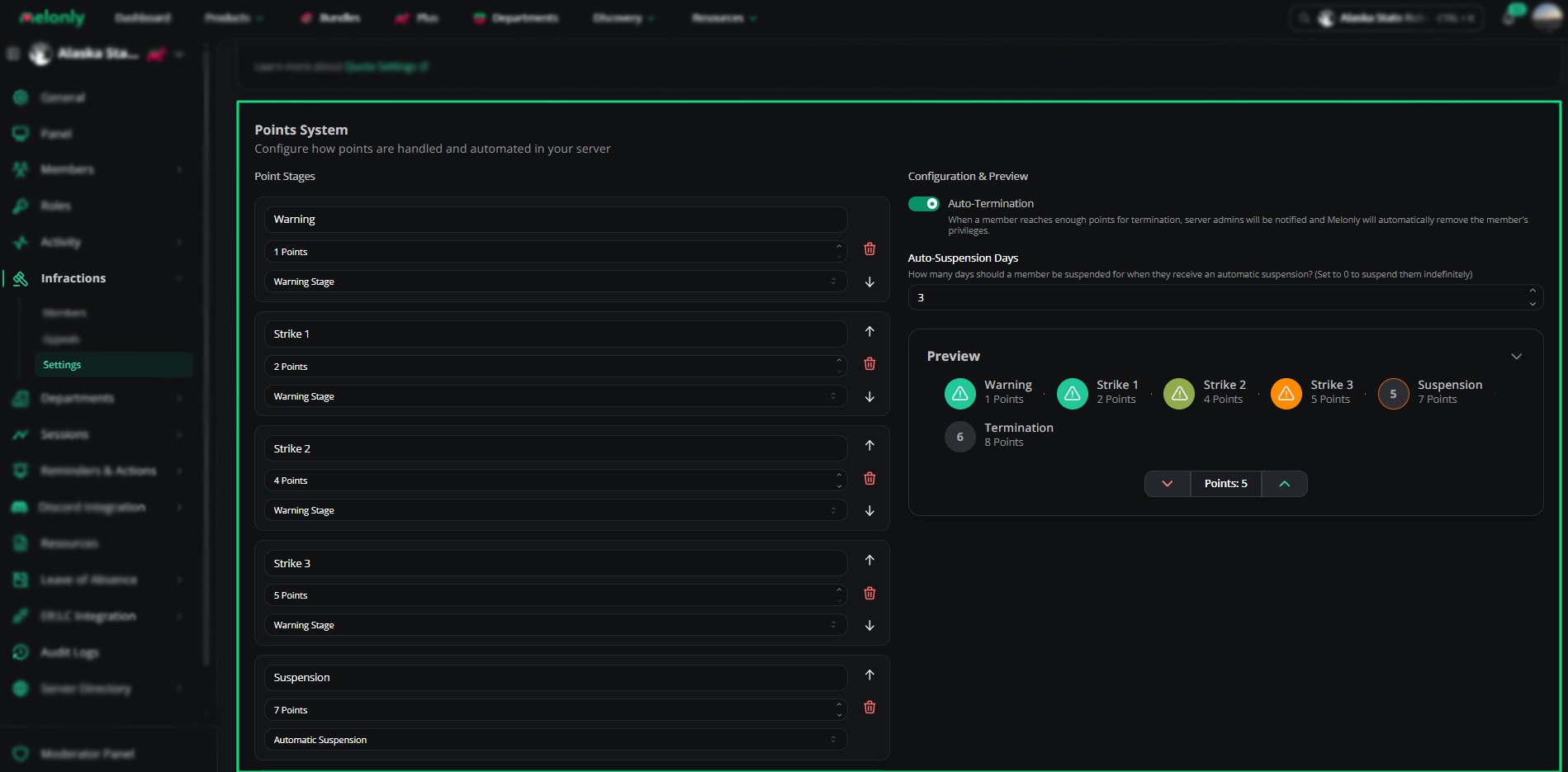
Points System
Message Customization
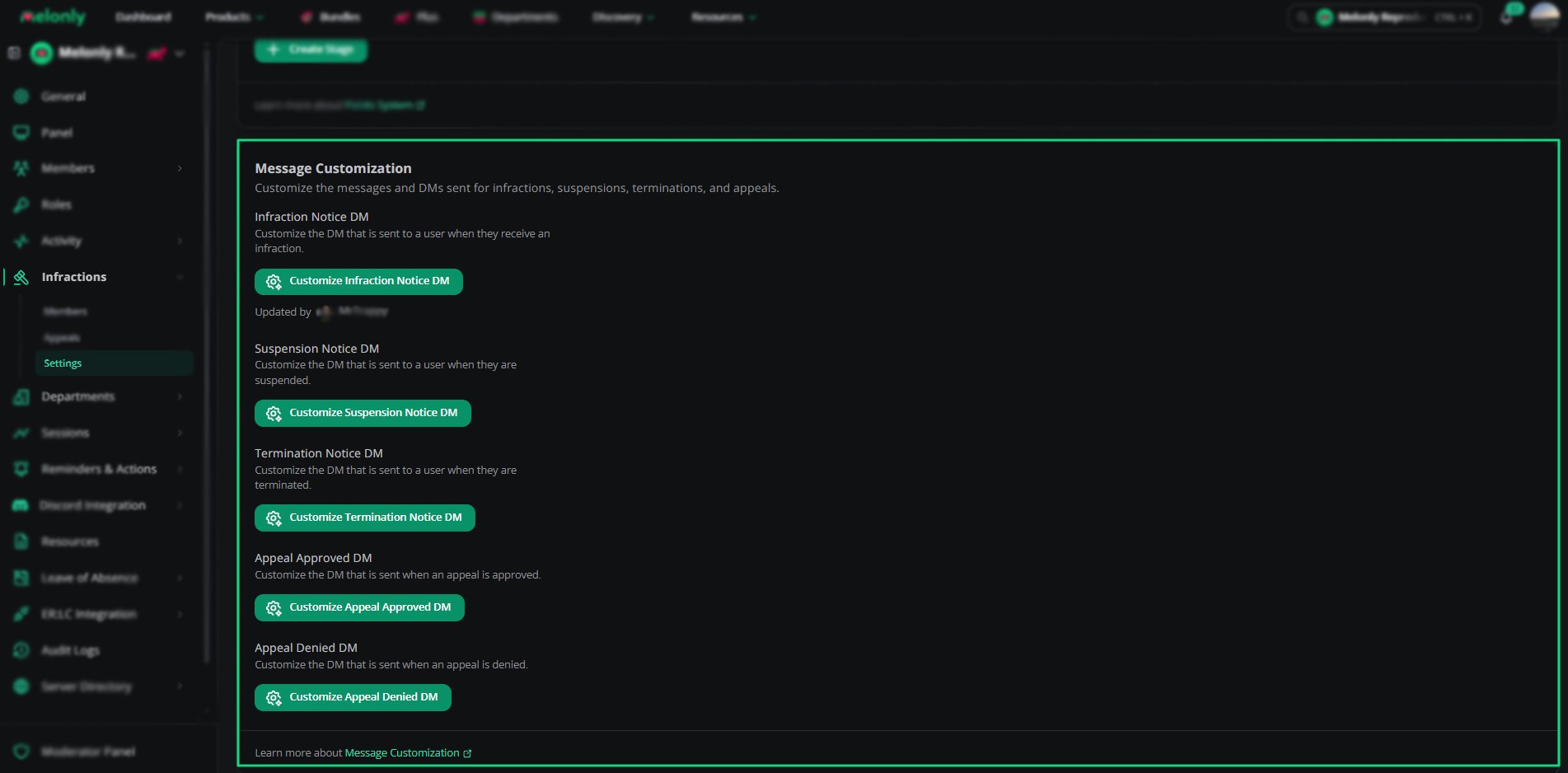
Message Customization
- Infraction notices
- Suspension notices
- Termination notices
- Appeal approved notices
- Appeal denied notices
Appeals
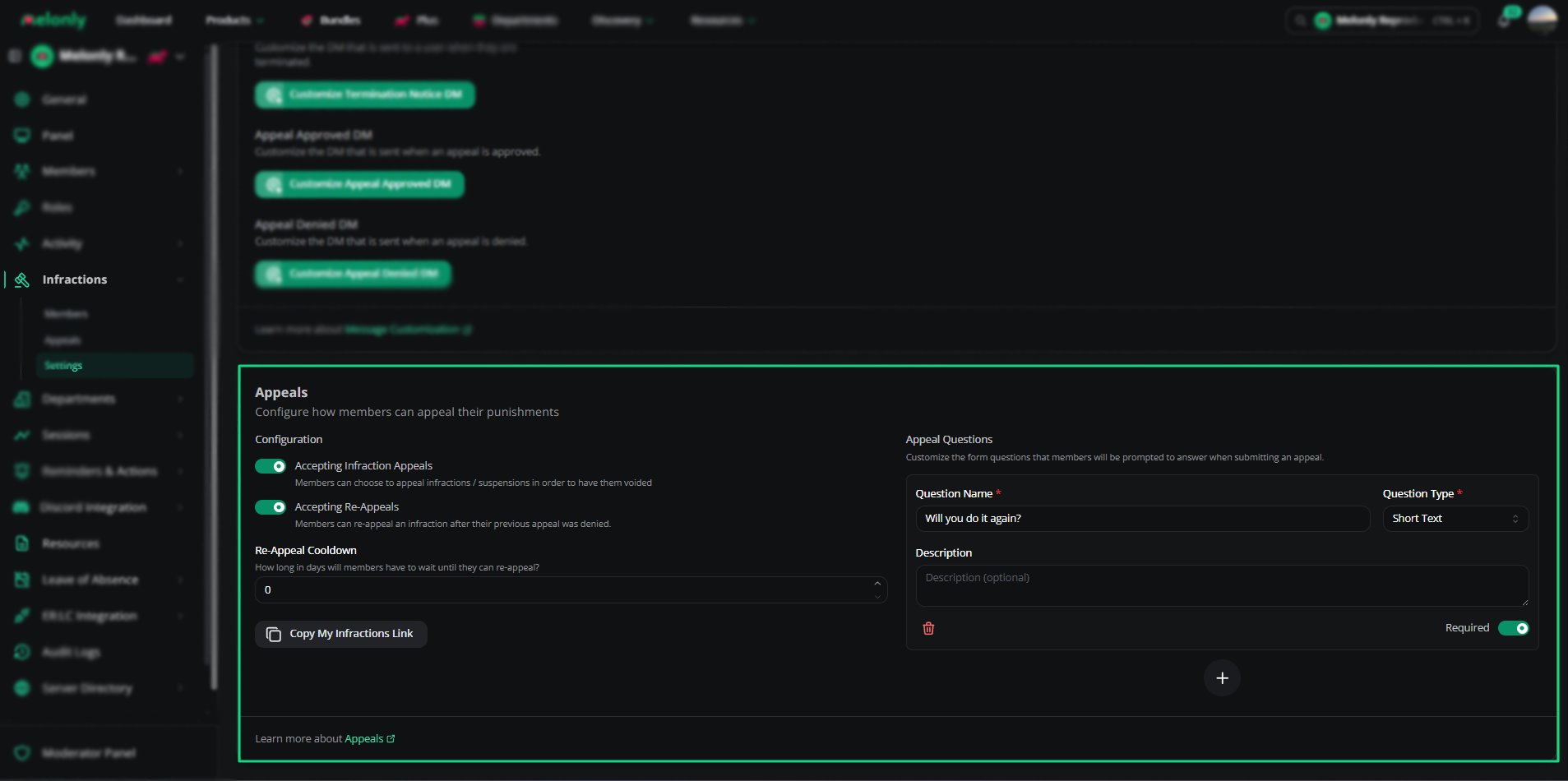
Appeals Settings
Appeal Questions
Appeal questions define what members must answer when submitting an appeal.These questions appear on every appeal form.
You can also create new questions using the Create a new appeal question button.
Permissions
Permissions determine who can issue punishments and who can configure the infractions module.These permissions are assigned on the member’s Melonly Role.
Need help?
Still have questions? Join our Discord server for support from the Melonly Team.