
What is the Toolbox?
The Toolbox, in the left column, holds quick-access buttons for the tools you use during a shift. Which buttons appear depends on your server’s settings and plan.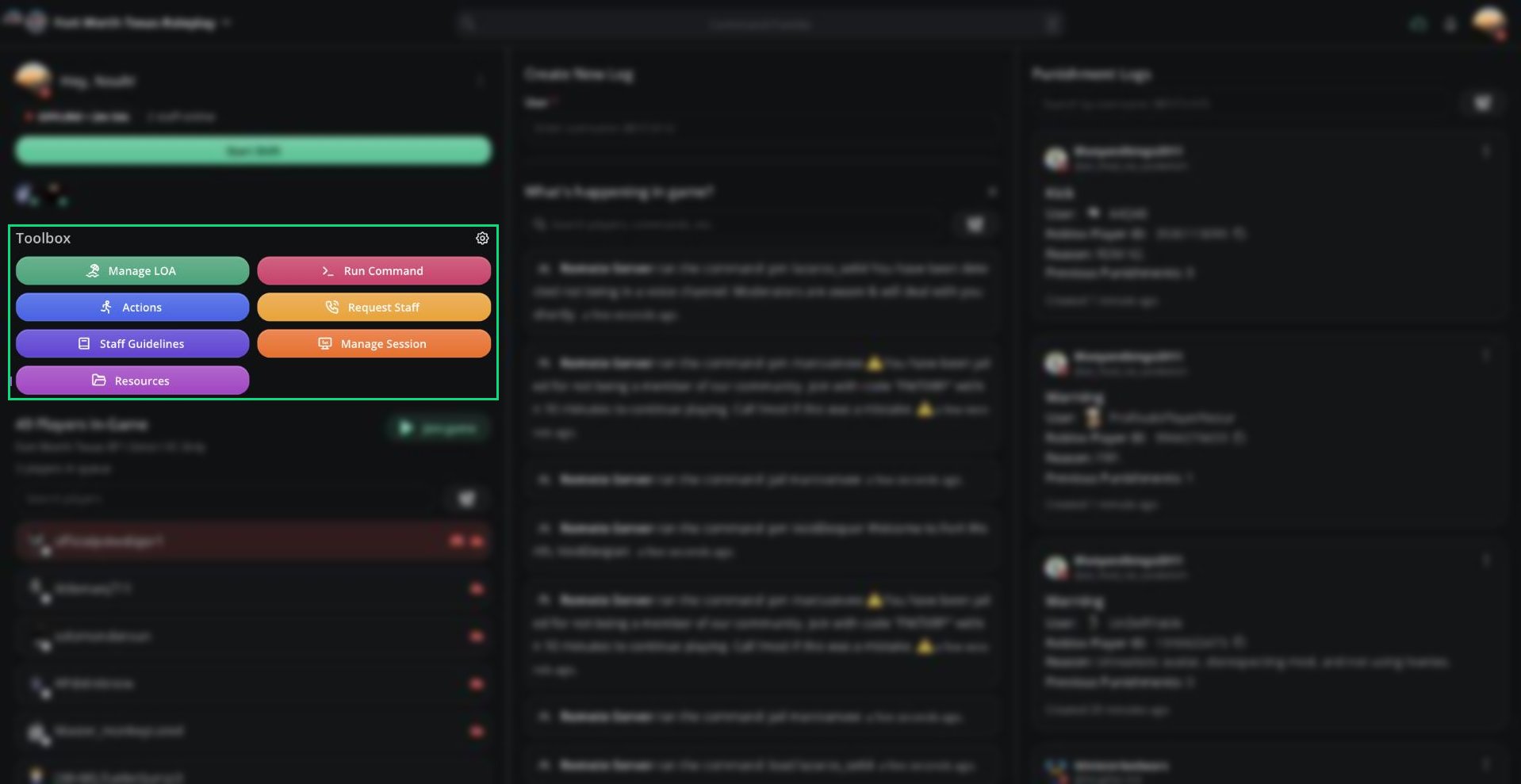
Toolbox
🧭 Quick Navigation
Leave of Absence
Check your LOA status and request time off.
Actions
Run custom actions and view their history.
Request Staff
Call more staff into the server.
Sessions
Start sessions, run polls, and view analytics.
Priority Requests
Approve or deny player priority requests.
Guidelines & Resources
Your server’s staff guidelines, docs, and forms.
Run Command
Send ER:LC commands to your server.
Toolbox Buttons
Customizing the Toolbox
Hide the buttons you don’t use.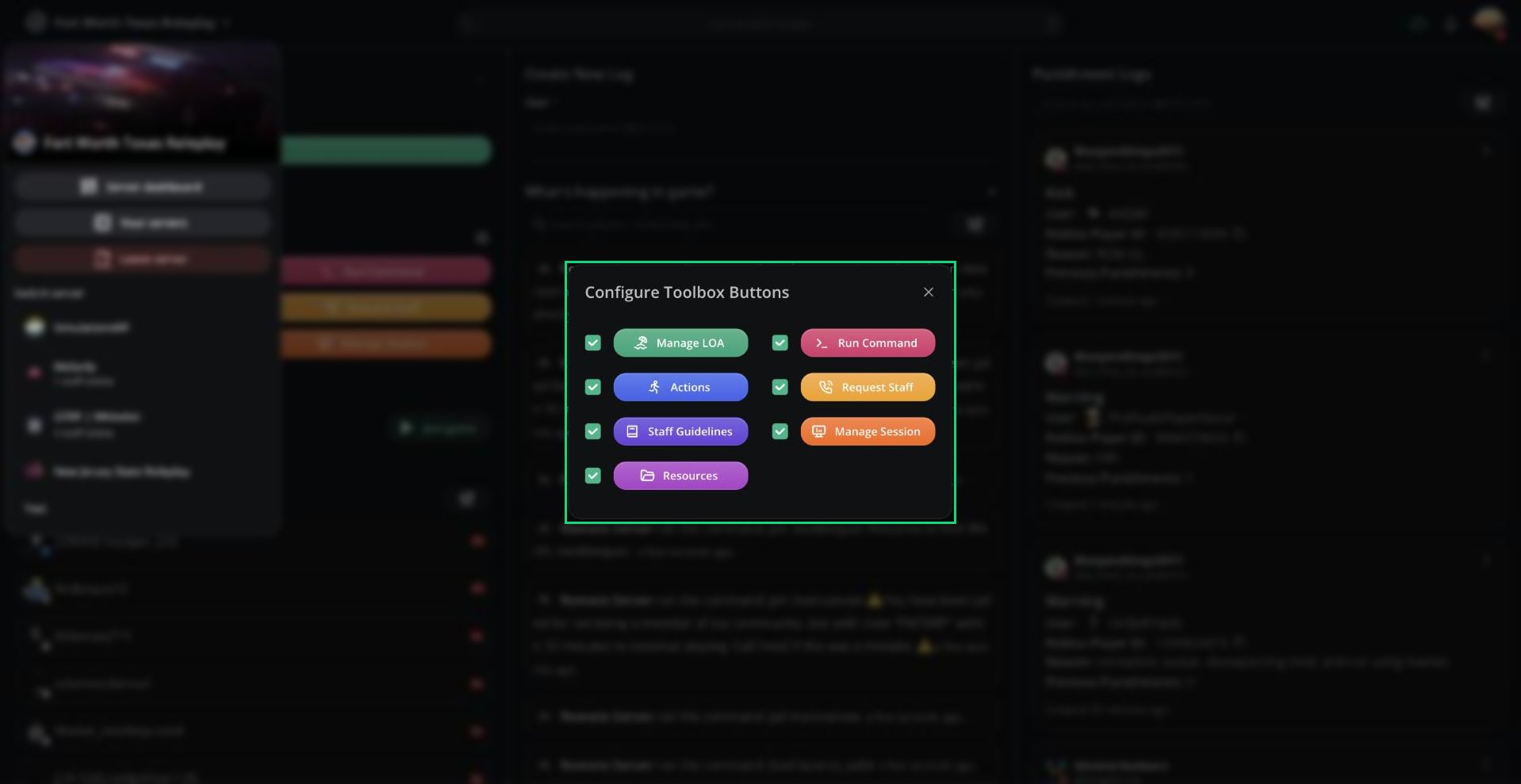
Configure Toolbox Buttons
1
Open the settings
Click the gear icon next to Toolbox.
2
Choose your buttons
Untick a button to hide it, or tick it to show it again.
Need help?
Still have questions? Join our Discord server for support from the Melonly Team.