
What is Sessions Overview?
Sessions Overview is where your team runs ER:LC sessions. Start a session, open a poll to gauge interest, schedule one for later, and see how past sessions went.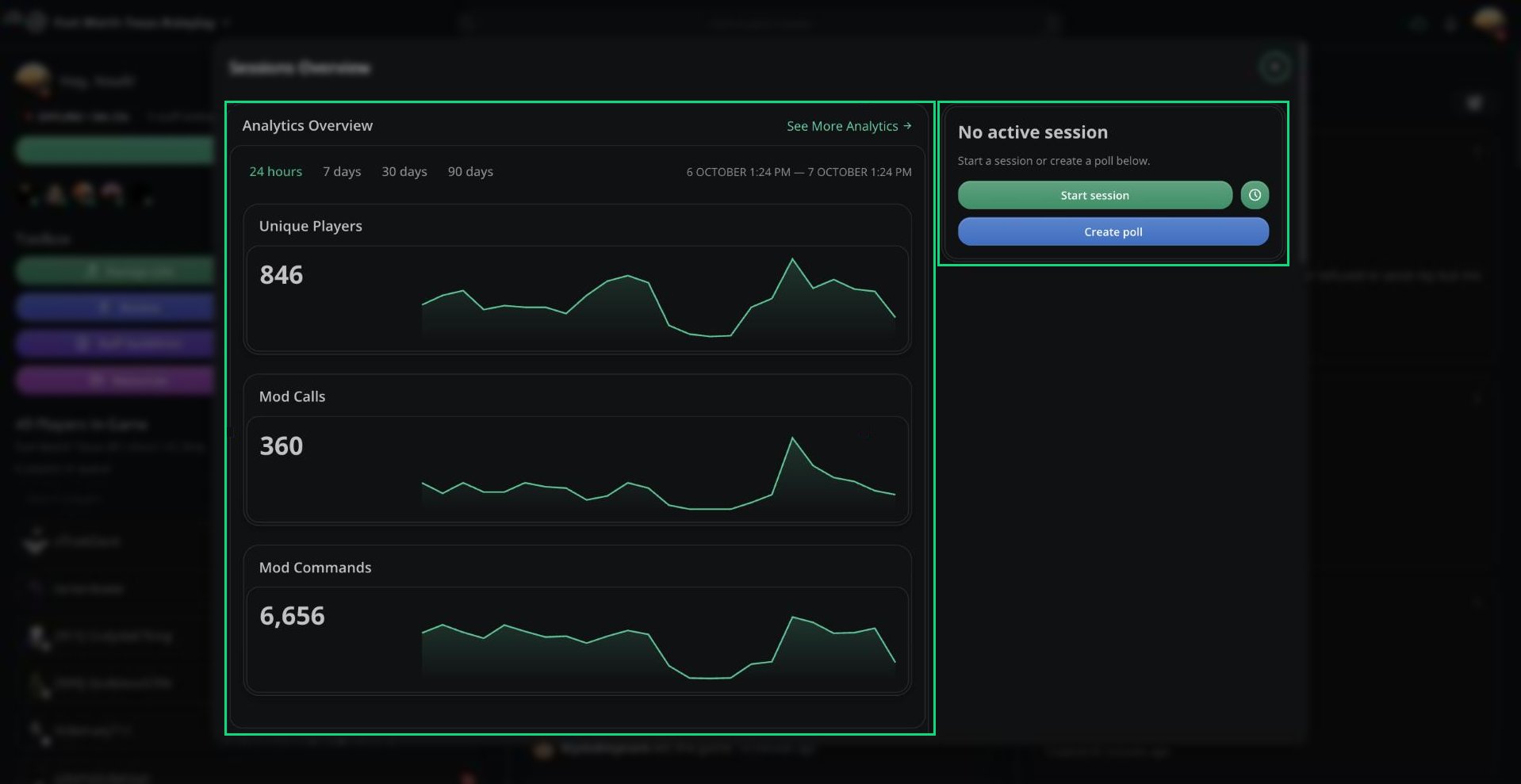
Sessions Overview
Anyone can view Sessions Overview. Starting, ending, and managing sessions requires the Manage Sessions permission.
Starting a Session
1
Click Start session
Under No active session, click Start session.
2
Choose an Area of Play
Pick an Area of Play, or leave it empty for none.
3
Start
Click Start session. Your session announcement is posted to Discord.
Session Polls
A poll lets your community vote before a session starts.1
Create the poll
Click Create poll, then set Votes Required (1 to 99) and an optional Area of Play.
2
Optionally schedule it
Pick a Scheduled Start Time to start the session automatically once enough votes are in.
3
Watch the votes
When enough votes are in, click Start session.
Scheduling a Session
Click the clock icon next to Start session to schedule one. Choose a time up to 3 days ahead. If a poll is open, the session is linked to it. Only one session can be scheduled at a time. Click the delete icon on it to cancel.During a Session
While a session is running you’ll see its players, staff shifts, unique players, mod calls, and mod commands.
Start, shutdown, boost, and full messages each have a 30 second cooldown.
Analytics and History
Expand a past session to view its player sessions, staff shifts, and ER:LC logs. Analytics are only available for sessions that lasted at least 5 minutes.
Sessions on the dashboard
Configure session messages, AOPs, and defaults.
Need help?
Still have questions? Join our Discord server for support from the Melonly Team.