
Melonly Conditions check a user’s Melonly roles, ranks or permissions, or the current session status, and return true or false.
Use them so actions only run when the Melonly requirements are met.
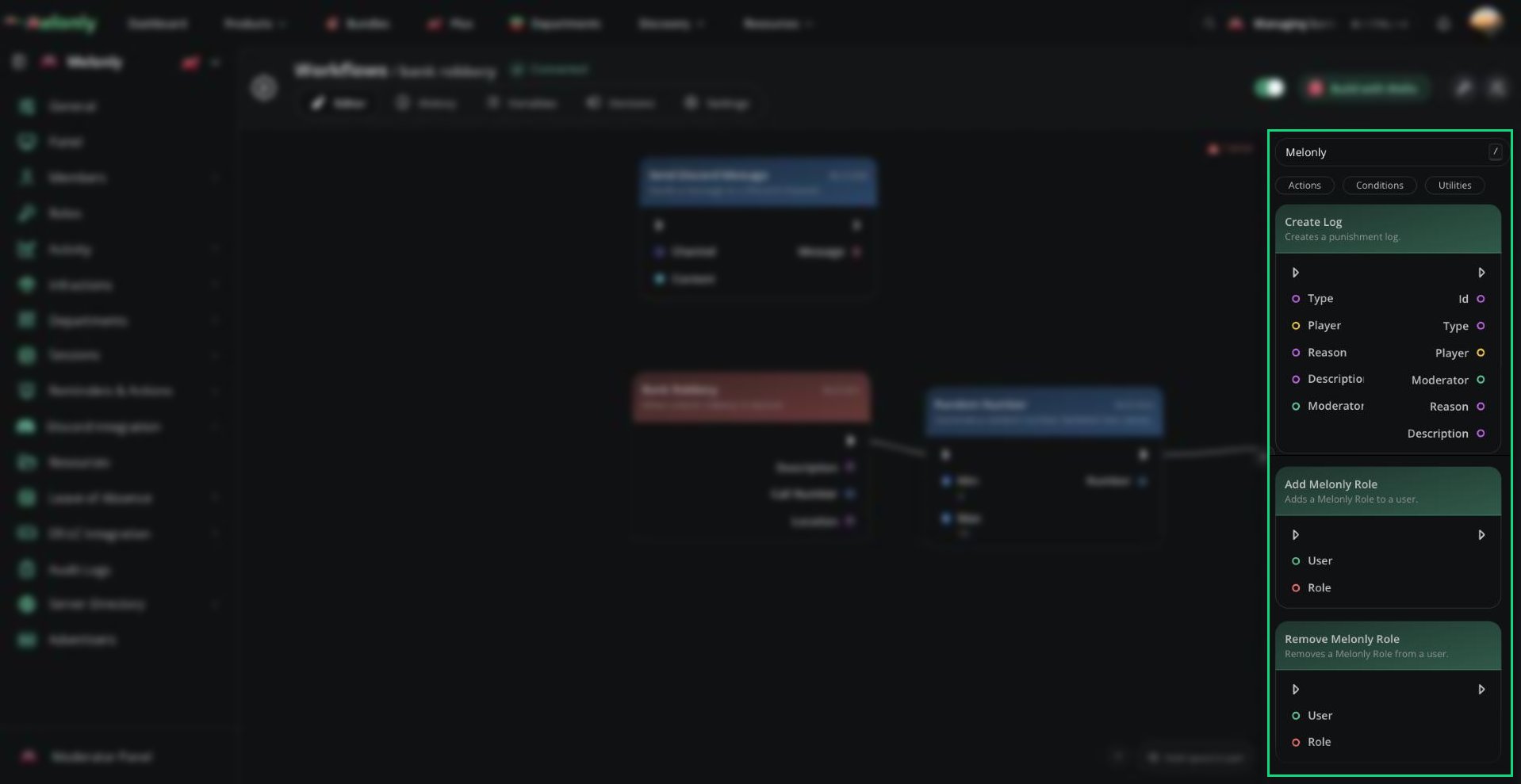
Melonly blocks in the block library
Blocks
- Does User Have Melonly Role
- Does User Have Rank
- Has Melonly Permission
- Session Status
Does User Have Melonly Role
The Does User Have Melonly Role block checks whether or not a user has a specific Melonly role.What Does It Do?
This block evaluates the selected user and role, returning a boolean value based on whether the user has that role.Input
- User: The user to check.
- Role: The Melonly role to verify.
- Boolean: True if the user has the role, false if not.
Need help?
Still have questions? Join our Discord server for support from the Melonly Team.