
What is the Members Overview?
The Members page lists everyone in your server, with their roles, join date and Vision Seat status. You can also act on members from here, such as promoting or demoting them or managing their Vision Seats. See Member Management for how.Why is the Members Overview Useful?
It gives you a quick snapshot of your team: who holds which roles, when they joined and who has a Vision Seat. That makes it easy to check roles and permissions are right.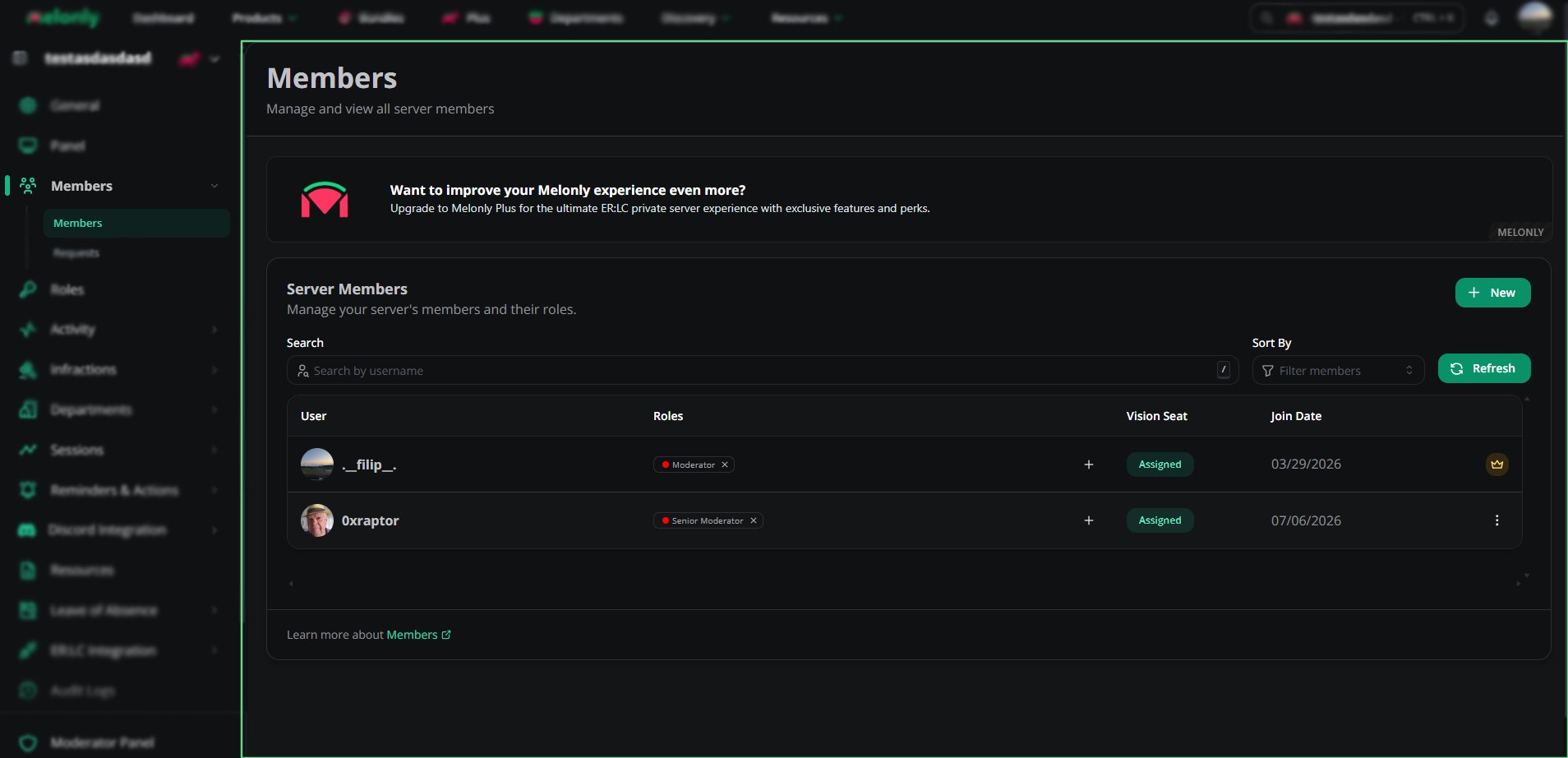
Members
🧭 Quick Navigation
Member Management
Add, remove, promote and demote members.
Requests
Review join requests from new staff.
Need help?
Still have questions? Join our Discord server for support from the Melonly Team.