
Groups and Statuses
Premade groups and unit statuses shape how units are organised and shown on every panel. Both live under Customization in the CAD admin panel.Premade Groups
Premade groups are ready-made unit groups that units can join and dispatchers can assign. You can have up to 30. Open Customization → Groups and click New group to add one.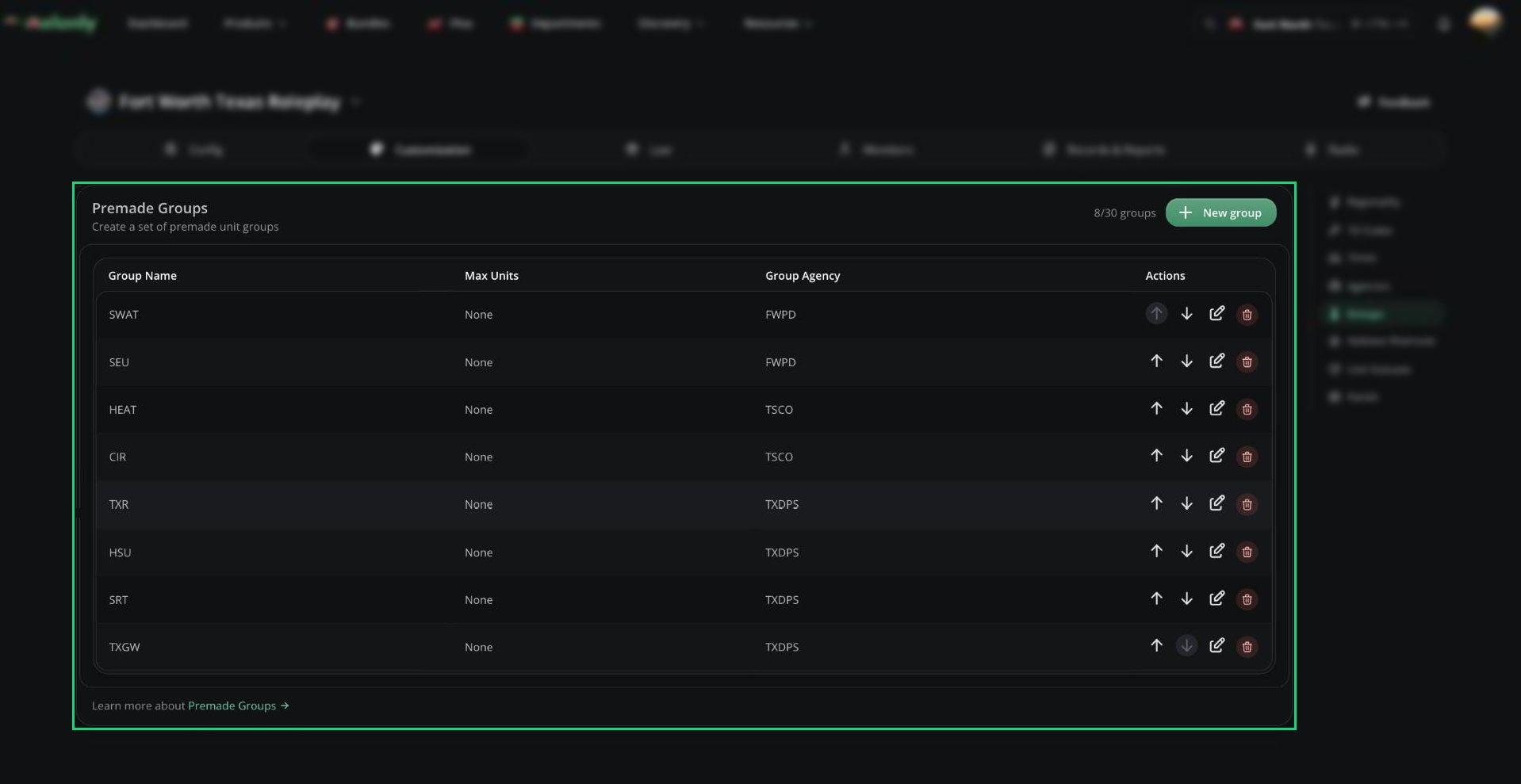
Premade Groups
Unlike the other Customization pages, changes on the Groups page save straight away.
- You can only edit a group while it’s empty, and only delete it while it has no active units.
- Premade groups show in the New Unit window in your order, and full groups are hidden.
- To stop dispatchers making their own groups, turn on Only Premade Groups in General Settings.
Unit Statuses
Open Customization → Unit Statuses to rename the five built-in statuses: Available, Unavailable, Busy, Enroute and On-Scene (3 to 20 characters each). Your names show everywhere a status appears, including radio and spoken alerts. Click Save Changes when you’re done.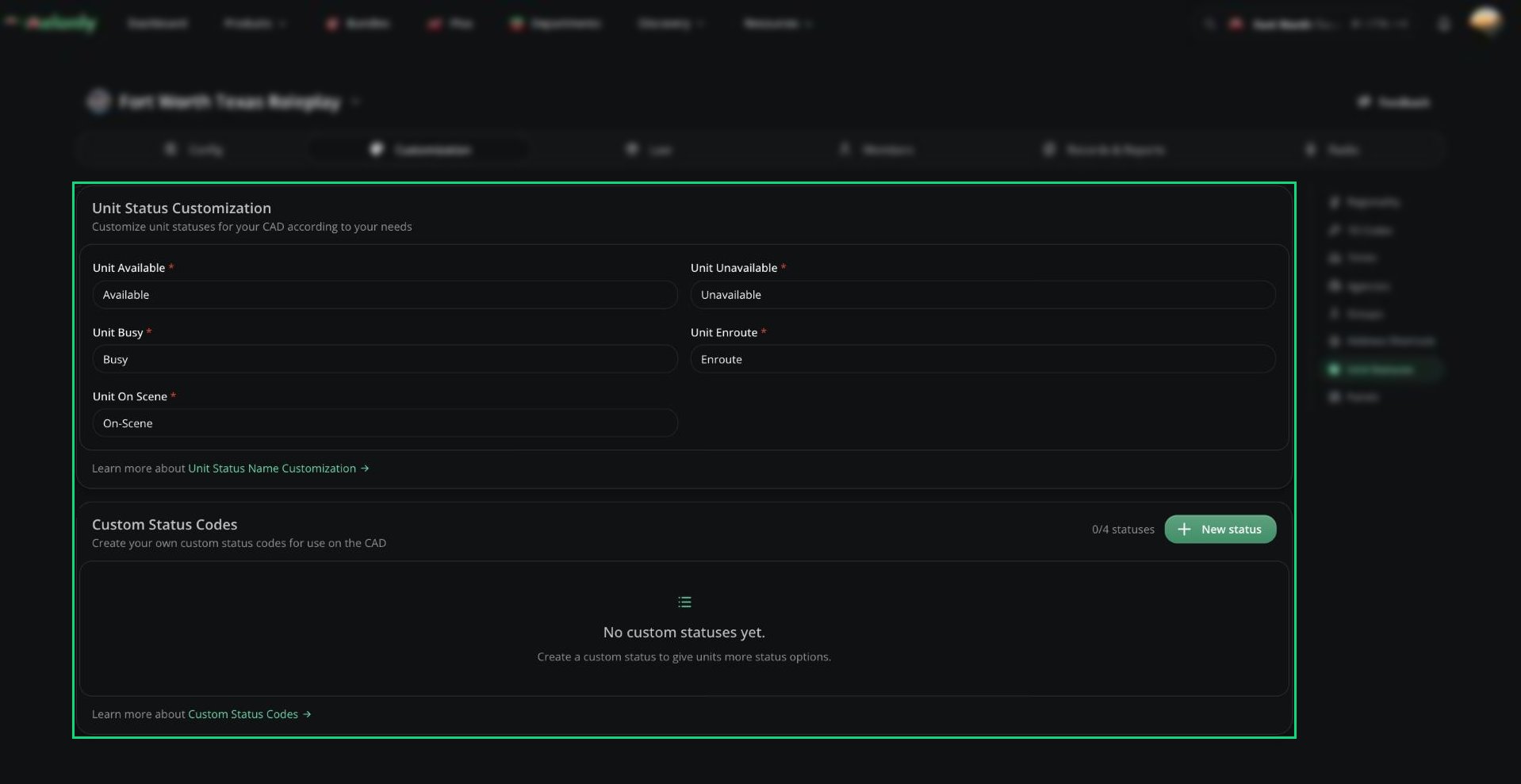
Unit Statuses
Custom Status Codes
You can add up to 4 extra statuses. Click New status and set:
Custom statuses appear in the status selector and the Auto Status window. See Units.
Need help?
Still have questions? Join our Discord server for support from the Melonly Team.