
What are Units?
A unit is your on-duty identity in the CAD: your callsign, roleplay name, rank, agency and equipment. You need an active unit before you can use the Police, Fire, EMS, DOT or Dispatch panels. Units can also be put into groups, so several units are dispatched and tracked as one.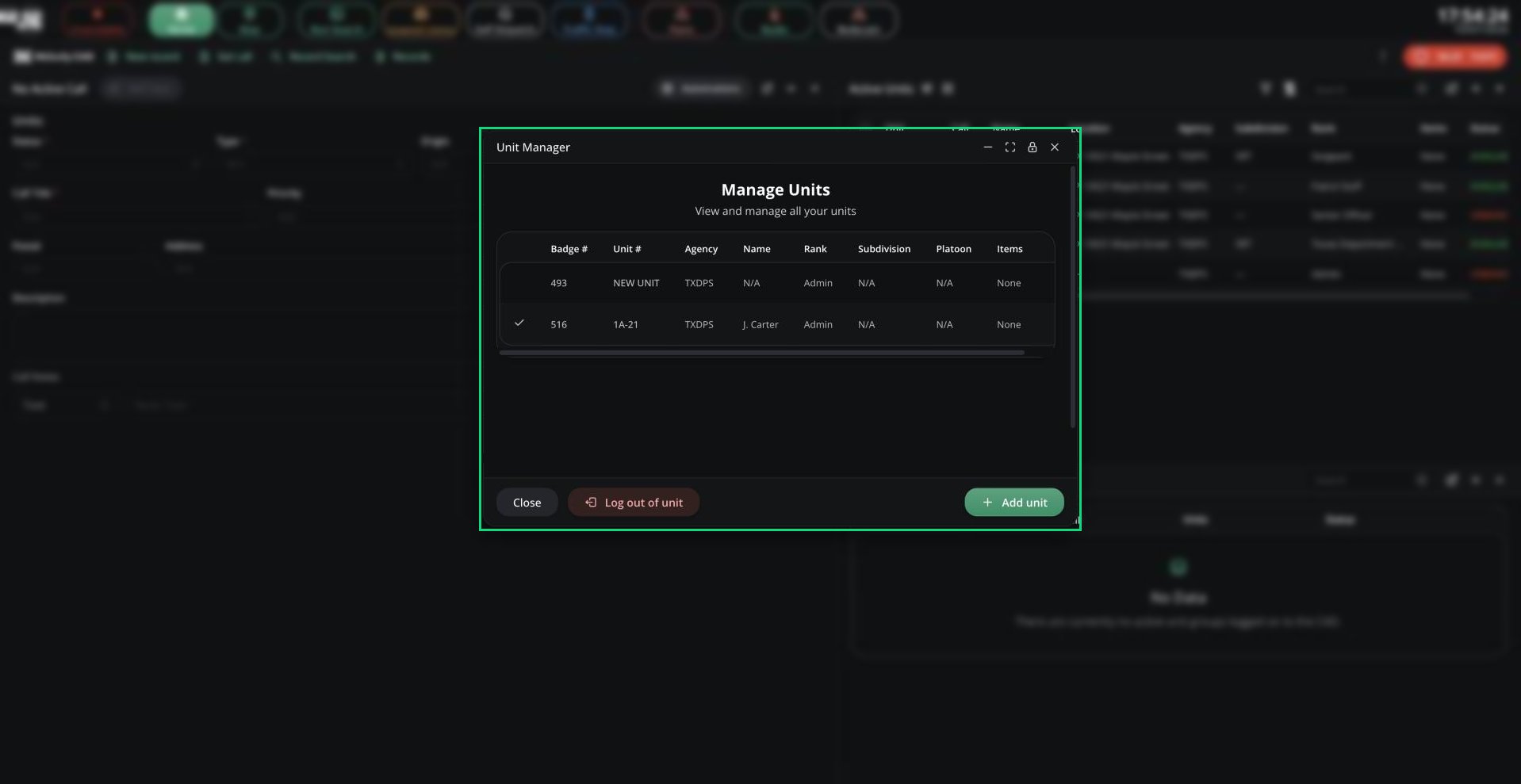
Unit manager
🧭 Quick Navigation
Creating a Unit
Create a unit, fill in its details and go on duty.
Statuses & Panic
Set your status, use Auto Status and press panic.
Groups
Squads, apparatus, rigs and vehicles, including premade groups.
Active Units
The Active Units pane lists everyone on duty, with their callsign, call, details, location and status. It’s on the Home tab of service panels and in every Dispatch layout.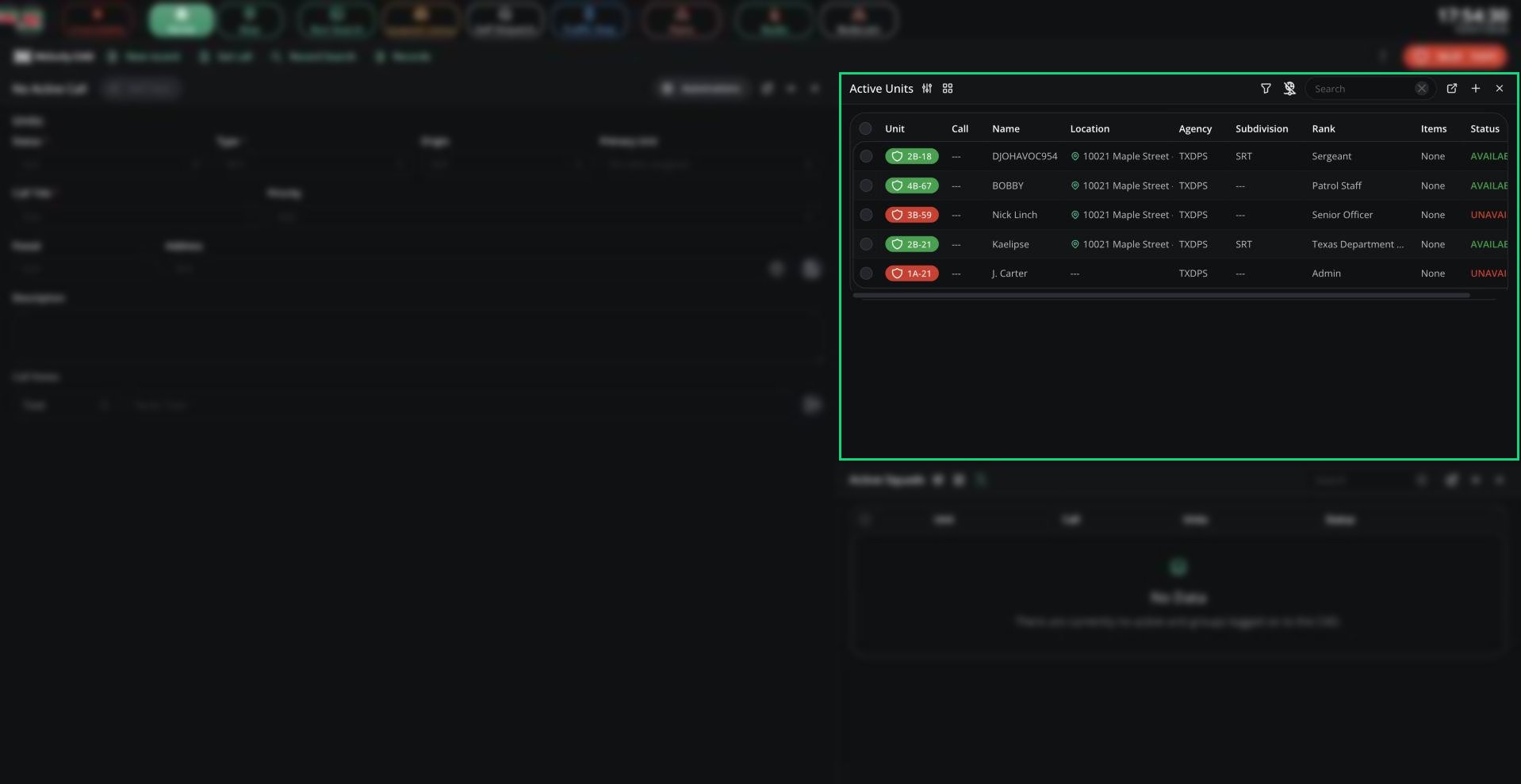
Active Units
Need help?
Still have questions? Join our Discord server for support from the Melonly Team.