What is Dispatch AI?
Dispatch AI allows users to control dispatch actions using natural language.Instead of requiring exact phrases, Dispatch AI uses a classification model that detects keywords, intent, and context.
This means users can speak or type normally, and the AI will understand what they want to do. Dispatch AI supports actions such as attaching to calls, updating unit status, requesting information, and more.
How It Works
Dispatch AI listens for key wording and patterns in the message.It then classifies the intent and performs the correct dispatch action.
1
Intent Detection
The AI identifies what the user is trying to do, such as attaching to a call, going enroute, or marking themselves available.
2
Keyword and Context Analysis
The model checks for important words and surrounding context to understand the meaning, even if phrasing varies.
3
Classification
The message is matched to a dispatch action category, such as call attachment, status update, or information request.
4
Action Execution
Dispatch AI performs the action automatically, updating the dispatch board or unit status.
Using Dispatch AI
Dispatch AI is available in any Radio channels that have Dispatch AI enabled.
1
Join Radio
Join a Radio channel with Dispatch AI.
2
Speak a Command
Speak a natural language message describing what you want to do.
3
Review Classification
Dispatch AI will perform the action.
Why Dispatch AI Works
Dispatch AI uses a high performance classification model trained on dispatch terminology, natural language patterns, and real usage data.It does not rely on strict commands.
Instead, it understands intent based on keywords, structure, and context.
How to Set up Dispatch AI
1
Enable Dispatch AI
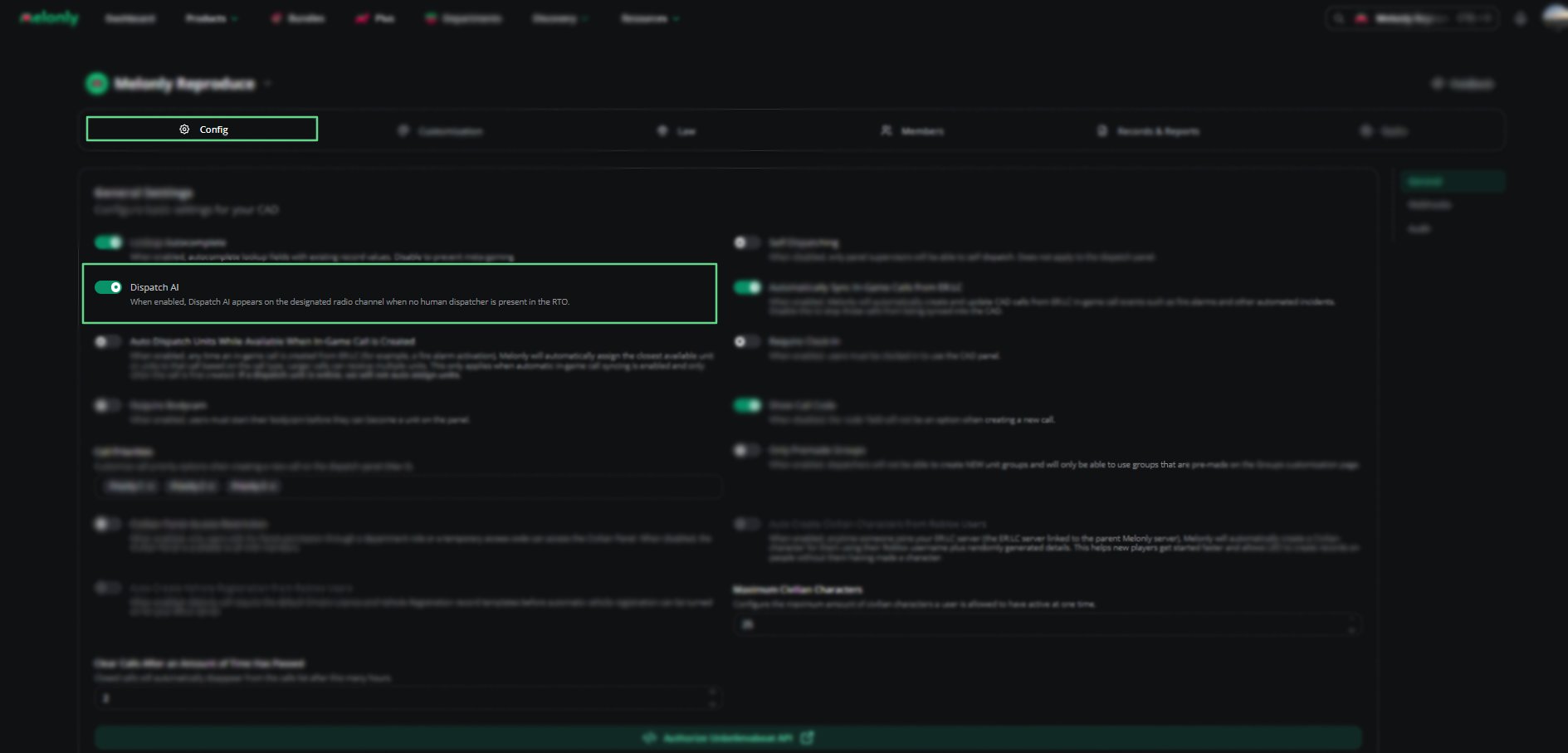
Navigate to the Config page and enable Dispatch AI on the General Tab
2
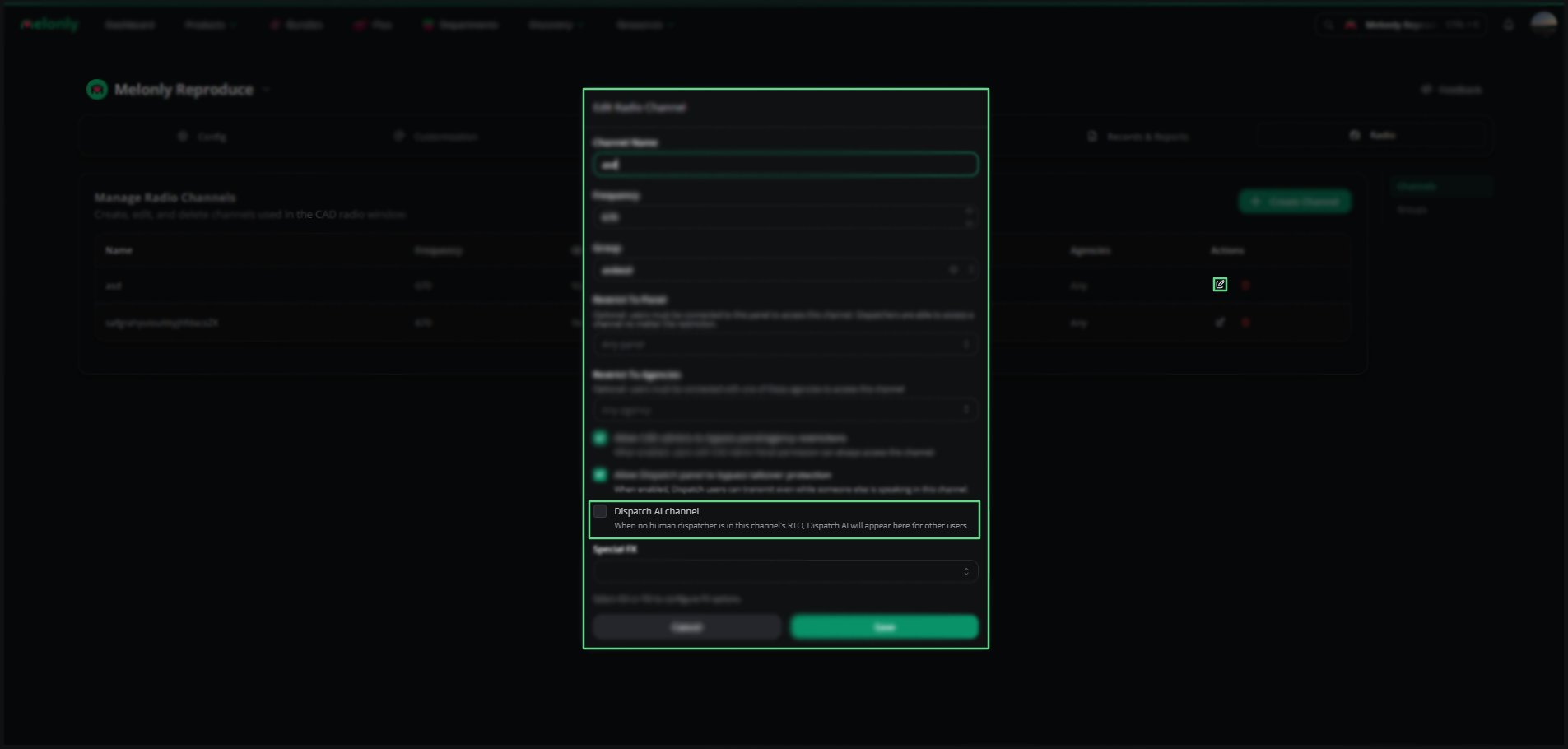
Navigate to the Radio page within your CAD Configuration.
3
Select Edit Channel and enable Dispatch AI.
4
Alternatively, you can enable Dispatch AI during the creation of a Radio Channel
Key Benefits
- Natural language support
- No strict command phrases required
- Faster dispatching
- Reduced manual errors
- Automatic call and status updates
- Works across all dispatch workflows
Need help?
Still have questions? Join our Discord server for support from the Melonly team.