
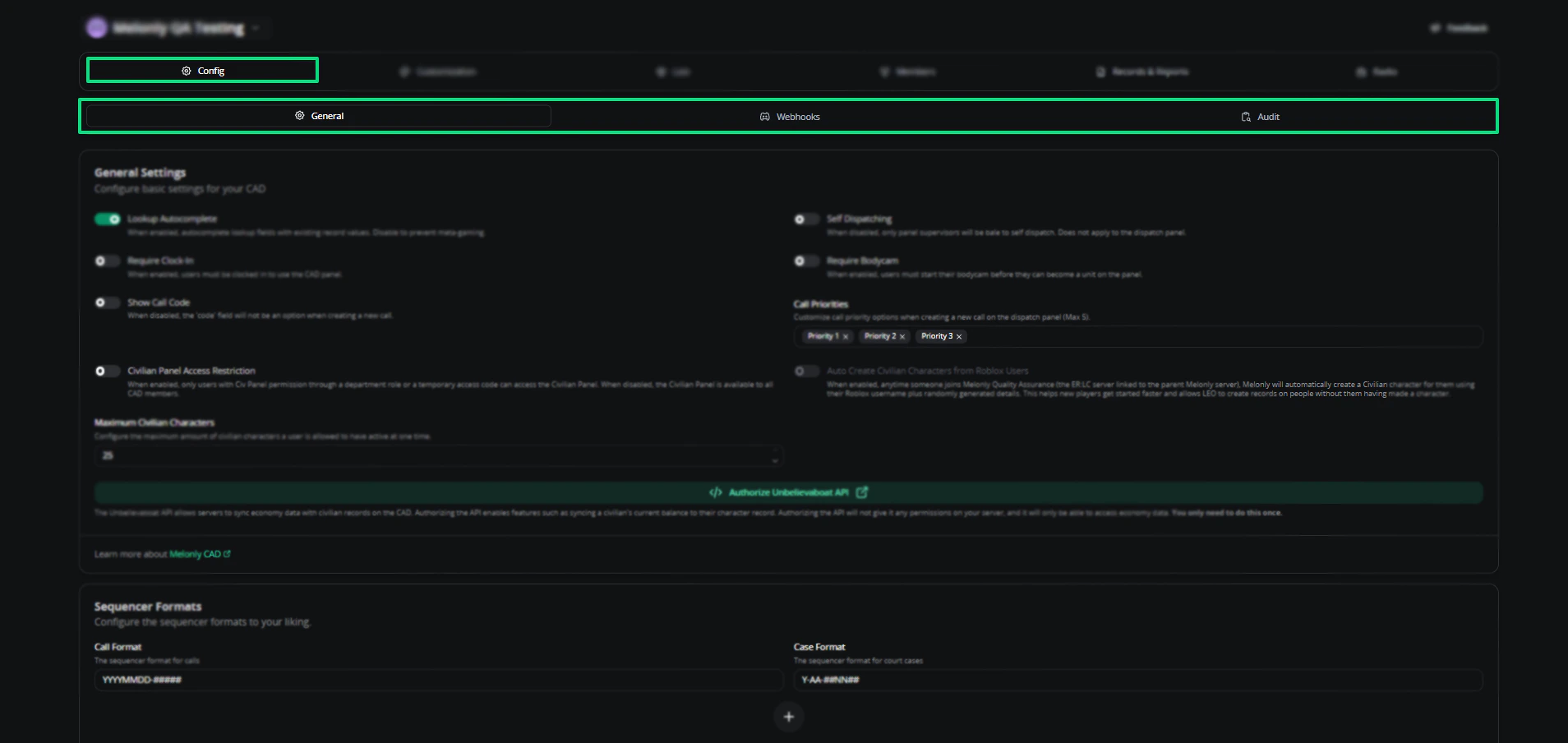
Configuration overview
General settings
Dispatch AI
Once you’ve enabled Dispatch AI, it requires further configuration to function.1
Navigate to the Radio page within your CAD Configuration.
2
Select Edit Channel and enable Dispatch AI.
3
Alternatively, you can enable Dispatch AI during the creation of a Radio Channel
Unbelievaboat API
Optional integration that connects the CAD to Unbelievaboat for economy features.Sequencer formats
Sequencer formats define how call and case numbers are generated. They also work for custom records.Webhooks
Webhooks send real-time CAD data to external services for automation and integrations. Available events:- Call Created, Updated, and Closed
- Emergency Call
- Signal Set and Cleared
- Tone Played
- Unit Panic Activation
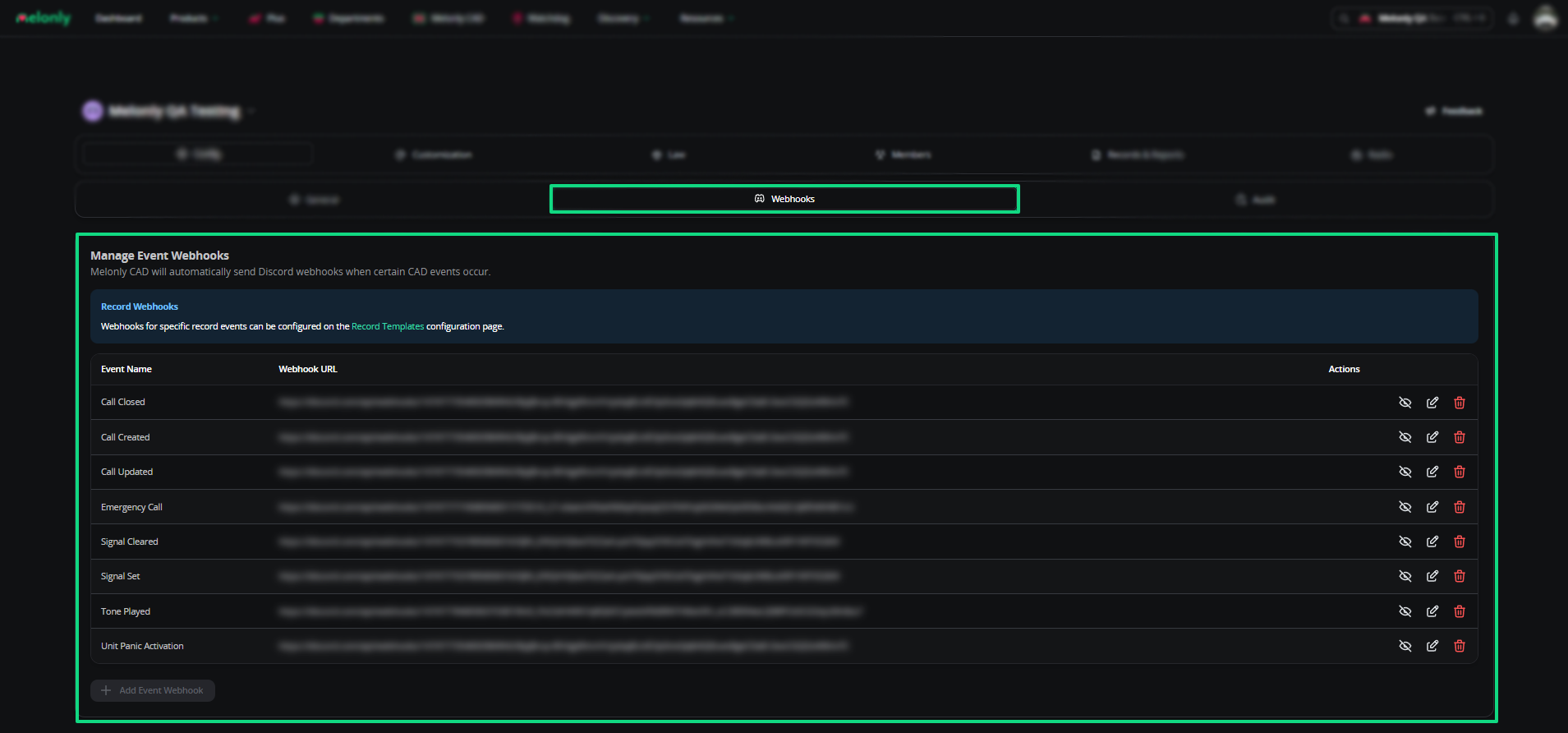
Webhooks
Audit logs
Audit logs record every action in your CAD — from join code creation to record purges.Filter by action
Narrow logs by user actions, configuration changes, or system events.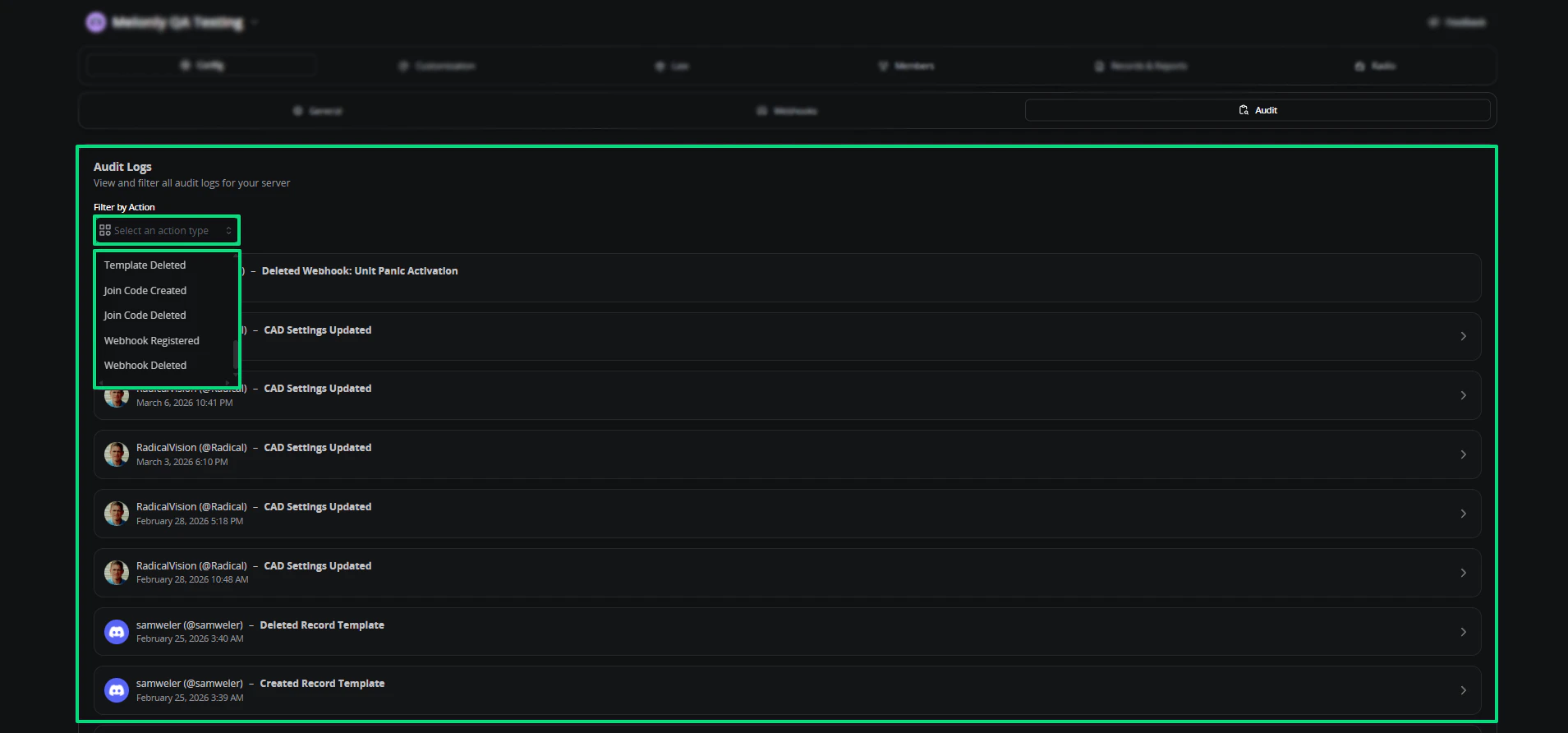
Audit logs filtered by action
Need help?
Still have questions? Join our Discord server for support from the Melonly team.