
What is Regionality?
Regional Words match the CAD’s wording to your region. Officers, dispatchers and civilians all see your terms, so names in these docs (911, 10-Codes, Penal Code, DMV, $) may look different on your server. Open Customization → Regionality in the CAD admin panel. Changes are kept as a draft until you click Save Changes (Ctrl + S).
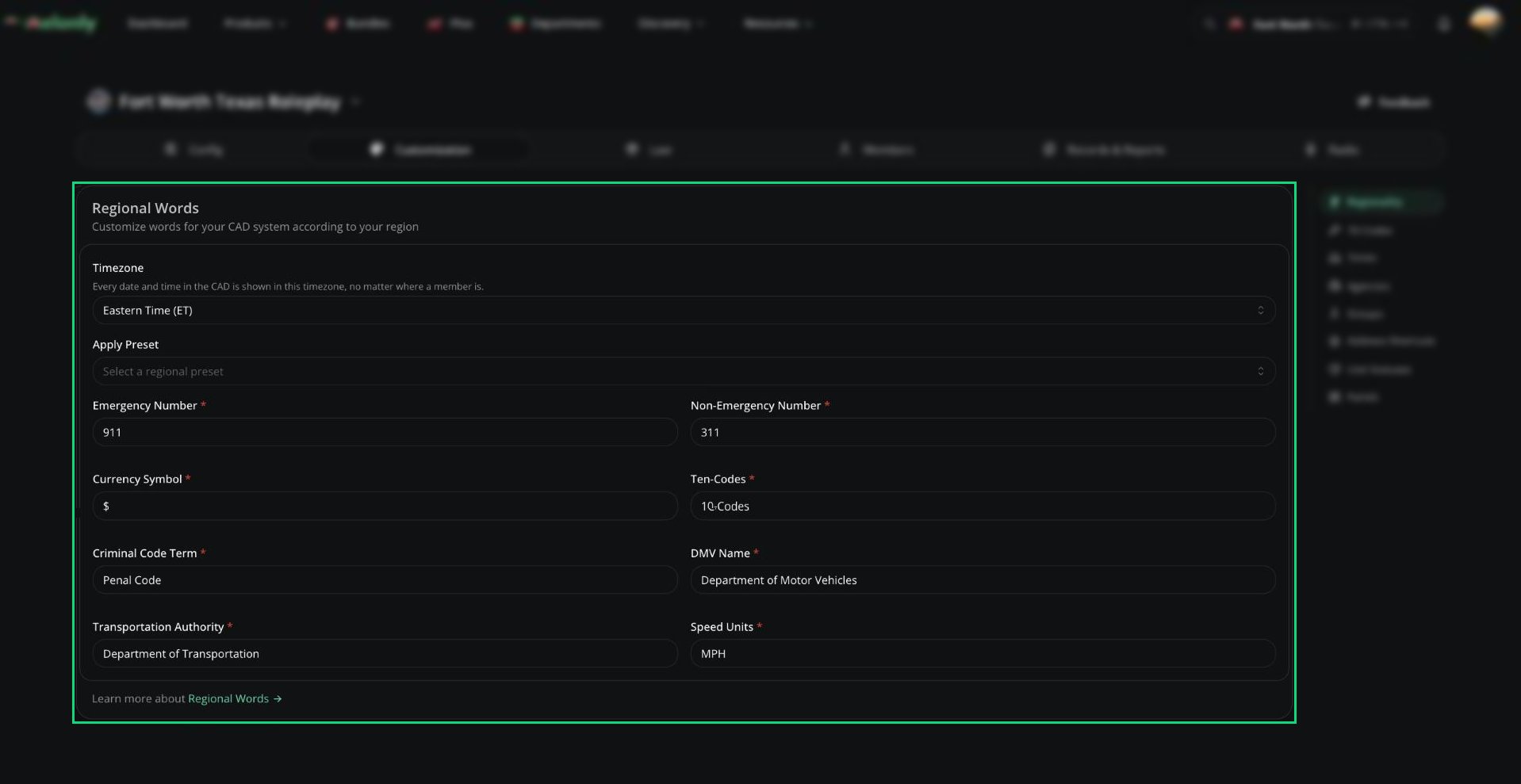
Regionality
Setting Your Region
1
Apply a preset
Pick your country under Apply Preset to fill most fields in one go.
2
Check the fields
Tweak anything you like. An empty field goes back to its default. Presets don’t change the timezone or non-emergency number, so set those yourself.
3
Save
Click Save Changes. Everyone sees the new terms straight away.
Settings
For date formats on call and record numbers, see Sequencer Formats.
Need help?
Still have questions? Join our Discord server for support from the Melonly Team.