
What are Infraction Settings?
These settings decide how infractions expire, what your rules are worth, what happens as points add up, and how appeals work. They need the Infractions Administrator permission. Changes are saved with the save bar at the bottom of the page.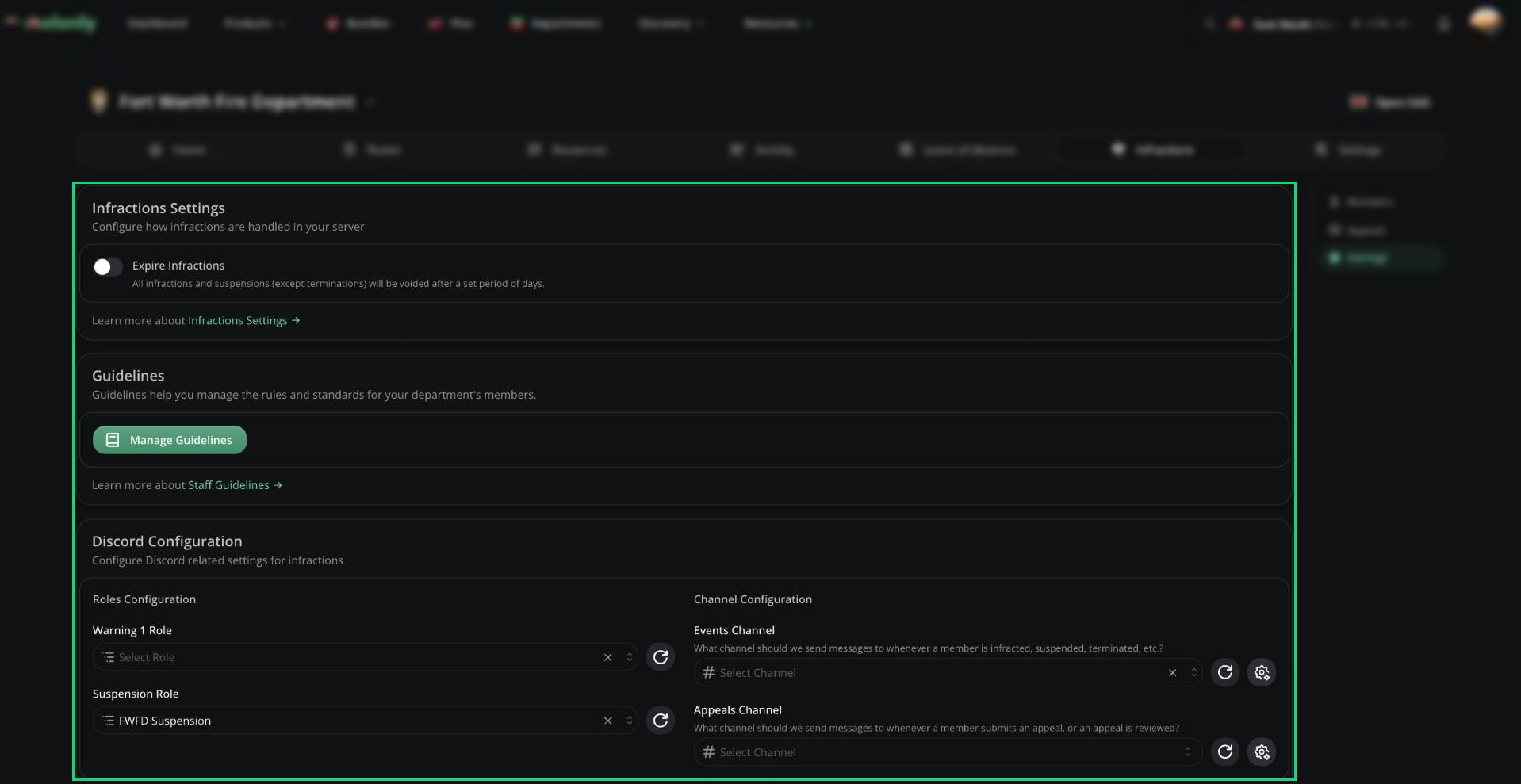
Infractions Settings
Infractions
Department Guidelines
Guidelines are your department’s rules, each with a point value. Click Manage Guidelines to add one with a name, short description (used as the infraction reason), optional full description, and points.Discord Configuration
Needs a linked Discord server. Melonly’s bot role must be above every role you pick here.
Use the customise button next to each channel to edit the messages posted there.
Quota Settings
Gives points to members who miss their activity quota. Points are issued when an activity wave ends.Points System
Stages decide what happens as points add up. Each stage has a name, a point threshold, and a type: Warning Stage, Automatic Suspension, or Automatic Termination (last stage only).
Changing stages doesn’t affect anyone until their next infraction.
Message Customization
Edit the DMs Melonly sends for infractions, suspensions, terminations, and appeal decisions, plus the message posted when an infraction is voided. Messages support variables like the reason and points. See Message Customization.Appeals Configuration
Below this, add the appeal questions members answer. Each has a name, a type (short text, long text, checkbox, number, date, or date time), an optional description, and whether it’s required.
Need help?
Still have questions? Join our Discord server for support from the Melonly Team.