
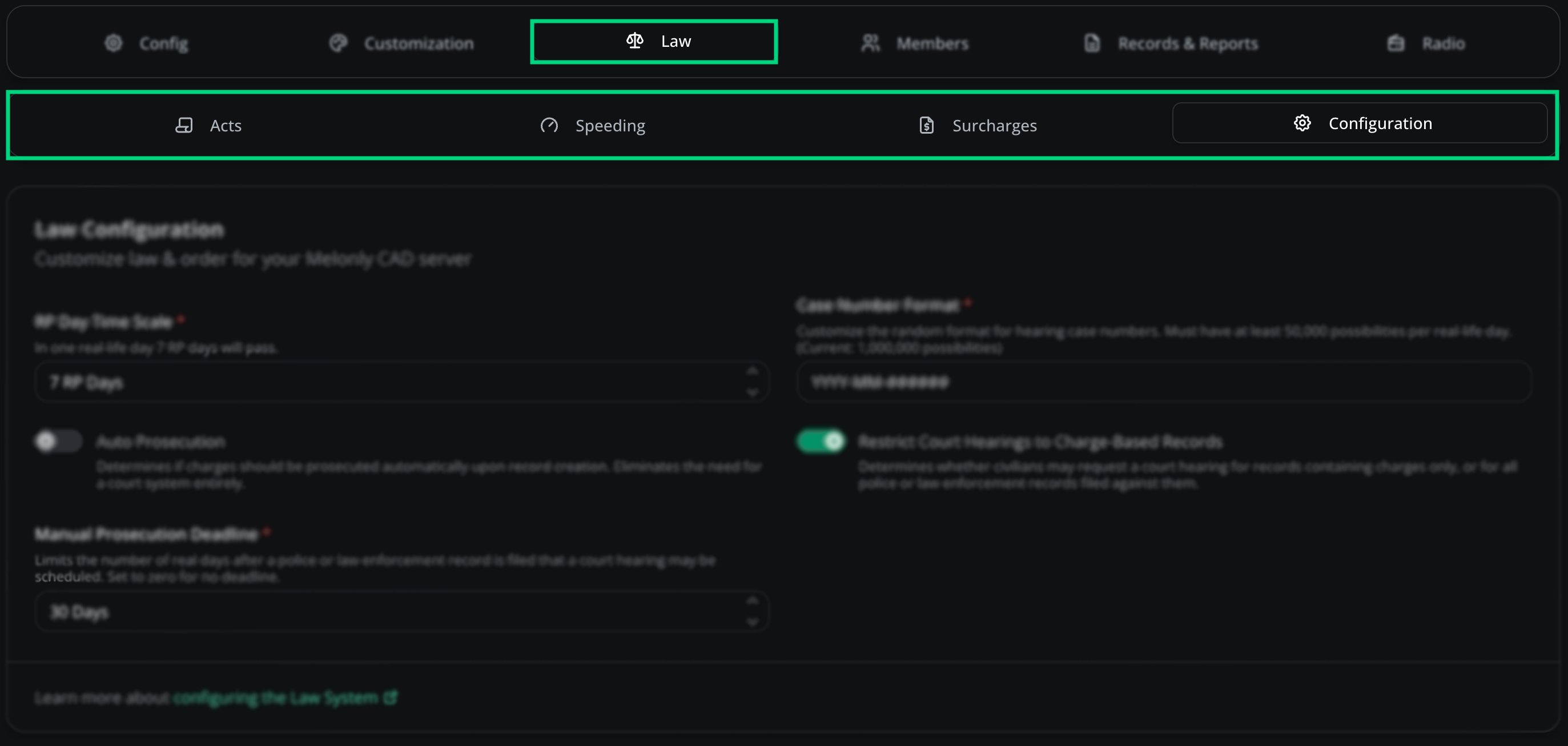
Law overview
- Acts
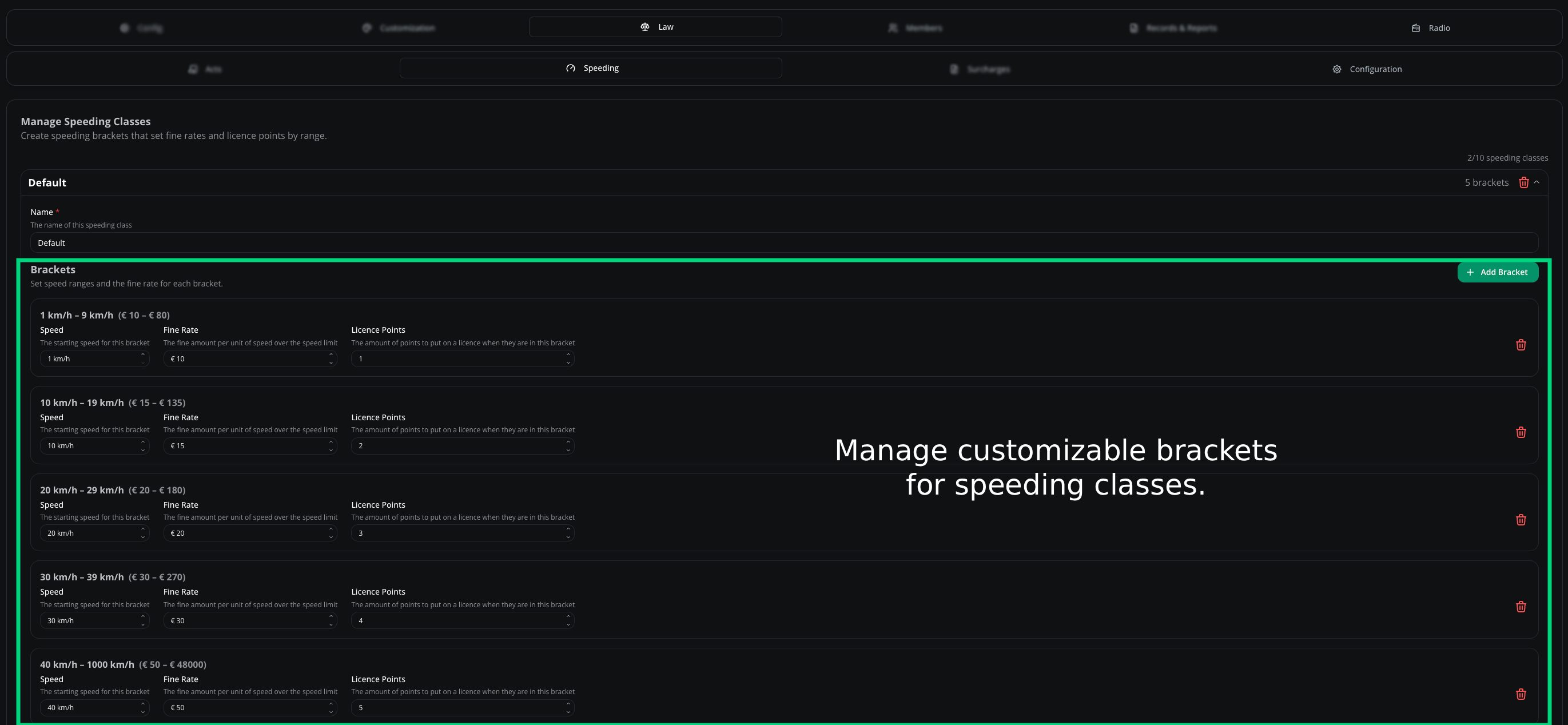
- Speeding
- Surcharges
- Configuration
Acts are the laws officers reference — categories like “Traffic Code” or “Penal Code” that hold individual charges.
Add an act
Open the Law page
CAD admin panel → Law.
New Act
Click New Act.
Fill in the details and save
Complete the form and click Save Changes.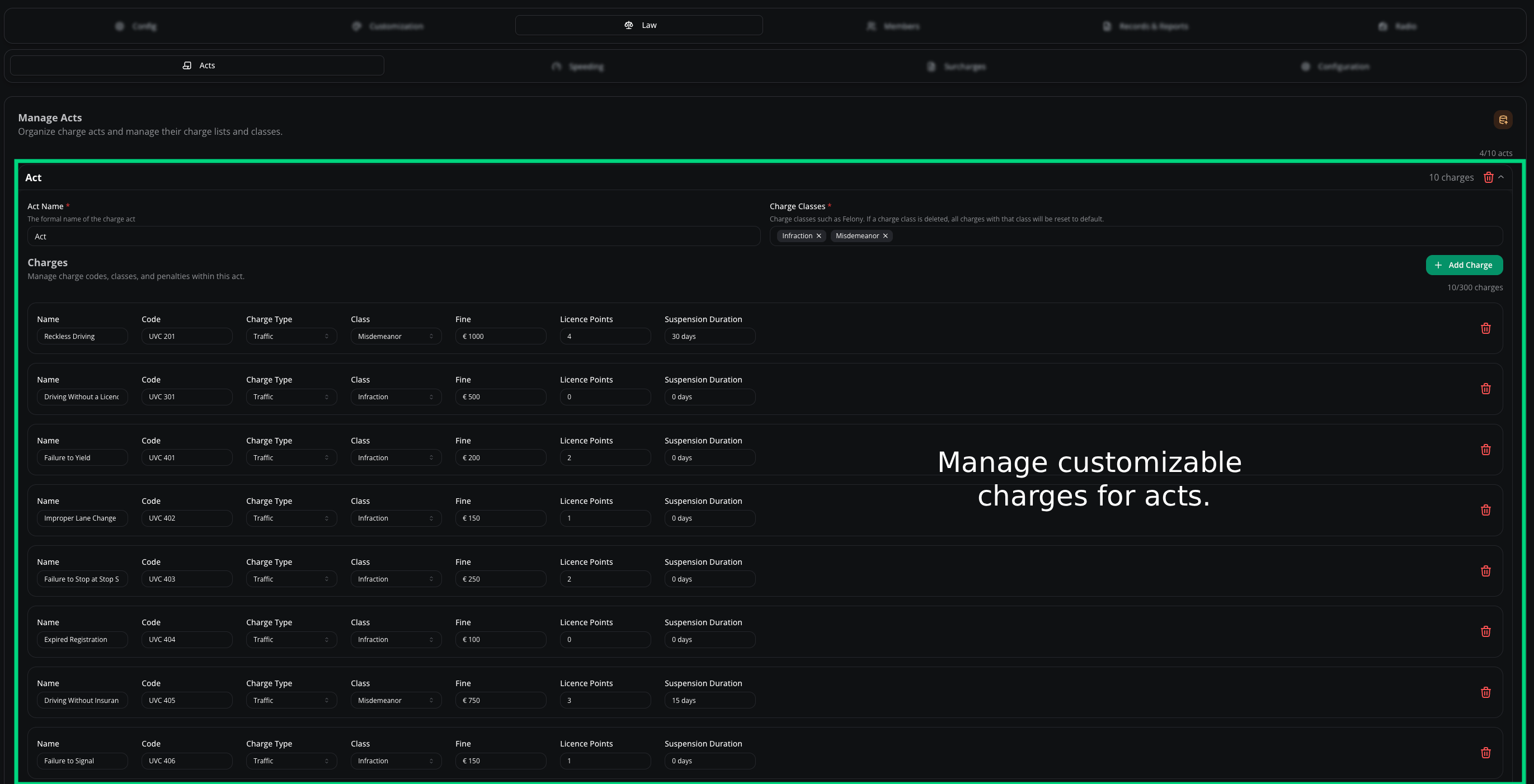
Adding a new act
Import from Sonoran CAD
Migrating? Skip the rebuild.Open the Law page
CAD admin panel → Law.
Click Import
Select your Sonoran CAD export file.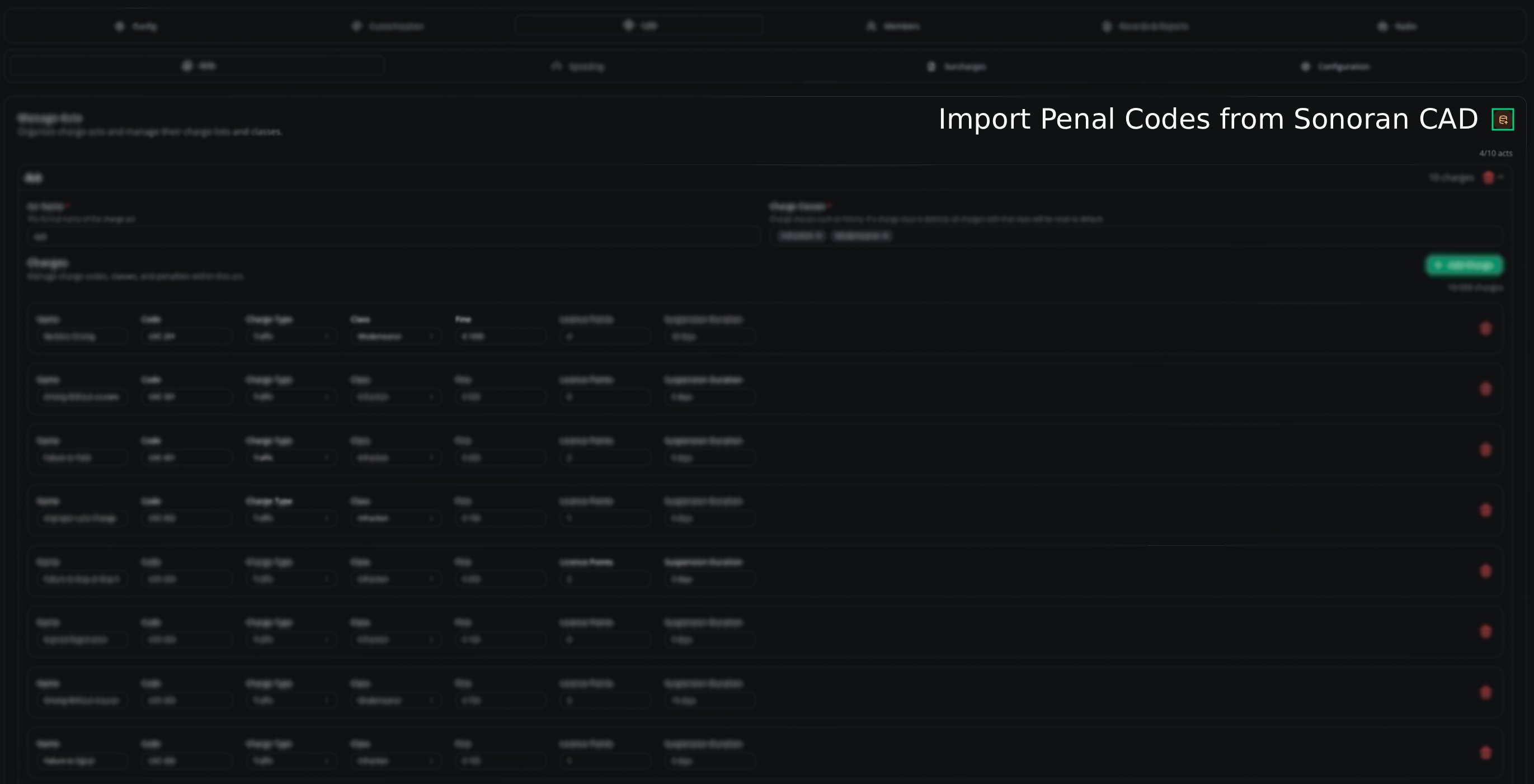
Sonoran import
Charges
Charges live inside acts — “Speeding” or “Reckless Driving” under “Traffic Code” — each with its own severity, penalty, and code.Drag and drop charges within an act to reorder, or move them between acts.
Add a charge
Open the Law page
CAD admin panel → Law.
Open the act
Click the act you want to add a charge to.
Add Charge
Click Add Charge, fill in the details, and click Save Changes.
Need help?
Still have questions? Join our Discord server for support from the Melonly team.