Documentation Index
Fetch the complete documentation index at: https://docs.melonly.xyz/docs/llms.txt
Use this file to discover all available pages before exploring further.
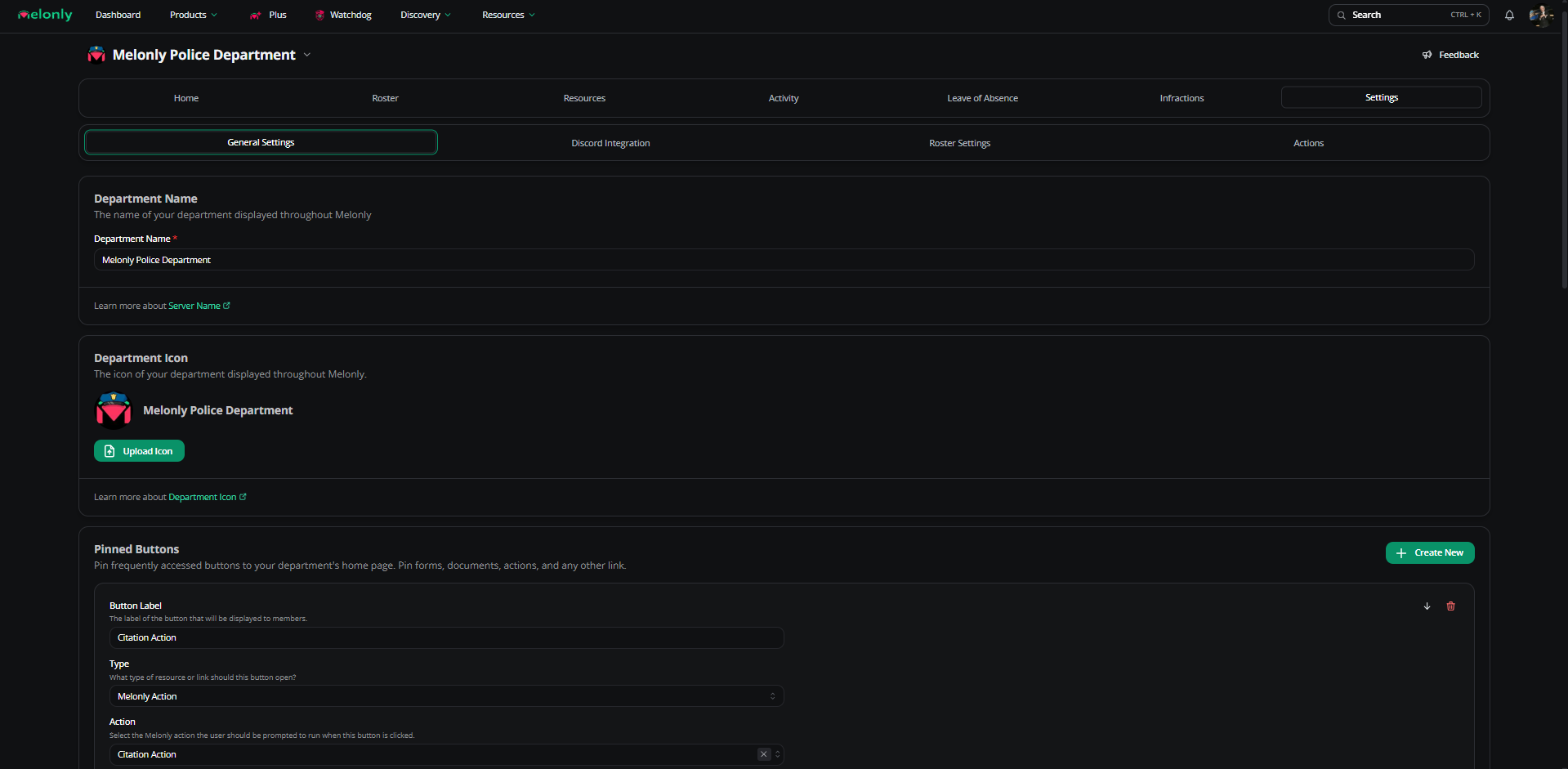
The department Settings page brings together identity, Discord and ER:LC integrations, roster columns, actions, audit logs, and verification.
Click Save after every change. Unsaved edits are lost.
Department settings
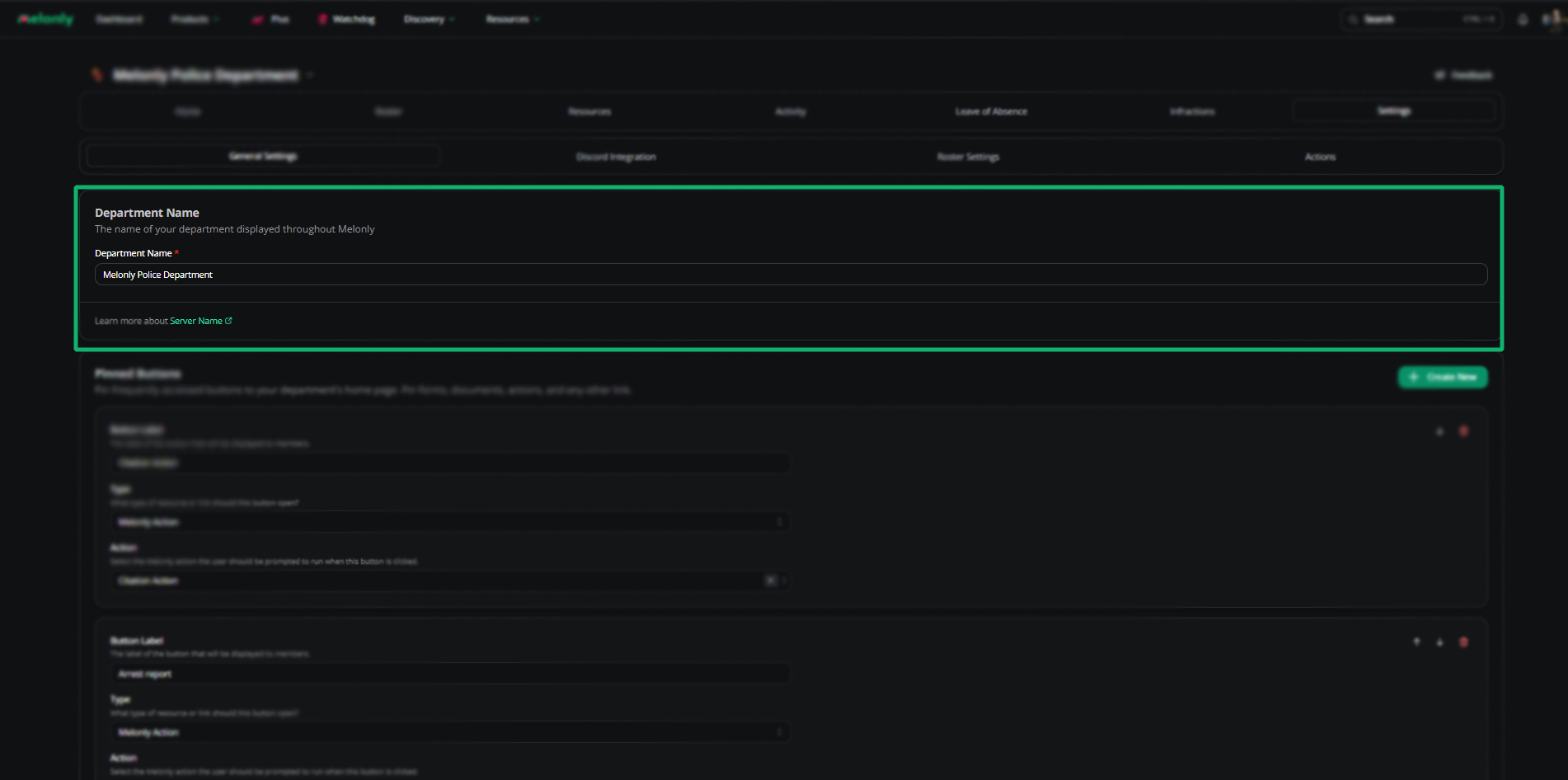
Department name
Change the public name of your department.
Department icon
Update the department’s icon.
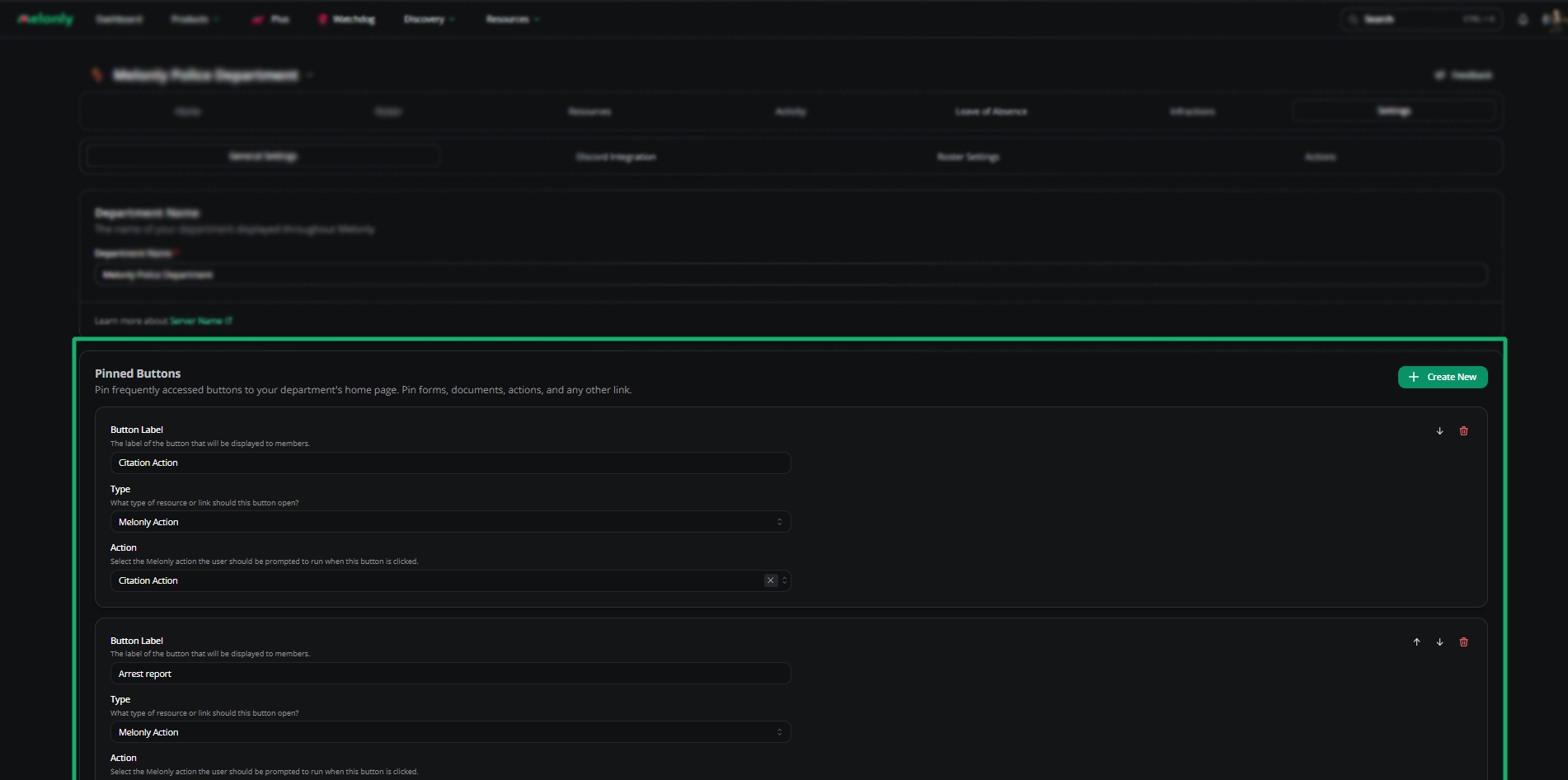
Quick-access buttons that appear on the home page next to Shift Manage.
| Type | Description |
|---|
| Link | External URL |
| Melonly Form | Link to a form |
| Melonly Document | Link to a document |
| Melonly Action | Link to an action |
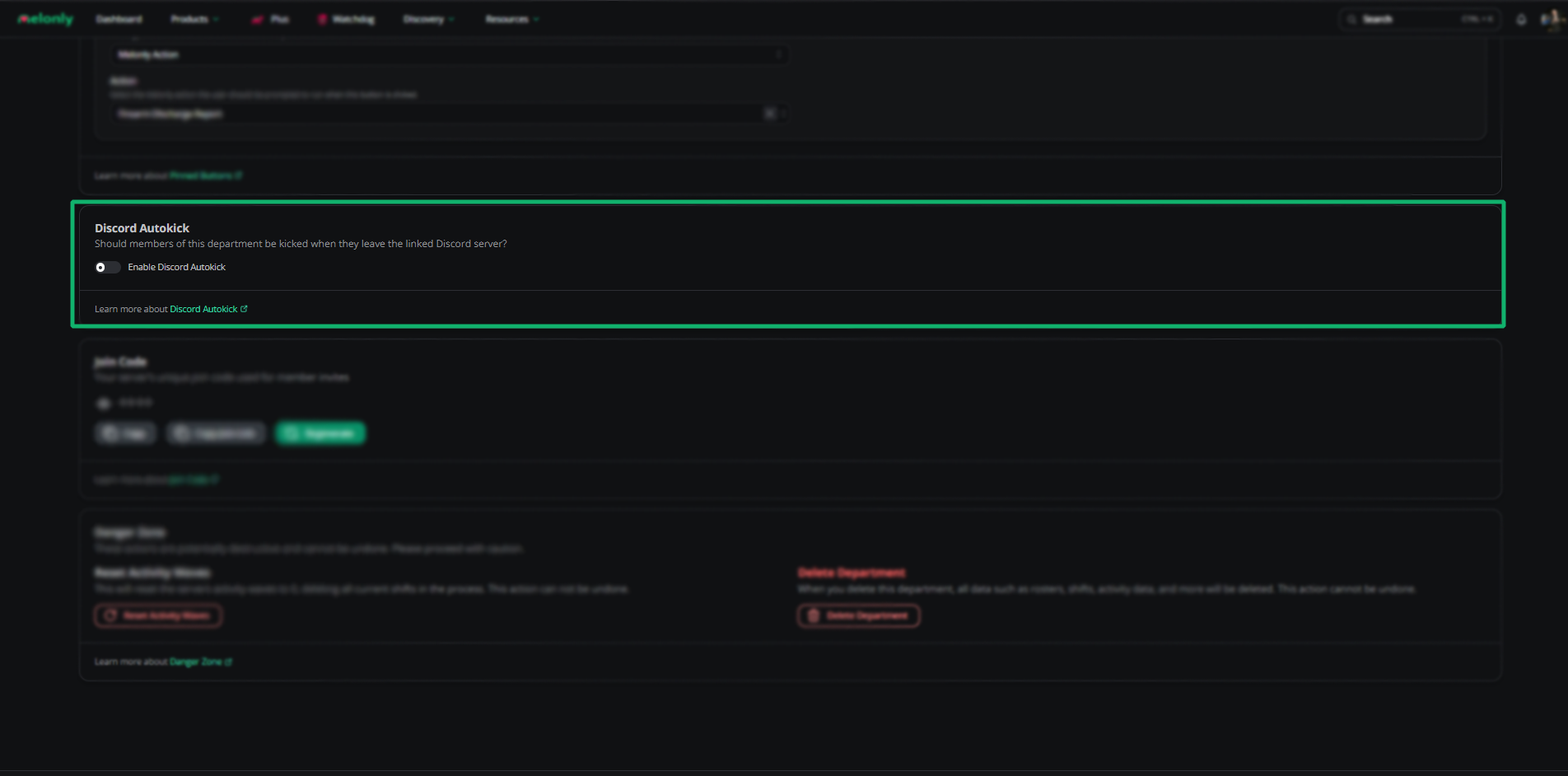
Discord autokick
Auto-kicks members who leave the linked Discord server.
Join code
The join code (and join link) invites new members. Codes can’t be disabled — only regenerated, which invalidates the old one.
Treat your join code like a password. Share only with trusted members.
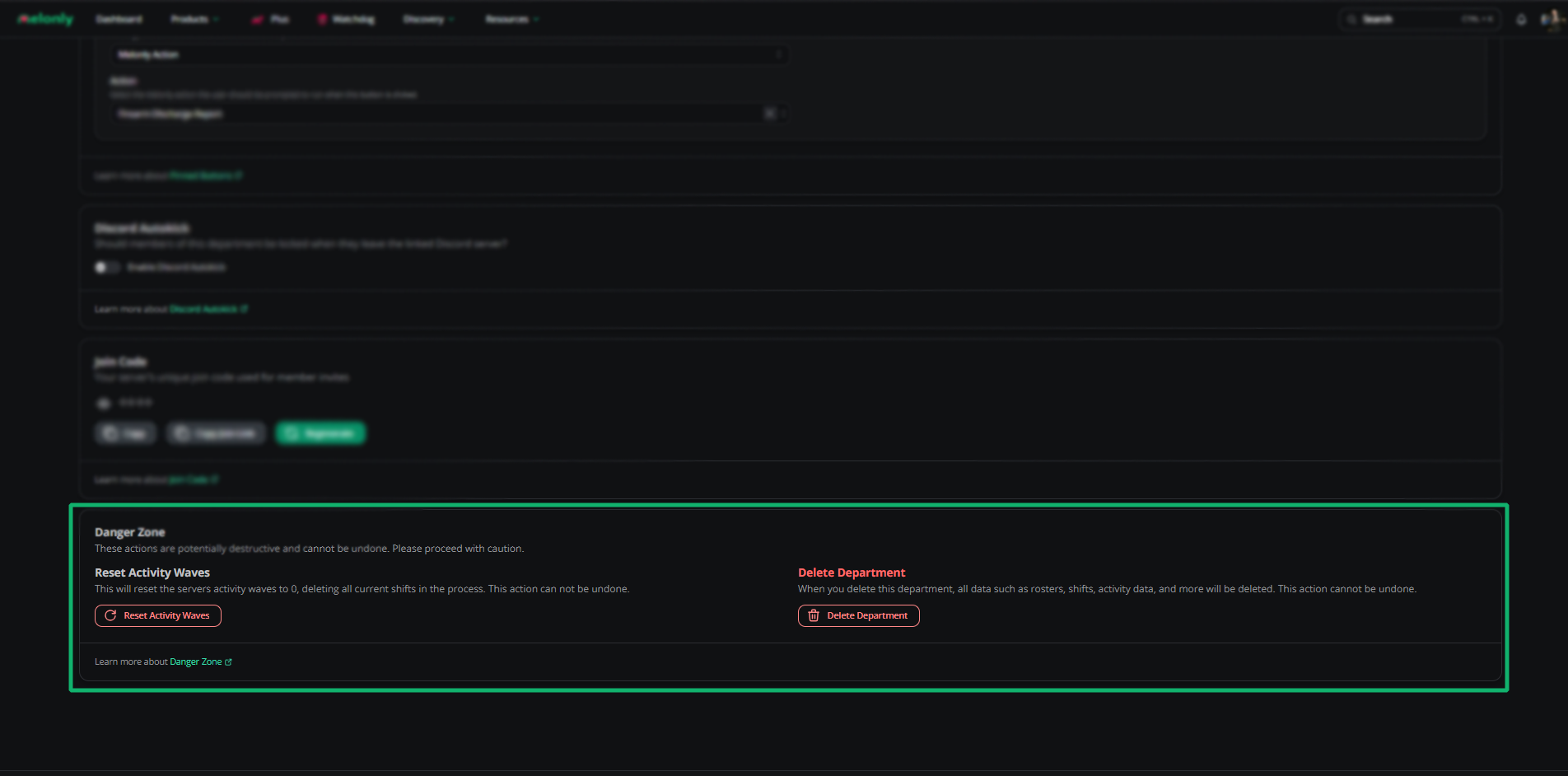
Danger zone
These actions are permanent.
| Action | Effect |
|---|
| Reset Activity Waves | Resets activity waves to 0 and deletes all current shifts |
| Delete Department | Permanently deletes the department and all data |
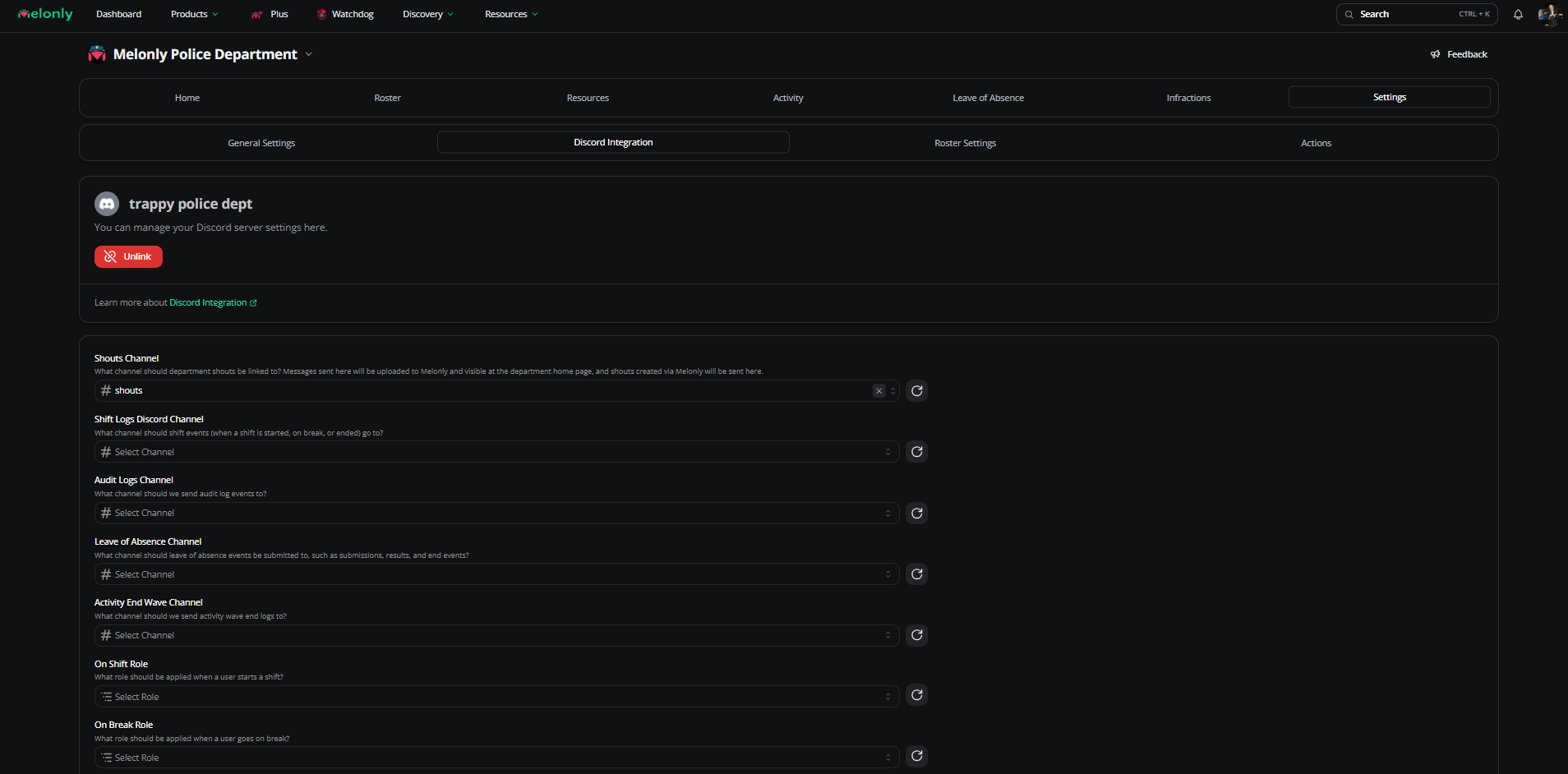
Discord integration
Channels
| Channel | Description |
|---|
| Shouts Channel | Posts the home page shouts |
| Promotion / Demotion Shouts | Channel for promotion announcements |
| Promotion Logs | Logs promotions |
| Demotion Logs | Logs demotions |
| Shift Logs | Logs shift events |
| Audit Logs | Logs administrative actions |
| LOA Logs | Logs LOA submissions |
Roles
| Role | Description |
|---|
| On Shift | Assigned while on shift |
| On Break | Assigned while on break |
| LOA | Assigned while on LOA |
| LOA Mention Role | Pinged on LOA submissions |
Nicknames
| Nickname | Description |
|---|
| On Shift Prefix | Prefix added while on shift |
| On LOA Prefix | Prefix added while on LOA |
ER:LC integration
The department uses your parent server’s linked ER:LC server.
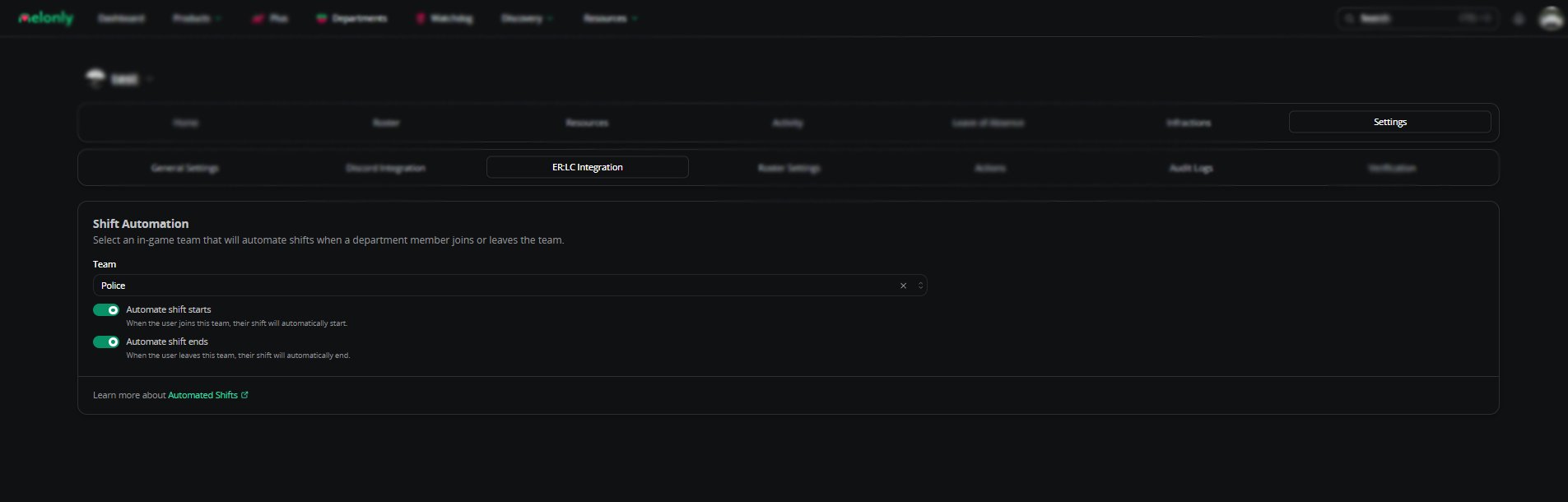
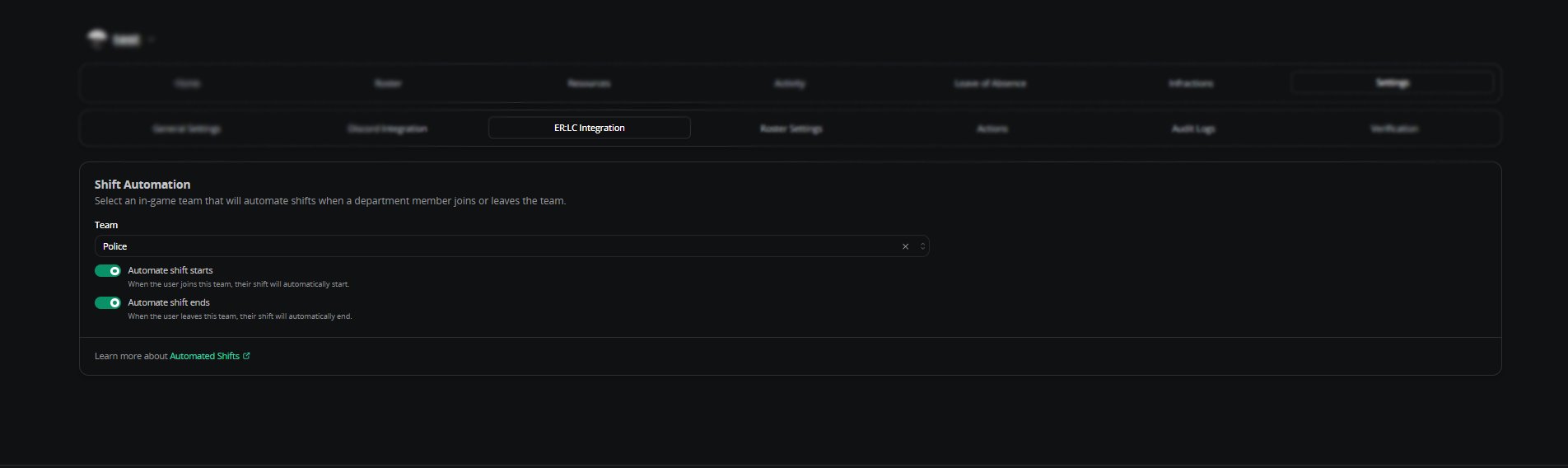
Shift automation
Pick an in-game team to drive shifts.
| Setting | Description |
|---|
| Team | The team that controls automatic shifts |
| Automatic Shift Starts | Starts a shift when the member joins the team |
| Automatic Shift Ends | Ends a shift when the member leaves the team |
Roster settings
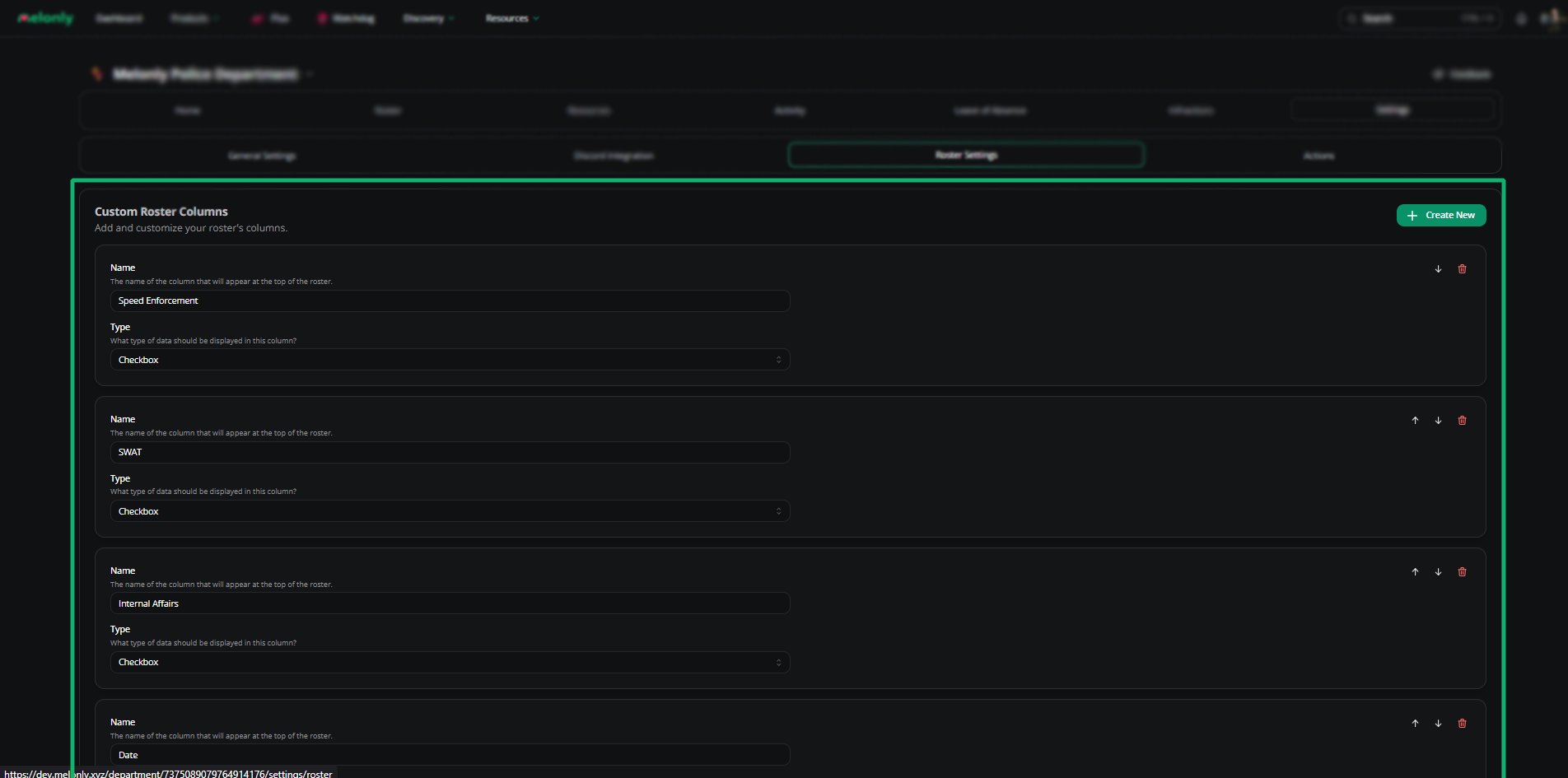
Custom columns
Track certifications, divisions, activity, and anything else you need on the roster.
| Type | Description |
|---|
| Text | Free text |
| Checkbox | Yes/no |
| Time | Time picker |
| Date | Date picker |
| Shift Activity | Pulls from shift data |
Actions
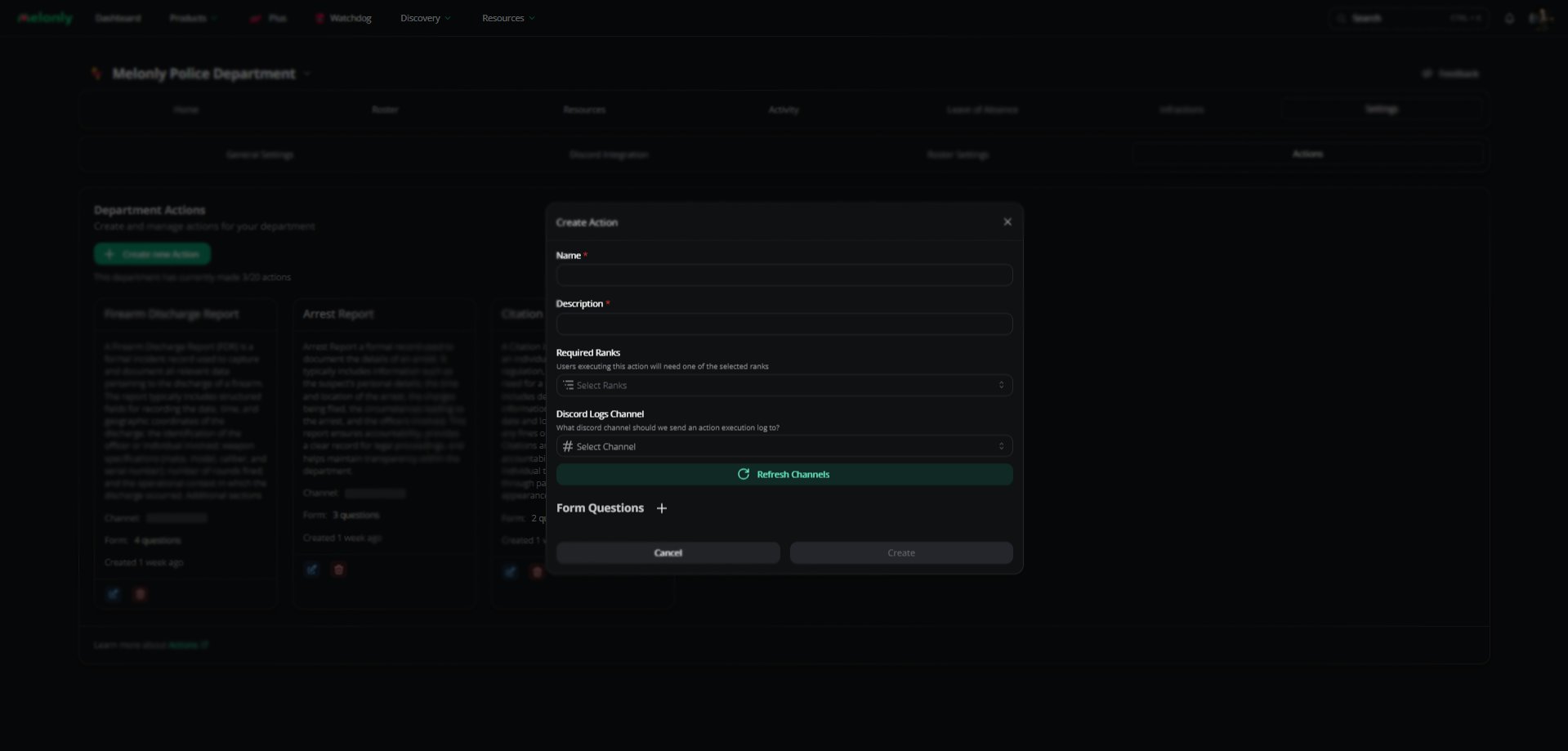
Actions are custom logs for tracking events outside Melonly’s defaults.
Open Actions
Department Dashboard → Settings → Actions.
Create
Click Create New Action.
Configure
Customize fields, reorder questions, and configure Discord logs. Melonly Plus unlocks advanced log customization. Audit logs
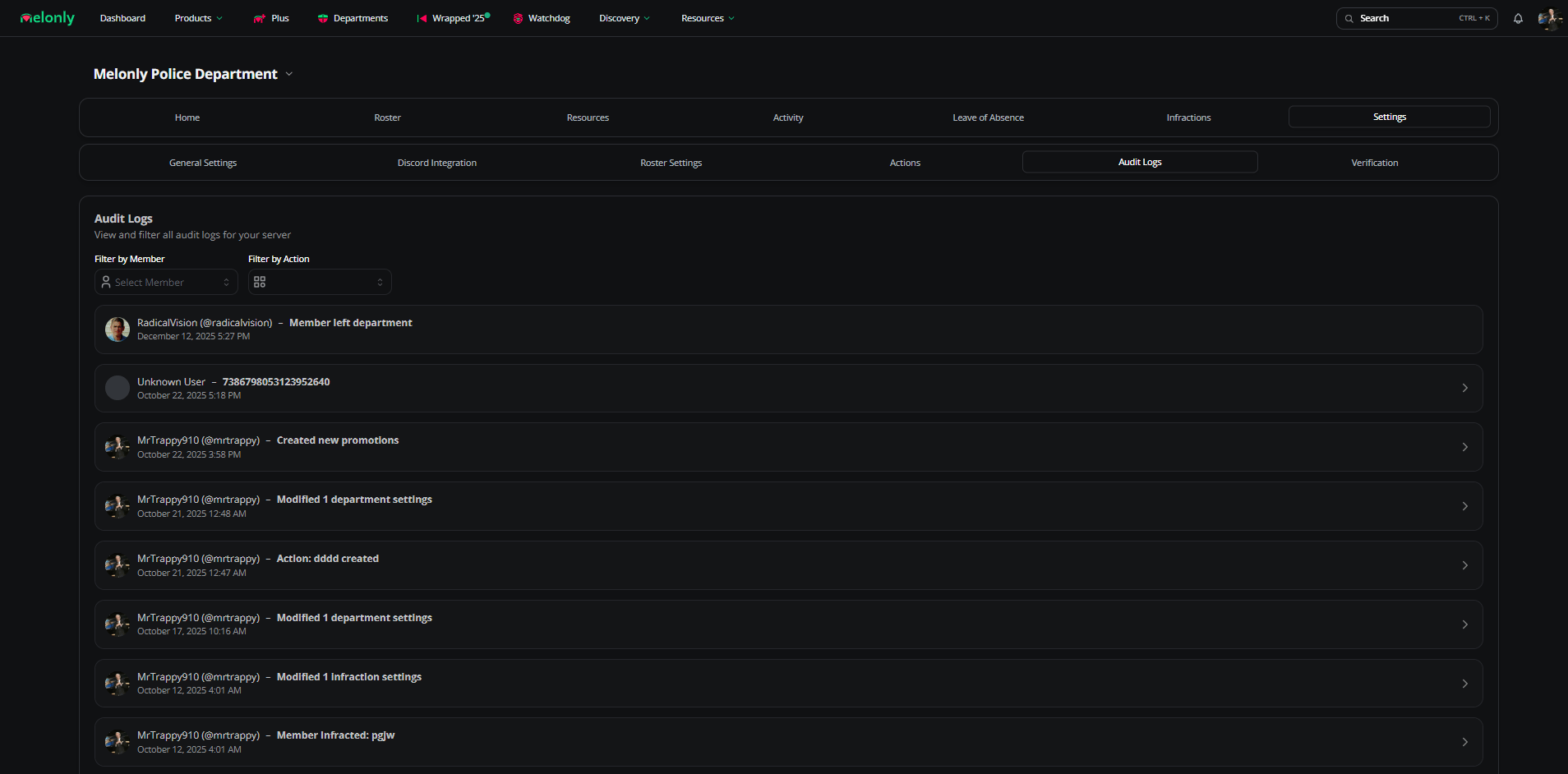
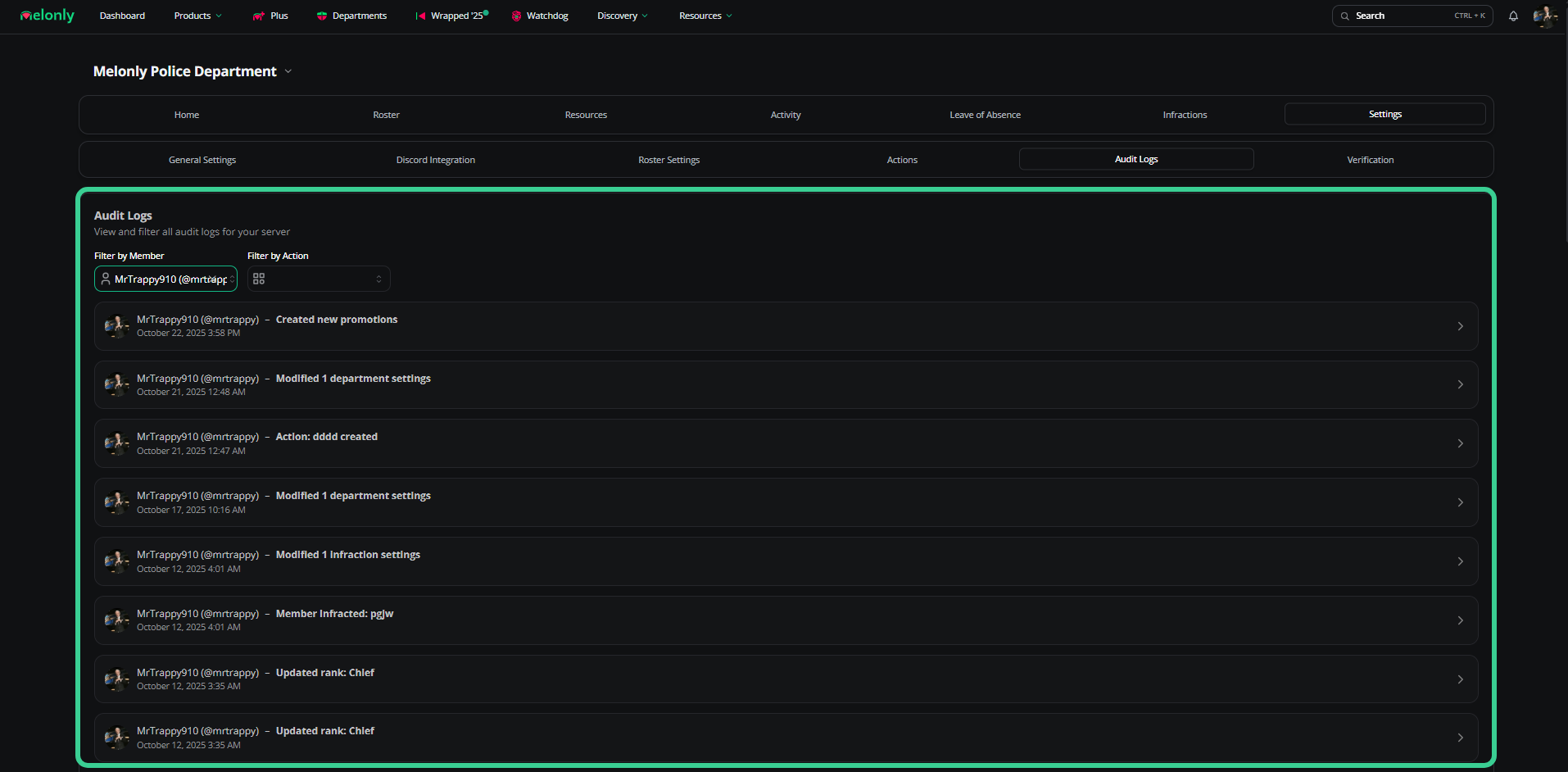
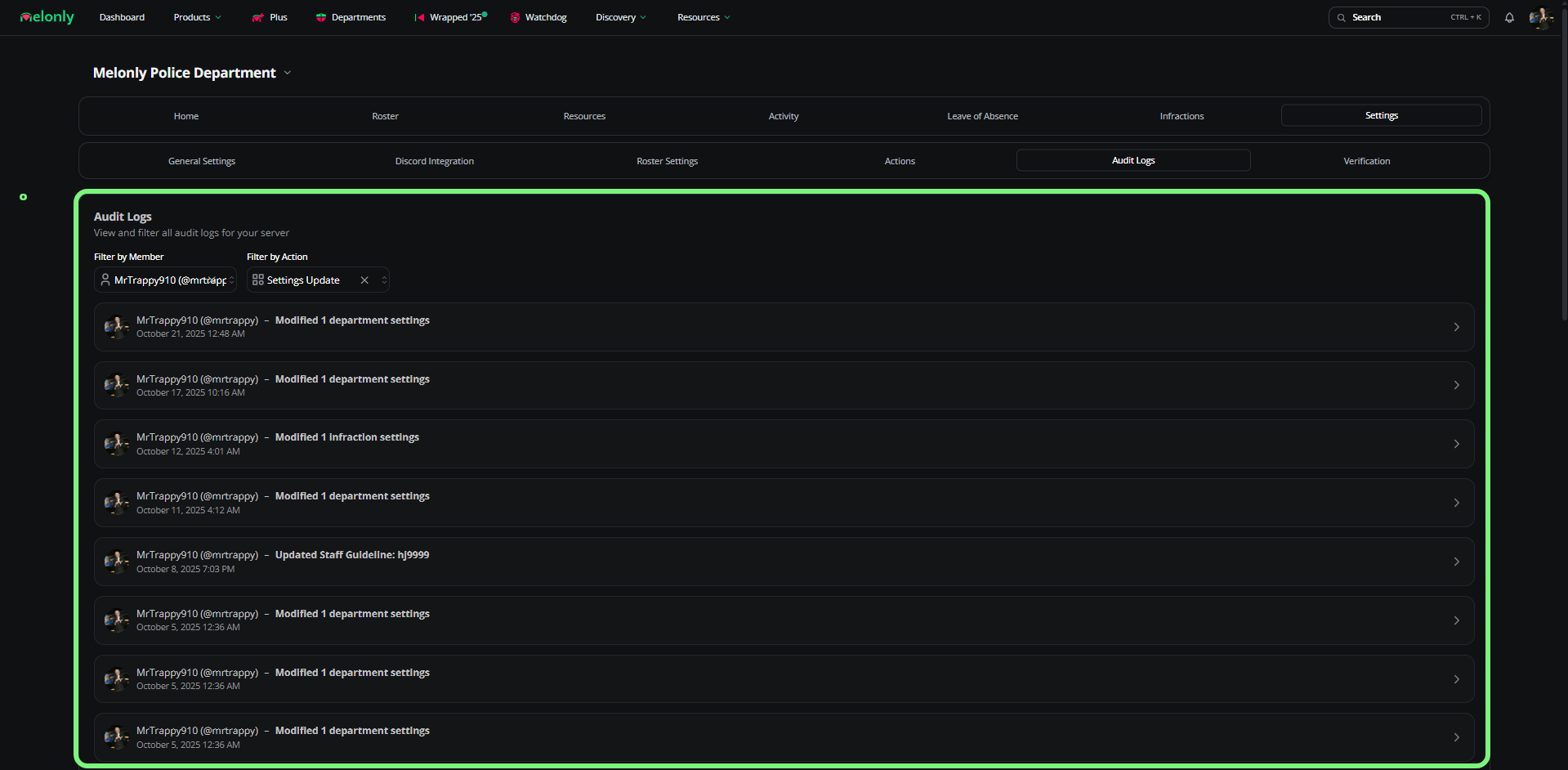
Full history of every action taken in your department.
Filter by user
Filter by action
Verification
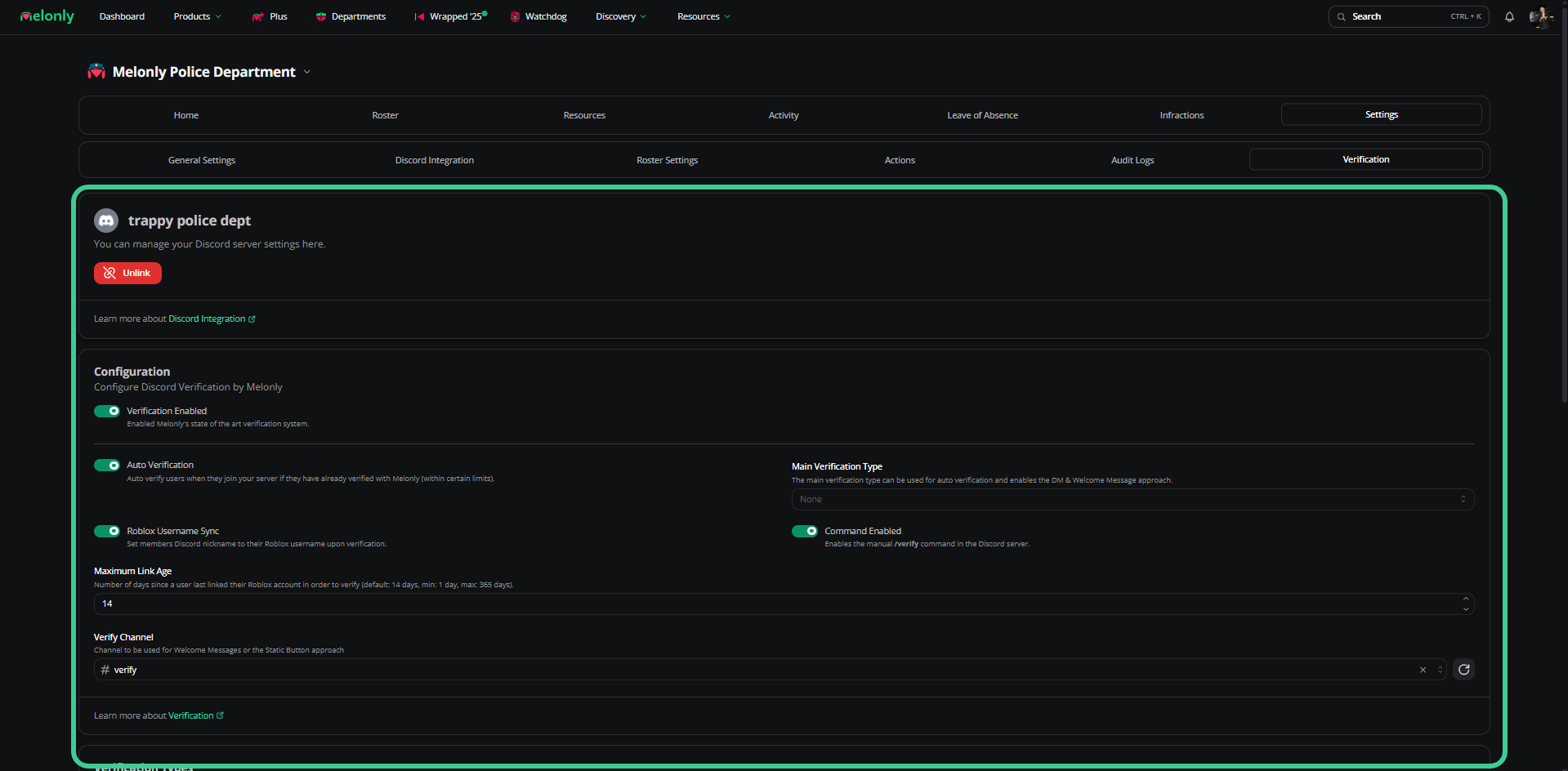
Configure Melonly’s verification system for your department.
| Setting | Description |
|---|
| Verification Enabled | Master toggle |
| Auto Verification | Auto-verifies users who have verified before with Melonly |
| Roblox Username Sync | Syncs Discord nicknames to Roblox usernames |
| Verify Channel | Channel for welcome messages or static button setup |
| Main Verification Type | Primary method (DM, welcome, etc.) |
| Command Enabled | Enables /verify for manual verification |
Verification types
| Type | Description |
|---|
| Direct Message | DMs the user with a verification prompt |
| Static Button | Click a persistent button in the verify channel |
| Slash Command | Use /verify |
| Welcome Channel | Pings users in a welcome channel |
Requirements
| Requirement | Description |
|---|
| Roblox Group | Members must be in a Roblox group, optionally with a minimum role |
| Roblox Age | Roblox accounts must meet a minimum age |
Verification guide
Read the full verification guide.
Need help?
Still have questions? Join our Discord server for support from the Melonly team.